Oversized tires can make your Toyota Tacoma travel farther with each wheel rotation than the truck’s original calibration expects. That can make the speedometer read low, undercount mileage, and affect shift or stability-control behavior on some supported applications. The right fix depends on your Tacoma’s model year, drivetrain, tire diameter, gear ratio, and the exact calibrator.
Last updated: July 17, 2026. Product fitment, software support, and emissions restrictions can change, so confirm your exact vehicle before purchasing or programming a device.
Quick Answer
To calibrate a Toyota Tacoma speedometer for oversized tires, first measure the new tire’s actual diameter, confirm a calibrator supports your exact year and drivetrain, enter the original and new tire sizes, install or connect the device as directed, and verify the result against a reliable GPS or measured distance.
Key Takeaways
- Any meaningful change in rolling diameter can change speedometer and odometer readings. Calibration is not limited to 33-inch or larger tires.
- Larger tires normally make actual road speed higher than the indicated speed; smaller tires normally do the opposite.
- Rough Country currently lists part 90043 for 2016–2023 Tacoma 4WD models. Hypertech’s official inline application table lists separate parts for 2005–2017 Tacomas.
- Speedometer calibration does not correct tire clearance, braking, load rating, alignment, or TPMS setup problems.
- Always verify the result after programming and restore stock settings before moving a vehicle-locked programmer to another supported truck.
At a Glance
| Time Required | Varies by device; allow time for software setup, installation, and a careful road-speed verification |
| Difficulty | Beginner to intermediate |
| Tools Needed | Compatible calibrator, USB cable and Windows PC when required, tire tape or tape measure, trim tools for cluster-access modules, and a mounted GPS or measured route for verification |
| Cost | The calibrator price varies by part number and seller; professional installation is an additional cost |
What Is Speedometer Calibration and Why Is It Important?
Your Tacoma estimates road speed and distance from wheel-speed data and its programmed tire assumptions. When the rolling circumference changes, each wheel revolution covers a different distance, but the vehicle may continue calculating speed as though the original tires were installed.
Correct calibration helps the displayed speed, odometer, trip distance, and calculated fuel-economy data better match real travel. On supported products, it may also update transmission shift points or electronic stability-control calculations. Those extra functions are device- and vehicle-specific, so do not assume every calibrator changes the same systems.
Warning: Calibration only corrects electronic calculations. It does not make an oversized tire safe or suitable. Confirm clearance, wheel fitment, load capacity, inflation pressure, braking performance, alignment, and any effects on driver-assistance systems before driving.
How Tire Size Changes Speedometer and Odometer Readings
A taller tire travels farther per revolution. If the truck still uses the original tire value, the speedometer generally reads lower than the Tacoma’s actual road speed. A shorter tire generally makes the speedometer read higher.
You can estimate the difference with this ratio:
Estimated actual speed = indicated speed × new tire diameter ÷ original tire diameter
For example, if the new tire’s measured diameter is 3% larger, an indicated 60 mph is approximately 61.8 mph before correction. The same percentage also affects uncorrected distance readings. Nominal sidewall size is only a starting point because load, pressure, tread wear, wheel width, and manufacturer construction can change the real rolling diameter.
A 5% increase in rolling diameter can create roughly a 5% speed and distance error if the vehicle keeps using the original tire calibration.
Benefits of Accurate Speedometer and Odometer Readings
- Safer speed awareness: You can judge your road speed without mentally adding a correction factor.
- More useful distance records: The odometer and trip meter better reflect the miles actually traveled.
- More meaningful MPG calculations: Correct distance data improves the accuracy of displayed or hand-calculated fuel economy. Calibration does not, by itself, reduce fuel consumption.
- Better system behavior on supported applications: Some calibrators state that they update automatic-transmission shift points and stability-control calculations.
- Easier maintenance tracking: Service intervals based on mileage are less likely to be delayed by an undercounting odometer.
Calibration does not prevent the additional mechanical load created by heavier tires, changed gearing, altered suspension geometry, or reduced braking leverage. Those issues require correct parts selection and, when needed, professional inspection.
Check Your Tacoma Before Buying a Calibrator
Do not buy by brand name alone. Record the following details before checking a manufacturer’s application guide:
- Model year and generation
- 2WD or 4WD
- Engine and transmission
- Original tire size and new tire size
- Actual measured tire diameter
- Original and current axle gear ratio, if the gears were changed
- Any existing tuner, performance programmer, or aftermarket module
- Your state or provincial emissions and inspection requirements
Also confirm the computer requirement. Hypertech’s current support page lists its update software for Windows 7, Windows 8.1, and Windows 10, so confirm support before relying on a newer computer.
[Products Worth Considering]
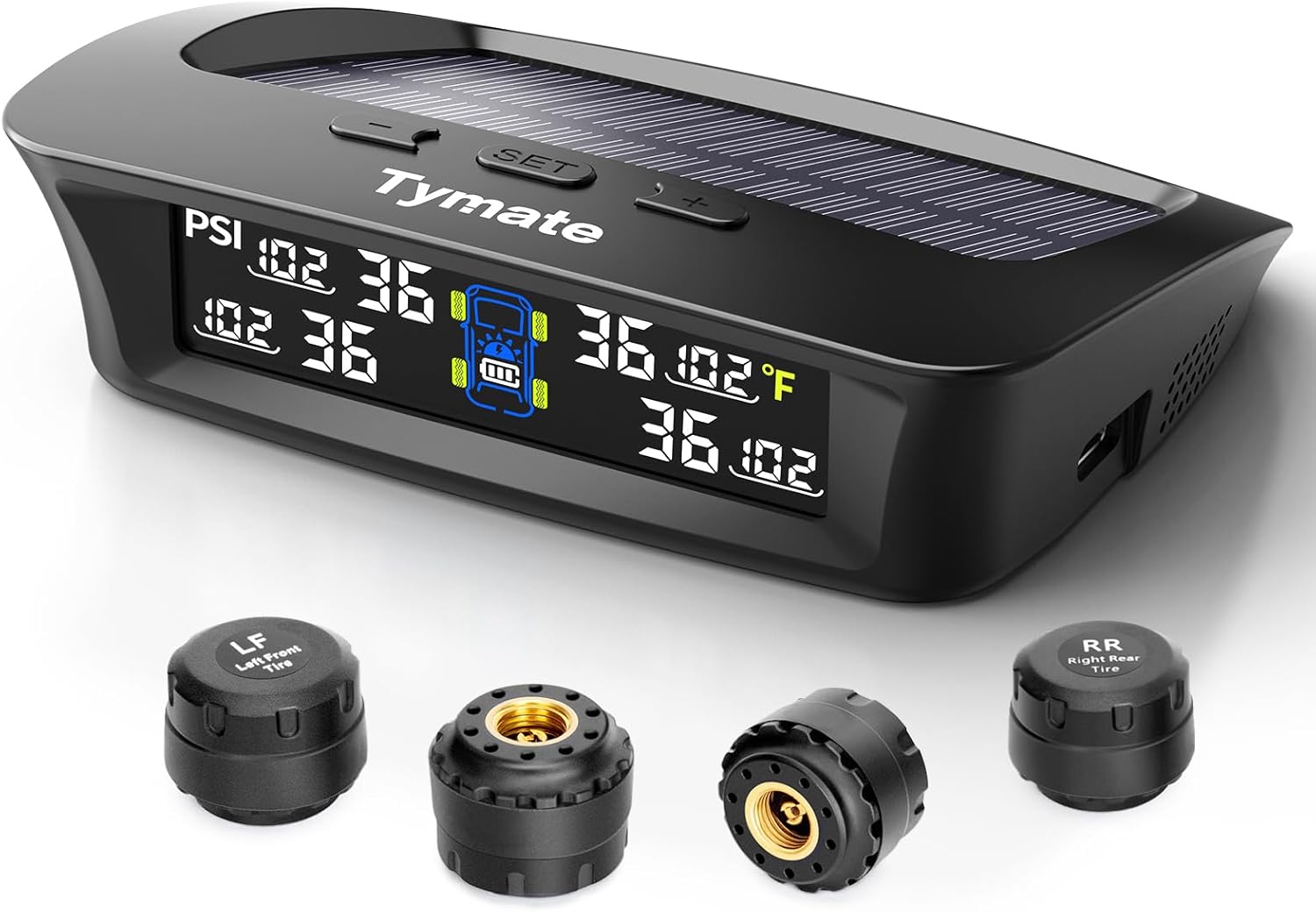
The Tymate TM3 RV TPMS delivers real-time tire pressure monitoring from 0 to 144 PSI with accurate readings and dependable wireless communication. It includes four external sensors with pre-pairing, six alarm modes for rapid leak, pressure extremes, temperature, and signal loss, plus an easy-reference setup for alert thresholds. Solar and USB-C charging help keep the display powered, while the color LCD and adaptive backlight improve visibility for safer driving and towing.

Keep your tires properly inflated with this analog VONDIOR tire pressure gauge, designed for fast, easy readings without batteries. The swiveling, two-axis hose and large glow dial help you measure at any tire angle with instant visibility. Built with a protective rubber shield, it supports durable, low-maintenance use for cars and trucks.

This TPMS relearn tool helps you quickly activate, match, and reset GM tire pressure sensors to keep the vehicle monitoring system working properly. It clears tire pressure alarms and dashboard warning lights after sensor replacement or tire rotation, and supports learning for common 315/433 MHz TPMS sensors. Designed for simple one-button operation, it can help you avoid unnecessary trips to repair shops.
How the Hypertech Calibrator Works
A Hypertech inline speedometer calibrator is configured on a Windows PC with a USB connection. You select the supported vehicle, enter the original and new tire sizes, add a gear-ratio change only when applicable, program the module, and then install it at the vehicle-specific instrument-cluster connection.
[Products Worth Considering]

The TYAMATE TM8 solar-powered wireless TPMS delivers real-time tire pressure and temperature monitoring with six alarm modes for safer driving. A vibrant color LCD display shows readings clearly while windshield mounting keeps it hands-free and easy to read. With a wide 0–87 PSI range, strong 433.92 MHz signal transmission, and quick sensor pairing, it’s ideal for RV, sedan, SUV, MPV, and truck use.

Masoll M13 TPMS monitors tire pressure across RV and trailer applications and helps protect safety on the road. Set your reference pressure for auto alarm triggers, while the system automatically calibrates as you inflate or deflate. Solar charging with intelligent sleep/wake keeps operation efficient, and the color LCD provides clear readings in day or night driving.
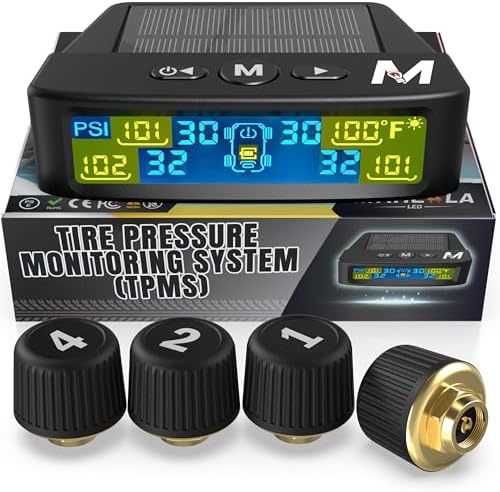
Marcala’s TPMS set of four sensors helps you monitor tire pressure and temperature in real time while driving, with updates every second. The bright color LCD uses auto-dimming for easy viewing, powered by dual solar and USB charging, and offers six alarm modes. Built for trailers, RVs, campers, trucks, and towing setups, the sensors support monitoring 1-4 wheels up to 98 PSI with IP67 waterproof protection.
Calibration Process Explained
- Confirm the exact Hypertech part number for your Tacoma’s model year.
- Install Hypertech’s current update and inline configuration software on a compatible Windows computer.
- Select the correct vehicle application.
- Enter the stock and new tire sizes in inches or metric tire-size format.
- If the axle ratio changed, enter both the old and new ratios. Do not enter a gear change that was not performed.
- Connect the module by USB and program it until the software reports success.
- Install the module using the part-specific instructions for the instrument cluster.
Current Hypertech Tacoma Fitment
Hypertech’s official inline application table, reviewed on July 17, 2026, lists these Tacoma applications:
- 2005–2011 Toyota Tacoma: Part 730107
- 2012–2015 Toyota Tacoma: Part 730117
- 2016–2017 Toyota Tacoma: Part 730123
The same official table does not list a Tacoma inline part for 2018 or newer. Verify the current vehicle search or contact the manufacturer before purchasing, especially for a 2018–2026 truck.
Rough Country or Hypertech: Which One’s Right for You?
| Factor | Rough Country 90043 | Hypertech Inline |
|---|---|---|
| Listed Tacoma fitment | 2016–2023 Tacoma 4WD | Separate parts for 2005–2011, 2012–2015, and 2016–2017 |
| Main correction | Speedometer correction for larger tires | Speedometer and odometer correction for tire size and supported gear-ratio changes |
| Other manufacturer-stated functions | Updates OE ECM shift points and recalibrates electronic stability control | Functions vary by application; the inline module is configured for tire and gear values |
| Setup | Plug-and-play device with current software required | USB configuration on a compatible Windows PC, followed by vehicle-specific cluster installation |
| Important restrictions | Standalone use only, one vehicle at a time, and currently listed as not for sale or use in California | Exact part number and emissions status must match the vehicle; current listed Tacoma coverage ends at 2017 |
Choose Rough Country 90043 when you have a listed 2016–2023 4WD Tacoma and want its stated ECM and stability-control integration. Choose Hypertech when your older Tacoma matches one of its exact inline part numbers and you are comfortable configuring and installing a cluster-connected module. For 2024 or newer Tacomas, use only a device that explicitly lists your exact generation and configuration.
[Products Worth Considering]

The Big Rig Defense Tire Thumper is a truck tire pressure checker that lets you quickly check multiple tires by giving them a firm whack. Listen for a reassuring thump and feel the stick bounce when a tire is fully inflated, helping you get back on the road safely. It features a comfortable, glove-friendly handle and a secure wrist strap for confident use on busy routes.

Measure tire tread depth quickly and accurately with this LUMITECO dial gauge that reads in 1/32" increments up to 14/32". The color-coded green/yellow/red zones make it easy to judge tire wear and know when replacement is needed. A rugged, compact design with a protective pouch helps keep the gauge ready for use on cars, trucks, motorcycles, and more.
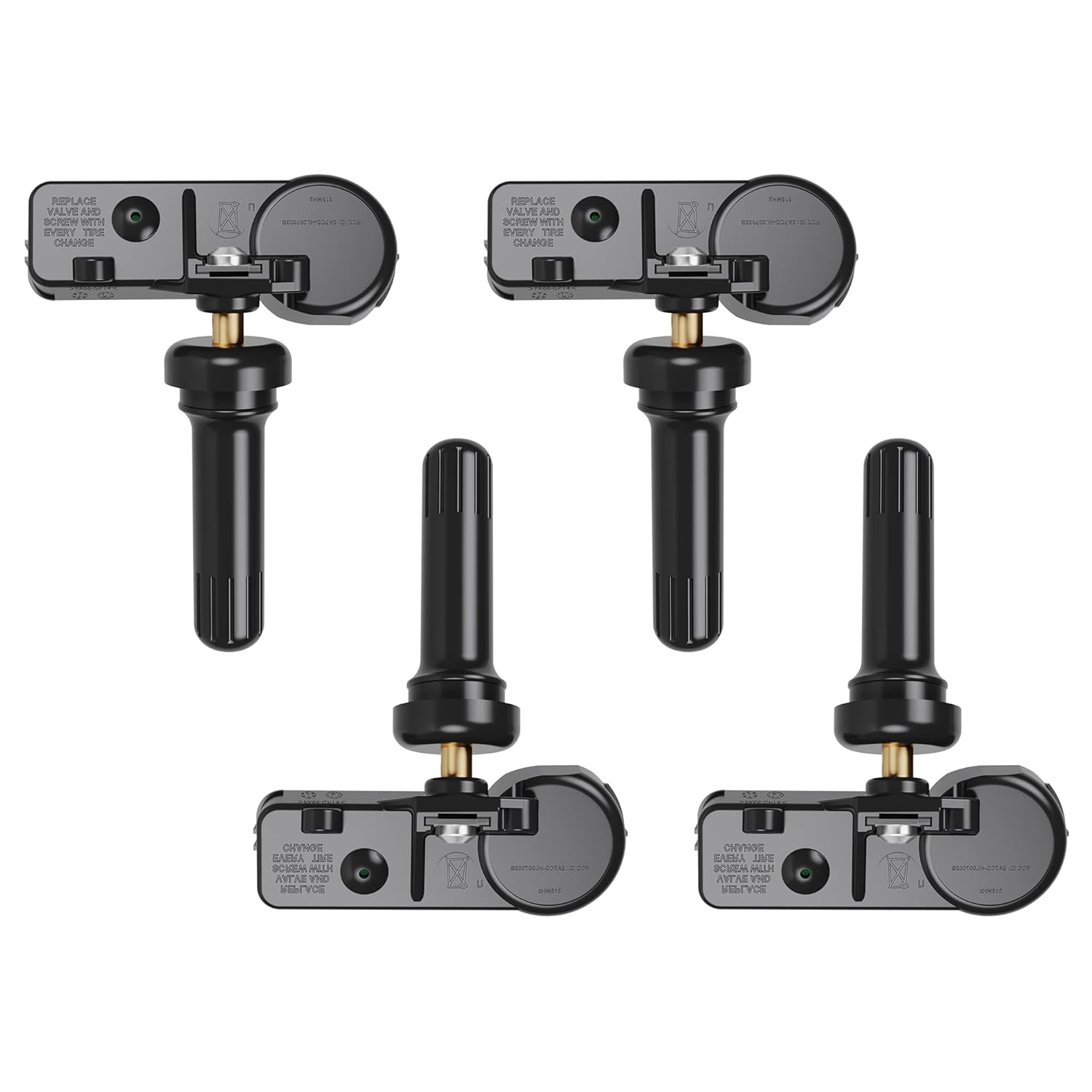
Replace worn or faulty TPMS sensors with this brand new 315MHz GM-compatible replacement set for select Chevy, GMC, Buick, Cadillac, and similar vehicles. These sensors are pre-programmed for your make/model/year and typically only require activation with a scan tool. Built for long service life with a high-temperature battery, they help maintain reliable tire pressure monitoring for safer driving.
Installation Guide for Your Calibrator
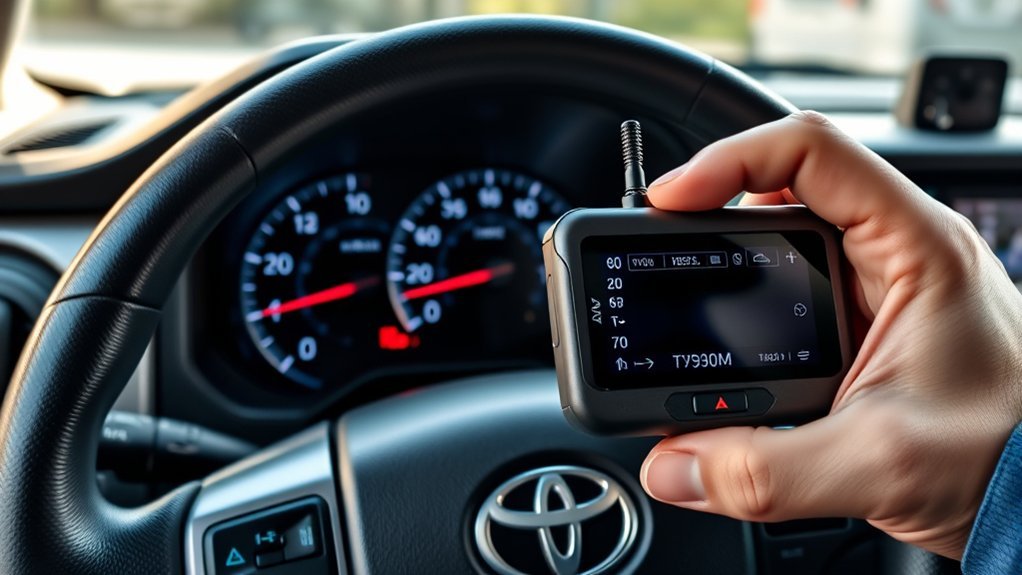
The installation path differs by product. Read the instructions supplied for your exact part number before disconnecting trim, plugging in a module, or starting a programming session.
Before You Start
- Park on level ground, apply the parking brake, and switch off accessories.
- Measure the tire’s actual diameter through the center while the tire is properly inflated and loaded normally.
- Write down the factory tire size from the door label or owner’s manual and record any axle-gear change.
- Update the calibrator and confirm the correct vehicle application before connecting it to the truck.
- Remove or return other programmers to stock if the calibrator manufacturer says standalone operation is required.
- Make sure the truck’s 12-volt battery is healthy and do not interrupt programming.
Hypertech Inline Installation
- Run the Hypertech configuration software and select your exact Tacoma application.
- Enter the original and new tire values. Enter gear-ratio values only if the axle gearing changed.
- Connect the module by USB and click the program command.
- Wait for a successful status before disconnecting the USB cable.
- Follow the part-specific manual to access the instrument cluster and connect the inline module.
- Reassemble the dash, start the truck, and check for warning lights.
Rough Country 90043 Installation
- Confirm the truck is a listed 2016–2023 Tacoma 4WD and that no incompatible performance programmer is active.
- Download the current manufacturer software and configure the device for the measured tire size.
- Connect and install the plug-and-play unit exactly as the supplied instructions specify.
- Complete the programming sequence without disconnecting power.
- Start the Tacoma, confirm normal gauge operation, and check for warning messages.
Pro Tip: Use the tire’s measured diameter rather than relying only on the size molded into the sidewall. If the verification test is consistently high or low, make a small correction and test again.
How to Verify the Calibration
- Choose a safe, level road with steady traffic conditions and legal speeds.
- Use a mounted GPS speed display or have a passenger monitor GPS. Never handle a phone while driving.
- Hold steady speeds such as 30, 45, and 60 mph long enough for the GPS reading to stabilize.
- Record indicated speed and GPS speed at each point.
- If the error is consistent, adjust the programmed tire diameter slightly and repeat the test.
- Check trip distance over a known route to confirm the odometer correction.
A small difference can remain because GPS update rate, tire growth, pressure, tread wear, and factory gauge offset all affect the comparison. Aim for consistent readings across several speeds rather than matching one instant exactly.
Speedometer Calibration Troubleshooting
| Problem | Likely Cause | What to Do |
|---|---|---|
| Speed still reads low | Programmed diameter is smaller than the real rolling diameter | Measure again, increase the entered diameter slightly, and retest |
| Speed now reads high | Programmed diameter is too large | Reduce the entered diameter slightly and retest |
| Device will not program | Wrong application, unsupported computer, outdated software, USB driver issue, or weak vehicle battery | Verify fitment, update software, reinstall the required driver, and follow manufacturer support steps |
| Device says it is locked | It is still married to another vehicle | Return the original vehicle to stock before attempting reuse |
| Warning lights appear | Incorrect setup, interrupted programming, loose connection, or unsupported configuration | Stop, check connections, restore stock if possible, and contact the device manufacturer or a qualified technician |
| TPMS warning remains | TPMS initialization or sensor registration is separate from speedometer calibration | Set correct cold pressures and follow the Tacoma owner’s manual for TPMS initialization and sensor IDs |
Common Questions and Calibration Myths
Myth: Calibration only matters with 33-inch or larger tires. Any change in rolling diameter changes the theoretical speed ratio. A small change may be close to the factory offset, but the correct decision comes from measuring the actual error, not from a universal tire-size threshold.
Myth: Changing tire pressure fixes the speedometer. Pressure can slightly change rolling diameter, but it is not a substitute for correct programming. Inflate tires for load and safety, not to manipulate the speed reading.
Myth: One calibrator fits every Tacoma. Fitment is highly specific. Rough Country 90043 is currently listed for 2016–2023 Tacoma 4WD models, while Hypertech lists different parts for selected 2005–2017 model years.
Myth: A speedometer calibrator also sets up TPMS. These are separate systems. Toyota’s 2024 Tacoma manual lists tire-pressure-system initialization when tire size or inflation settings change, and sensor IDs may also require registration.
How to Maintain Your Calibrator for Long-Term Use
Keep the device, USB cable, part number, serial number, and original instructions together. Save the stock configuration before making changes and document the tire diameter and gear ratio you programmed.
Regular Software Updates
- Check the manufacturer’s support page before each new programming session.
- Update the software and required USB drivers.
- Confirm that the same part number still supports your exact Tacoma.
- Do not disconnect the module while an update or programming process is running.
Proper Storage Practices
Store a removable programmer and its cable in a dry protective case away from direct sun, moisture, and extreme cabin heat. If the device remains installed, inspect its connections after dash work or electrical repairs. Before selling the Tacoma or using the device on another supported vehicle, follow the manufacturer’s return-to-stock procedure.
Frequently Asked Questions
Do larger tires make a Tacoma speedometer read slow?
Usually, yes. A taller tire covers more distance per revolution, so actual road speed is generally higher than the indicated speed when the original calibration remains unchanged.
How much tire-size change requires calibration?
No universal diameter or percentage applies to every Tacoma. Compare indicated speed with a reliable reference after the tire change. Calibrate when the error is meaningful for safe driving, mileage records, or system behavior.
Will a speedometer calibrator void my Toyota warranty?
An aftermarket part does not automatically erase an entire U.S. warranty. The Federal Trade Commission explains that manufacturers generally cannot require specified parts or services to preserve warranty coverage unless they provide them free or receive a waiver. However, coverage can be denied for damage caused by the modification. Keep records and use a supported device.
Can I reprogram the device for another tire size?
Usually, a supported device can be reconfigured when you change tire size. Follow the manufacturer’s procedure. A vehicle-locked programmer may need the current truck returned to stock before it can be used elsewhere.
Does speedometer calibration fix TPMS warnings?
No. Speedometer correction and tire-pressure monitoring are separate. Set the correct cold pressure, initialize the TPMS when required, and register new sensor IDs according to the owner’s manual.
What should a 2024–2026 Tacoma owner use?
Use only a tool that explicitly lists the fourth-generation Tacoma, your drivetrain, and your software version. The Rough Country and Hypertech Tacoma applications cited in this guide do not establish fitment for 2024–2026 models.
Conclusion
Calibrating a Tacoma after a tire-size change starts with accurate measurements and exact fitment, not a one-size-fits-all programmer. Match the device to the truck, enter only the changes you actually made, complete the manufacturer’s programming steps, and verify the result at several speeds. Treat TPMS, tire safety, gearing, and warranty questions as separate checks rather than assuming calibration solves them all.
Sources
- Rough Country Speedometer Calibrator 90043 — current 2016–2023 Tacoma 4WD fitment, stated functions, device-lock rule, and California restriction.
- Hypertech Inline Speedometer Calibrator Application List — Tacoma model-year ranges and part numbers.
- Hypertech Inline Module Programming Instructions — vehicle selection, tire and gear input, USB programming, and success status.
- Hypertech Software Support — current updater and listed Windows compatibility.
- 2024 Toyota Tacoma Owner’s Manual: Items to Initialize — TPMS initialization after tire-size or inflation-setting changes.
- Federal Trade Commission Warranty Guidance — U.S. warranty rules concerning third-party parts and services.