
How To Recalibrate the Speedometer on a Toyota Tacoma After Bigger Tires
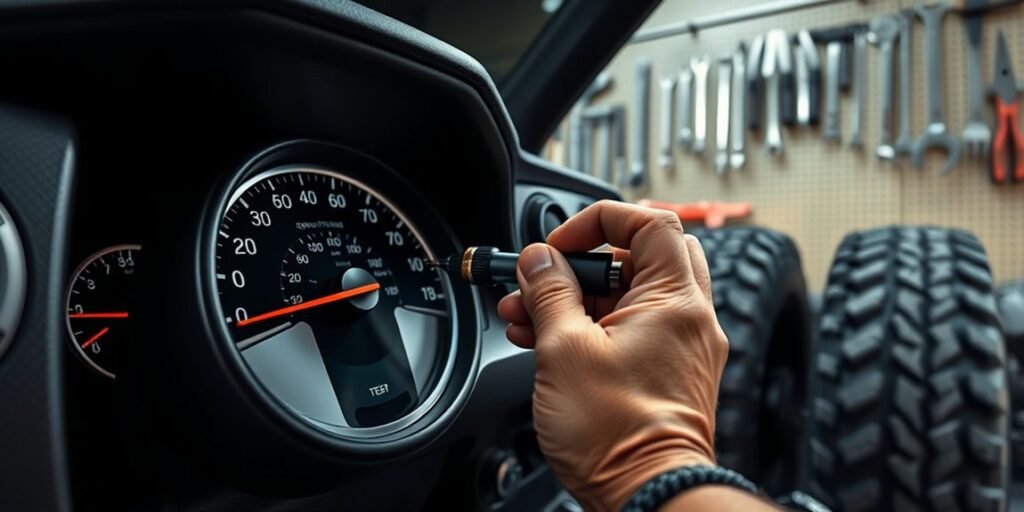
After installing larger tires on a Toyota Tacoma, the speedometer may no longer match your real road speed. The fix is usually a Tacoma-compatible speedometer calibrator, an inline speed signal module, or help from a shop that can reprogram the truck correctly. The right method depends on your Tacoma’s model year, drivetrain, transmission, and the exact tire size change.
Quick Answer
To recalibrate a Toyota Tacoma speedometer for larger tires, confirm your stock and new tire sizes, choose a calibrator that fits your exact model year and drivetrain, program the new tire size, then verify the result with GPS at steady speeds. Larger tires usually make the speedometer read slower than your actual speed.
Key Takeaways
- Taller tires travel farther per revolution, so your Tacoma is usually moving faster than the speedometer shows.
- Do not buy a calibrator by brand name alone; verify the part number for your Tacoma’s year, 2WD/4WD layout, engine, and transmission.
- OBD-style programmers are usually unplugged after programming, while inline modules must remain installed in the harness.
- Use GPS only to verify the correction on a safe, straight road; do not adjust or test while distracted in traffic.
- Set tire pressure from the driver-door placard, owner’s manual, or a qualified tire professional’s load table when changing to non-OE tires.
At a Glance
| Time Required | 15–30 minutes for many OBD programmers; 45–90 minutes for an inline module that requires trim and cluster access. |
| Difficulty | Easy for plug-in programmers; moderate for inline modules; professional help is best if wiring or trim removal is unfamiliar. |
| Tools Needed | Compatible calibrator, tire-size information, GPS speed app or GPS unit, USB cable/software if required, and for some inline modules a 10 mm socket, Phillips screwdriver, and trim-removal tools. |
| Cost | Varies by brand, model year, emissions certification, and whether you install it yourself or pay a shop. |
Why Speedometer Calibration Matters After Installing Larger Tires
When you install taller tires on a Tacoma, the tire’s rolling circumference changes. Each tire revolution now moves the truck farther than the factory calibration expects. Because the truck still calculates speed from the original tire size, the displayed speed and odometer can become inaccurate.
The most important correction is this: larger tires usually make the speedometer read slower than your actual speed. For example, if your dash says 60 mph after a meaningful tire-size increase, your real speed may be higher than 60 mph. That can affect speed awareness, trip distance, fuel-economy tracking, and automatic transmission shift behavior on trucks where shift logic uses vehicle-speed data.
Recalibration helps the truck’s modules interpret the new tire size more accurately. A properly matched calibrator can correct the dash speed reading and, depending on the device and Tacoma generation, may also help with odometer accuracy, shift points, and stability-control behavior.
Warning: Do not assume a calibrator fits because it says “Tacoma” in the listing. Confirm the exact year, drivetrain, part number, emissions notes, and installation style before plugging in or wiring any device.
Understanding the Impact of Larger Tires on Speedometer Accuracy
The speedometer error comes from tire diameter. A taller tire has a larger circumference, so it covers more distance per rotation than the original tire. If the Tacoma still thinks the smaller factory tire is installed, the displayed speed is too low.
A simple estimate is: actual speed = indicated speed × new tire diameter ÷ original tire diameter.
Here is a simple example. If the original tire is about 31 inches tall and the new tire is about 33 inches tall, the ratio is 33 ÷ 31 = 1.064. If the speedometer shows 60 mph, the estimated actual speed is about 63.8 mph. The exact result can vary because real mounted tire diameter changes with brand, load, inflation pressure, tread depth, and vehicle weight.
Pro Tip: When a calibrator asks for tire height, measure the mounted tire from the ground to the top of the tire at normal cold pressure. The sidewall’s advertised diameter is a starting point, not always the exact rolling size.
Choosing the Best Speedometer Calibration Tool
The best speedometer calibration tool is the one that fits your exact Tacoma and corrects the system in the way your truck requires. The common choices are an OBD-style programmer, an inline speedometer module, a universal signal interface, or a professional shop/dealer recalibration if available for your year.
| Tool Type | Best For | Important Notes |
|---|---|---|
| OBD-style programmer | Owners who want a plug-in calibration process through the diagnostic port. | For example, Rough Country SKU 90043 is listed for 2016–2023 Toyota Tacoma 4WD and is designed to reset speedometer readings for larger tires. Verify current fitment and emissions notes before buying. |
| Inline speedometer module | Tacomas that require an inline signal correction module behind the dash or cluster. | For example, some Hypertech Tacoma inline modules install at the instrument-cluster harness, not through the OBD port. The module must remain installed after configuration. |
| Universal signal interface | Custom builds, older vehicles, swaps, or cases where a Tacoma-specific programmer is not available. | Universal devices require more wiring knowledge. Some are not intended for ABS sensor systems, so confirm compatibility before installation. |
| Dealer or 4×4 shop | Owners who want the least DIY risk or have a newer Tacoma with limited aftermarket support. | Call first with your VIN, original tire size, new tire size, and whether the truck has a manual or automatic transmission. |
Before ordering anything, write down these details:
- Your Tacoma’s year, trim, engine, transmission, and 2WD/4WD configuration.
- The original tire size from the driver-door tire placard or owner’s manual.
- The new tire size, load rating, and actual mounted tire height if possible.
- Whether the product is legal for sale/use in your state.
- Whether the device can return the truck to stock settings.
- Whether the device is locked to one vehicle after programming.
[Products Worth Considering]

This tire repair kit provides fast emergency puncture repair without removing the tire from the rim, helping you get back on the road quickly. Its screw plug system is designed for punctures in both tread and sidewall and includes a complete patch plug tool set with essential accessories. A portable storage bag makes it easy to carry for cars, trucks, SUVs, motorcycles, and heavy-duty applications.

This TPMS relearn tool helps you quickly activate, match, and reset GM tire pressure sensors to keep the vehicle monitoring system working properly. It clears tire pressure alarms and dashboard warning lights after sensor replacement or tire rotation, and supports learning for common 315/433 MHz TPMS sensors. Designed for simple one-button operation, it can help you avoid unnecessary trips to repair shops.

The VEHLIVE SU-50448 II TPMS relearn tool provides a fast activation reset to restore accurate tire pressure monitoring after sensor replacement or tire rotation. It supports 315 MHz and 433 MHz GM series sensors and helps clear dashboard pressure warnings. With simple two-button operation and horn-confirmed relearning order, you can reprogram sensors conveniently at home.
Step-by-Step Installation of Your Chosen Calibration Tool
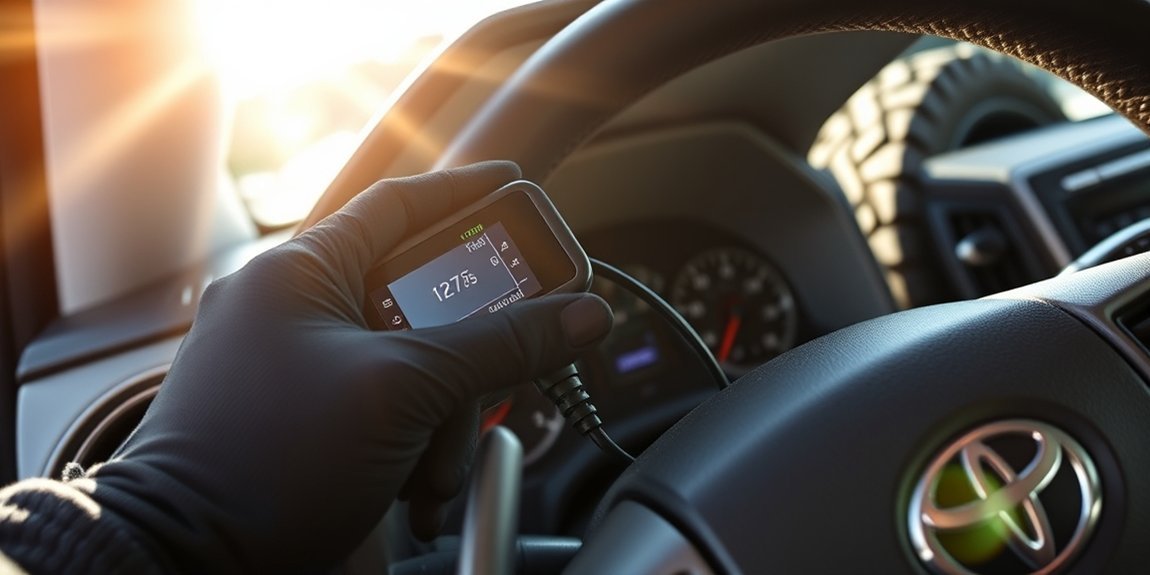
The exact steps depend on the calibrator. Always follow the manufacturer’s instructions first. Use the process below as a safe planning guide, not as a replacement for the product manual.
[Products Worth Considering]

The AICEL TPMS relearn tool helps you quickly reset or relearn tire pressure sensors after replacement, tire rotation, or resolving tire pressure alarms. It provides an activation reset function so your vehicle’s TPMS can operate optimally, saving time and money on frequent visits to an auto shop. Designed for easy use on most vehicles, it works by placing the tool near the valve stem and using the learn button.

This professional wheel and tire cleaning brush kit helps you scrub rims, hubs, spokes, and tires with scratch-free, ultra-fine bristles. The brushes can bend 360 degrees for deep reach into crevices, bolts, and intricate wheel details, while the kit supports both wet washing with cleaners and dry dust removal. Easy to rinse, quick to air-dry, and designed for convenient maintenance with hanging holes.

Monitor tire tread wear with a smart, color-coded depth gauge that shows clear condition ranges at a glance. The bar is range marked for fast, easy readings, helping you maintain safer traction and performance. Each gauge is portable with a pocket clip, and the set includes 20 units for daily use and sharing.
Required Tools And Resources
- A Tacoma-compatible speedometer calibrator or inline module.
- Your stock tire size and new tire size.
- A laptop, USB cable, and current software if your device requires configuration.
- A stable battery or battery maintainer if the manufacturer recommends it during programming.
- A GPS speed app or GPS unit for final verification.
- For inline modules: trim-removal tools, a 10 mm socket or nut driver, and a Phillips screwdriver if required by the module instructions.
Note: If your device uses software, download the current software from the manufacturer before starting. Older discs or saved installers may not support newer vehicle calibrations.
Calibration Software Installation Steps
For an OBD-style programmer, the process is usually straightforward:
- Park on level ground, set the parking brake, and turn off accessories.
- Confirm that the calibrator part number matches your Tacoma.
- Install or update the manufacturer’s software if required.
- Connect the device to the diagnostic link connector under the dash.
- Follow the on-screen prompts and choose the Tacoma application.
- Enter the original tire size and the new tire size or measured tire height.
- Do not change axle ratio, shift settings, or other values unless the change was actually made to the truck.
- Save the calibration and wait until the device confirms that programming is complete.
- Cycle the ignition exactly as instructed by the device.
For an inline module, the process is different:
- Program or configure the module with the correct tire information before final installation if the manufacturer requires it.
- Disconnect power only if the manufacturer’s instructions call for it.
- Remove the required trim carefully to access the instrument cluster or speed-signal harness.
- Install the inline harness exactly as shown in the instructions.
- Route wiring so it cannot pinch, rub, or interfere with steering, pedals, trim clips, or airbags.
- Reinstall the trim only after a successful speed check.
Warning: Never cut or splice wires unless the product instructions require it and you are comfortable identifying the correct circuit. A wrong connection can create warning lights, speed-signal problems, or safety-system faults.
Final Calibration Checks Procedure
After programming or installing the module, check the result before calling the job finished. Start with a short drive around the block to confirm there are no warning lights, no dead speedometer, and no unusual shifting behavior. Then move to a safe, straight road where you can hold a steady speed without blocking traffic.
If the speedometer is still off, do not keep guessing at random tire sizes. Recheck the exact input value, confirm the part number, measure the tire height, and repeat the calibration only as the manufacturer allows.
Verifying Calibration Accuracy With GPS
A GPS speed app is a practical way to verify your Tacoma’s speedometer after calibration. GPS speed can lag during acceleration, so hold a steady speed on a flat, open road and have a passenger read the GPS if possible.
| Target Speed | Speedometer Reading | GPS Reading | Result |
|---|---|---|---|
| 30 mph | Record reading | Record reading | Good for city-speed check |
| 50 mph | Record reading | Record reading | Good for mid-speed check |
| 70 mph | Record reading | Record reading | Good for highway-speed check where legal |
A good goal is for the speedometer to be within about 1–2 mph of GPS at steady speed. Some owners prefer a tiny speedometer cushion where the dash reads slightly higher than GPS, but it should not be meaningfully off. If the difference grows as speed increases, the tire-size input is probably still wrong.
Troubleshooting Common Installation Issues With Calibration Tools
| Problem | Likely Cause | Fix |
|---|---|---|
| Device will not connect | Wrong software, weak battery, ignition in the wrong position, or unsupported Tacoma application. | Update software, verify ignition steps, use a battery maintainer if recommended, and confirm fitment with the manufacturer. |
| Speedometer still reads slow | New tire size or measured height was entered too small. | Measure the mounted tire height and recalibrate with the correct value. |
| Speedometer reads fast | New tire size was entered too large or the wrong original size was used. | Check the original tire size from the door placard and repeat the setup. |
| Warning lights appear | Incorrect module connection, interrupted programming, or incompatible device. | Stop driving if a safety warning appears. Recheck installation and contact the device maker or a qualified shop. |
| Automatic shifting feels wrong | Speed signal or tire size is still inaccurate. | Verify GPS accuracy and recheck the calibration. If the issue continues, have the truck inspected. |
[Products Worth Considering]

This 1/2-inch drive breaker bar delivers powerful leverage for loosening and tightening stubborn lug nuts and automotive fasteners. The 180-degree flex head helps you reach tight spaces at the angle you need, making tire and brake jobs easier. A spring-loaded ball detent design holds 1/2-inch sockets securely while the chrome-moly head provides durable strength for everyday use.

The UYYE TPMS relearn tool helps activate and relearn tire pressure monitor sensors quickly, typically in minutes. It supports TPMS learn mode resetting using a simple three-step process: enter learn mode, position the tool near the valve stem, and press the learn button. Designed for specific GM models, it streamlines sensor programming and reduces trips to dealers or tire shops.

The 22800 wheel stud installer makes replacing wheel studs quick and secure, saving time and effort during tire service. It uses a ratchet or impact wrench to pull new studs firmly into place, helping when existing studs are too long. Compatible with most automotive wheels and light-duty truck wheel studs, it’s designed for easy, tool-assisted installation.
User Experiences With Speedometer Calibration Tools
Most Tacoma owners choose a calibrator because GPS shows the dash speed is off after the tire upgrade. The smoothest installs usually happen when the owner verifies the exact part number before buying, updates the software before connecting the device, and records the stock settings before changing anything.
Installation Challenges Faced
The most common challenge is buying the wrong device for the Tacoma’s model year or installation type. Another common issue is entering the advertised tire size instead of a measured tire height. On inline modules, the challenge is usually trim removal, connector access, and safe wire routing behind the cluster.
Calibration Accuracy Achieved
A successful calibration should bring the dash reading close to GPS at steady speeds. Do not expect the speedometer to match GPS perfectly every second, because GPS can lag when you accelerate, brake, climb hills, or drive near tall buildings. The goal is a consistent, small difference at steady speed.
Community Recommendations Shared
Community advice is useful, but it should not replace fitment checks. Tacoma forums can help identify products other owners used, but product pages and manufacturer instructions should make the final decision. A 2016–2023 Tacoma 4WD, a 2024+ Tacoma, and an older Tacoma may require different hardware or procedures.
Do You Need to Keep Your Calibrator Attached?
It depends on the type of calibrator.
| Device Type | Does It Stay Connected? | What to Remember |
|---|---|---|
| OBD-style programmer | Usually no. You normally unplug it after programming is complete. | Keep the device. Many programmers are locked to the truck until you return it to stock settings. |
| Inline module | Yes. The module stays installed in the harness. | You can disconnect the laptop or USB cable after configuration, but the inline module itself remains part of the speed-signal path. |
| Universal signal interface | Yes. It remains wired into the signal circuit. | Use professional installation if you are not comfortable with speed-signal wiring. |
Alternative Calibration Tools for the Toyota Tacoma
If a Tacoma-specific plug-in programmer is not available for your exact truck, you still have options. The right alternative depends on the generation of Tacoma, the speed-signal design, and whether the vehicle has factory systems that rely on the same signal.
- Hypertech inline modules: These correct speedometer and odometer readings for non-stock tire sizes or gear ratio changes on supported applications. Some Tacoma modules install behind the instrument cluster.
- Rough Country speedometer calibrator: Rough Country lists a Tacoma 4WD unit for 2016–2023 models that resets the speedometer for larger tires and can return to stock settings.
- Dakota Digital SGI-100BT: This is a universal speedometer/tachometer interface for advanced installs. It can recalibrate or convert speed signals, but it requires knowledge of the vehicle’s speed signal and is not a simple Tacoma-specific plug-and-play choice.
- Yellow Box speedometer recalibrator: This is another universal speedometer recalibration option for cars, trucks, and motorcycles. Verify signal compatibility before using it on a Tacoma.
- Professional 4×4 shop: This is often the safest route for newer Tacomas, complicated builds, or owners who do not want to remove trim or troubleshoot software.
Tire Pressure and TPMS After Larger Tires
Speedometer calibration does not set tire pressure. After changing tire size, check pressure when the tires are cold and use the driver-door Tire and Loading Information Label, the owner’s manual, or a qualified tire professional’s load table for the tire you installed.
Do not use the maximum pressure molded on the tire sidewall as your normal daily pressure. That number is not the same as the vehicle’s recommended cold inflation pressure. If you moved from a passenger-rated tire to an LT tire, the correct pressure may differ from the factory placard and should be chosen based on load capacity, tire construction, and how the truck is used.
TPMS may also need attention after wheel or tire changes. If the warning light stays on after the tires are properly inflated and the truck has been driven, check sensor compatibility, sensor registration, and the owner’s manual procedure for your model year.
Frequently Asked Questions
How do you fix the speedometer after adding bigger tires to a Toyota Tacoma?
Use a Tacoma-compatible speedometer calibrator, inline module, or professional reprogramming service. Enter the correct original and new tire sizes, complete the programming or installation, then verify the result with GPS at steady speeds.
Do oversize tires affect the Tacoma speedometer?
Yes. Taller tires usually make the speedometer read lower than the actual road speed because each tire revolution covers more distance than the factory calibration expects.
Is 35 psi too high for a Tacoma?
Not always. The correct pressure depends on the Tacoma’s door placard, tire type, load rating, cargo weight, and driving use. Check pressure cold and follow the owner’s manual, the Tire and Loading Information Label, or a qualified tire professional’s load recommendation for non-OE tires.
Can a Toyota dealer recalibrate the speedometer for bigger tires?
Sometimes, but support varies by model year and available Toyota software settings. Call the dealer with your VIN, stock tire size, new tire size, and the exact service you need before scheduling.
Do I need to recalibrate after going from 31-inch to 33-inch tires?
Yes, it is usually a good idea. A move from about 31 inches to 33 inches can create a speedometer error of roughly 6 percent before calibration, meaning the truck may be traveling several mph faster than the dash shows at highway speed.
Conclusion
Recalibrating your Toyota Tacoma’s speedometer after larger tires is worth doing because it restores more accurate speed, distance, and driving behavior information. The main thing is choosing the correct tool for your exact truck. An OBD programmer is usually the simplest option when supported, while an inline module or universal interface needs more careful installation.
Start by confirming your stock and new tire sizes, verify fitment before buying, follow the manufacturer’s instructions, and check the finished calibration with GPS. Done correctly, speedometer recalibration makes your Tacoma easier to drive confidently after a tire upgrade.
Sources
- Discount Tire — Tire Size and Speedometer Accuracy — supports the explanation that taller tires usually make the speedometer read slower than actual speed.
- Rough Country — Speedometer Calibrator Inline | Toyota Tacoma 4WD (2016–2023) — supports Tacoma fitment, features, and product-specific caveats for SKU 90043.
- Hypertech — Speedometer Calibrator — supports speedometer correction for tire-size and gear-ratio changes.
- Hypertech — 730123 Toyota Tacoma Inline Speedometer Module Installation Instructions — supports the inline-module installation notes and behind-cluster installation style.
- NHTSA TireWise — supports tire-size, tire-pressure, TPMS, and tire-safety guidance.
- Dakota Digital SGI-100BT — supports the universal speedometer signal interface discussion and compatibility caveats.

Related Articles
How Tire Weight Affects Toyota Tacoma Performance
How does tire weight influence your Toyota Tacoma's performance and efficiency? Discover the surprising effects that could change your driving experience.
Read More
Tire Noise Levels by Tire Type on a Toyota Tacoma
A comprehensive look at how tire types affect noise levels in your Toyota Tacoma reveals surprising insights that could enhance your driving experience.
Read More
How To Choose Tires for a Dual Use Toyota Tacoma
Unlock the secrets to selecting the perfect tires for your dual-use Toyota Tacoma, ensuring optimal performance and comfort on every adventure. Discover more inside!
Read More