After rotating the tires on a Toyota 4Runner, you may need to reset, initialize, or register the Tire Pressure Monitoring System, depending on your model year and what changed. Toyota often calls this system the Tire Pressure Warning System, but many owners refer to it as TPMS. Before you press any reset button or start a relearn, set every tire to the cold PSI shown on your driver-door tire placard or in your owner’s manual—not the maximum PSI printed on the tire sidewall.
Quick Answer
For most 2010–2024 4Runners, set the tires to the correct cold pressure, turn the ignition on, hold the TPMS reset button until the light blinks three times, then drive until the system updates. For 2025 and newer 4Runners, use the multi-information display to run the tire pressure setting or wheel-position registration procedure.
Key Takeaways
- A normal tire rotation usually needs a TPMS reset or tire-position relearn, not new sensor ID registration.
- Use the cold tire pressure on your 4Runner’s door placard or owner’s manual; do not rely on a universal PSI number.
- 2010–2024 4Runners commonly use a reset-button procedure, while 2025+ models use the multi-information display.
- A solid tire-pressure light usually means low pressure; a blinking light that stays on usually points to a TPMS fault or sensor issue.
- TPMS is a backup warning system, not a substitute for checking tire pressure with a gauge.
At a Glance
| Time Required | 10–25 minutes, depending on model year and driving conditions |
| Difficulty | Easy for a reset; moderate if sensor IDs must be programmed |
| Tools Needed | Accurate tire pressure gauge; air compressor if pressure is low; TPMS scan tool only if sensors were replaced |
| Cost | Usually free for a basic reset; shop fees may apply for sensor programming or diagnosis |
TPMS Reset vs. TPMS Registration: What You Actually Need
After a tire rotation, most 4Runner owners do not need to “register” brand-new sensor IDs. The sensors are already known to the vehicle. What you may need is one of these:
- TPMS reset or initialization: Sets the system baseline after tire pressures are corrected.
- Tire-position registration: Helps the vehicle match each sensor to the correct wheel position after rotation, especially on models that show individual tire locations.
- Sensor ID registration: Needed when a TPMS sensor, wheel transmitter, or TPMS control unit has been replaced. This usually requires a compatible TPMS scan tool or dealer-level equipment.
Note: If you only rotated the same wheels and tires, start with pressure correction and the normal reset or position-registration procedure for your model year. Do not assume you need new sensor programming.
Before You Start: Check Tire Pressure the Right Way
Always reset the system only after the tires are set correctly. Toyota directs owners to use the tire information placard or owner’s manual for the proper pressure. For many stock 2010–2024 4Runners, the placard is commonly around 32 psi cold, but your exact number can vary by model year, trim, tire size, and load.
- Park on a level surface and let the tires cool. A cold reading is best after the vehicle has been parked for at least three hours.
- Find the recommended PSI on the driver-door placard or in your Toyota owner’s manual.
- Check all four tires with a reliable gauge. If your model monitors the spare, check the spare too.
- Inflate or bleed air until each tire matches the recommended cold pressure.
- Inspect for nails, cuts, cracked valve stems, or bead leaks before resetting the warning light.
Warning: Never reset TPMS to hide a low-pressure warning. If a tire is visibly low, damaged, or losing air, repair the tire first. TPMS is a warning aid, not a replacement for manual pressure checks.
Step-By-Step TPMS Reset Procedure for Your 4Runner
For 2010–2024 4Runner Models With a TPMS Reset Button
Many 5th-generation 4Runners use a physical reset button for the tire pressure warning system. The button is typically low on the driver-side dash area, often below or near the steering wheel. Your owner’s manual should always be the final reference for the exact location.
- Set all tires to the correct cold PSI from the door placard.
- Park safely and turn the ignition to ON. On push-button models, press the start button without pressing the brake, unless your manual instructs otherwise.
- Locate the TPMS reset button under the driver-side dashboard area.
- Press and hold the button until the tire pressure warning light blinks slowly three times.
- Release the button, then drive at normal road speed. A 10–20 minute drive at about 25 mph or higher is often enough for the system to update.
- Recheck the tire pressures if the light stays on after the drive.
For 2025 and Newer 4Runner Models
The 2025 and newer 4Runner uses a newer display-based procedure. Instead of looking for a physical reset button, use the multi-information display to perform the tire pressure setting or wheel-position registration procedure.
- Set the tires to the specified cold PSI shown on the placard or in the 2025+ owner’s manual.
- Use the steering-wheel controls to open the vehicle settings area in the multi-information display.
- Select the tire pressure setting or wheel-position registration option shown for your vehicle.
- Follow the on-screen prompts.
- Drive on paved roads at approximately 25 mph or higher until registration completes. Avoid reversing during the registration drive because it may clear collected registration data and force you to start over.
Pro Tip: If your 4Runner shows individual tire pressures by position, write down the pressure shown at each corner before and after rotation. That makes it easier to spot whether the pressure is correct but the displayed wheel location is still catching up.
When to Reset Your TPMS
You may need to reset, initialize, or register tire positions after:
- Rotating the tires and noticing incorrect position readings.
- Inflating or deflating tires to the correct cold PSI after a warning.
- Changing tire size, wheel size, or tire load rating.
- Installing a seasonal wheel-and-tire set.
- Replacing a TPMS sensor or valve-stem transmitter.
- Replacing the tire pressure warning ECU or related receiver components.
You usually should not reset the system immediately after a long highway drive, because hot tires read higher. Let the tires cool first, set the cold pressure, then reset.
Common User Experiences With TPMS Reset
After a rotation, some owners see pressure numbers update normally, while others see tire positions swapped for a short time. That difference depends on model year, display type, sensor behavior, and whether the vehicle has completed its relearn drive.
If the pressure warning light is off and all measured tire pressures are correct, the system may only need more driving time to refresh the display. If the light remains on, treat it as a real warning until you confirm every tire with a gauge.
What Your Tire Pressure Readings Mean After a Rotation
If your 4Runner displays individual tire pressures, the numbers may be correct while the locations are temporarily wrong. For example, the tire now on the front left may still appear as the rear left until position registration completes.
| What You See | Likely Meaning | What To Do |
|---|---|---|
| Light is off, but positions look swapped | Position relearn is not complete | Drive normally and run the position-registration procedure if your model requires it |
| Solid tire-pressure light | One or more tires may be low | Check all tires cold with a gauge, correct pressure, then reset if needed |
| Light blinks, then stays on | Possible TPMS malfunction, dead sensor battery, or communication fault | Check pressures first, then have the system scanned if the warning returns |
| No pressure reading for one wheel | Sensor may be asleep, missing, damaged, or not registered | Drive to wake the sensor; if still missing, use a TPMS scan tool or visit a tire shop |
Tools for TPMS Reset
A basic reset usually does not require special equipment. The most important tool is a good tire pressure gauge. A portable inflator also helps because gas-station gauges can be inaccurate or damaged.
A TPMS scan tool, such as an Autel or similar professional tool, becomes useful when you replace sensors, install a second wheel set, diagnose a missing sensor, or need to write sensor IDs to the vehicle. For a simple same-wheel rotation, try the owner-manual reset or registration procedure first.
[Products Worth Considering]

Replace your worn or missing TPMS sensors with pre-programmed, direct-fit sensors for compatible Ford, Lincoln, and select Mazda models. Each sensor comes ready to activate with a scan tool, helping restore accurate tire pressure monitoring and trouble-free installation. Built with a long-life CR2032 battery and tested before factory release, this set provides dependable performance with a one-year warranty.

The VEHLIVE SU-50448 II TPMS relearn tool provides a fast activation reset to restore accurate tire pressure monitoring after sensor replacement or tire rotation. It supports 315 MHz and 433 MHz GM series sensors and helps clear dashboard pressure warnings. With simple two-button operation and horn-confirmed relearning order, you can reprogram sensors conveniently at home.

This TPMS relearn tool helps you quickly activate, match, and reset GM tire pressure sensors to keep the vehicle monitoring system working properly. It clears tire pressure alarms and dashboard warning lights after sensor replacement or tire rotation, and supports learning for common 315/433 MHz TPMS sensors. Designed for simple one-button operation, it can help you avoid unnecessary trips to repair shops.
Handling Persistent TPMS Warning Lights?
If the warning light remains on after a reset, work through the problem in order instead of repeating the reset over and over.
- Check all tires cold with a gauge, including the spare if your 4Runner monitors it.
- Inflate to the placard PSI, not the sidewall maximum.
- Inspect for leaks, punctures, cracked valve stems, or loose valve cores.
- Run the correct reset or position-registration procedure for your model year.
- Drive long enough for the system to complete its learning process.
- If the light blinks before staying on, have the TPMS scanned for sensor or receiver faults.
Warning: A blinking TPMS light is different from a solid low-pressure light. It often means the monitoring system itself has a fault, so the vehicle may not be able to warn you correctly about low tire pressure.
[Products Worth Considering]

This TPMS sensor training and relearn reset tool is customized for Ford, Lincoln, and Mercury vehicles to help activate tire pressure programming after sensor replacement or tire rotation. It can activate individual tire pressure sensors with one-button operation, helping prevent TPMS warning light illumination. It is not a sensor programming tool and cannot program replacement sensors—use it to trigger/activate sensors only.
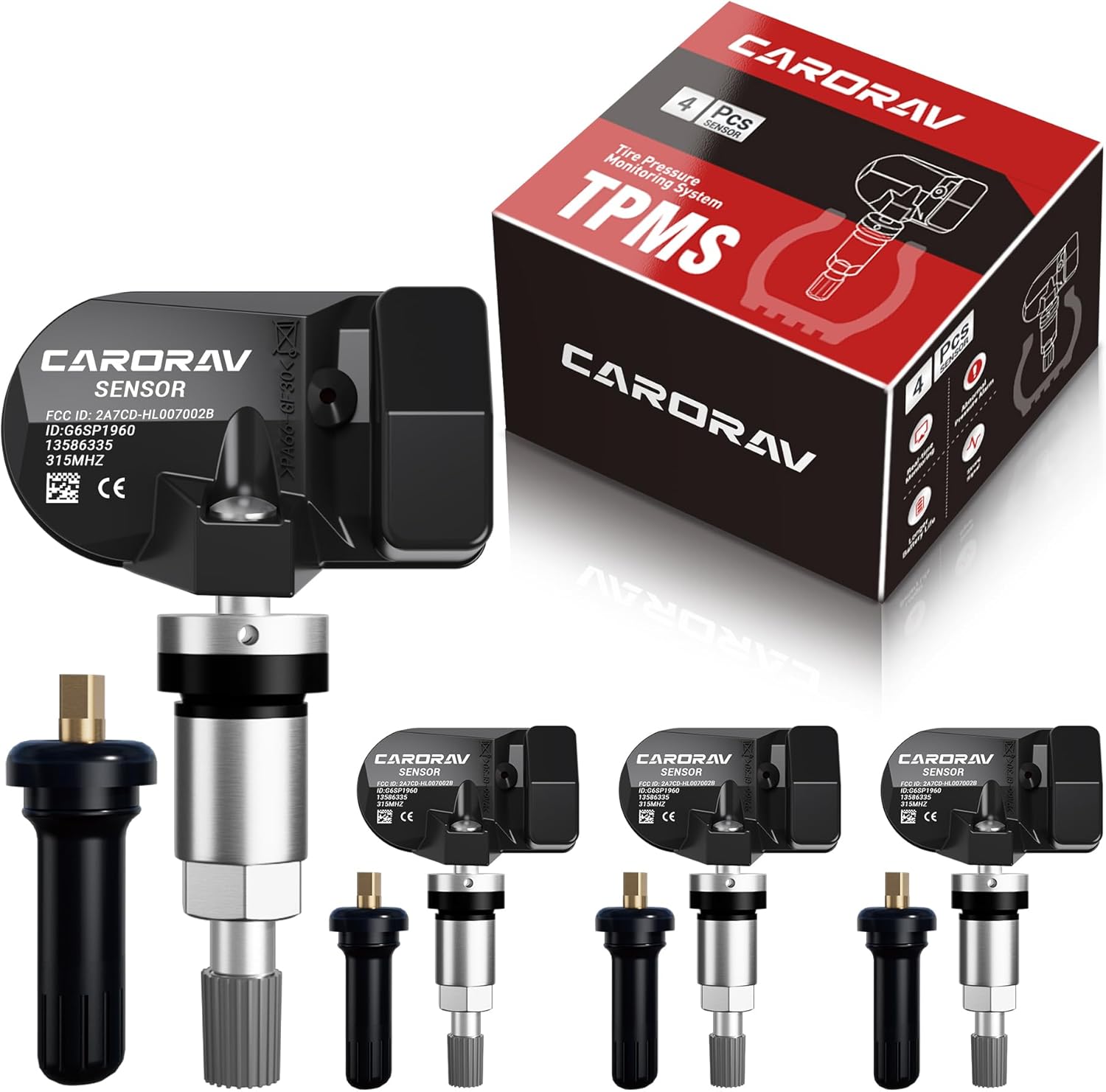
Replace worn or missing TPMS sensors with CARORAV pre-programmed GM-compatible sensors for a smoother installation experience. These 315MHz replacement sensors help monitor tire pressure in real time with long battery life, and they are designed to withstand harsh temperatures. Manual or OBDII relearn may be required to reset the system for proper recognition.

Replace worn or malfunctioning GM TPMS sensors with this 433MHz pre-programmed sensor set designed for compatibility with many Chevrolet, Buick, GMC, and Cadillac models. It includes guidance for proper OBDII relearning/pairing after installation and supports reliable long-term operation with a high-performance CR2032 battery. Quality tested for durability and performance to help restore accurate tire pressure monitoring.
The Importance of Regular Tire Pressure Checks

TPMS is a safety backup, not a maintenance plan. The National Highway Traffic Safety Administration recommends checking tire pressure at least once a month and before long trips. Toyota also warns owners not to rely only on the tire pressure monitor for tire wear and performance.
According to FuelEconomy.gov, underinflated tires can lower gas mileage by about 0.2% for every 1 psi drop in the average pressure of all tires, while properly inflated tires are safer and last longer.
Low pressure can increase heat, wear the tire shoulders faster, reduce handling stability, and raise the risk of tire failure. Overinflation can also reduce ride comfort and wear the center of the tread faster. The best target is the cold PSI Toyota specifies for your exact vehicle.
Community Tips for TPMS Success
4Runner owners often get the best results when they treat TPMS reset as a simple checklist, not a guessing game.
| Tip | Why It Helps |
|---|---|
| Start with cold pressure | The system baseline is only useful if the pressure is correct before reset |
| Use the manual for your exact year | A 2024 procedure may not match a 2025 procedure |
| Drive on clear paved roads | Position registration needs steady sensor data to complete |
| Do not ignore a blinking light | A blinking light can mean the system is not monitoring correctly |
| Keep a gauge in the vehicle | You can verify pressure even if the display is delayed or wrong |
Essential Tools and Resources for 4Runner Tire Maintenance
For routine tire maintenance, keep these items handy:
- Digital or dial tire pressure gauge: More dependable than guessing from the dashboard display alone.
- Portable inflator: Useful after tire rotations, off-road trips, and temperature swings.
- Valve-core tool and spare valve caps: Helpful for small leaks around the valve stem.
- TPMS scan tool: Useful for sensor replacement, second wheel sets, and diagnostic work.
- Toyota owner’s manual: The best source for your exact year’s reset, registration, and pressure instructions.
[Products Worth Considering]
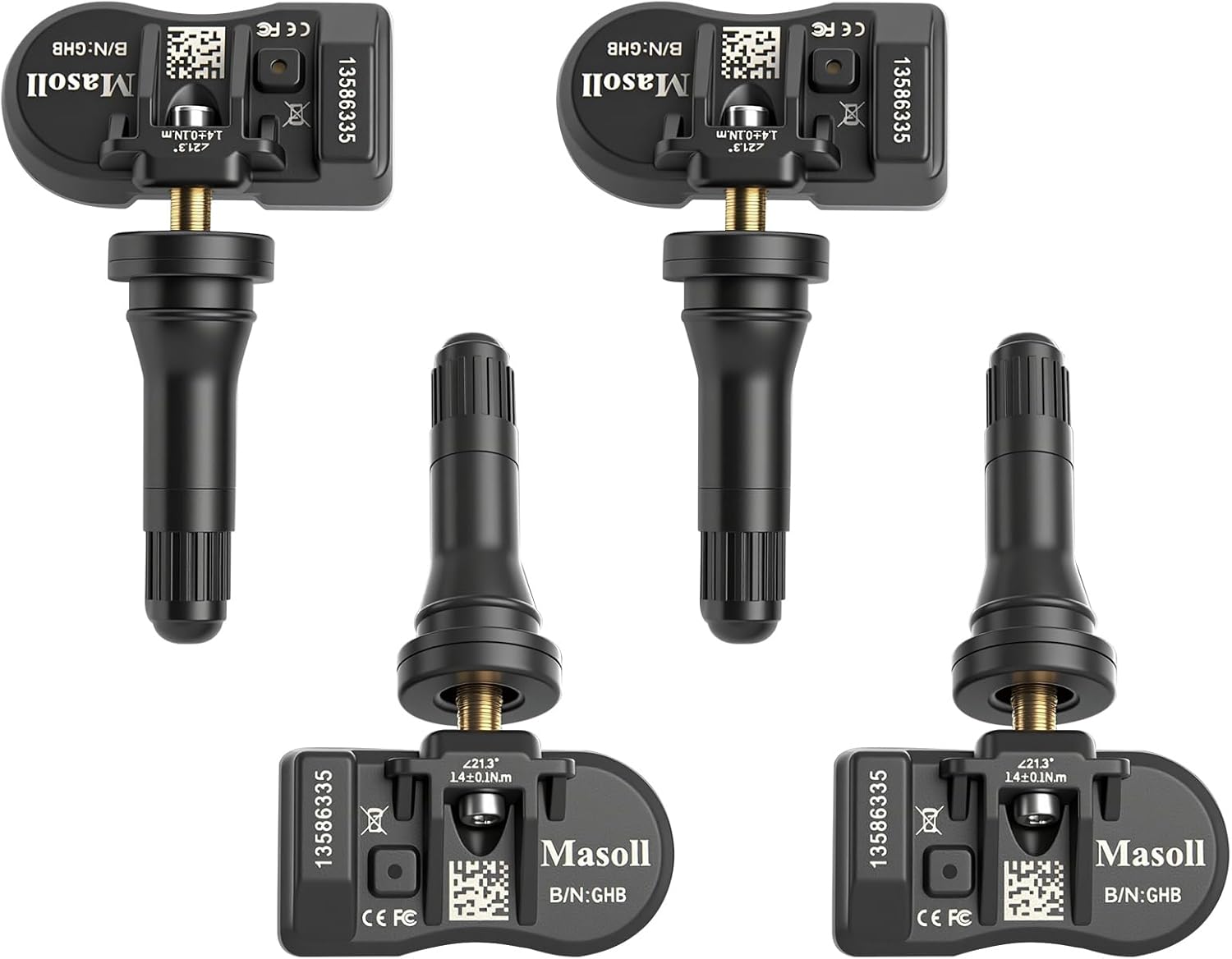
Masoll TPMS sensors are designed for most GM vehicles after 2006, helping you clear tire pressure warnings with OEM-level 315/433MHz compatibility. The 4-pack includes pre-programmed sensors, but re-learning is required after installation using a GM TPMS relearn tool or scan tool. Built with a dual-antenna design and a long-life CR2050 battery, these sensors deliver reliable performance in extreme temperatures with corrosion-resistant valve construction.

The UYYE TPMS relearn tool helps activate and relearn tire pressure monitor sensors quickly, typically in minutes. It supports TPMS learn mode resetting using a simple three-step process: enter learn mode, position the tool near the valve stem, and press the learn button. Designed for specific GM models, it streamlines sensor programming and reduces trips to dealers or tire shops.
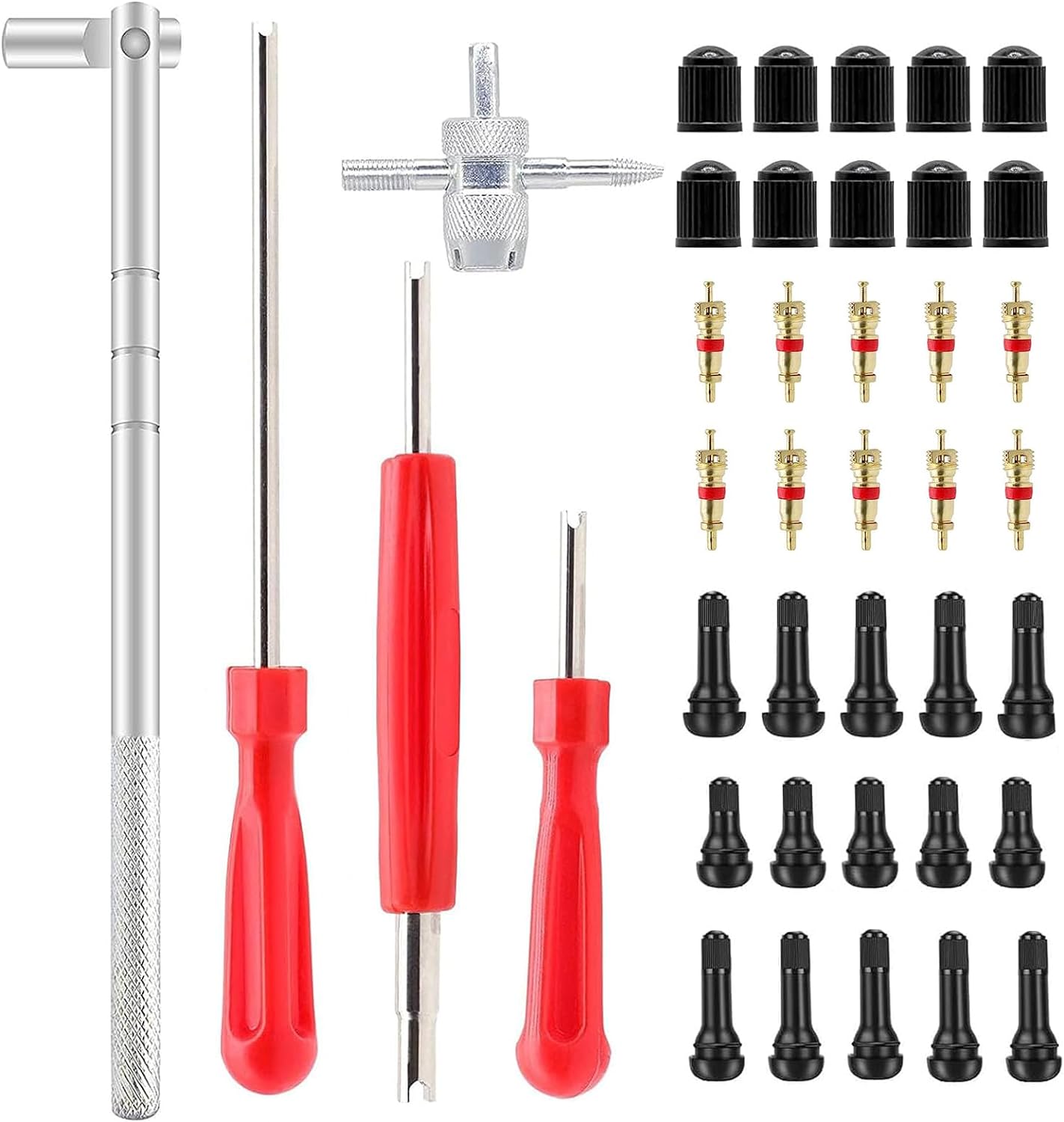
This ZHSMS valve stem puller and installer tool set makes it easy to remove and install tire valve stems without damaging wheels or valves. It uses a leverage design to save effort and includes valve stem tools plus removable valve core functionality for quick tire repairs. Compatible with tubeless tires for passenger cars, motorcycles, ATVs, off-road vehicles, and trucks.
Troubleshooting TPMS Issues After Rotation
If your 4Runner still shows a TPMS issue after tire rotation, use this sequence:
- Confirm pressure with a gauge. Do not trust the dashboard alone if the system is relearning.
- Check for leaks. Spray soapy water around the valve stem and bead if one tire keeps dropping.
- Repeat the correct reset once. If the same warning returns, do not keep resetting without diagnosis.
- Check whether the spare is monitored. Some Toyota systems include the spare tire sensor, and a low spare can trigger a warning.
- Look for sensor age. Older TPMS sensor batteries eventually fail and require sensor replacement.
- Use a scan tool if needed. A tire shop can confirm sensor IDs, battery status, and signal strength.
Note: Temperature changes can move tire pressure by several PSI. A warning that appears on a cold morning may clear after correction, but you should still check the tire with a gauge rather than waiting for the light to go away.
Frequently Asked Questions
Will rotating tires cause the TPMS light to come on?
Yes, it can. Tire rotation can confuse position readings or trigger a warning if pressures were changed, a tire is low, or the system needs a reset. Check all tires cold first, then run the correct reset or registration procedure for your model year.
Do I need to register TPMS sensor IDs after every tire rotation?
Usually, no. If the same sensors are still installed, a basic reset or tire-position registration is normally enough. Sensor ID registration is mainly needed after replacing sensors, installing a second wheel set, or replacing TPMS control components.
Where is the 4Runner TPMS reset button?
On many 2010–2024 4Runners, it is low on the driver-side dash area near or below the steering wheel. However, 2025 and newer 4Runners use the multi-information display for tire pressure setting and wheel-position registration, so always check your owner’s manual.
How long does the TPMS relearn take after rotation?
Many resets complete after 10–20 minutes of normal driving, but the exact time depends on model year and road conditions. For 2025+ 4Runner wheel-position registration, drive on paved roads at about 25 mph or higher and avoid reversing during the registration drive.
What if the TPMS light blinks and then stays on?
A blinking light that stays on often means a TPMS system fault, not just low tire pressure. Check the tires manually first. If pressures are correct and the light returns, have the system scanned for a failed sensor, weak sensor battery, or communication issue.
Conclusion
Registering or resetting TPMS after a 4Runner tire rotation is simple once you use the right procedure for your model year. Set the tires to the correct cold PSI first, use the reset button on many 2010–2024 models, and use the multi-information display on 2025 and newer models. If the light stays on, blinks, or shows missing pressure data, treat it as a real warning and diagnose the tires or sensors before driving far.
Sources
- Toyota Support: Tire Pressure Monitoring System — backs Toyota reset-button behavior and TPMS warning triggers.
- Toyota 2024 4Runner Manuals and Warranties — source for model-specific owner-manual lookup.
- Toyota 2025 4Runner Manuals and Warranties — source for newer 4Runner owner-manual lookup.
- NHTSA Tire Safety: Checking Tire Pressure — backs monthly checks, cold-pressure guidance, and placard use.
- FuelEconomy.gov: Keep Tires Properly Inflated — backs the fuel-economy impact of underinflated tires.
- eCFR: 49 CFR 571.138 Tire Pressure Monitoring Systems — backs TPMS federal warning-system requirements and limitations.