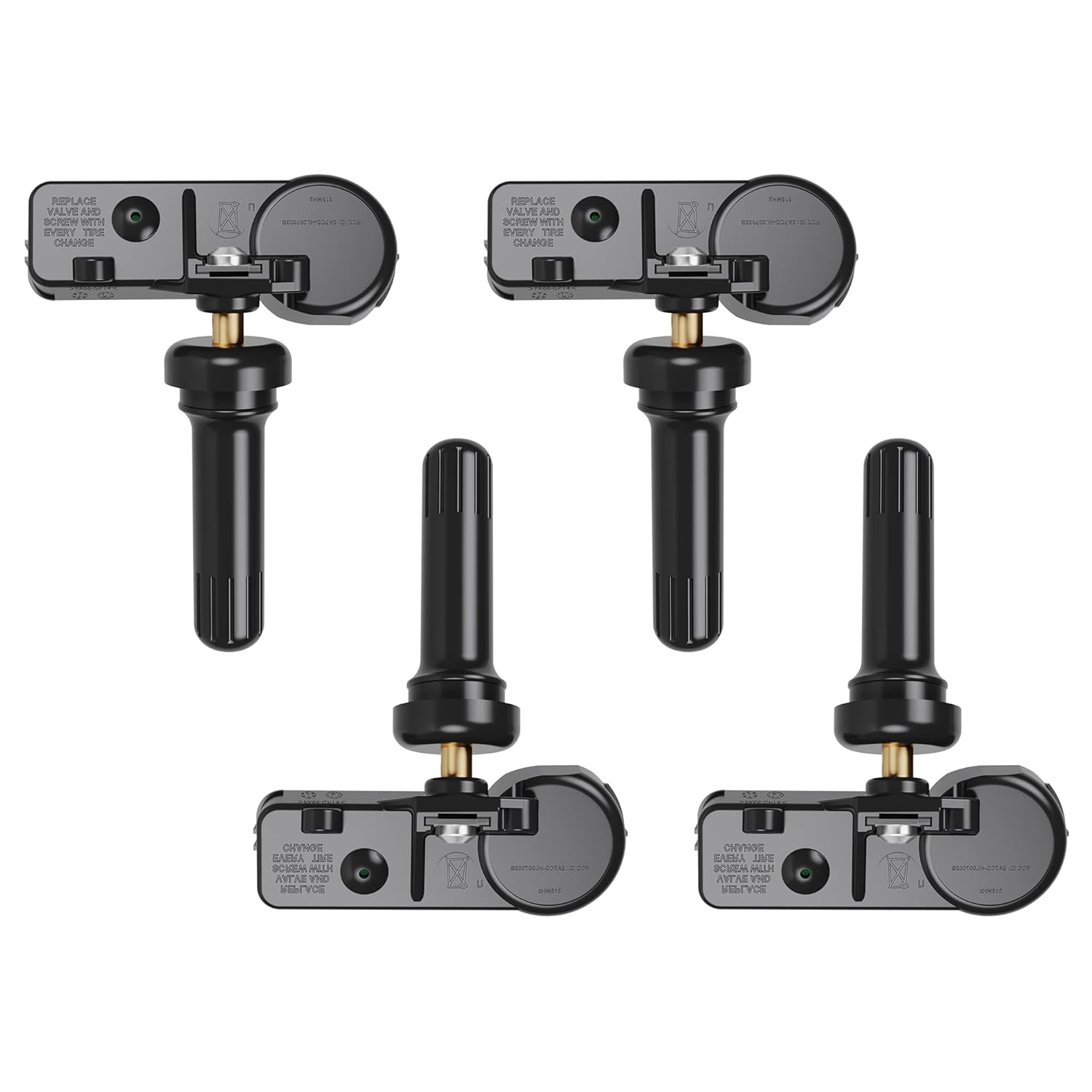
Maintaining your Honda Accord’s TPMS helps you catch low tire pressure before it affects handling, tire wear, fuel economy, or safety. The system is useful, but it does not replace a monthly tire-pressure check with a gauge. Use the pressure listed on your driver’s door jamb or owner’s manual, recalibrate the system after pressure changes or tire service, and treat a flashing TPMS light as a system fault that needs diagnosis.
Quick Answer
For Honda Accord TPMS maintenance, check all tires cold with a reliable gauge, inflate them to the placard pressure, then reset or calibrate the system using the procedure for your model year. A solid TPMS light usually means low pressure. A flashing light that stays on usually means a TPMS malfunction.
Key Takeaways
- Check tire pressure at least once a month when the tires are cold, even if the TPMS light is off.
- Use the pressure on the Accord’s driver-side door jamb label or owner’s manual, not the maximum pressure printed on the tire sidewall.
- Calibrate or reset TPMS after inflation changes, tire rotation, tire replacement, or wheel service.
- A flashing TPMS light usually points to a malfunction, sensor issue, incompatible wheel/tire, or calibration problem.
At a Glance
| Time Required | 5–10 minutes for pressure checks; 20–30 minutes of driving may be needed after calibration on some models |
| Difficulty | Easy for pressure checks and calibration; moderate if sensor programming or diagnostics are needed |
| Tools Needed | Accurate tire-pressure gauge, air compressor, owner’s manual, and TPMS scan/programming tool only for direct-sensor service |
| Cost | Usually free to $20 for pressure correction; diagnostic or sensor replacement costs vary by shop and model year |
Why Honda Accord TPMS Maintenance Matters

Your Accord’s tire pressure monitoring system is designed to warn you when tire pressure is too low or when the system cannot monitor correctly. According to NHTSA tire-safety guidance, TPMS is helpful, but it is not a substitute for regular tire maintenance because the warning may not appear until a tire is already significantly underinflated.
Correct tire pressure helps your Accord brake, steer, ride, and wear tires properly. It can also help fuel economy. FuelEconomy.gov says proper tire inflation can improve gas mileage by 0.6% on average and up to 3% in some cases.
Low pressure can also build heat inside the tire. That can increase the risk of tread damage, a flat tire, or a blowout. This is why TPMS maintenance should be part of your normal tire routine, not something you check only after a dashboard light appears.
Warning: If the TPMS light comes on and the car pulls, shakes, feels unstable, or you see a visibly low tire, slow down carefully and pull over in a safe place. Do not keep driving on a flat or severely underinflated tire.
What the Honda Accord TPMS Warning Light Means
The TPMS warning symbol usually looks like a tire cross-section with an exclamation point. On many Honda Accord models, you may also see a message such as “Low Tire Pressure,” “Check Tire Pressure,” or “TPMS.” The exact wording depends on your model year and display system.
A solid TPMS light usually means one or more tires are below the system’s warning threshold. A flashing TPMS light that later stays on usually means the system has detected a malfunction. Federal TPMS rules describe a malfunction warning as a light that flashes for about 60 to 90 seconds and then remains on while the fault exists, though your Accord’s display wording can vary by year.
| Light or Message | Likely Meaning | What To Do |
| Solid TPMS or low-pressure light | At least one tire is likely underinflated | Check all tires cold, inflate to placard pressure, then recalibrate if required |
| Light flashes, then stays on | TPMS malfunction, sensor issue, wheel/tire compatibility issue, or calibration fault | Check pressure first, then schedule diagnosis if the light returns |
| Light appears on cold mornings, then goes off | Pressure may be close to the warning threshold and dropping overnight | Check pressure cold and inflate to the door-jamb label |
Direct vs. Indirect TPMS on Honda Accord
Honda Accord TPMS design depends on model year, trim, and market. Some older Accords use a direct TPMS with pressure sensors mounted in the wheels. Many later Accords use an indirect TPMS, which estimates a low tire condition using wheel-speed data instead of measuring each tire’s exact pressure.
This difference matters because the maintenance steps are not the same. A direct TPMS may need sensor registration or programming after sensor replacement. An indirect TPMS usually needs calibration after you set the tire pressure, rotate tires, replace tires, or change wheels.
Note: Always confirm the exact TPMS procedure in your Honda owner’s manual or through the official Honda owner’s manual portal. Menu names and calibration steps can change by model year and infotainment system.
[Products Worth Considering]

This TPMS sensor training and relearn reset tool is customized for Ford, Lincoln, and Mercury vehicles to help activate tire pressure programming after sensor replacement or tire rotation. It can activate individual tire pressure sensors with one-button operation, helping prevent TPMS warning light illumination. It is not a sensor programming tool and cannot program replacement sensors—use it to trigger/activate sensors only.

The VEHLIVE SU-50448 II TPMS relearn tool provides a fast activation reset to restore accurate tire pressure monitoring after sensor replacement or tire rotation. It supports 315 MHz and 433 MHz GM series sensors and helps clear dashboard pressure warnings. With simple two-button operation and horn-confirmed relearning order, you can reprogram sensors conveniently at home.

This TPMS relearn tool helps you quickly activate, match, and reset GM tire pressure sensors to keep the vehicle monitoring system working properly. It clears tire pressure alarms and dashboard warning lights after sensor replacement or tire rotation, and supports learning for common 315/433 MHz TPMS sensors. Designed for simple one-button operation, it can help you avoid unnecessary trips to repair shops.
Common Causes of TPMS Alerts in Honda Accord
Most TPMS alerts start with tire pressure, but pressure is not the only possible cause. The system can also react to tire damage, temperature changes, calibration errors, sensor faults, or incompatible replacement wheels.
Low Tire Pressure Issues
Low tire pressure can happen from normal air loss, a puncture, a leaking valve stem, a bead leak, or a sharp temperature drop. Even if a tire looks normal, it can still be low. Modern tires can hide several pounds of pressure loss before they look visibly flat.
Check all four tires, not just the tire you suspect. If your Accord has a full-size spare with a pressure sensor, check that too. Temporary compact spares usually have different pressure requirements and may not be monitored the same way as regular wheels.
| Cause | What It Can Do | Best Action |
| Cold weather | Drops pressure enough to trigger the light | Check pressure cold and inflate to placard pressure |
| Puncture or leak | Causes repeated pressure loss | Inspect tread, valve stem, and sidewall; repair or replace if needed |
| Recent tire rotation | May require recalibration | Calibrate TPMS after setting pressure |
| Replacement wheels or sensors | Can trigger malfunction warnings | Use a shop or dealer to verify compatibility and sensor registration |
Sensor Malfunction Problems
If your Accord uses direct TPMS sensors, a failing sensor, weak sensor battery, damaged valve stem, or unregistered sensor can keep the TPMS light on. If your Accord uses indirect TPMS, a calibration problem, mismatched tire size, uneven tire wear, wheel-speed issue, or ABS-related fault can cause a warning even when the tire pressure is correct.
Do not replace sensors just because the light is on. First, check the tires cold, correct the pressure, and perform the proper calibration. If the warning returns, a tire shop or Honda dealer can scan for TPMS or ABS-related trouble codes.
How to Check and Adjust Tire Pressure Properly
Start with the car parked for at least three hours or before you drive more than a short distance. Tire pressure rises as the tires warm up, so a hot reading can make a low tire look closer to normal than it really is.
- Find the correct pressure. Look at the Tire and Loading Information label on the driver’s door jamb or check your owner’s manual. Do not use the maximum pressure printed on the tire sidewall.
- Remove the valve cap. Press your tire-pressure gauge firmly onto the valve stem.
- Read the pressure. Write down each tire’s reading so you can spot one tire that is losing air faster than the others.
- Add air if needed. Inflate each tire to the recommended cold pressure.
- Release air if overfilled. Press the valve stem briefly, then recheck.
- Reinstall valve caps. Caps help protect valve stems from dirt and moisture.
- Calibrate TPMS if required. Many Honda Accord models need calibration after pressure changes.
Pro Tip: Keep a quality gauge in the glove box. Gas-station gauges can be worn or inaccurate, and TPMS may not warn you until pressure is already well below the recommended level.
What To Do When the TPMS Light Comes On
When the TPMS warning appears, handle it in this order:
- Pay attention to how the car feels. If steering, braking, or ride feel abnormal, pull over safely.
- Look for obvious damage. Check for a flat tire, sidewall bulge, nail, screw, cut, or valve-stem leak.
- Check all tires with a gauge. Do this as soon as practical, preferably when the tires are cold.
- Inflate to the placard pressure. Use the driver’s door jamb label or owner’s manual.
- Recalibrate or reset TPMS. Follow the Honda procedure for your model year.
- Watch for repeat alerts. If the light returns, you may have a slow leak or system fault.
If one tire is repeatedly low, do not keep topping it off without inspection. A slow leak can become a roadside failure if the tire is punctured, damaged, or leaking at the valve stem.
Resetting the TPMS Light: A Step-by-Step Guide
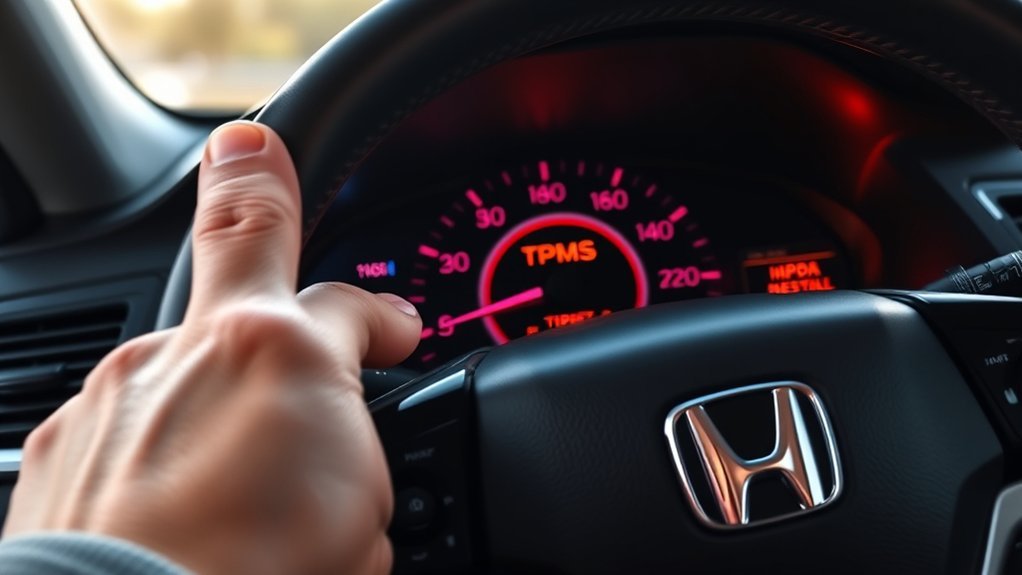
Resetting the TPMS light is not the same as fixing the tire pressure. Always correct the tire pressure first. Then use the reset or calibration procedure that matches your Accord.
Depending on model year and display type, your Accord may use one of these methods:
- Physical TPMS button: Some models use a TPMS or calibration button. With the vehicle on and parked, hold the button until the indicator blinks or the system confirms calibration.
- Driver information interface: Some models use steering-wheel controls. Look for Vehicle Settings, TPMS Calibration, or a similar tire-pressure menu.
- Touchscreen menu: Some newer models use the audio/information screen. Look under Settings, Vehicle, TPMS Calibration, or a similar path.
- Direct-sensor service: Older direct TPMS systems may require a TPMS scan/programming tool after sensor replacement.
After you start calibration, many Accord systems need normal driving to relearn tire behavior. Drive at steady speeds on normal roads and avoid aggressive braking or sharp turns while the system learns.
How to Calibrate Your TPMS: A Simple Guide
Calibration teaches the system what “normal” tire behavior looks like after the tires are correctly inflated. This is especially important for indirect systems because they compare wheel-speed patterns instead of reading exact pressure from each tire.
Calibration Process Overview
- Inflate all tires first. Set every tire to the correct cold pressure on the door-jamb label.
- Park safely. Put the vehicle in Park and turn the power mode on as your manual directs.
- Open the TPMS calibration menu or use the TPMS button. Confirm calibration when prompted.
- Drive normally. The system may need a period of normal driving to complete learning.
- Recheck if the warning returns. A recurring warning may mean pressure loss, mismatched tires, or a system fault.
Required Tools and Resources
| Tool or Resource | Purpose |
| Tire-pressure gauge | Confirms each tire is at the correct cold pressure |
| Air compressor | Adds air to low tires before calibration |
| Honda owner’s manual | Gives the exact reset or calibration steps for your model year |
| TPMS scan/programming tool | Needed only for certain direct-sensor diagnostics, registration, or replacement work |
Common Calibration Issues
If TPMS calibration fails or the warning returns, check these common causes:
- Pressure was set while tires were hot. Recheck when cold.
- One tire has a slow leak. Inspect for punctures, bead leaks, or valve-stem issues.
- Tires are mismatched. Uneven size, construction, tread depth, or wear can confuse indirect systems.
- A compact spare is installed. Some systems cannot calibrate correctly with a temporary spare in use.
- A wheel or sensor was replaced. Direct systems may need sensor registration.
- ABS or wheel-speed data is faulty. Indirect systems may need professional diagnosis if calibration keeps failing.
Key Indicators That Your TPMS Sensor Needs Replacement
Sensor replacement applies mainly to direct TPMS systems with wheel-mounted sensors. If your Accord uses indirect TPMS, there may be no pressure sensor in the wheel to replace.
For direct systems, possible sensor problems include:
- The TPMS light flashes and then stays on after pressure is corrected.
- A shop scan shows one sensor is not communicating.
- The warning began after tire or wheel replacement.
- A valve stem is cracked, corroded, leaking, or damaged.
- The sensor battery has aged and no longer transmits reliably.
Do not guess. Have the system scanned before replacing sensors. A bad valve stem, unregistered sensor ID, incompatible aftermarket wheel, or weak sensor battery can create similar symptoms.
[Products Worth Considering]

Replace worn or malfunctioning GM TPMS sensors with this 433MHz pre-programmed sensor set designed for compatibility with many Chevrolet, Buick, GMC, and Cadillac models. It includes guidance for proper OBDII relearning/pairing after installation and supports reliable long-term operation with a high-performance CR2032 battery. Quality tested for durability and performance to help restore accurate tire pressure monitoring.
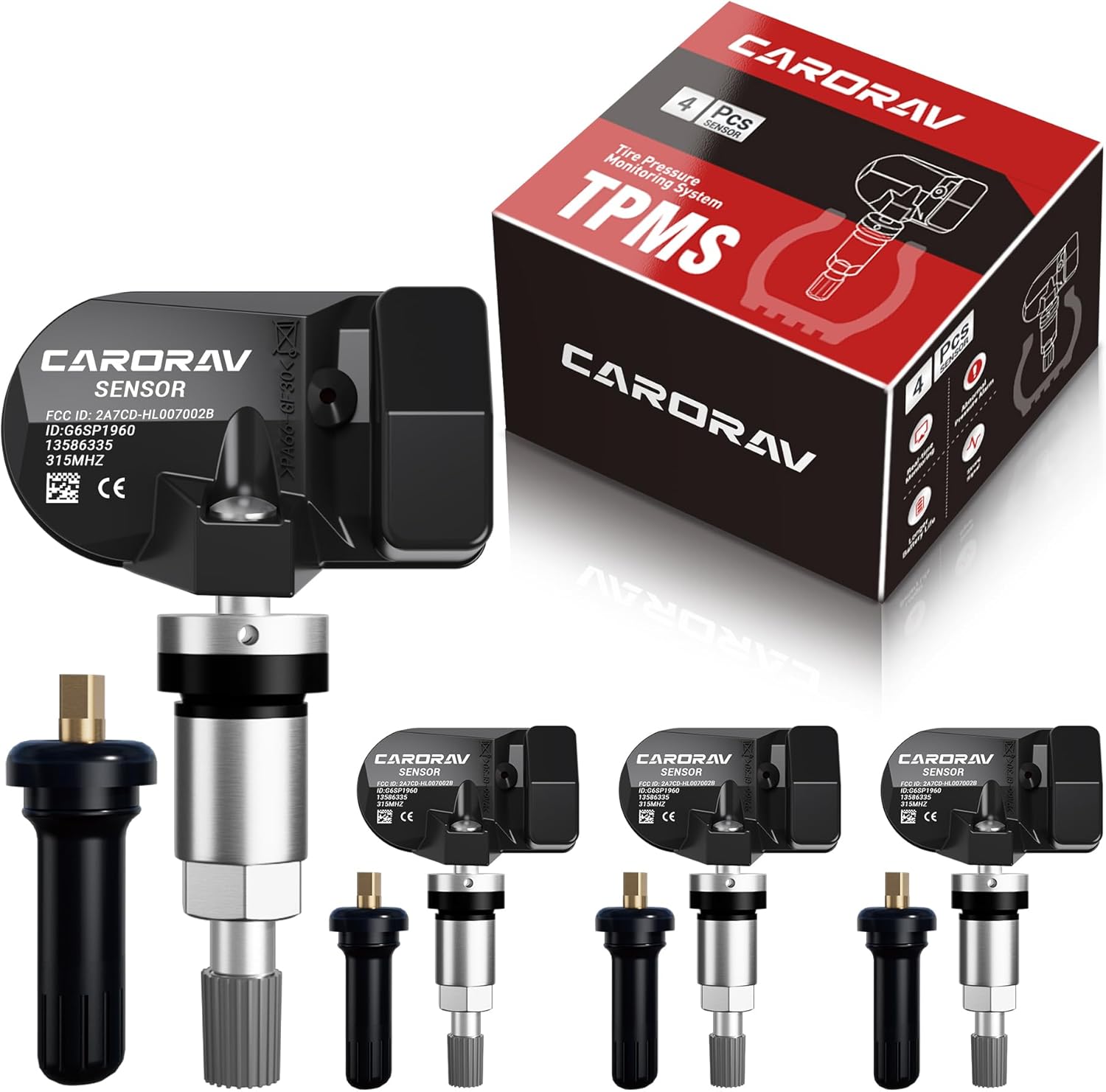
Replace worn or missing TPMS sensors with CARORAV pre-programmed GM-compatible sensors for a smoother installation experience. These 315MHz replacement sensors help monitor tire pressure in real time with long battery life, and they are designed to withstand harsh temperatures. Manual or OBDII relearn may be required to reset the system for proper recognition.

Replace your worn or missing TPMS sensors with pre-programmed, direct-fit sensors for compatible Ford, Lincoln, and select Mazda models. Each sensor comes ready to activate with a scan tool, helping restore accurate tire pressure monitoring and trouble-free installation. Built with a long-life CR2032 battery and tested before factory release, this set provides dependable performance with a one-year warranty.
DIY vs. Professional TPMS Maintenance?
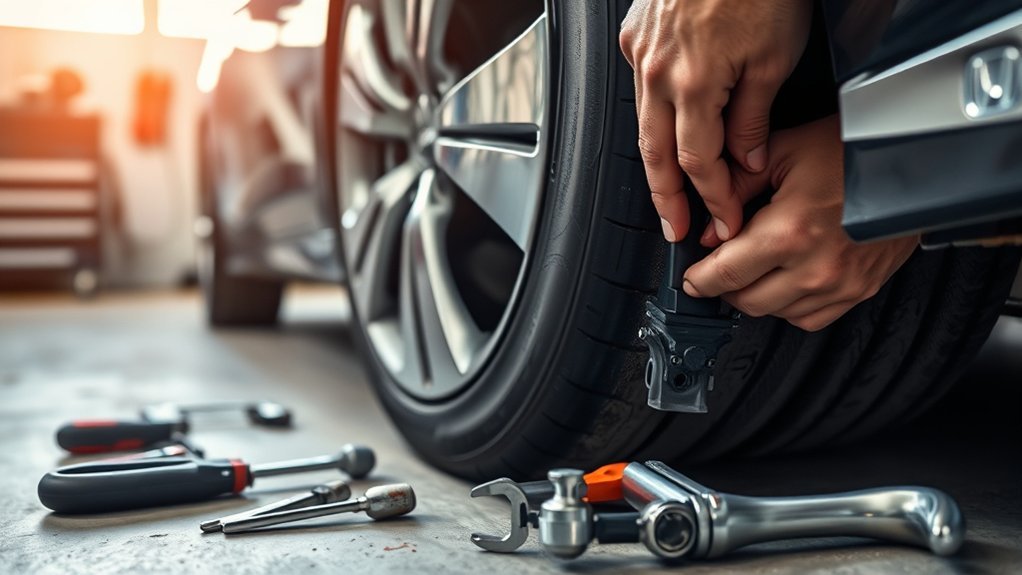
You can handle basic TPMS maintenance yourself if the tires are healthy and the light is caused by normal pressure loss. Use a tire-pressure gauge, correct the pressure, and run the proper calibration.
Choose professional TPMS service when the light flashes, the warning returns after calibration, one tire keeps losing air, or you recently changed tires, wheels, valve stems, or sensors. A tire shop or Honda dealer can scan sensor IDs, check for TPMS trouble codes, inspect leaks, and verify wheel compatibility.
| Task | DIY? | Professional Help? |
| Monthly pressure check | Yes | Not usually needed |
| TPMS calibration after inflation | Yes, if your manual gives the steps | Needed if calibration fails repeatedly |
| Sensor replacement | Not recommended for most owners | Yes, for programming and leak checks |
| Flashing TPMS light diagnosis | Check pressure first | Yes, if it comes back |
[Products Worth Considering]

The Tymate TM2 RV tire pressure monitoring system keeps you informed with a color LCD display, automatic backlight, and solar charging for dependable operation. It supports up to 10 tire positions with four pre-paired sensors, while offering multiple alarm modes for fast leak detection, pressure extremes, temperature alerts, and low-signal warnings. Built-in monitoring uses accurate readings and reliable 433.92MHz communication to help protect your RV, trailer, truck, or SUV.
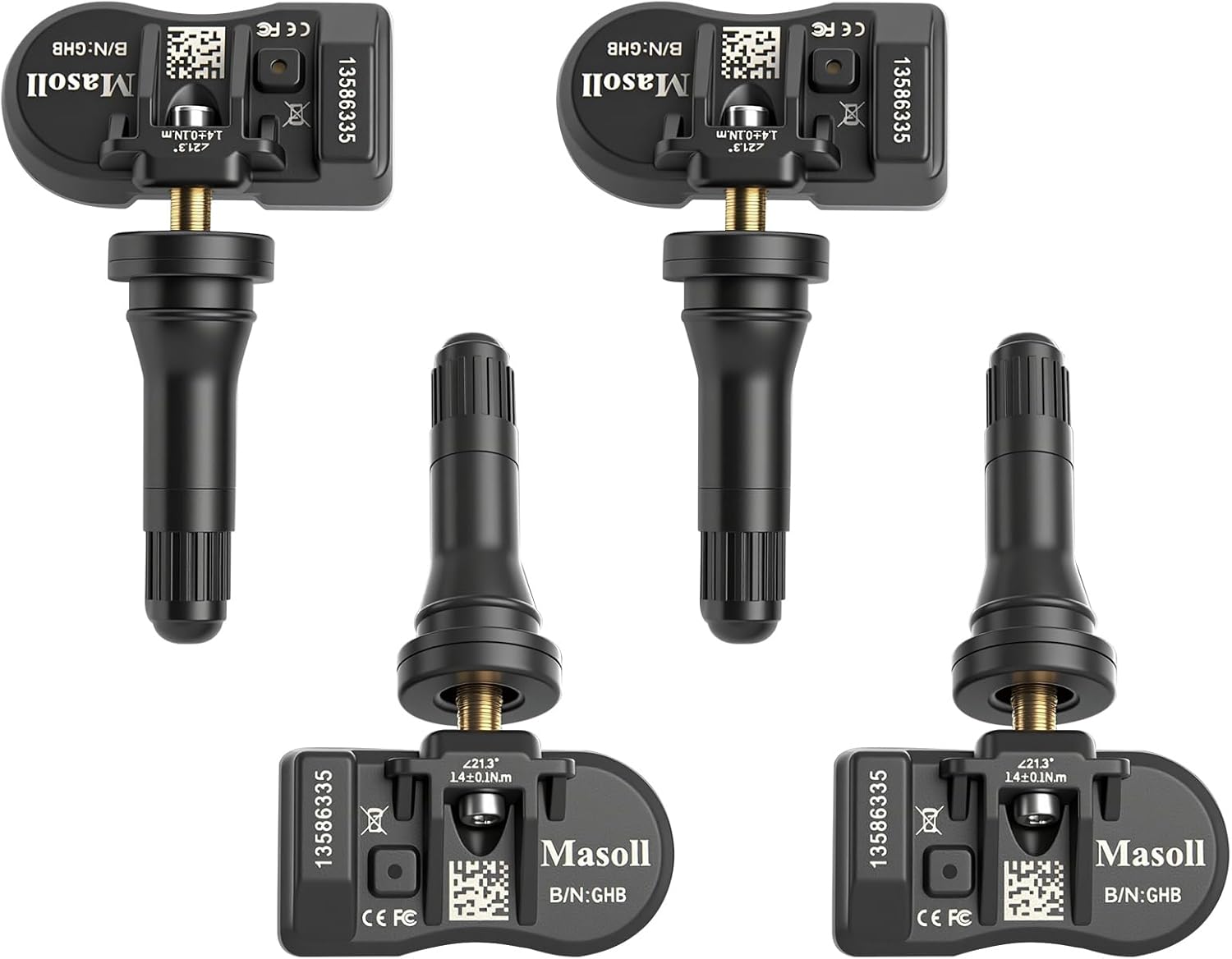
Masoll TPMS sensors are designed for most GM vehicles after 2006, helping you clear tire pressure warnings with OEM-level 315/433MHz compatibility. The 4-pack includes pre-programmed sensors, but re-learning is required after installation using a GM TPMS relearn tool or scan tool. Built with a dual-antenna design and a long-life CR2050 battery, these sensors deliver reliable performance in extreme temperatures with corrosion-resistant valve construction.

Autel MX TPMS sensors combine 315MHz and 433MHz in a single easy-to-install press-in design for faster tire service. They support wireless programming with strong signal performance, and the sensors are clone-able for streamlined replacement. Built for reliability and tested to SAE standards, each sensor includes a series number for quality control.
How Temperature and Load Affect Your TPMS
Temperature changes can move tire pressure enough to trigger a TPMS warning, especially when the tires were already close to the low-pressure threshold. Cold mornings are a common time for TPMS lights because pressure drops overnight and rises again as the tires warm during driving.
Load also matters. A heavily loaded Accord can heat tires more quickly and may require extra attention to pressure, tire condition, and load limits. Always follow the tire and loading label inside the driver’s door area. Do not exceed the vehicle’s load rating, and do not use tire pressure to compensate for overloading.
When seasons change, check pressure more often. A good routine is to check pressure monthly, before long trips, after big temperature swings, and after any tire service.
Essential Maintenance Tips for Your TPMS
- Check pressure monthly. TPMS is a warning system, not a replacement for a gauge.
- Use cold placard pressure. The correct PSI is on the driver’s door jamb label or in the owner’s manual.
- Inspect tread and sidewalls. Look for cuts, bulges, nails, uneven wear, or cracking.
- Recalibrate after tire service. Do this after rotation, replacement, inflation changes, or wheel changes if your Accord requires it.
- Do not ignore a flashing light. A flashing TPMS light usually means the system may not warn you correctly.
- Use compatible tires and wheels. Mismatched sizes or incompatible sensors can cause false warnings or malfunction alerts.
- Keep records. Note dates for tire rotations, pressure checks, and sensor service so repeated issues are easier to diagnose.
Frequently Asked Questions
What are common TPMS problems on Hondas?
Common Honda TPMS problems include low tire pressure, pressure changes from cold weather, slow leaks, failed calibration, mismatched tires, damaged valve stems, weak direct-sensor batteries, and TPMS faults after wheel or tire replacement.
How much does it cost to fix TPMS on a Honda Accord?
If the issue is low pressure, the fix may cost nothing beyond adding air. A shop diagnosis, valve-stem repair, or TPMS sensor replacement can cost more and varies by model year, labor rate, and whether the system uses direct wheel sensors.
Why is my Honda Accord TPMS light on after I filled the tires?
The tires may have been filled while warm, one tire may still be leaking, or the TPMS may need calibration. Check all tires cold, set them to the door-jamb pressure, then perform the correct calibration procedure for your model year.
Can I drive with the TPMS light on?
You should check tire pressure as soon as possible. If the car feels unstable, a tire looks low, or you see damage, pull over safely and do not continue driving on that tire. If pressure is corrected and the light stays on or flashes, have the system inspected.
Does the Honda Accord TPMS show exact tire pressure?
It depends on model year and system type. Some direct systems can identify pressure-related sensor data through diagnostic tools, while many indirect systems do not display exact PSI. Use a tire-pressure gauge for an accurate reading.
Conclusion
Keeping your Honda Accord’s TPMS working starts with simple tire habits: check pressure cold, use the door-jamb label, inspect for damage, and calibrate the system after tire service or pressure changes. A solid warning light usually means you should check pressure right away. A flashing light usually means the TPMS itself needs diagnosis. Handle both promptly so your Accord stays stable, efficient, and safe to drive.
Sources
- NHTSA TireWise tire safety guide — tire pressure checks, TPMS warning meaning, monthly maintenance, and tire safety guidance
- FuelEconomy.gov gas mileage maintenance tips — fuel economy benefit of proper tire inflation
- 49 CFR § 571.138 Tire Pressure Monitoring Systems — federal TPMS warning and malfunction requirements
- Honda Owner’s Manuals portal — model-year-specific Honda Accord TPMS reset and calibration instructions