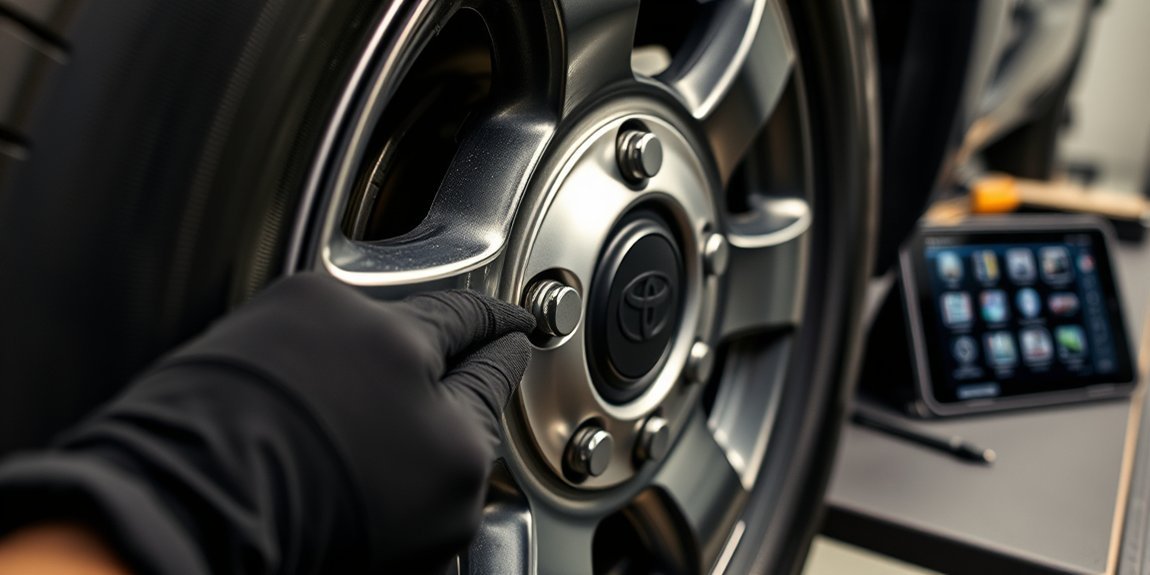
A new tire pressure sensor can leave your Tacoma warning light on, even when every tire has the right air pressure. The fix usually takes a short setup sequence, then a steady drive so the truck can learn each sensor ID. This guide walks you through how to register a Tire Pressure Monitoring System (TPMS) sensor on a Toyota Tacoma, what to check first, and what to do if registration fails.
Quick Answer
To register a TPMS sensor on your Toyota Tacoma, park the truck for 20 minutes, open the Tire Pressure Warning System (TPWS) settings, and hold the enter button until the warning light blinks slowly three times. Then drive at 25 mph or faster for 10 to 30 minutes so the system can finish registration.
Key Takeaways
- Park your Tacoma for 20 minutes before you start TPMS registration.
- Use the TPWS menu on your dashboard to start the sensor registration process.
- Drive at 25 mph or faster for 10 to 30 minutes after the warning light blinks three times.
- Keep other TPMS-equipped wheels and vehicles away during setup to reduce interference.
- Use pre-programmed sensors, or use a compatible external tool for blank aftermarket sensors.
Before You Begin TPMS Sensor Registration
Plan for about 30 to 60 minutes from start to finish. You need a parked Tacoma, correctly inflated tires, compatible TPMS sensors, and enough road space to drive steadily at 25 mph or faster.
Check all four tires, and check the spare if your setup includes a TPMS sensor there. Keep extra wheels with TPMS sensors away from the truck during setup because nearby sensors can confuse the system.
Note: Some aftermarket sensors need programming before your Tacoma can register them.
[Products Worth Considering]

Replace worn or malfunctioning GM TPMS sensors with this 433MHz pre-programmed sensor set designed for compatibility with many Chevrolet, Buick, GMC, and Cadillac models. It includes guidance for proper OBDII relearning/pairing after installation and supports reliable long-term operation with a high-performance CR2032 battery. Quality tested for durability and performance to help restore accurate tire pressure monitoring.

Replace your worn or missing TPMS sensors with pre-programmed, direct-fit sensors for compatible Ford, Lincoln, and select Mazda models. Each sensor comes ready to activate with a scan tool, helping restore accurate tire pressure monitoring and trouble-free installation. Built with a long-life CR2032 battery and tested before factory release, this set provides dependable performance with a one-year warranty.

Marsflex brand TPMS replacement sensors help restore tire pressure monitoring for compatible Toyota, Lexus, Scion, and Pontiac models. Each sensor is pre-programmed for the vehicle application and includes a long-life battery for up to 8 years of normal use. Designed to replace common OE numbers and requires relearning using a TPMS scan tool after installation.
How to Register Your TPMS Sensor: A Step-by-Step Guide
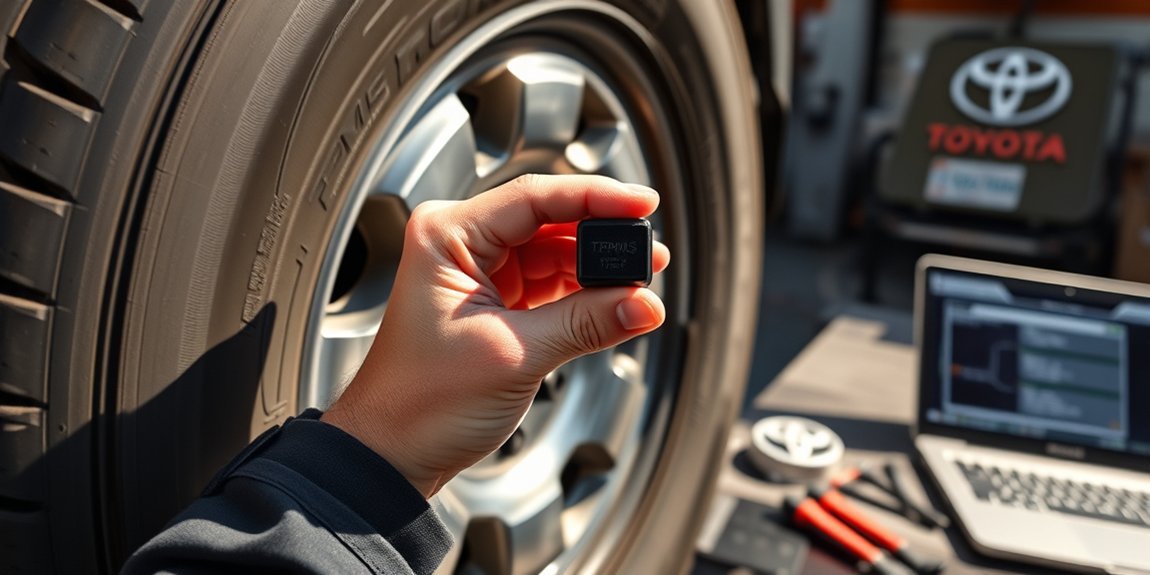
Follow these steps in order. If you stop partway through or reverse during the drive cycle, you may need to start again.
- Park your Tacoma for 20 minutes. This helps tire pressures settle before registration starts.
- Start the engine. Keep the truck parked while you open the settings menu.
- Open the TPWS settings. Use the gear icon on a 7-inch display or the center button on a 12.3-inch display.
- Select the tire pressure sensor registration option. Follow the prompts shown on your dashboard.
- Hold the enter button. Release it after the tire pressure warning light blinks slowly three times.
- Drive at 25 mph or faster. Keep driving for 10 to 30 minutes so your Tacoma can read the sensors.
- Confirm registration worked. The warning light should turn off, and the tire pressures should display correctly.
Use paved roads and avoid stop-and-go driving when you can. A steady drive gives the system the best chance to read each sensor cleanly.
Troubleshooting TPMS Registration Issues
Even after you follow the steps, your Tacoma may not register the new TPMS sensor on the first try. Start with the simple causes before you assume a sensor has failed.
- Move spare wheels or loose TPMS sensors away from the truck.
- Confirm that each tire has the correct pressure before you restart registration.
- Park for the full 20 minutes before you start the process again.
- Drive at 25 mph or faster for the full drive cycle.
- Avoid reversing during the registration drive.
If the warning light stays on after several attempts, a Toyota dealer or qualified tire shop can scan the sensors. They can confirm whether the sensor ID, battery, or programming needs attention.
Warning: Do not ignore a tire pressure warning light because low tire pressure can affect handling and tire wear.
[Products Worth Considering]

This TPMS relearn tool helps you quickly activate, match, and reset GM tire pressure sensors to keep the vehicle monitoring system working properly. It clears tire pressure alarms and dashboard warning lights after sensor replacement or tire rotation, and supports learning for common 315/433 MHz TPMS sensors. Designed for simple one-button operation, it can help you avoid unnecessary trips to repair shops.
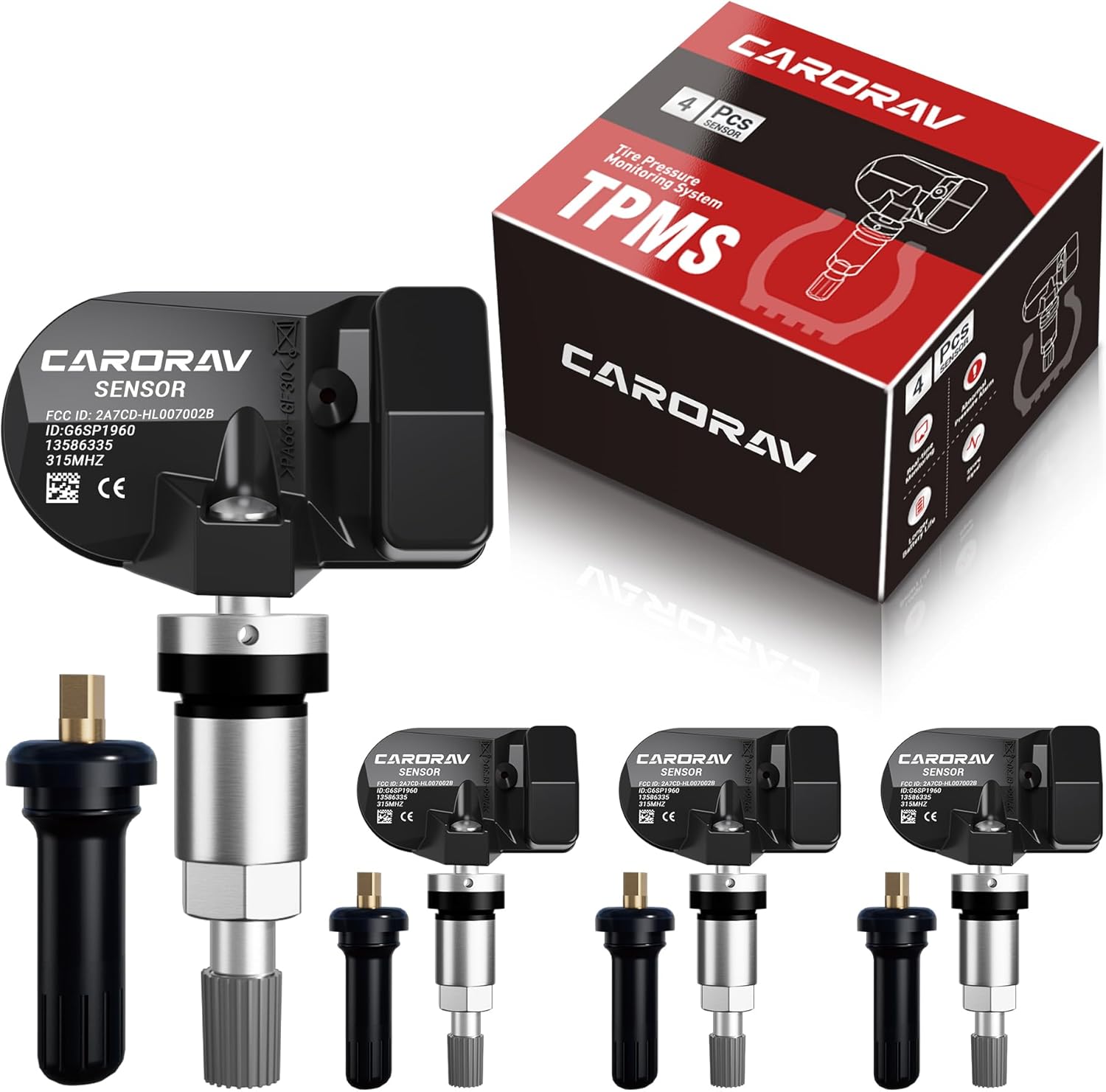
Replace worn or missing TPMS sensors with CARORAV pre-programmed GM-compatible sensors for a smoother installation experience. These 315MHz replacement sensors help monitor tire pressure in real time with long battery life, and they are designed to withstand harsh temperatures. Manual or OBDII relearn may be required to reset the system for proper recognition.

Masoll Gen 2 external TPMS sensors are a DIY replacement set of 4 for select GM vehicles made after 2006, helping you shut off the TPMS warning light quickly. Simply screw the sensors onto the tire valves and sync to your car ECU using the included EL-50448 relearn tool. Dual-frequency 315/433 MHz design provides OEM-level performance with accurate readings and replaceable batteries for about two years.
Expert Tips for a Smooth TPMS Sensor Setup
A smooth TPMS setup starts before you touch the dashboard menu. Correct tire pressure, clean sensor programming, and a clear drive route all help the system learn faster.
If you use aftermarket sensors, confirm that the shop pre-programmed them for your Tacoma. Blank sensors often need an external programming tool before the truck can register them.
| Tip | Details |
|---|---|
| Tire Inflation | Confirm proper tire pressure before starting. |
| Display Size | Know your Tacoma’s display size for accurate setup. |
| Driving Speed | Maintain 25+ mph for 10-30 minutes after setup. |
| Sensor Compatibility | Use pre-programmed sensors for smoother registration. |
[Products Worth Considering]
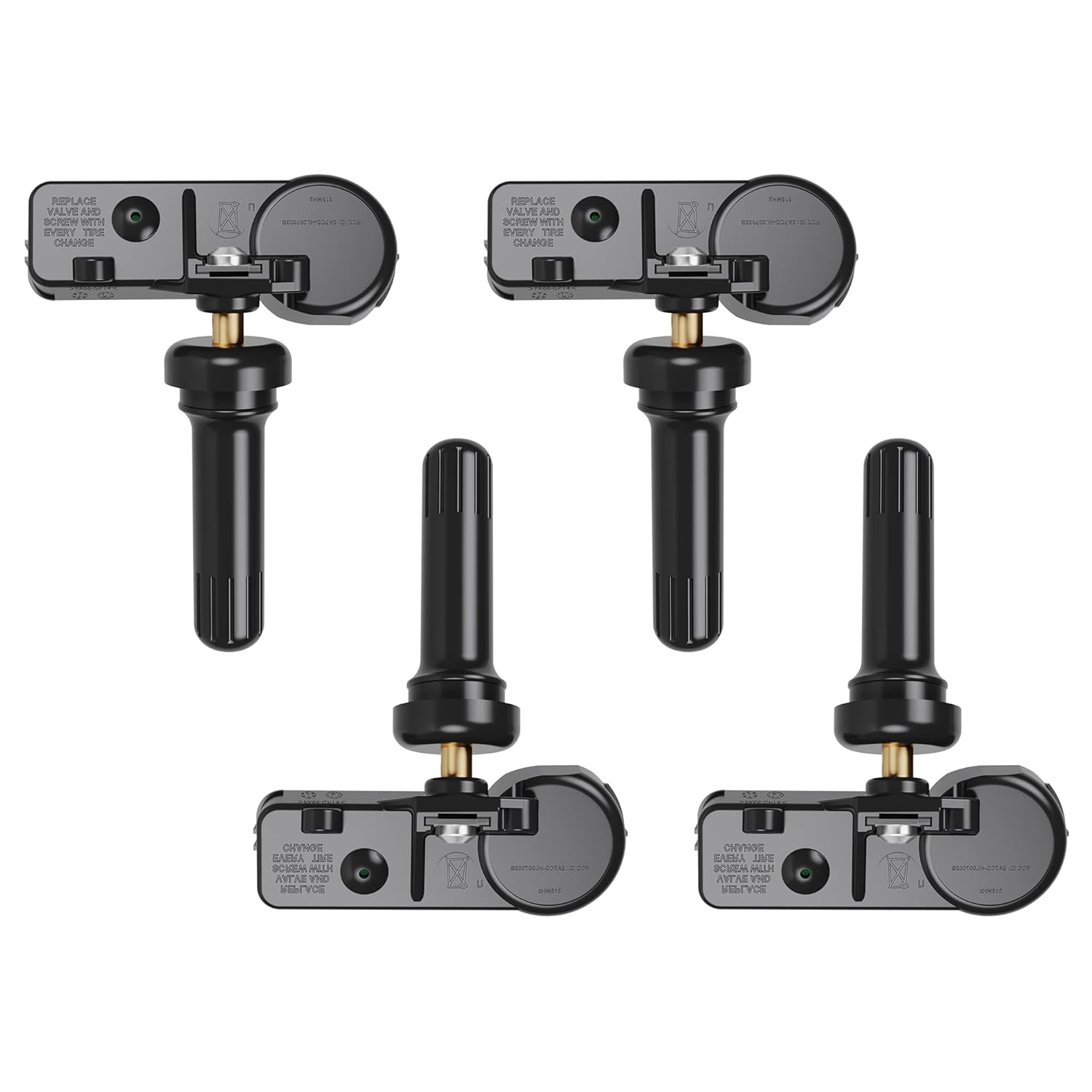
Replace worn or faulty TPMS sensors with this brand new 315MHz GM-compatible replacement set for select Chevy, GMC, Buick, Cadillac, and similar vehicles. These sensors are pre-programmed for your make/model/year and typically only require activation with a scan tool. Built for long service life with a high-temperature battery, they help maintain reliable tire pressure monitoring for safer driving.
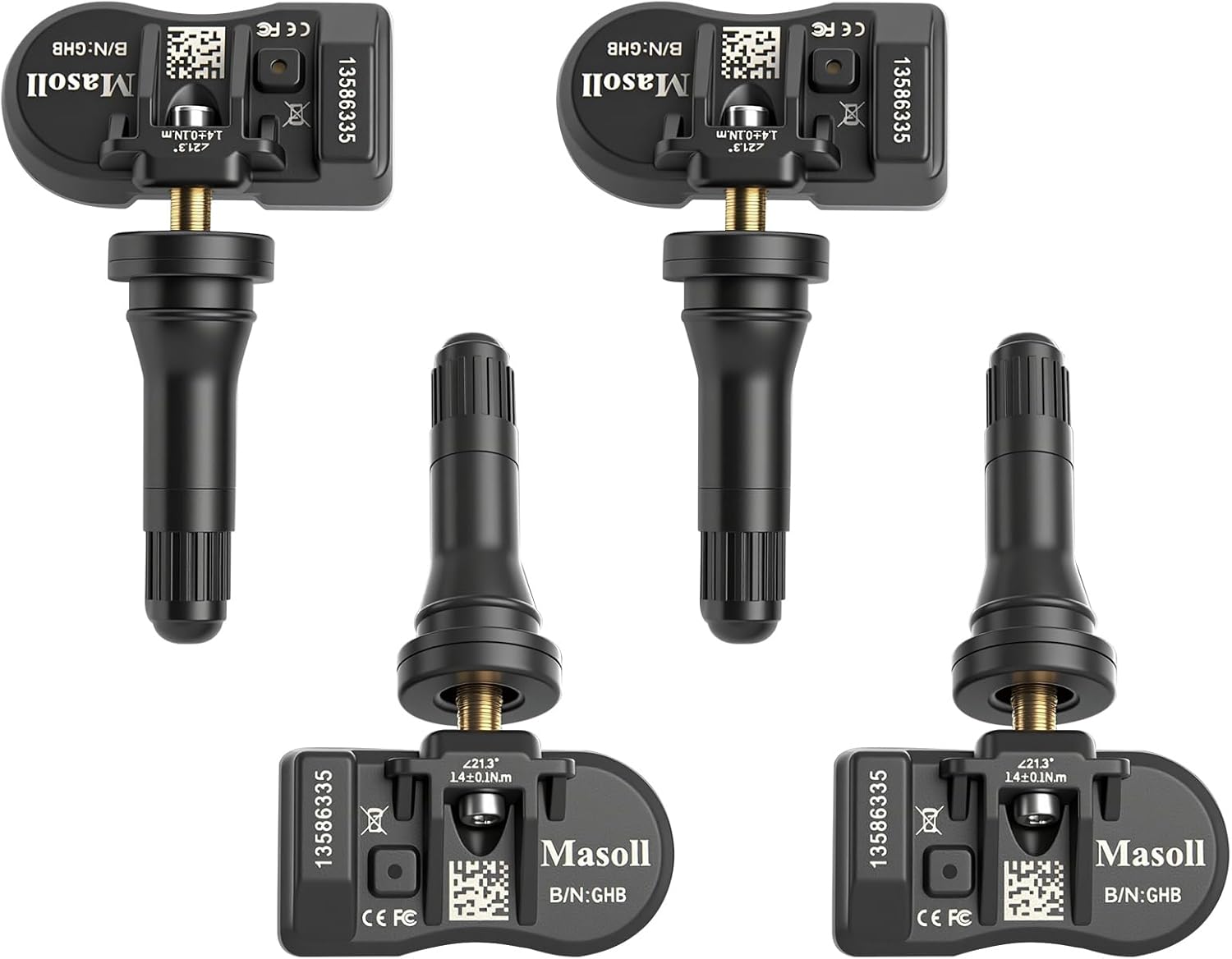
Masoll TPMS sensors are designed for most GM vehicles after 2006, helping you clear tire pressure warnings with OEM-level 315/433MHz compatibility. The 4-pack includes pre-programmed sensors, but re-learning is required after installation using a GM TPMS relearn tool or scan tool. Built with a dual-antenna design and a long-life CR2050 battery, these sensors deliver reliable performance in extreme temperatures with corrosion-resistant valve construction.

The VEHLIVE SU-50448 II TPMS relearn tool provides a fast activation reset to restore accurate tire pressure monitoring after sensor replacement or tire rotation. It supports 315 MHz and 433 MHz GM series sensors and helps clear dashboard pressure warnings. With simple two-button operation and horn-confirmed relearning order, you can reprogram sensors conveniently at home.
Frequently Asked Questions About TPMS on the Toyota Tacoma
What types of TPMS sensors work with a Tacoma?
Your Tacoma may work with original equipment Toyota sensors or compatible aftermarket sensors. OEM Toyota sensors often come ready for vehicle registration, while some aftermarket sensors need pre-programming first.
Why does TPMS registration fail?
Registration can fail if nearby wheels or vehicles send competing TPMS signals. It can also fail when tire pressure has not settled, the sensors lack programming, or the drive cycle ends too soon.
Can you register TPMS sensors without a tool?
You can often register compatible sensors through the Tacoma dashboard menu. Blank aftermarket sensors may still need an external programming tool before dashboard registration will work.
What You Should Know About TPMS Sensor Registration
Each TPMS sensor has a unique ID code. Your Tacoma needs that code so it can match each pressure reading to the correct wheel set.
You should register sensors after replacing a sensor, changing wheel sets, or installing new TPMS-equipped wheels. If the system does not recognize a sensor, the warning light may stay on even when tire pressure looks normal.
Good setup habits reduce repeat attempts. Park first, confirm sensor compatibility, follow the TPWS prompts, then complete the full drive cycle.
Frequently Asked Questions
How do you program TPMS sensors in a Tacoma?
Start by confirming that each sensor works with your Tacoma. Then use the TPWS settings menu to start registration, and drive at 25 mph or faster for 10 to 30 minutes.
How do you activate a new Toyota TPMS sensor without a tool?
Use the dashboard TPWS menu if your sensor already has compatible programming. Park for 20 minutes, start registration, and complete the drive cycle after the warning light blinks three times.
Do Toyota TPMS sensors need to be programmed?
Many OEM Toyota sensors arrive pre-programmed for the correct application. Some aftermarket sensors need programming before your Tacoma can register them through the dashboard.
How do you register a new TPMS sensor?
Confirm sensor compatibility, set the correct tire pressure, and start registration through the TPWS settings. Drive at 25 mph or faster until the truck reads the sensor IDs and shows the tire pressures.
Conclusion
Registering a TPMS sensor on your Toyota Tacoma works best when you prepare the tires, start the TPWS process correctly, and finish the full drive cycle. Begin with proper tire pressure and a quiet setup area away from other TPMS sensors.
If the warning light stays on after several tries, have a dealer or qualified tire shop scan the sensors. Once registration works, your Tacoma can track tire pressure and help you catch problems before they affect your drive.