A Service Tire Monitor System message on a Chevy deserves attention because it can indicate that the Tire Pressure Monitoring System (TPMS) is not working correctly. First, check the actual pressure in all four road tires with a reliable gauge. If the pressures are correct but the message or flashing TPMS light remains, the vehicle may need a sensor relearn, sensor repair, or professional diagnosis.
Quick Answer
On a Chevy, a normal low-tire-pressure warning and a Service Tire Monitor System fault are not necessarily the same thing. Check every tire against the cold PSI on the driver’s door placard first. If pressure is correct but the warning remains or the TPMS light flashes before staying on, the monitoring system itself may need service or relearning.
Key Takeaways
- A steady low-pressure TPMS light usually means at least one tire is significantly underinflated.
- A TPMS light that flashes for about 60–90 seconds and then stays on indicates a system malfunction on vehicles using a combined warning lamp.
- Use the cold PSI on the vehicle’s Tire and Loading Information label or owner’s manual, not the maximum pressure molded into the tire sidewall.
- The federally required TPMS warning is designed around significant underinflation; you still need a gauge to detect and correct overinflation.
- A Service Tire Monitor System warning that remains after tire pressures are correct may require sensor diagnosis or a model-specific TPMS relearn.
At a Glance
| Time Required | About 10–20 minutes for a basic pressure and visual check |
| Difficulty | Easy for pressure checks; moderate/professional for sensor diagnosis or relearn |
| Tools Needed | Accurate tire-pressure gauge and an air source; a TPMS scan/relearn tool may be needed for system faults |
| Cost | Often little or no cost to check and adjust pressure; diagnostic, sensor, tire-removal, and relearn costs vary by vehicle and repair shop |
What the Chevy Service Tire Monitor System Means

When your Chevy displays a Service Tire Monitor System message, treat it as a clue that the TPMS may not be operating normally. That is different from assuming the message simply means a tire is low.
The federally required TPMS warning is designed to alert you when one or more tires become significantly underinflated. According to NHTSA tire-safety guidance, a normal low-pressure warning means you should inspect the tires and check pressure as soon as possible.
A pressure warning tells you to check the tires; a TPMS malfunction warning tells you the monitoring system itself may not be able to warn you correctly.
Your Chevy may also display individual tire-pressure readings, depending on the model and trim. These readings are useful, but they do not replace an accurate hand gauge.
If the TPMS light flashes for roughly a minute and then remains illuminated, federal TPMS rules identify that behavior as a malfunction indication for systems that combine the low-pressure and malfunction warning into the same lamp.
Note: The exact wording, dashboard behavior, and relearn procedure can vary by Chevrolet model and model year. Your owner’s manual is the final authority for your specific vehicle.
TPMS supports tire maintenance, but it does not replace routine tire checks.
Why the TPMS Light Turns On
A TPMS light can appear because at least one tire is significantly underinflated or because the monitoring system has detected a malfunction.
A steady low-pressure telltale typically points you toward the tires themselves. A light that flashes for about 60–90 seconds before remaining on points toward a TPMS malfunction on a system using the combined telltale.
Cold weather can also make a marginally low tire cross the warning threshold overnight. The warning may disappear later as the tire warms, but you should still verify the pressure manually rather than assuming the problem has solved itself.
Tire Pressure Problems
If the TPMS light comes on steadily, check all four road tires with a reliable gauge. Compare each reading with the manufacturer’s recommended cold tire pressure on the driver’s door-area Tire and Loading Information label or in the owner’s manual.
| Condition | What You May Notice | What to Do |
|---|---|---|
| Low PSI | TPMS warning, softer handling, increased tire flex | Inflate to placard PSI and inspect for leaks or damage |
| High PSI | Gauge reads above the vehicle specification | Release air to the placard PSI; do not rely on TPMS to warn about overinflation |
| Cold weather | One or several tires read lower than before | Check and adjust pressure while the tires are cold |
Underinflated tires flex more and generate additional heat. Federal TPMS requirements specifically address significant underinflation because it can affect tire durability, fuel efficiency, handling, and stopping performance.
Overinflation is also worth correcting, but it should be found with a gauge rather than by expecting the federally required TPMS warning to detect it.
Sensor Malfunction Alerts
A TPMS light can also indicate a monitoring-system malfunction rather than a pressure problem.
Under Federal Motor Vehicle Safety Standard No. 138, a combined TPMS telltale flashes for at least 60 seconds but no more than 90 seconds when the system detects a qualifying malfunction, then remains illuminated while the malfunction continues.
Possible causes can include a damaged or noncommunicating sensor, a sensor that has not been properly relearned, a problem elsewhere in the TPMS, or replacement wheels or tires that interfere with normal system operation.
If the warning started immediately after a tire rotation, tire installation, wheel change, or TPMS sensor replacement, tell the technician. That timing can help narrow the diagnosis.
Do not assume that a malfunction warning is fixed merely because all four tires show correct pressure. The monitoring system may still be unable to detect a later pressure loss as intended.
How Tire Pressure Affects Driving
Tire pressure has a direct effect on handling, tire temperature, tread wear, fuel consumption, and vehicle stability.
An underinflated tire flexes more as it rolls. That additional flex generates heat and can reduce tire durability. NHTSA notes that significant underinflation can contribute to tire failure and may affect handling and stopping ability.
Too much pressure is also undesirable. An overinflated tire is operating above the vehicle manufacturer’s specified cold pressure and may change ride quality and tread contact. The correct target is the pressure Chevrolet specifies for the vehicle, not an arbitrary higher number.
Correct tire pressure is the vehicle manufacturer’s recommended cold PSI—not the maximum pressure printed on the tire sidewall.
Proper inflation also supports fuel efficiency by avoiding unnecessary rolling resistance from underinflated tires.
Temperature changes can move tire pressure enough to affect a marginal tire, which is why regular cold-pressure checks remain important even on a vehicle equipped with TPMS.
What to Do When the Warning Appears
When the Service Tire Monitor System message or TPMS warning appears, use this sequence instead of immediately replacing a sensor.
- Slow down and assess the vehicle. If handling suddenly changes, a tire looks flat, or you hear or feel signs of tire damage, pull over safely.
- Inspect all four tires. Look for obvious deflation, punctures, sidewall damage, bulges, or a damaged valve stem.
- Check pressure with a gauge. Compare each tire with the cold PSI on the vehicle placard.
- Correct the pressure. Add or release air as necessary.
- Recheck the warning. A normal low-pressure warning may clear after the pressure is restored and the vehicle is driven as specified by the owner’s manual.
- Watch for malfunction behavior. If the TPMS light flashes and then stays on, or a Service Tire Monitor System message remains with correct tire pressure, investigate the system rather than adding more air.
- Use a TPMS scan or relearn procedure if required. The exact procedure depends on the Chevy model and year.
Warning: Do not keep driving simply because the warning might be a sensor problem. If a tire is visibly flat, severely underinflated, damaged, rapidly losing air, or the vehicle feels unstable, stop driving and arrange tire service or roadside assistance.
[Products Worth Considering]

Autel MX TPMS sensors combine 315MHz and 433MHz in a single easy-to-install press-in design for faster tire service. They support wireless programming with strong signal performance, and the sensors are clone-able for streamlined replacement. Built for reliability and tested to SAE standards, each sensor includes a series number for quality control.

The VEHLIVE SU-50448 II TPMS relearn tool provides a fast activation reset to restore accurate tire pressure monitoring after sensor replacement or tire rotation. It supports 315 MHz and 433 MHz GM series sensors and helps clear dashboard pressure warnings. With simple two-button operation and horn-confirmed relearning order, you can reprogram sensors conveniently at home.

This TPMS relearn tool helps you quickly activate, match, and reset GM tire pressure sensors to keep the vehicle monitoring system working properly. It clears tire pressure alarms and dashboard warning lights after sensor replacement or tire rotation, and supports learning for common 315/433 MHz TPMS sensors. Designed for simple one-button operation, it can help you avoid unnecessary trips to repair shops.
Check Tire Pressure
Start by checking all four tire pressures with a reliable gauge.
For the most useful comparison, measure them when the tires are cold. NHTSA defines a cold tire for routine pressure checking as one that has not been driven for at least three hours.
Compare each reading with the manufacturer’s recommended pressure on the Tire and Loading Information label, usually near the driver’s door, or in the owner’s manual.
If one tire is low, inflate it to the correct PSI. If a tire is above specification, release air gradually and recheck it. Do not use the maximum pressure molded into the tire sidewall as the normal vehicle inflation target.
After adjusting the tires, inspect again for a puncture or other reason a tire may have become low. If pressure drops again, the tire needs leak diagnosis rather than repeated topping up.
Inspect TPMS Sensors
If the Service Tire Monitor System warning remains after you have confirmed correct pressure, shift your attention from inflation to the monitoring system.
You usually cannot fully evaluate an internal wheel-mounted TPMS sensor just by looking at the wheel. However, several clues can help determine what needs professional testing.
| Check | What to Look For | Action |
|---|---|---|
| Valve stem | Damage, looseness, corrosion, or air leakage | Have the valve and sensor assembly inspected |
| Dashboard readings | Missing, implausible, or non-updating tire data | Use a TPMS-capable scan tool for diagnosis |
| Recent tire rotation | Warning or incorrect wheel-position data afterward | Check whether a sensor relearn is required |
| Recent wheel/tire replacement | Warning started after replacement | Verify TPMS compatibility and sensor programming |
| Flashing warning | Lamp flashes for about a minute and then stays on | Treat it as a TPMS malfunction and diagnose the system |
A tire shop or repair facility with a TPMS scan tool can determine whether each sensor is transmitting and whether the vehicle recognizes the sensor IDs.
How to Check Tire Pressure Correctly
To check tire pressure correctly, use an accurate tire-pressure gauge and measure each tire when it is cold whenever practical.
NHTSA recommends checking tires at least monthly and specifies that the vehicle manufacturer’s placard pressure—not the number molded into the tire sidewall—is the correct reference.
- Park the vehicle long enough for the tires to become cold, ideally at least three hours.
- Find the recommended front and rear PSI on the Tire and Loading Information label or in the owner’s manual.
- Remove the valve cap and press the gauge firmly onto the valve stem.
- Record the reading.
- Add air if the pressure is low.
- Release air gradually if the pressure is above the vehicle specification.
- Recheck until the reading matches the recommended cold PSI.
- Repeat for every road tire.
- Check the spare separately if your vehicle has one, even though the TPMS may not monitor it.
Pro Tip: Keep a quality pressure gauge in the vehicle. TPMS normally warns only after pressure has fallen enough to cross its threshold, so a manual gauge can catch smaller pressure changes earlier.
- Correct inflation supports predictable handling and braking.
- Regular checks can reveal a slow leak before it becomes a roadside problem.
- Manual pressure checks provide a useful backup when the TPMS itself is malfunctioning.
[Products Worth Considering]

This TPMS sensor training and relearn reset tool is customized for Ford, Lincoln, and Mercury vehicles to help activate tire pressure programming after sensor replacement or tire rotation. It can activate individual tire pressure sensors with one-button operation, helping prevent TPMS warning light illumination. It is not a sensor programming tool and cannot program replacement sensors—use it to trigger/activate sensors only.
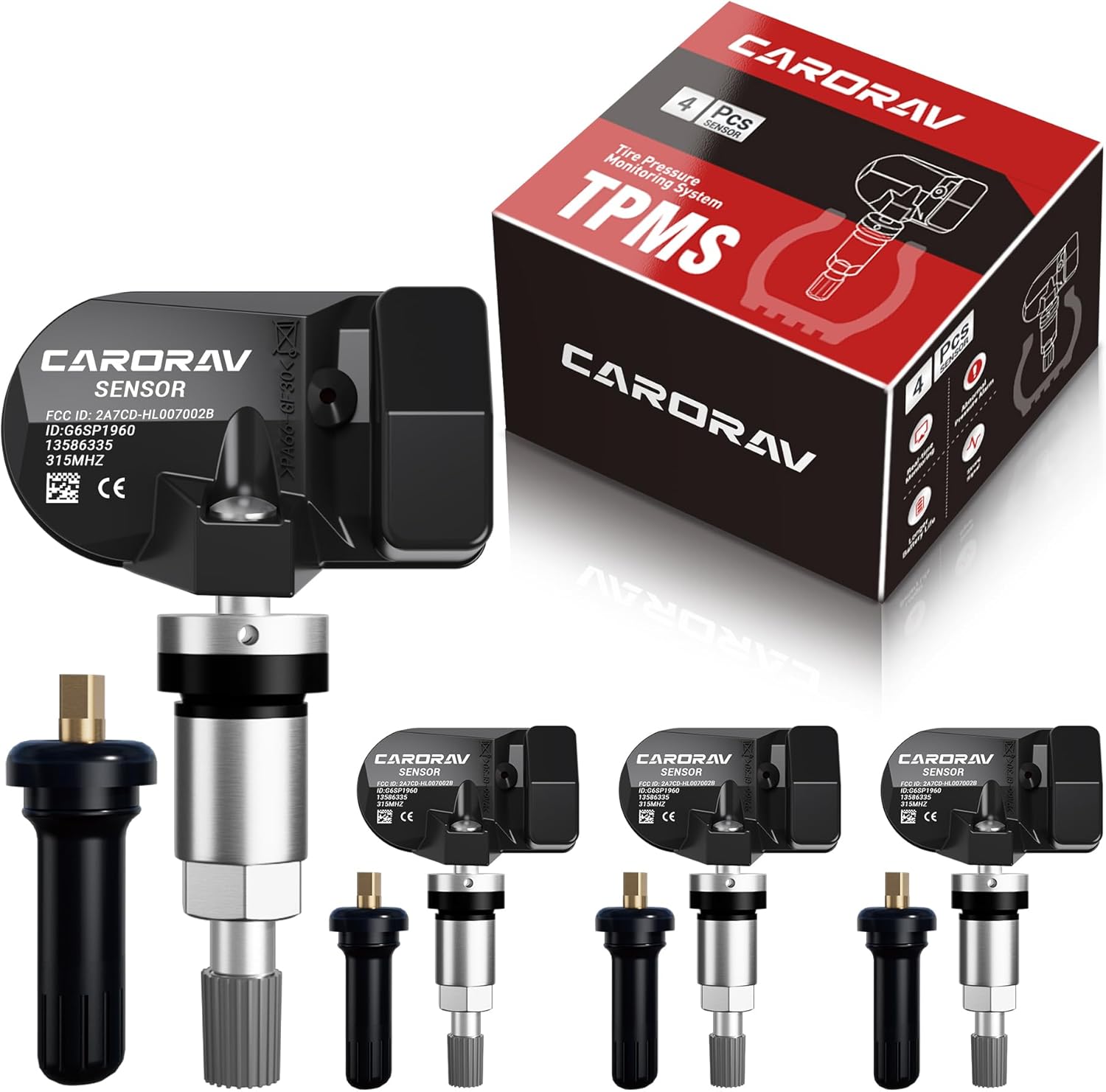
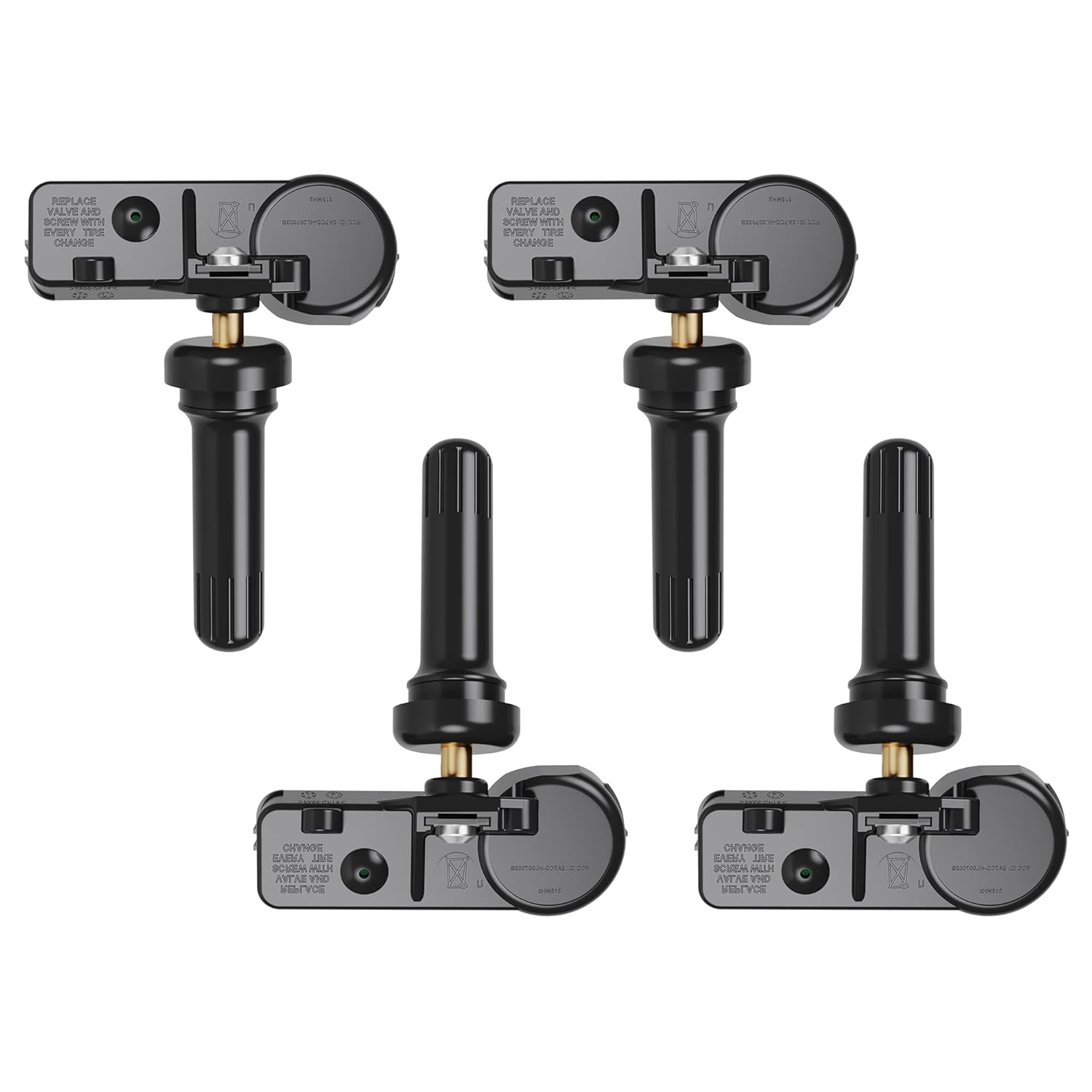
Replace worn or missing TPMS sensors with CARORAV pre-programmed GM-compatible sensors for a smoother installation experience. These 315MHz replacement sensors help monitor tire pressure in real time with long battery life, and they are designed to withstand harsh temperatures. Manual or OBDII relearn may be required to reset the system for proper recognition.

Replace your worn or missing TPMS sensors with pre-programmed, direct-fit sensors for compatible Ford, Lincoln, and select Mazda models. Each sensor comes ready to activate with a scan tool, helping restore accurate tire pressure monitoring and trouble-free installation. Built with a long-life CR2032 battery and tested before factory release, this set provides dependable performance with a one-year warranty.
How to Reset the Chevy TPMS
There is no single reset sequence that is correct for every Chevrolet model and model year.
First, make sure all tires are set to the manufacturer’s recommended cold pressure. If the problem was simply low pressure, the low-pressure warning may clear automatically after the system receives acceptable readings and the vehicle is driven according to the instructions for that model.
However, a persistent Service Tire Monitor System message or a TPMS lamp that flashes before staying on should not be treated as an ordinary pressure-reset problem.
TPMS Reset vs. Sensor Relearn
A reset generally means clearing or updating the system after pressure has been corrected. A sensor relearn means teaching the vehicle which TPMS sensors are installed and, on systems that use wheel-position information, where those sensors are located.
A relearn may be needed after certain tire rotations, sensor replacements, wheel replacements, or TPMS repairs. The procedure can vary. Some vehicles use an automatic learning process, while others require a vehicle menu sequence, a TPMS activation tool, or professional scan equipment.
Because the vehicle model and year are not known here, do not follow a generic button sequence from another Chevy. Use the procedure in the owner’s manual for your exact vehicle.
After Tire Rotation or Sensor Replacement
If the warning appeared immediately after tire service, ask whether the TPMS relearn was completed.
A sensor can be physically installed and still require programming or matching before the vehicle recognizes it correctly. Replacement wheels and tires can also create TPMS compatibility problems, which federal TPMS regulations specifically recognize as a possible cause of malfunction.
After the correct relearn is performed, verify that the dashboard pressure positions match the actual wheel locations if your Chevy displays individual tire readings.
Why the TPMS Light Comes and Goes
The TPMS light can come and go when actual tire pressure moves above and below the warning threshold.
A common example is a cold morning. Pressure in a marginally low tire can fall enough overnight to illuminate the warning, then rise as the tire and surrounding air warm.
NHTSA specifically advises checking the pressure when this happens instead of assuming the temporary disappearance of the light means the tire is properly inflated.
Several tires can become marginally low at the same time during colder weather. That does not by itself mean the TPMS module has failed.
- Check all tires when cold rather than relying on the dashboard alone.
- Look for a repeating loss in the same tire, which can indicate a slow leak.
- Remember that TPMS may not warn about mild underinflation until the pressure reaches its activation threshold.
If the TPMS light flashes for about 60–90 seconds and then remains illuminated, treat that as malfunction behavior rather than a normal temperature-related low-pressure warning.
If the light continues to behave abnormally after the tires are correctly inflated, the system should be diagnosed.
When TPMS Sensors Need Repair
If the TPMS light continues to indicate a malfunction after you have confirmed correct tire pressure, one or more parts of the monitoring system may need repair or relearning.
Possible clues include a sensor that does not respond to a TPMS scan tool, missing tire-pressure information on the dashboard, a damaged sensor or valve assembly, or a warning that began immediately after tire or wheel service.
Do not replace sensors solely because tire pressures changed with the weather. Actual pressure changes should be corrected first.
Likewise, several low tires at once do not automatically point to a failed TPMS module. Verify their pressures, inspect for leaks, and consider recent temperature changes before moving to electronic diagnosis.
If the sensor or system cannot communicate correctly, professional equipment can identify which wheel or component is causing the malfunction.
[Products Worth Considering]

Replace worn or missing TPMS sensors with a pre-programmed 4-pack designed for compatible GM vehicles. These 315MHz sensors provide real-time tire pressure monitoring and alert you if pressure is too high, too low, or if a rapid air leak occurs. Most installations are ready with minimal relearn effort after mounting, helping improve safety and driving confidence.

Replace worn or malfunctioning GM TPMS sensors with this 433MHz pre-programmed sensor set designed for compatibility with many Chevrolet, Buick, GMC, and Cadillac models. It includes guidance for proper OBDII relearning/pairing after installation and supports reliable long-term operation with a high-performance CR2032 battery. Quality tested for durability and performance to help restore accurate tire pressure monitoring.

Masoll Gen 2 external TPMS sensors are a DIY replacement set of 4 for select GM vehicles made after 2006, helping you shut off the TPMS warning light quickly. Simply screw the sensors onto the tire valves and sync to your car ECU using the included EL-50448 relearn tool. Dual-frequency 315/433 MHz design provides OEM-level performance with accurate readings and replaceable batteries for about two years.
When to Get Professional Tire Service
Arrange professional tire or TPMS service when the warning remains after the tires are correctly inflated or when the TPMS lamp flashes and then remains illuminated.
You should also get help when:
- A tire repeatedly loses pressure after inflation.
- You see a puncture, bulge, sidewall damage, or damaged valve stem.
- The vehicle displays missing or obviously incorrect tire-pressure readings.
- The warning began after tire rotation, wheel replacement, or sensor replacement and will not clear.
- A TPMS relearn cannot be completed.
- The vehicle handles abnormally or a tire is too low to drive on safely.
A technician can check the tire itself, activate each sensor with a TPMS tool, read diagnostic faults, confirm sensor compatibility, and perform the correct relearn procedure.
That approach is more reliable than replacing sensors by guesswork.
Frequently Asked Questions
Can I Still Drive My Car if It Says Service Tire Monitor System?
Possibly, but check the tires first. If every tire is properly inflated, there is no visible damage, and the vehicle feels normal, you can generally drive carefully to arrange service. Do not continue driving on a visibly flat, damaged, rapidly leaking, or severely underinflated tire.
How Do I Fix a Service Tire Monitor System?
Check and correct all tire pressures first. If the service message remains, determine whether the TPMS light is showing malfunction behavior. A TPMS scan, sensor relearn, compatibility check, or sensor/system repair may then be required. Use the relearn procedure specified for your exact Chevrolet model and year.
How Much Does It Cost to Fix a Service Tire Monitor System?
There is no reliable Chevy-wide fixed price. Correcting tire pressure may cost little or nothing, while professional diagnosis, tire removal, sensor replacement, programming, or relearning adds labor and parts cost. The best estimate comes after a shop identifies whether the problem is pressure, a leak, one failed sensor, or another TPMS fault.
Can I Still Drive With a Bad TPMS Sensor?
A bad TPMS sensor does not automatically make the tire itself unsafe, but it removes part of your early-warning protection. Verify tire pressure manually, inspect the tire for damage or leakage, and repair the TPMS soon. Never use a malfunctioning TPMS as a reason to ignore manual pressure checks.
Can a Tire Rotation Cause a Service Tire Monitor System Warning?
It can if the vehicle requires a sensor-position relearn and that procedure was not completed correctly. If the warning appeared immediately after rotation or wheel service, check the owner’s manual for the required TPMS matching or relearn procedure.
Can Cold Weather Cause the TPMS Light to Come On?
Yes. A tire that is already near the warning threshold can fall below it during colder conditions and rise again as temperatures increase. Check the tires cold and adjust them to Chevrolet’s specified PSI instead of simply waiting for the warning to disappear.
Sources
- National Highway Traffic Safety Administration — TireWise — tire-pressure checks, cold-pressure guidance, TPMS warnings, and malfunction behavior.
- 49 CFR § 571.138 — Federal Motor Vehicle Safety Standard No. 138 — TPMS underinflation detection, malfunction warnings, replacement wheel compatibility, and reset/relearn requirements.
- NHTSA Interpretation Alliance.1 — regulatory background on the 60–90-second TPMS malfunction flash sequence.
Conclusion
When your Chevy displays a Service Tire Monitor System warning, start with the tires but do not assume pressure is the only possible cause. Check every tire with an accurate gauge and correct the pressure to the vehicle’s cold PSI specification. If the warning remains, the TPMS light flashes before staying on, or the problem started after tire or wheel service, the system may need a sensor check or relearn.
The most important distinction is simple: a low-pressure warning tells you to check the tires, while a TPMS malfunction means the monitoring system itself may not be able to warn you correctly. Verify pressure manually and get the system diagnosed when the warning persists.