
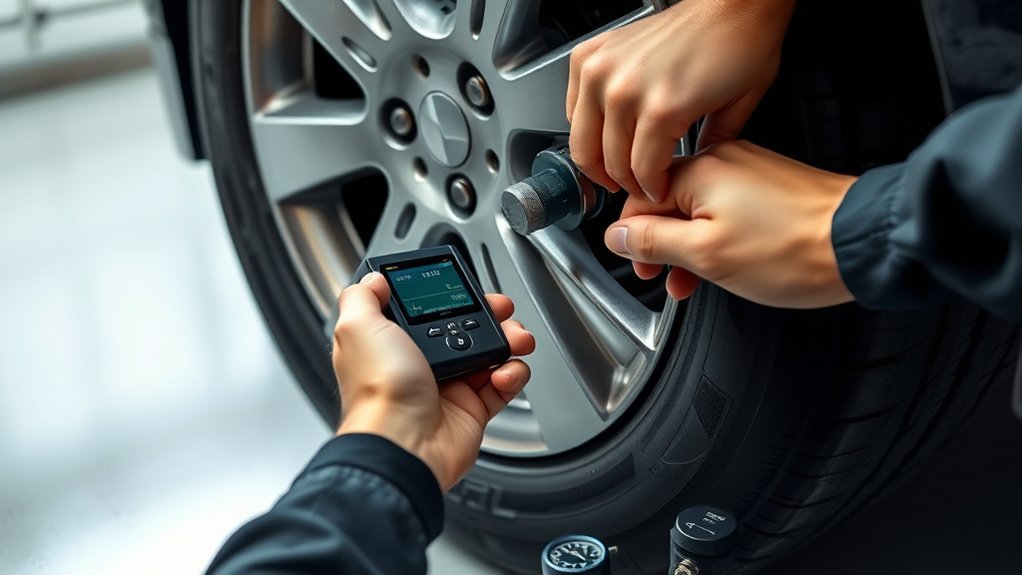
Programming tire pressure sensors is usually a mix of three jobs: setting the tires to the correct cold pressure, preparing or activating the sensor with a compatible TPMS tool, and teaching the vehicle which sensor ID belongs to each wheel. The exact steps depend on your vehicle’s make, model, year, sensor type, and relearn method, so use this guide as a safe workflow and always follow the prompts in your owner’s manual or TPMS tool.
Quick Answer
To program tire pressure sensors, confirm whether the vehicle uses direct or indirect TPMS, set all tires to the placard’s cold PSI, use a compatible TPMS tool to program or activate each sensor, then complete the vehicle-specific relearn procedure so the ECU stores the sensor IDs.
Key Takeaways
- Direct TPMS uses sensors in the wheels; indirect TPMS estimates pressure from wheel-speed data and usually does not require programming in-wheel pressure sensors.
- Set every tire to the vehicle manufacturer’s recommended cold PSI before relearning the system.
- Programming a blank universal sensor is different from relearning or registering a sensor ID to the vehicle.
- Common relearn methods include auto relearn, stationary relearn, and OBD relearn; the correct method is vehicle-specific.
- If the TPMS light flashes for 60–90 seconds and then stays on, treat it as a possible system malfunction, not just low pressure.
At a Glance
| Time Required | 15–45 minutes, depending on whether your vehicle uses auto, stationary, or OBD relearn. |
| Difficulty | Moderate for DIY relearn; advanced if tires must be demounted or blank universal sensors must be programmed. |
| Tools Needed | Accurate tire pressure gauge, air source, compatible TPMS activation/programming tool, and sometimes an OBD-II cable or scan tool. |
| Cost | DIY relearn can be free if the vehicle supports it; TPMS tools and replacement sensors vary widely by vehicle and sensor type. |
Check TPMS Type and Tire Pressure

Before you program tire sensors, first identify which TPMS your vehicle uses. Direct TPMS uses pressure sensors mounted in the wheels. Indirect TPMS estimates tire-pressure changes from wheel-speed data and other vehicle signals, so it usually needs calibration or reset rather than sensor programming. The NHTSA TireWise guide explains that TPMS can use direct tire sensors or indirect wheel-speed data, and that the system warns when pressure is below the acceptable level.
Next, find the recommended cold tire pressure on the driver’s door placard or in the owner’s manual. Use a reliable tire pressure gauge when the tires are cold, meaning the vehicle has not been driven for at least three hours. Inflate each tire to the correct PSI before you start the relearn. Do not use the maximum PSI printed on the tire sidewall unless your vehicle manufacturer specifically tells you to.
Warning: Do not drive on a visibly flat or seriously underinflated tire just to finish a relearn. Stop, inflate the tire safely, repair the leak, or install the spare if your owner’s manual allows it.
For U.S. passenger cars, light trucks, and vans from model year 2008 and newer, TPMS is generally required. The federal standard is designed to warn drivers of significant underinflation, not to replace regular pressure checks. That means you should still check tire pressure monthly with a gauge, especially after temperature swings, tire repairs, or regular tire rotation.
Know the Difference Between Programming, Activation, and Relearn
Many TPMS problems start because people use the word “programming” for three different tasks. Before you touch the tool, know which one you are actually doing:
| Programming | Writes the correct protocol or ID to a blank universal TPMS sensor before or during installation. Not every sensor needs this. |
| Activation | Wakes up a sensor so the TPMS tool can read its ID, pressure, temperature, and battery status. |
| Relearn / Registration | Teaches the vehicle’s ECU which sensor ID is installed at each wheel position. |
Note: If you are only resetting a low-pressure warning after adding air, you may not need to program any sensor. If you replaced a sensor, swapped seasonal wheels, or rotated wheels on a position-aware system, you may need a relearn.
Open Programming Mode With the Tool
Turn the ignition to ON without starting the engine, connect the compatible TPMS tool if your relearn method requires OBD-II access, and choose the correct vehicle profile. Some vehicles use an OBD-II relearn, some use a stationary relearn without driving, and others use an auto relearn after a drive cycle. ATEQ describes these as the three common direct-TPMS relearn types: auto, stationary, and OBD.
[Products Worth Considering]

The VEHLIVE SU-50448 II TPMS relearn tool provides a fast activation reset to restore accurate tire pressure monitoring after sensor replacement or tire rotation. It supports 315 MHz and 433 MHz GM series sensors and helps clear dashboard pressure warnings. With simple two-button operation and horn-confirmed relearning order, you can reprogram sensors conveniently at home.

The AICEL TPMS relearn tool helps you quickly reset or relearn tire pressure sensors after replacement, tire rotation, or resolving tire pressure alarms. It provides an activation reset function so your vehicle’s TPMS can operate optimally, saving time and money on frequent visits to an auto shop. Designed for easy use on most vehicles, it works by placing the tool near the valve stem and using the learn button.
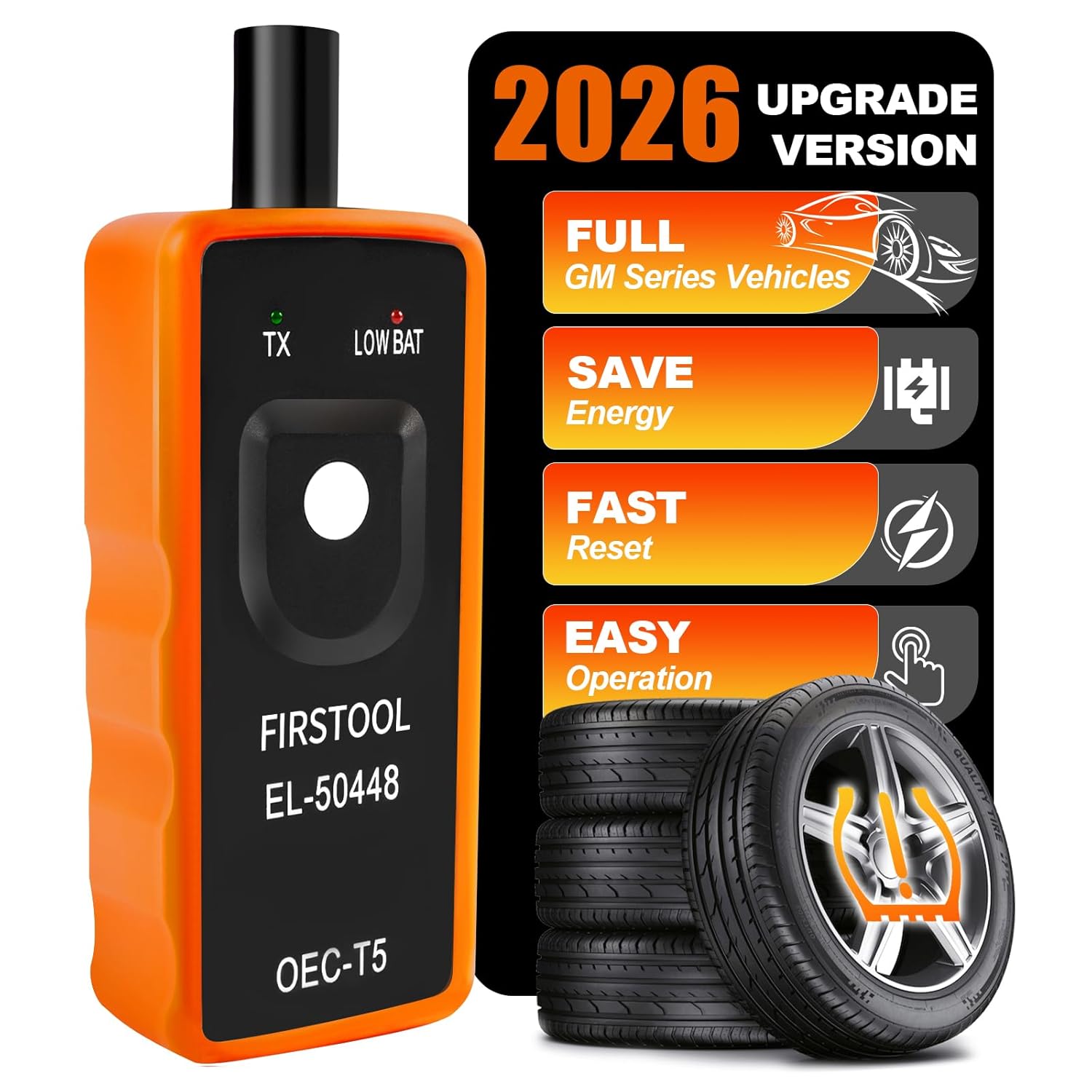
This TPMS relearn tool helps you quickly activate, match, and reset GM tire pressure sensors to keep the vehicle monitoring system working properly. It clears tire pressure alarms and dashboard warning lights after sensor replacement or tire rotation, and supports learning for common 315/433 MHz TPMS sensors. Designed for simple one-button operation, it can help you avoid unnecessary trips to repair shops.
Enter Programming Mode
Connect the TPMS programming tool to the vehicle’s OBD-II port only if the tool or service information says your vehicle needs OBD registration. Then switch the ignition to ON without starting the engine. Your TPMS programming tool should now communicate with the ECU or prepare the relearn workflow.
Follow the prompts exactly:
- Confirm the ignition position and battery condition.
- Select the relearn, registration, or programming function required for your vehicle.
- Read each existing sensor ID before replacing anything.
- Program blank universal sensors only if the tool and sensor brand support that process.
- Save or write the new sensor IDs when the tool asks you to do so.
If the tool flags a mismatch, stop and correct it before moving forward. A sensor with the wrong frequency, protocol, or ID format may not communicate with the vehicle at all.
Select Vehicle Model
Open the TPMS programming tool and select the vehicle’s make, model, and year from the menu so the software loads the correct system. Confirm the trim, wheel setup, and sensor type if your tool asks for them. This is also the right time to verify that your tire specifications overview matches the tire size and pressure listed on the vehicle placard.
| Step | Action | Result |
|---|---|---|
| 1 | Select vehicle model | Correct TPMS profile loads |
| 2 | Choose programming, activation, or relearn | Tool opens the right workflow |
| 3 | Capture or write sensor ID | Sensor data is ready for ECU registration |
Pro Tip: Before replacing a failed sensor, read and save the old sensor ID if possible. Some tools can clone the old ID to a new compatible sensor, which may reduce or simplify the relearn step on certain vehicles.
Program Each Tire Sensor
With the ignition in the ON position but the engine off, start the TPMS programming sequence only if you are using blank programmable sensors. If your replacement sensors are OEM or already configured for your vehicle, skip sensor programming and move to activation or relearn.
Place the tool near the valve stem or at the location shown by the tool manufacturer. Some tools work best at the tire sidewall near the valve stem; others give a specific angle or distance. Hold the tool steady until it reads or writes the sensor ID.
A common sensor order is:
- Front left sensor
- Front right sensor
- Rear right sensor
- Rear left sensor
Use that order only if your TPMS tool or owner/service manual confirms it. Some vehicles use a different order, include the spare tire, or require the scan tool to write IDs directly through OBD-II. At each tire, wait for the tool to confirm success before moving to the next wheel. This careful process helps protect tire longevity, prevents repeated relearns, and reduces the chance of a warning light returning.
[Products Worth Considering]

This TPMS sensor training and relearn reset tool is customized for Ford, Lincoln, and Mercury vehicles to help activate tire pressure programming after sensor replacement or tire rotation. It can activate individual tire pressure sensors with one-button operation, helping prevent TPMS warning light illumination. It is not a sensor programming tool and cannot program replacement sensors—use it to trigger/activate sensors only.

This GM TPMS relearn and reset tool (EL-50448) helps you activate and reset OE/OEM compatible tire pressure sensors for many Chevrolet, GMC, Buick, and Cadillac vehicles. It includes a pre-installed 9V alkaline battery for ready-to-use performance and features a one-button design for quick DIY TPMS relearn. Use it to clear the TPMS warning light, set the correct dashboard tire pressure, and test sensor operation.

Replace your worn or missing TPMS sensors with pre-programmed, direct-fit sensors for compatible Ford, Lincoln, and select Mazda models. Each sensor comes ready to activate with a scan tool, helping restore accurate tire pressure monitoring and trouble-free installation. Built with a long-life CR2032 battery and tested before factory release, this set provides dependable performance with a one-year warranty.
Relearn the Sensors and Save the IDs
Once the sensor IDs are ready, complete the relearn so the ECU knows which sensor is installed at each wheel. Keep TPMS pressure at the manufacturer’s specified level before you move; wrong pressure can cause a low-pressure warning even when the sensor registration is correct.
| Relearn Type | How It Works | What You Need |
|---|---|---|
| Auto relearn | The vehicle learns the sensor IDs after a drive cycle. | Correct tire pressure and the required driving speed/time from the manual. |
| Stationary relearn | The vehicle enters learn mode, then each sensor is triggered in order. | TPMS activation tool and the correct wheel sequence. |
| OBD relearn | The tool writes sensor IDs into the ECU through the diagnostic port. | TPMS tool, OBD-II cable, and vehicle-specific software coverage. |
If your system uses a direct TPMS setup, the tool may ask you to trigger each sensor, confirm the ID, then save the IDs to the vehicle. If your vehicle uses an indirect system, you may only need to set the tire pressure and run the dashboard or infotainment reset procedure. For best results, compare your live tire pressure levels with your manual gauge reading after the relearn is finished.
Reset the TPMS Light and Verify Readings
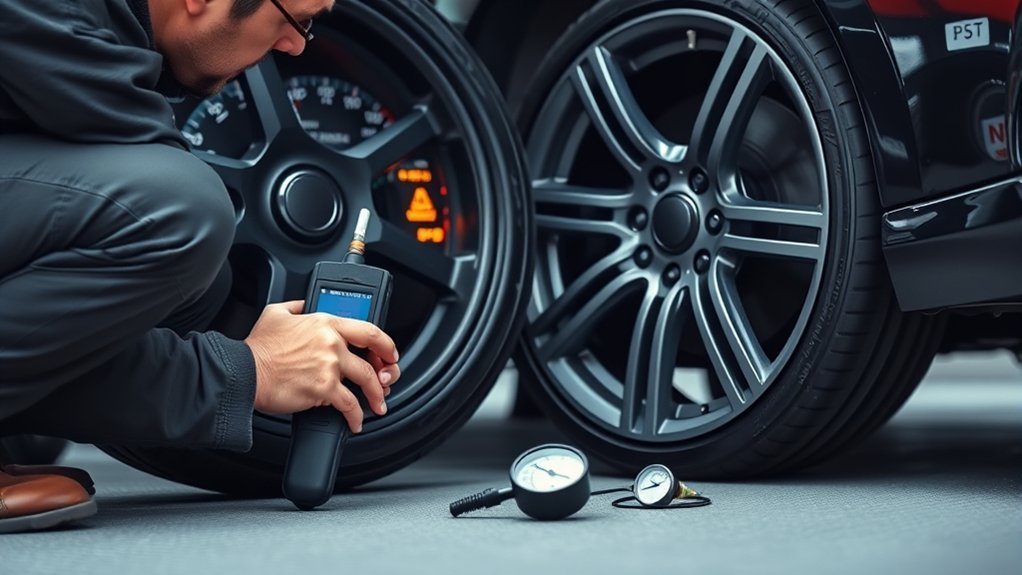
Reset the TPMS light only after all tires are at the recommended cold PSI and any leaks or sensor faults have been handled. Turn the ignition to the ON position without starting the engine, then follow the reset method for your vehicle. This may be a physical TPMS reset button, a dashboard menu, an infotainment setting, a TPMS tool, or an auto relearn drive cycle.
A TPMS warning light means at least one tire may be significantly underinflated. A flashing light that turns solid usually points to a TPMS malfunction that needs diagnosis.
- Check all tires with a gauge, including the spare if your vehicle monitors it.
- Inflate or deflate each tire to the placard PSI.
- Run the reset or relearn procedure from the owner’s manual or TPMS tool.
- If a drive cycle is required, drive only on safe roads and follow the required speed and time.
- Recheck tire pressure and verify that the dash readings match your gauge closely.
If the warning returns after the pressure is correct, inspect for leaks, damaged valve stems, failed sensors, weak batteries, or stored TPMS fault codes. Stable sensor readings and a clear dash light show the vehicle has accepted the reset. Keeping the system accurate helps maintain consistent traction, steering response, and tire life.
Fix Common TPMS Programming Issues
Before you repeat the full process, work through the simple checks first. Most failed TPMS relearns come from wrong tire pressure, the wrong sensor type, an incompatible tool, a missed wheel sequence, or a sensor that is too weak to transmit.
[Products Worth Considering]

The Tymate TM2 RV tire pressure monitoring system keeps you informed with a color LCD display, automatic backlight, and solar charging for dependable operation. It supports up to 10 tire positions with four pre-paired sensors, while offering multiple alarm modes for fast leak detection, pressure extremes, temperature alerts, and low-signal warnings. Built-in monitoring uses accurate readings and reliable 433.92MHz communication to help protect your RV, trailer, truck, or SUV.

Replace worn or missing TPMS sensors with a pre-programmed 4-pack designed for compatible GM vehicles. These 315MHz sensors provide real-time tire pressure monitoring and alert you if pressure is too high, too low, or if a rapid air leak occurs. Most installations are ready with minimal relearn effort after mounting, helping improve safety and driving confidence.
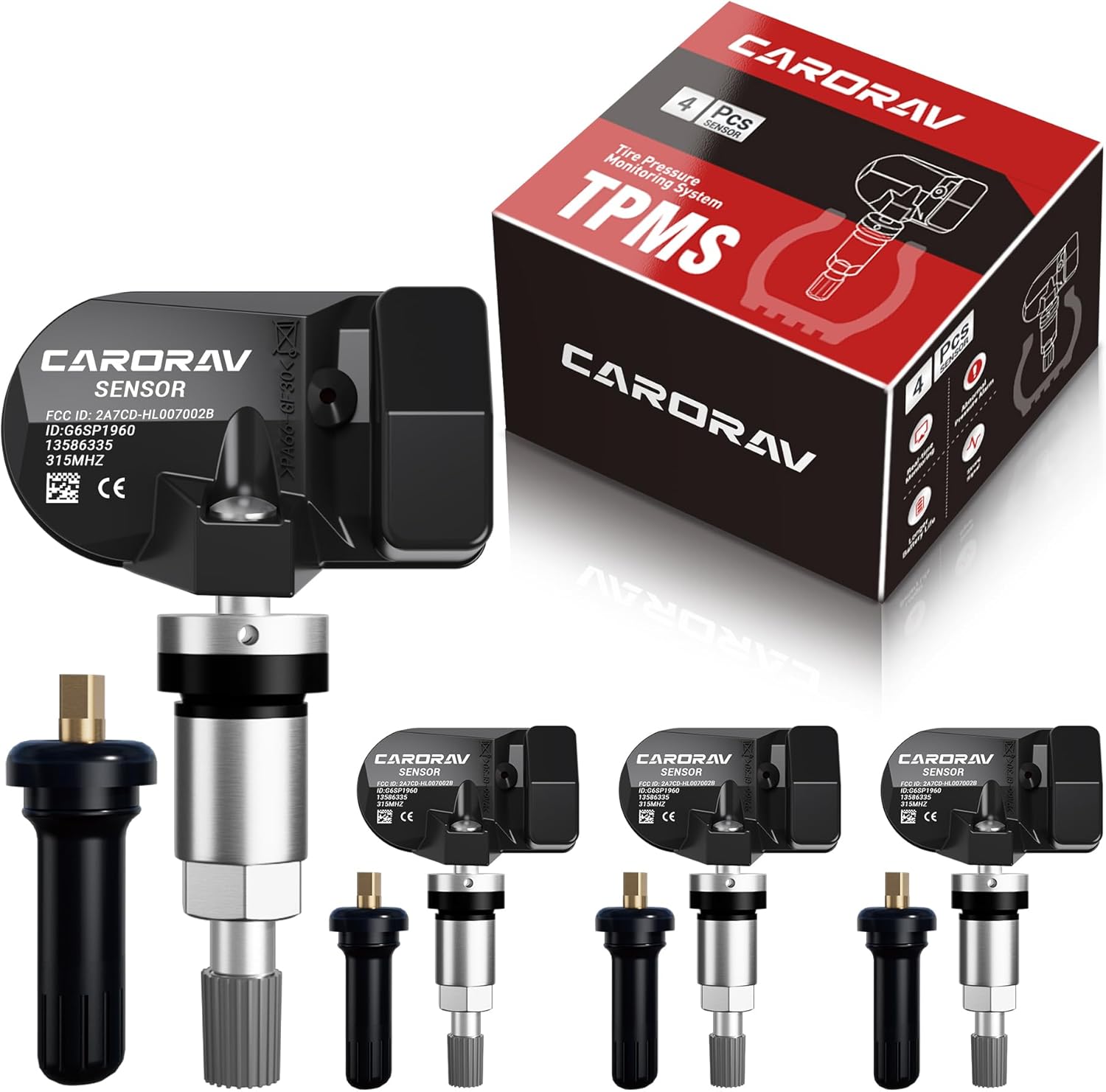
Replace worn or missing TPMS sensors with CARORAV pre-programmed GM-compatible sensors for a smoother installation experience. These 315MHz replacement sensors help monitor tire pressure in real time with long battery life, and they are designed to withstand harsh temperatures. Manual or OBDII relearn may be required to reset the system for proper recognition.
Reset And Relearn Errors
If the TPMS relearn fails or the warning light stays on, start by checking that all tires are inflated to the manufacturer’s recommended PSI. Then confirm that you selected the exact make, model, year, and relearn type in the tool. If the tire size, load rating, or wheel setup has changed, review the placard and load index specifications so the tire setup matches what the vehicle expects.
| Problem | Likely Cause | Fix |
|---|---|---|
| Light stays on after adding air | Pressure still low, warm-tire reading, slow leak, or reset not complete | Recheck cold PSI, repair leaks, then run the correct reset or drive cycle. |
| Light flashes, then stays solid | TPMS malfunction, dead sensor battery, missing sensor, or communication fault | Scan TPMS codes and inspect each sensor. |
| Tool cannot read a sensor | Weak battery, wrong frequency, damaged sensor, or poor tool position | Reposition the tool, confirm sensor compatibility, and replace failed sensors. |
| Wrong tire shown on dash | IDs learned in the wrong wheel order | Repeat the relearn in the exact order shown by the tool or service manual. |
Sensor And Tool Checks
When a relearn still will not complete, verify the TPMS tool, sensors, and setup before repeating the process. Confirm your TPMS tool supports your vehicle’s make, model, year, and sensor brand. Incompatible tools can block sensor recognition or write the wrong protocol to a universal sensor.
Inspect each sensor for physical damage, corrosion, broken valve stems, or loose mounting hardware. Check sensor battery status if the tool can read it. Most direct TPMS sensor batteries are sealed inside the sensor, so a dead battery usually means the sensor must be replaced. Then follow the manufacturer instructions exactly for the tool and vehicle, since one skipped prompt can stop the relearn from completing.
When to Get Professional Help
Get professional TPMS service if the tire must be removed from the wheel, the valve stem is corroded, the sensor is broken, the TPMS light flashes after every start, or your tool cannot identify the sensor type. Tire demounting can damage the sensor or bead if it is done incorrectly. A tire shop or dealer can scan the system, test each sensor, rebuild or replace valve hardware, and register the IDs with the correct service equipment.
Frequently Asked Questions
Can I reprogram TPMS sensors myself?
Yes, you can reprogram some TPMS sensors yourself if you have a compatible TPMS tool and the correct sensors. Blank universal sensors usually need programming. OEM or preconfigured sensors may only need a relearn or registration. Always check vehicle compatibility, sensor frequency, and the relearn method before you begin.
How do you program a TPMS sensor?
You program a TPMS sensor by selecting the vehicle make, model, and year in a compatible TPMS tool, choosing the correct programmable sensor brand, writing the correct protocol or sensor ID, then activating the sensor to confirm it responds. After that, you usually complete a relearn so the vehicle stores the sensor ID.
Does Les Schwab do TPMS sensors?
Les Schwab lists TPMS service, including recalibration or rebuild as needed, and says its shops can check tire pressure, inspect TPMS issues, and reset the light. Replacement-sensor availability, pricing, and programming details can vary by vehicle and location, so contact your local store before you go.
What type of TPMS does Subaru use?
Many late-model U.S.-spec Subaru vehicles use direct TPMS with sensors in the wheels, but TPMS features vary by model and trim. Subaru advises owners to check the owner’s manual for model-specific TPMS operation. If you replace Subaru sensors or wheels, use a tool that supports the exact year and model.
Do I need to relearn TPMS after tire rotation?
It depends on the vehicle. Some systems automatically update sensor positions after driving, while others need a stationary or OBD relearn so the dashboard shows the correct tire location. If the vehicle displays individual tire positions, relearn after rotation is more likely to matter.
Why is my TPMS light flashing and then staying on?
A flashing TPMS light that turns solid usually indicates a system malfunction, such as a dead sensor battery, missing sensor, damaged sensor, or communication fault. Check tire pressure first, then scan the TPMS system if the flashing pattern returns after each restart.
Conclusion
Programming tire pressure sensors is not one universal button sequence. Start with the basics: confirm direct or indirect TPMS, set every tire to the correct cold PSI, choose a tool that supports your vehicle, and understand whether you are programming a blank sensor, activating an installed sensor, or relearning sensor IDs to the ECU. When the relearn finishes, verify the dashboard readings and make sure the warning light stays off. If the light flashes, a sensor will not read, or the tire must be removed from the wheel, let a qualified tire technician diagnose the system.
Sources
- NHTSA TireWise: Tire Safety Ratings and Awareness — backs cold tire pressure, placard PSI, monthly pressure checks, direct/indirect TPMS overview, and warning-light meaning.
- 49 CFR § 571.138: Tire Pressure Monitoring Systems — backs federal TPMS warning and malfunction requirements.
- NHTSA Tire-Related Surveys: Results and Implications — backs TPMS effectiveness and underinflation safety context.
- ATEQ TPMS How-To Guide — backs direct TPMS relearn categories: auto, stationary, and OBD.
- Les Schwab Schedule Appointment: TPMS Service — backs TPMS recalibration or rebuild service availability.
- Subaru Owner Support: Tire Pressure Monitoring System — backs Subaru model-variation guidance and owner-manual check.