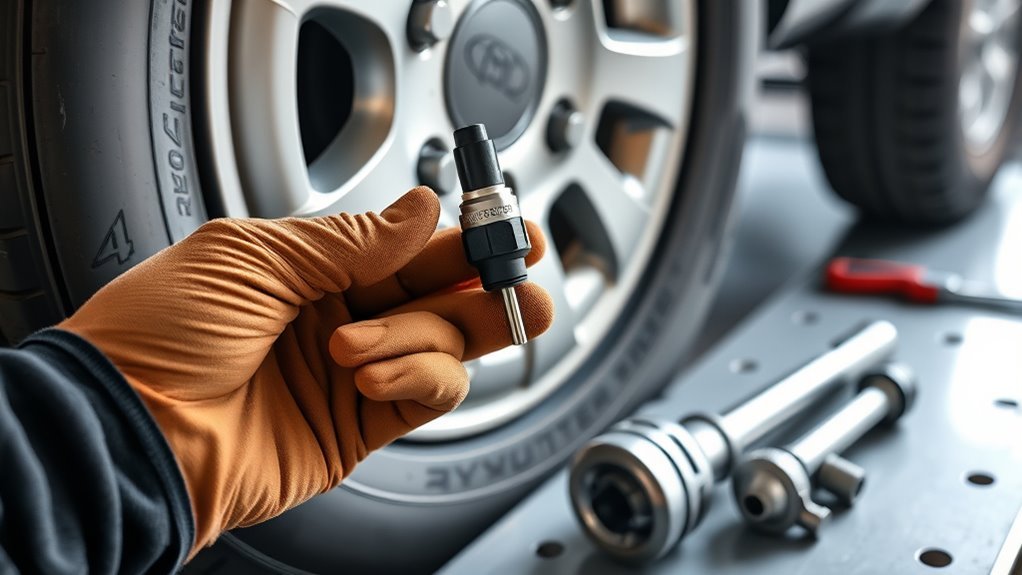
Maintain your 4Runner’s TPMS sensors by treating the system as a safety backup, not as your only tire-pressure check. Use a quality tire gauge once a month, set each tire to the cold pressure printed on your driver-door placard, and follow the reset or registration procedure for your exact model year. Some 4Runners use a physical reset button, some use a dash-menu TPWS setting, and newer models may include tire-position registration after rotation.
Quick Answer
To maintain 4Runner TPMS sensors, check all tires cold every month, inflate to the door-placard pressure, initialize or register the TPMS after tire service, scan a flashing TPMS light, and replace aging sensors when batteries fail. Most direct TPMS sensors last about 5–10 years, but exact service steps vary by model year.
Key Takeaways
- Use the driver-door placard pressure, not a universal 33 psi target and not the maximum number molded into the tire sidewall.
- A TPMS light that flashes for about a minute and then stays on usually points to a TPMS malfunction, such as a dead sensor battery, wrong ID, receiver issue, or lost signal.
- Replacing a sensor requires both physical tire service and sensor ID registration; most owners should let a tire shop handle the tire demounting and bead work.
- If one original sensor fails at 8–10 years old, consider replacing all sensors during the same tire service to avoid repeat mounting labor.
At a Glance
| Time Required | 5–10 minutes for a pressure check or reset attempt; 30–90 minutes for shop sensor replacement and registration. |
| Difficulty | Easy for checking pressure and basic initialization; moderate to advanced for sensor programming; professional equipment recommended for tire demounting. |
| Tools Needed | Accurate tire-pressure gauge, air compressor, owner’s manual, TPMS scan/programming tool or Toyota Techstream-compatible setup, and tire service equipment if replacing sensors. |
| Cost | Pressure check is usually free; sensor replacement cost varies by sensor brand, valve type, shop labor, balancing, and programming. |
What the 4Runner TPMS Does—and What It Does Not Do
Your 4Runner’s tire pressure monitoring system warns you when the system detects significantly low tire pressure or a TPMS fault. It does not replace a monthly gauge check. Toyota says the Tire Pressure Monitor alerts the driver when tire pressure is critically low, and NHTSA tire-safety guidance says to check tires when cold and inflate to the vehicle placard or tire inflation label.
Note: “Cold” means the vehicle has been parked long enough for the tires to cool, usually before your first drive of the day. Heat from driving can raise pressure readings and make a low tire look normal.
For many stock 4Runners, the recommended pressure is in the low-30 psi range, but the correct number is the one printed on your driver-door tire placard for your exact tire size and load rating. If your tires, wheels, or load range differ from stock, confirm the correct cold pressure with the tire maker, installer, or Toyota service information.
Why Is Your 4Runner TPMS Light Blinking? (Quick Diagnosis)
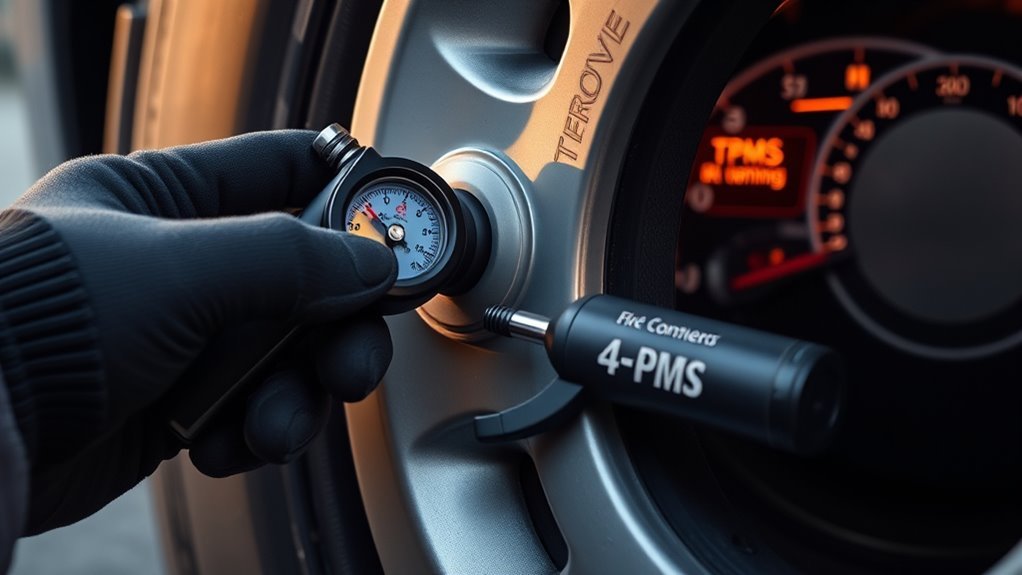
A blinking TPMS light usually means the vehicle is seeing a system problem, not simply one low tire. Under the federal TPMS standard, a malfunction warning can flash for a short period and then remain illuminated. In real-world 4Runner diagnosis, that can point to a dead sensor battery, damaged sensor, wrong sensor ID, receiver fault, missing signal, or a sensor that was installed but not registered.
Check pressure first. If all tires are correctly inflated and the TPMS light still flashes, stop chasing air leaks and scan the TPMS system.
Use this quick order of operations:
- Check all four tires with a gauge while cold.
- Check the spare if your 4Runner’s spare is monitored or if your manual says to include it.
- Inflate every tire to the placard pressure.
- Drive normally and see whether the light clears after the system updates.
- If the light flashes again or pressure readings show dashes, scan the TPMS IDs and battery/signal status.
A solid TPMS light most often means one or more tires are low, but it can also remain on after a fault sequence. If your pressure is correct and the light remains, treat it as a diagnostic problem rather than repeatedly resetting the system.
Before Resetting: Set the Correct Cold Tire Pressure
Do not reset TPMS to hide a pressure problem. First, set the tires correctly:
- Park the 4Runner long enough for the tires to cool.
- Find the tire and loading placard on the driver-side door area.
- Use a reliable gauge, not the TPMS display alone.
- Inflate or bleed each tire to the listed cold pressure.
- Reinstall valve caps to keep dirt and moisture out of the valve stem.
- Recheck pressure after a few minutes if you added air at a public compressor.
Warning: Never use the maximum PSI molded into the tire sidewall as your normal target pressure. That number is a tire limit, not the pressure Toyota chose for your 4Runner’s weight, suspension, and handling.
How to Reset TPMS After Tire Rotation or Pressure Changes
Resetting, initializing, and registering are not the same thing. Initialization teaches the system the current pressure baseline. Sensor ID registration tells the vehicle which transmitters belong to it. Tire-position registration maps each sensor to a wheel location on systems that display individual tire positions.
Button-Equipped 4Runner TPMS Reset
Some 4Runner model years use a physical tire-pressure warning reset switch. If your owner’s manual confirms your model has this setup, use this general process:
- Set all tires to the placard pressure while cold.
- Park safely and turn the ignition to ON without starting the engine, or follow the manual’s exact ignition mode.
- Press and hold the tire-pressure warning reset switch until the TPMS light blinks as described in your manual.
- Release the switch and drive normally so the system can update.
- If the light comes back, recheck pressure and scan for TPMS codes instead of repeating the reset over and over.
Menu-Equipped 4Runner TPWS Reset
Other Toyota systems use the multi-information display. The exact wording varies, but the path is usually in vehicle settings under a TPWS or tire pressure menu. Look for options such as Set Pressure, Initialize, Tire Rotation, or Register Valve/ID. Use the Toyota Owner’s Manuals page to confirm the correct procedure for your year.
Pro Tip: Take a photo of your tire placard and save it on your phone. It prevents guessing at the air pump, especially after a tire rotation, road trip, or seasonal temperature drop.
What If the TPMS Light Stays On After Reset?
If the TPMS light stays on or returns after a reset, use a structured checklist:
- Pressure is still low: Recheck all tires cold, including the spare if applicable.
- Temperature changed: Cold weather can lower pressure enough to trigger a warning.
- Slow leak: Look for nails, valve-stem leaks, bead leaks, or cracked rubber stems.
- Wrong sensor ID: New sensors must be registered to the vehicle before the ECU can read them.
- Dead sensor battery: Direct TPMS sensors have sealed batteries and usually require full sensor replacement when the battery dies.
- Aftermarket wheel set: A second set of wheels may need its own registered IDs or a tire-set switching procedure if supported.
- Receiver or communication fault: A TPMS-capable scan tool can identify missing signals or stored diagnostic trouble codes.
If your 4Runner shows individual tire pressures and one location reads blank or dashes, scan that wheel first. If several readings are missing at once, suspect an ID registration, receiver, or system communication issue.
TPMS Scan Tools: When to DIY vs. Visit a Tire Shop
Three diagnostic paths exist when your 4Runner’s TPMS throws persistent warnings: use a Toyota Techstream-compatible setup, use a dedicated TPMS scan/programming tool, or visit a tire shop that can scan sensors and register IDs.
DIY scanning makes sense when you own multiple Toyota vehicles, rotate wheel sets often, or want to verify sensor IDs before driving to a shop. A good TPMS tool can read sensor ID, pressure, temperature, and signal status. Toyota repair information and factory procedures are available through Toyota’s Technical Information System.
A tire shop is usually the better choice when you are replacing sensors, mounting new tires, or dealing with a blinking light and no obvious pressure issue. Their equipment can activate each sensor at the wheel, verify whether the battery/transmitter responds, and complete registration after replacement.
Note: Apps and OBD2 dongles can be useful, but compatibility varies by model year and app subscription. Before buying a tool, confirm it supports Toyota TPMS ID registration for your exact 4Runner year.
[Products Worth Considering]

Replace worn or malfunctioning GM TPMS sensors with this 433MHz pre-programmed sensor set designed for compatibility with many Chevrolet, Buick, GMC, and Cadillac models. It includes guidance for proper OBDII relearning/pairing after installation and supports reliable long-term operation with a high-performance CR2032 battery. Quality tested for durability and performance to help restore accurate tire pressure monitoring.

The VEHLIVE SU-50448 II TPMS relearn tool provides a fast activation reset to restore accurate tire pressure monitoring after sensor replacement or tire rotation. It supports 315 MHz and 433 MHz GM series sensors and helps clear dashboard pressure warnings. With simple two-button operation and horn-confirmed relearning order, you can reprogram sensors conveniently at home.

Marsflex brand TPMS replacement sensors help restore tire pressure monitoring for compatible Toyota, Lexus, Scion, and Pontiac models. Each sensor is pre-programmed for the vehicle application and includes a long-life battery for up to 8 years of normal use. Designed to replace common OE numbers and requires relearning using a TPMS scan tool after installation.
How to Replace and Program New TPMS Sensors Yourself
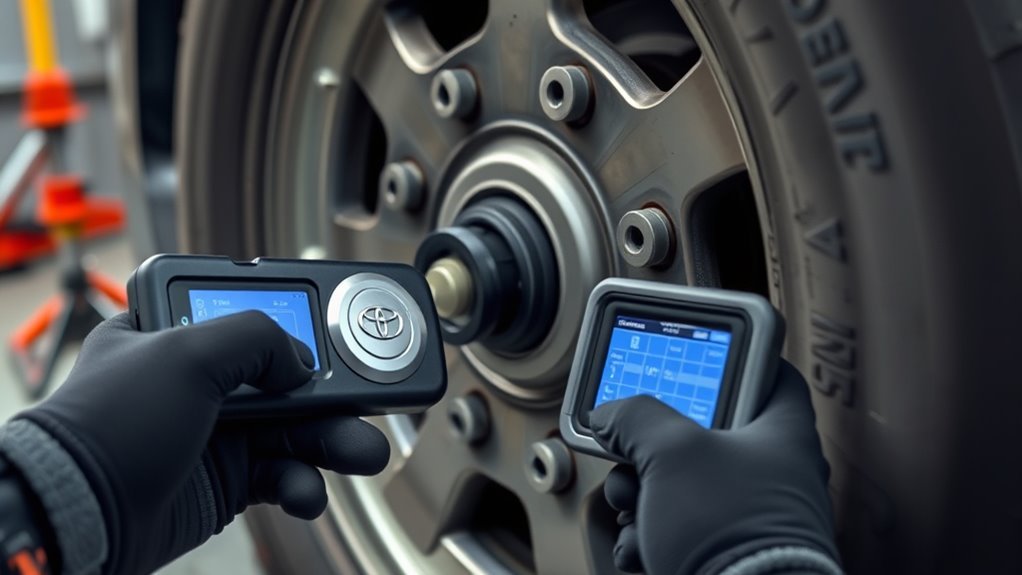
Replacing a TPMS sensor has two jobs: the physical sensor installation inside the wheel and the electronic registration of that sensor’s ID. The programming part can be DIY if you have the right tool. The tire dismounting part is usually shop work.
Warning: Do not break a tire bead, reseat a tire, or inflate an unseated tire without proper tire equipment and training. Tire and wheel service can cause serious injury if the assembly is not supported, seated, inflated, and balanced correctly.
Use this safer replacement workflow:
- Confirm the fault. Scan the sensors before buying parts. A flashing light can come from more than one cause.
- Buy compatible sensors. Match your 4Runner’s year, frequency, valve type, and programming method. Denso, Schrader, and other OE-grade options can work when correctly matched.
- Record each sensor ID. Some IDs are printed on the sensor body; some programmable sensors need to be read or cloned with a TPMS tool.
- Have the sensor installed. A tire shop can demount the tire, replace the valve/sensor, reseat the bead, check for leaks, and rebalance the wheel.
- Register the sensor IDs. Use Toyota Techstream-compatible software, a TPMS-capable scan tool, or a shop’s programming equipment.
- Initialize or register positions. Follow your owner’s manual for tire pressure initialization or tire-position registration.
- Verify the repair. Confirm the TPMS light is off and, if your display shows individual pressures, that each tire location reports correctly.
[Products Worth Considering]

The TYAMATE TM8 solar-powered wireless TPMS delivers real-time tire pressure and temperature monitoring with six alarm modes for safer driving. A vibrant color LCD display shows readings clearly while windshield mounting keeps it hands-free and easy to read. With a wide 0–87 PSI range, strong 433.92 MHz signal transmission, and quick sensor pairing, it’s ideal for RV, sedan, SUV, MPV, and truck use.
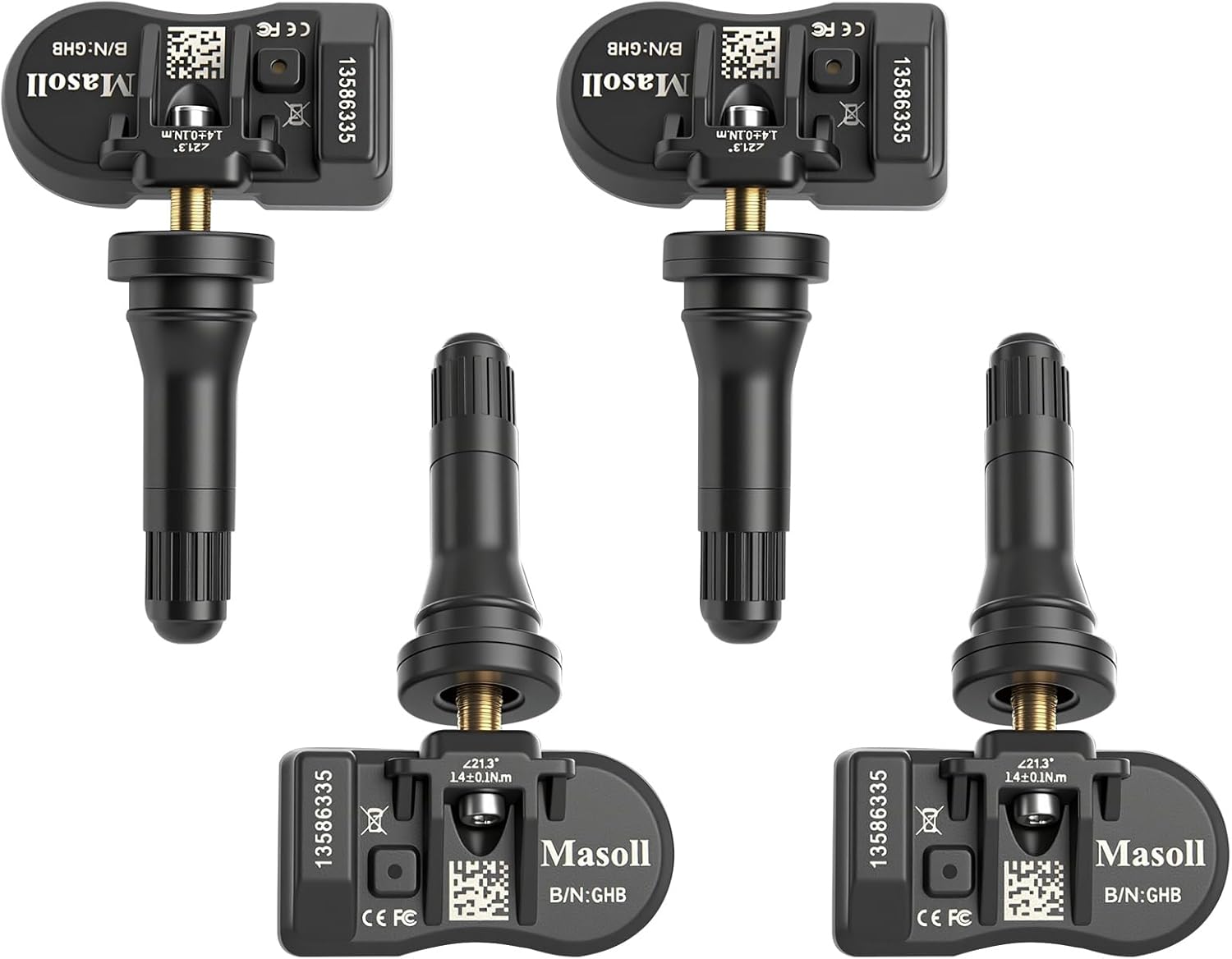
Masoll TPMS sensors are designed for most GM vehicles after 2006, helping you clear tire pressure warnings with OEM-level 315/433MHz compatibility. The 4-pack includes pre-programmed sensors, but re-learning is required after installation using a GM TPMS relearn tool or scan tool. Built with a dual-antenna design and a long-life CR2050 battery, these sensors deliver reliable performance in extreme temperatures with corrosion-resistant valve construction.

This TPMS sensor training and relearn reset tool is customized for Ford, Lincoln, and Mercury vehicles to help activate tire pressure programming after sensor replacement or tire rotation. It can activate individual tire pressure sensors with one-button operation, helping prevent TPMS warning light illumination. It is not a sensor programming tool and cannot program replacement sensors—use it to trigger/activate sensors only.
Do You Need Dealer Recalibration? Model-Year Rules Explained
You do not always need the dealer, but you do need the correct procedure. A simple tire-pressure adjustment may only require setting the correct cold pressure and initializing the system. A new sensor usually requires ID registration. A tire rotation on a model that displays tire positions may require tire-position registration.
For 2020–2024 fifth-generation 4Runners, use the procedure in the owner’s manual for your trim and display. Do not assume a universal “drive at 50 mph” or “drive at 25 mph” fix. If new sensors were installed and IDs were never registered, driving alone may not solve the warning.
For newer menu-equipped 4Runners, the TPWS menu may include functions such as tire rotation registration or tire-set switching. When the system asks you to drive after selecting a menu option, drive normally in a safe area until the display updates. If the display does not update after the manual’s expected drive cycle, park safely, recheck pressure, and scan the system.
Dealer recalibration is most useful when the vehicle has stored TPMS codes, the tire shop cannot register the IDs, a receiver fault is suspected, or the vehicle has an unusual wheel/tire setup. A capable independent tire shop can often handle ordinary sensor replacement and ID registration.
When to Replace All Four TPMS Sensors (10-Year Rule)
Direct TPMS sensors use sealed internal batteries. Denso notes that TPMS sensor batteries are often rated around 5–10 years or about 100,000 miles, depending on use and conditions. Once the battery fails, the sensor is normally replaced as a unit.
Replace one sensor if it failed early from damage, corrosion, or a tire-service mistake. Consider replacing all four—or all five if your spare is monitored—when the original sensors are the same age and one has already failed from battery age.
- Schedule proactive replacement around the 8–10 year mark if you want to avoid repeat tire dismounting.
- Replace sensors during a tire change when the tire is already off the wheel.
- Use new seals, valve hardware, and caps as recommended for the sensor style.
- Register sensor IDs immediately after installation.
- Verify pressure readings before handing the vehicle back or leaving the shop.
[Products Worth Considering]

This TPMS relearn tool helps you quickly activate, match, and reset GM tire pressure sensors to keep the vehicle monitoring system working properly. It clears tire pressure alarms and dashboard warning lights after sensor replacement or tire rotation, and supports learning for common 315/433 MHz TPMS sensors. Designed for simple one-button operation, it can help you avoid unnecessary trips to repair shops.

Replace your worn or missing TPMS sensors with pre-programmed, direct-fit sensors for compatible Ford, Lincoln, and select Mazda models. Each sensor comes ready to activate with a scan tool, helping restore accurate tire pressure monitoring and trouble-free installation. Built with a long-life CR2032 battery and tested before factory release, this set provides dependable performance with a one-year warranty.

Replace worn or missing TPMS sensors with a pre-programmed 4-pack designed for compatible GM vehicles. These 315MHz sensors provide real-time tire pressure monitoring and alert you if pressure is too high, too low, or if a rapid air leak occurs. Most installations are ready with minimal relearn effort after mounting, helping improve safety and driving confidence.
Frequently Asked Questions
How long do Toyota 4Runner TPMS sensors last?
Most direct TPMS sensors last about 5–10 years, but heat, mileage, road salt, moisture, and sensor quality can shorten that range. When the sealed battery dies, the sensor is usually replaced as a complete unit.
Should I use 33 psi in every 4Runner tire?
No. Use the cold tire pressure printed on your driver-door placard for your exact 4Runner and tire size. If your placard says 33 psi, use 33 psi. If it lists a different front, rear, or spare pressure, follow the placard.
Why does my TPMS light flash and then stay on?
A flashing TPMS light that later stays illuminated usually means the monitoring system has a malfunction. Common causes include a dead sensor battery, damaged sensor, missing sensor signal, unregistered sensor ID, wrong replacement sensor, or receiver issue.
Can I replace just one TPMS sensor?
Yes, you can replace one failed sensor if the others are newer or still testing well. If all sensors are original and one fails from age, replacing the full set during the same tire service can save repeat labor.
Do new TPMS sensors program themselves?
Usually not by magic. New sensors must be compatible and their IDs must be registered to the vehicle. Some newer systems can help map tire positions after a menu-based tire-rotation procedure, but replacement sensor IDs still need to be recognized by the vehicle.
Conclusion
Your 4Runner’s TPMS is only reliable when the basics are right: correct cold pressure, compatible sensors, registered IDs, and a reset or tire-position procedure that matches your exact model year. Check pressure monthly, scan a blinking light instead of ignoring it, and plan sensor replacement before aging batteries fail on the road. Handle tire demounting with professional equipment, verify every pressure reading after service, and your 4Runner’s tire-pressure intelligence will stay accurate, useful, and ready for daily driving or trail duty.
Sources
- Toyota Owner’s Manuals: 4Runner — model-specific owner’s manual access and procedures.
- Toyota Support: Tire Pressure Monitor — TPMS limitations and gauge-check guidance.
- NHTSA TireWise — cold tire pressure, placard pressure, and tire safety guidance.
- 49 CFR § 571.138, FMVSS No. 138 — federal TPMS warning and malfunction requirements.
- Denso Products: When Should TPMS Sensors Be Replaced? — TPMS sensor battery life and replacement timing.
- Toyota Technical Information System — factory repair information and service publications.