
Your Toyota 4Runner’s TPMS light is not just a nuisance; it is a tire-pressure warning that should be checked before you reset anything. The exact reset method depends on the model year and equipment. Some 4Runners use a physical reset switch, newer models use the Multi-Information Display TPWS menu, and some years clear the light after you correct the tire pressure and drive for a few minutes.
Quick Answer
To reset a Toyota 4Runner TPMS light, first set all cold tires to the PSI listed on the driver-door tire placard. Then use the TPWS “Set Pressure” menu or the physical reset button if your model has one. If the light blinks for about one minute and stays on, the system needs diagnosis.
Key Takeaways
- Do not reset the TPMS until every tire is set to the correct cold pressure on the door-jamb placard.
- Many newer 4Runners use the Multi-Information Display: Settings → Vehicle Settings → TPWS → Set Pressure.
- If your 4Runner has a physical TPMS reset switch, hold it until the warning light blinks three times.
- A blinking TPMS light that turns solid usually means a TPMS malfunction, dead sensor battery, unregistered sensor, or communication issue.
At a Glance
| Time Required | 5–20 minutes for pressure check and reset; longer if a leak or sensor fault is found |
| Difficulty | Easy for pressure correction and reset; moderate if sensor diagnosis is needed |
| Tools Needed | Accurate tire pressure gauge, air compressor, and optionally a TPMS scan/relearn tool |
| Cost | Usually $0 if the tires only need air; shop fees apply if a TPMS sensor must be programmed or replaced |
Understanding TPMS: Importance and Function
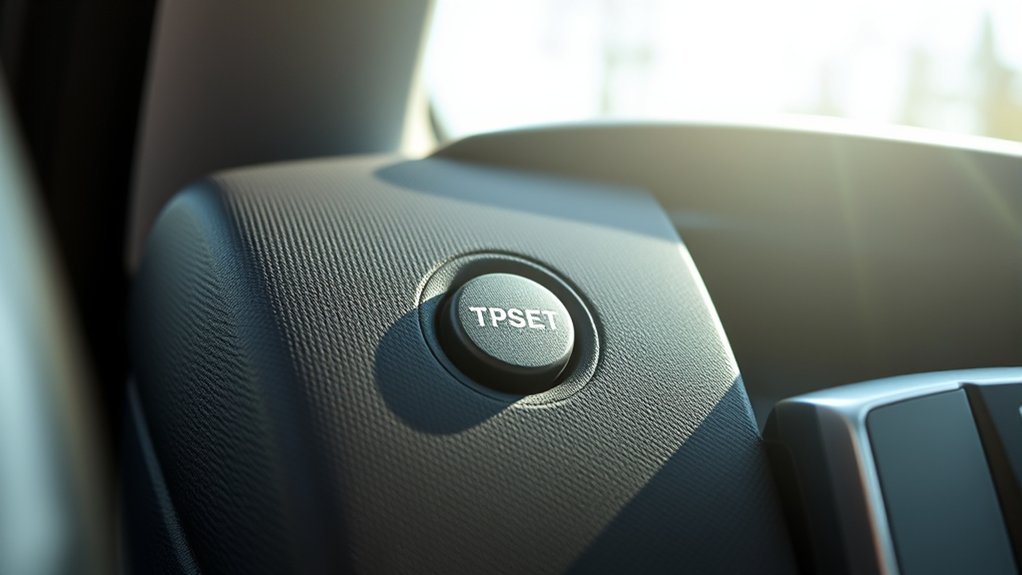
The Tire Pressure Monitoring System, often called TPMS or TPWS in Toyota manuals, warns you when one or more tires are significantly underinflated. Toyota explains that the system is meant to alert the driver to critically low tire pressure, but it should not replace regular pressure checks with a gauge. You can read Toyota’s general TPMS guidance here: Toyota Tire Pressure Monitor support.
For safety, the correct pressure is not the number printed on the tire sidewall. Use the tire and loading information label on the driver-side door jamb or the pressure listed in your owner’s manual. Many stock 4Runner trims are near 32–33 PSI, but tire size, load, trim, and model year can change the correct value.
Warning: Do not reset the TPMS light before fixing the tire pressure. If you initialize the system while a tire is low, the vehicle may treat the wrong pressure as the new baseline.
Federal TPMS language also reminds drivers to check each tire, including the spare if provided, at least monthly when cold and to inflate to the manufacturer’s placard pressure. TPMS is a backup warning system, not a replacement for routine tire maintenance.
Before You Reset the Toyota 4Runner TPMS Light
Start here before using any reset button or TPWS menu. This prevents false resets and helps you catch real tire problems.
- Park safely and let the tires cool. For the most accurate reading, check pressure before driving or after the 4Runner has been parked for several hours.
- Find the correct PSI. Open the driver’s door and read the tire and loading information label. Use that number, not the maximum PSI on the tire sidewall.
- Check all four tires. Add or release air until each tire matches the placard pressure.
- Check the spare manually. A 4Runner spare can lose air over time. Some systems may monitor it, and even when it is not monitored, a flat spare is a problem when you need it.
- Inspect for obvious damage. Look for nails, sidewall bubbles, cracked valve stems, uneven wear, or a tire that keeps losing air.
- Reinstall the valve caps. Valve caps help keep moisture and dirt out of the valve core.
Pro Tip: Tire pressure changes with temperature. A TPMS light that appears on a cold morning may clear after you set the tires to the correct cold PSI, but you should still check with a gauge instead of guessing.
Step-by-Step Guide to Resetting the TPMS Light
Use the method that matches your Toyota 4Runner. If your owner’s manual gives a different procedure for your exact year, follow the manual first.
[Products Worth Considering]
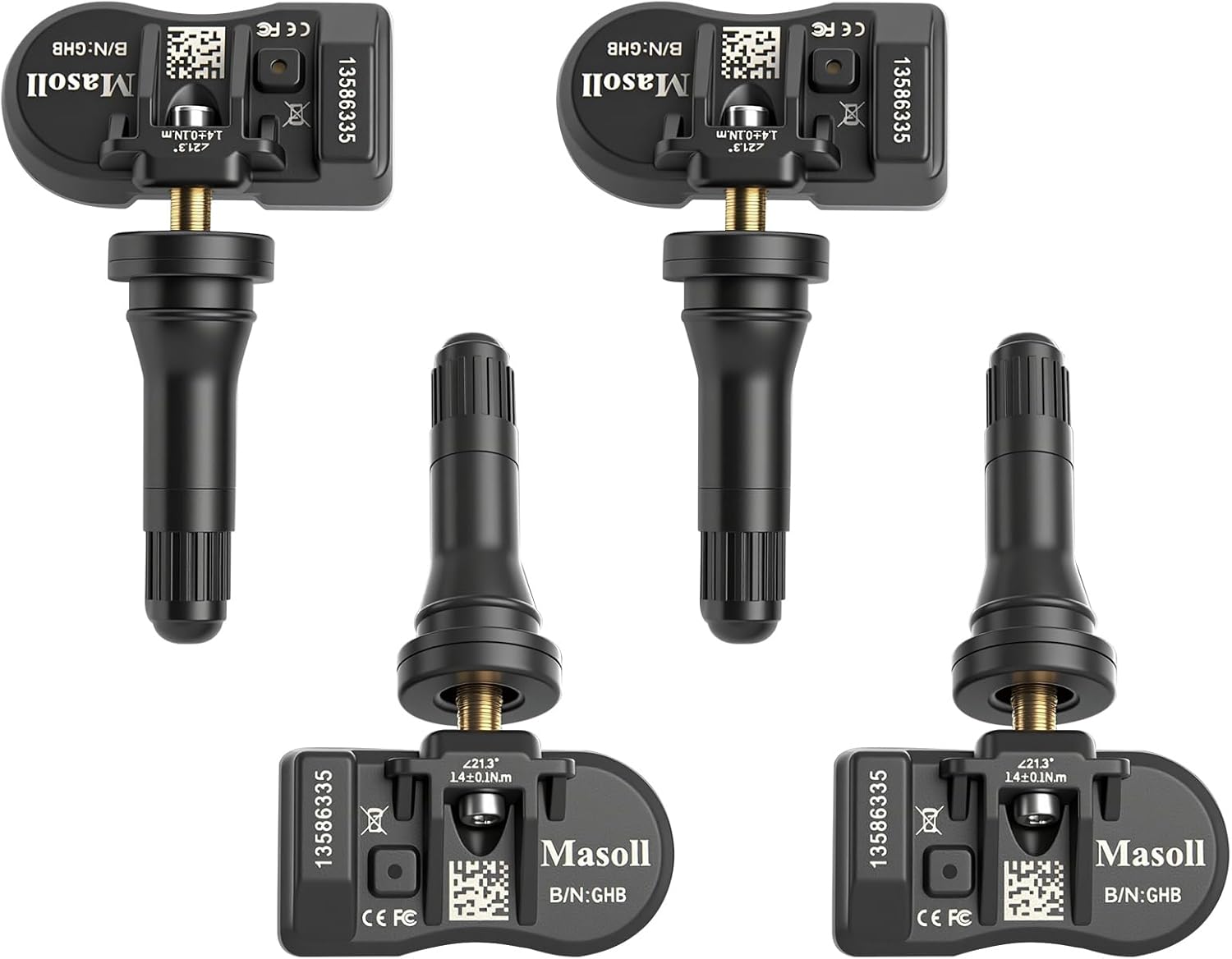
Masoll TPMS sensors are designed for most GM vehicles after 2006, helping you clear tire pressure warnings with OEM-level 315/433MHz compatibility. The 4-pack includes pre-programmed sensors, but re-learning is required after installation using a GM TPMS relearn tool or scan tool. Built with a dual-antenna design and a long-life CR2050 battery, these sensors deliver reliable performance in extreme temperatures with corrosion-resistant valve construction.

This TPMS relearn tool helps you quickly activate, match, and reset GM tire pressure sensors to keep the vehicle monitoring system working properly. It clears tire pressure alarms and dashboard warning lights after sensor replacement or tire rotation, and supports learning for common 315/433 MHz TPMS sensors. Designed for simple one-button operation, it can help you avoid unnecessary trips to repair shops.

The VEHLIVE SU-50448 II TPMS relearn tool provides a fast activation reset to restore accurate tire pressure monitoring after sensor replacement or tire rotation. It supports 315 MHz and 433 MHz GM series sensors and helps clear dashboard pressure warnings. With simple two-button operation and horn-confirmed relearning order, you can reprogram sensors conveniently at home.
Method 1: Newer 4Runner Models With the MID TPWS Menu
Many newer 4Runners reset tire pressure through the Multi-Information Display rather than a hidden dashboard button. Toyota’s 2024 4Runner guide lists the TPWS reset under the vehicle settings menu.
- Set all cold tires to the correct pressure on the door-jamb label.
- Turn the engine switch on or start the vehicle while parked.
- Use the steering-wheel meter controls to open the Settings screen on the Multi-Information Display.
- Select Vehicle Settings.
- Select TPWS or TPWS setting.
- Select Set Pressure or Pressure Setting.
- Press and hold the select/OK control until the tire pressure warning light blinks three times.
- Drive normally for several minutes, then recheck that the light stays off.
For reference, the official 2024 Toyota 4Runner Quick Reference Guide describes the MID path and says to hold “Set Pressure” until the warning light blinks three times: 2024 Toyota 4Runner Quick Reference Guide.
Method 2: 4Runner Models With a Physical TPMS Reset Button
Some Toyota vehicles use a physical tire pressure reset switch low on the instrument panel, often near the lower right side of the steering wheel. If your 4Runner has this switch, use this process:
- Set all cold tires to the correct door-placard pressure.
- Turn the ignition to ON without driving, or start the engine while parked.
- Find the tire pressure reset switch on the lower dash area.
- Press and hold the switch until the TPMS warning light blinks slowly three times.
- Release the switch and wait several minutes with the vehicle on.
- Drive normally for several minutes and confirm the light turns off.
Note: Do not assume every 4Runner has this button. If you cannot find it quickly, use the owner’s manual or the MID settings menu instead of removing trim panels or pressing unrelated buttons.
Method 3: 2017 and Similar Models With No Obvious Reset Button
Many 2017 4Runner owners look for a reset button and cannot find one. Toyota’s 2017 4Runner Quick Reference Guide states that correctly adjusting tire inflation should turn the light off after a few minutes, and if it does not, the system should be checked by a Toyota dealer.
- Check the driver-door placard for the correct cold tire pressure.
- Inflate all four tires, and check the spare manually.
- Start the vehicle and drive normally for a few minutes.
- If the light stays on, recheck pressure with a reliable gauge.
- If the light still stays on or blinks first, schedule TPMS diagnosis.
You can compare this with Toyota’s 2017 4Runner Quick Reference Guide here: 2017 Toyota 4Runner Quick Reference Guide.
Common Reasons the TPMS Light Remains On
If the TPMS light stays on after you adjust the tires, the cause is usually one of these:
| Light Behavior | Most Likely Cause | What to Do |
| Solid light | One or more tires are low, or the system has not updated yet | Check cold PSI, inflate to the placard, then drive a few minutes |
| Blinks for about one minute, then stays on | TPMS malfunction, dead sensor battery, unregistered sensor, or communication issue | Have the system scanned by a Toyota dealer or qualified tire shop |
| Comes back after a day or two | Slow leak, nail, bad valve stem, bead leak, or temperature drop | Check pressure again and inspect the tire for leaks |
| Started after new tires or wheels | TPMS sensor ID not registered or incompatible sensor/wheel setup | Register the sensor IDs and confirm compatible sensors are installed |
Other common causes include a low spare tire, damaged TPMS valve stem, sensor battery failure, non-OE wheels, tire chains, heavy snow or ice around the wheel wells, or radio interference near strong transmitters. Toyota’s newer 4Runner manual also notes that TPMS may not detect sudden tire ruptures, so stop safely and inspect the tires if handling changes or a tire looks damaged.
[Products Worth Considering]

This TPMS sensor training and relearn reset tool is customized for Ford, Lincoln, and Mercury vehicles to help activate tire pressure programming after sensor replacement or tire rotation. It can activate individual tire pressure sensors with one-button operation, helping prevent TPMS warning light illumination. It is not a sensor programming tool and cannot program replacement sensors—use it to trigger/activate sensors only.

The UYYE TPMS relearn tool helps activate and relearn tire pressure monitor sensors quickly, typically in minutes. It supports TPMS learn mode resetting using a simple three-step process: enter learn mode, position the tool near the valve stem, and press the learn button. Designed for specific GM models, it streamlines sensor programming and reduces trips to dealers or tire shops.

Replace your worn or missing TPMS sensors with pre-programmed, direct-fit sensors for compatible Ford, Lincoln, and select Mazda models. Each sensor comes ready to activate with a scan tool, helping restore accurate tire pressure monitoring and trouble-free installation. Built with a long-life CR2032 battery and tested before factory release, this set provides dependable performance with a one-year warranty.
How to Troubleshoot Common TPMS Issues

When troubleshooting a persistent Toyota 4Runner TPMS light, work from simple checks to sensor diagnosis.
- Recheck pressure with a separate gauge. Do not rely only on the dash display, because the displayed value can differ from a handheld gauge and may take time to update.
- Check pressure cold. Hot tires read higher after driving, which can hide an underinflation problem.
- Use the correct PSI. The door-jamb tire label is the first reference for stock tires and wheels.
- Look for a leak. A tire that drops again after reset likely has a puncture, valve leak, bead leak, cracked wheel, or damaged valve stem.
- Check the spare. The spare is easy to forget, especially on a 4Runner where it is stored under the rear of the vehicle.
- Confirm sensor registration after tire or wheel work. If sensors were replaced or wheels were swapped, the TPMS computer may need the correct sensor IDs.
- Scan the system if the light blinks. A TPMS scan tool can read sensor IDs, battery status, sensor pressure, and communication faults.
Warning: If the TPMS light appears with pulling, vibration, thumping, visible sidewall damage, or a tire that looks low, slow down and stop in a safe place. Do not keep driving just to complete a reset.
[Products Worth Considering]

Replace worn or malfunctioning GM TPMS sensors with this 433MHz pre-programmed sensor set designed for compatibility with many Chevrolet, Buick, GMC, and Cadillac models. It includes guidance for proper OBDII relearning/pairing after installation and supports reliable long-term operation with a high-performance CR2032 battery. Quality tested for durability and performance to help restore accurate tire pressure monitoring.

Masoll Gen 2 external TPMS sensors are a DIY replacement set of 4 for select GM vehicles made after 2006, helping you shut off the TPMS warning light quickly. Simply screw the sensors onto the tire valves and sync to your car ECU using the included EL-50448 relearn tool. Dual-frequency 315/433 MHz design provides OEM-level performance with accurate readings and replaceable batteries for about two years.
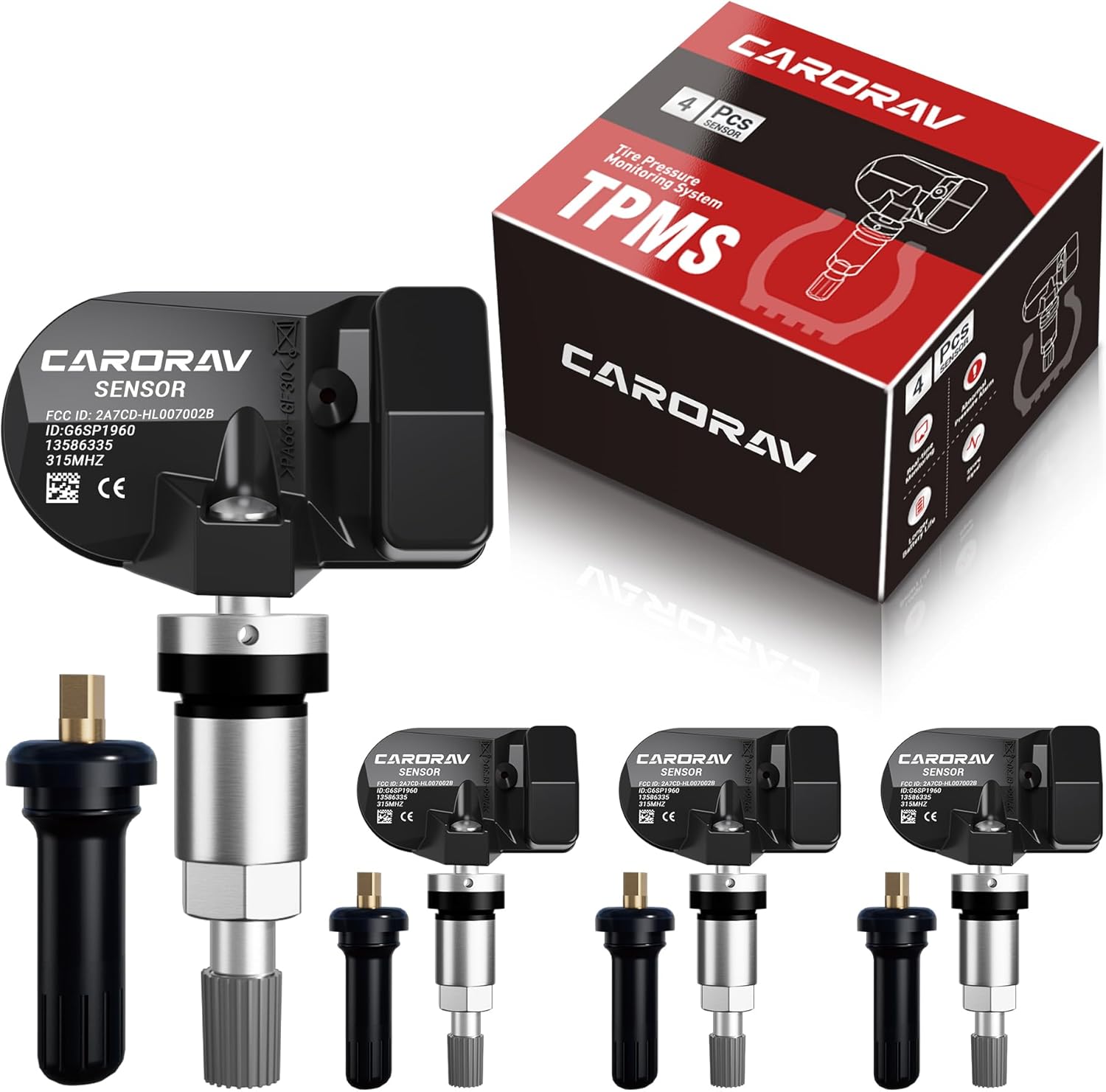
Replace worn or missing TPMS sensors with CARORAV pre-programmed GM-compatible sensors for a smoother installation experience. These 315MHz replacement sensors help monitor tire pressure in real time with long battery life, and they are designed to withstand harsh temperatures. Manual or OBDII relearn may be required to reset the system for proper recognition.
Maintaining Your TPMS: Essential Tips
Good TPMS habits are simple and prevent most false warnings.
- Check tire pressure at least monthly. Use a gauge when the tires are cold, and check before long trips.
- Use the placard pressure. The PSI on the tire sidewall is a maximum tire rating, not the recommended 4Runner pressure.
- Do not ignore seasonal changes. Cold weather lowers tire pressure, and heat can raise pressure after driving.
- Protect the sensors. TPMS sensors are part of the valve stem assembly on direct TPMS systems, so careless tire mounting can damage them.
- Reset only after the pressure is correct. Resetting too early can teach the system the wrong baseline.
- Have sensor IDs registered when needed. New sensors, new wheels, or a second wheel set may require programming.
TPMS is a warning system, not a tire-maintenance system. A monthly gauge check is still the best way to prevent low-pressure driving, uneven wear, and surprise warning lights.
Frequently Asked Questions
Where is the TPMS reset button on a 2017 Toyota 4Runner?
Many 2017 4Runner owners do not find a physical TPMS reset button. Toyota’s 2017 quick guide says correctly adjusting tire inflation should turn the light off after a few minutes. If it does not turn off, have the system checked by a Toyota dealer or qualified tire shop.
What PSI should I use for a Toyota 4Runner?
Use the tire and loading information label on the driver-side door jamb. Many stock 4Runner setups are around 32–33 PSI, but the correct number depends on model year, tire size, trim, and load.
Why does my TPMS light blink and then stay on?
A TPMS light that blinks for about one minute and then stays solid usually points to a system malfunction. Common causes include a dead sensor battery, damaged sensor, unregistered sensor ID, incompatible wheel or sensor, or a communication problem.
Do I need to reset the TPMS after rotating 4Runner tires?
It depends on the model year and system. Some newer 4Runner manuals instruct owners to initialize the tire pressure warning system after tire rotation. If your display shows tire positions or the warning appears after rotation, use the TPWS reset procedure in the manual.
Can the spare tire make the Toyota 4Runner TPMS light come on?
It can on some setups, especially if the spare has a TPMS sensor or is part of the vehicle’s monitored tire set. Even when the spare is not causing the warning, check it manually because an underinflated spare will not help during a roadside tire change.
What if the TPMS light comes back after I reset it?
Recheck the tire pressures cold. If one tire is low again, look for a slow leak, nail, bead leak, valve-stem leak, or cracked wheel. If all pressures are correct and the light still returns, scan the TPMS sensors and register or replace any faulty sensor.
Conclusion
Resetting the TPMS light on a Toyota 4Runner starts with tire pressure, not the reset button. Set every cold tire to the pressure on the door-jamb label, choose the reset method that matches your model year, and watch the warning-light behavior. A solid light usually means pressure needs attention; a blinking light that stays on usually means the TPMS system needs diagnosis. Handle the tire problem first, then reset the system so your 4Runner can warn you correctly next time.
Sources
- Toyota Support: Tire Pressure Monitor — backs up Toyota’s general TPMS function, reset-button guidance where equipped, and reminder not to rely only on TPMS.
- 2024 Toyota 4Runner Quick Reference Guide — backs up the MID TPWS Set Pressure reset procedure and blinking-light guidance.
- 2017 Toyota 4Runner Quick Reference Guide — backs up the 2017 guidance that correctly adjusting tire inflation should turn off the light after a few minutes.
- 2026 Toyota 4Runner Owner’s Manual: Tires — backs up newer TPWS behavior, tire-pressure display notes, and routine pressure-check cautions.
- 49 CFR 571.138: Tire Pressure Monitoring Systems — backs up TPMS warning requirements, monthly cold-pressure check language, and malfunction warning behavior.