
Modern Civics use an indirect tire pressure monitoring system, which learns what normal looks like for your tires. That is why Honda asks you to calibrate it whenever you change anything about the tires. The process is quick and needs no tools.
Quick Answer
Set all four tires to the door-label pressure, stop in Park with the power ON, then go to Home > Settings > Vehicle Settings > TPMS Calibration > Calibrate (on the driver information display or the touchscreen). The system finishes on its own while you drive; Honda says calibration needs about 30 minutes of cumulative driving at 30-60 mph. Older Civics may use a TPMS button under the left side of the dash.
Key Takeaways
- Calibrate after adjusting pressure, rotating or replacing tires.
- The Civic’s TPMS compares wheel rotation instead of reading pressure directly.
- Calibration starts in the Vehicle Settings menu and completes while driving.
- Mixed tire sizes or types can stop the system working properly.
When Honda Says to Calibrate
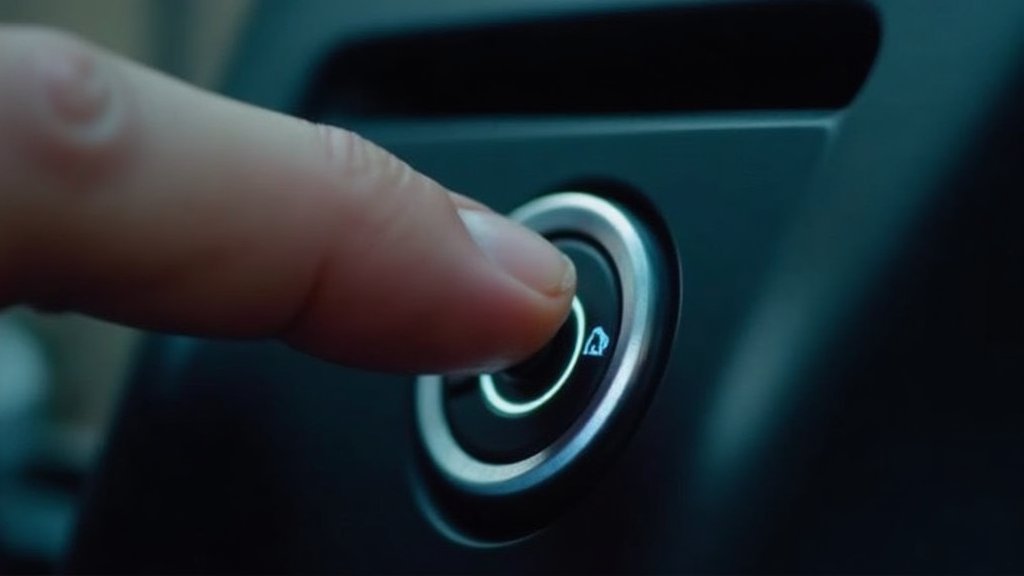
Honda’s owner information says you must start TPMS calibration every time you adjust the pressure in one or more tires, rotate the tires, or replace one or more tires. Before you start, set the cold pressure in all four tires and make sure the car is stopped, in Park, with the power mode ON.
Note: Honda’s TPMS monitors the rolling radius and rotation of each wheel. It cannot detect a slow, even loss across all four tires, so keep checking pressures with a gauge.
Products Worth Considering
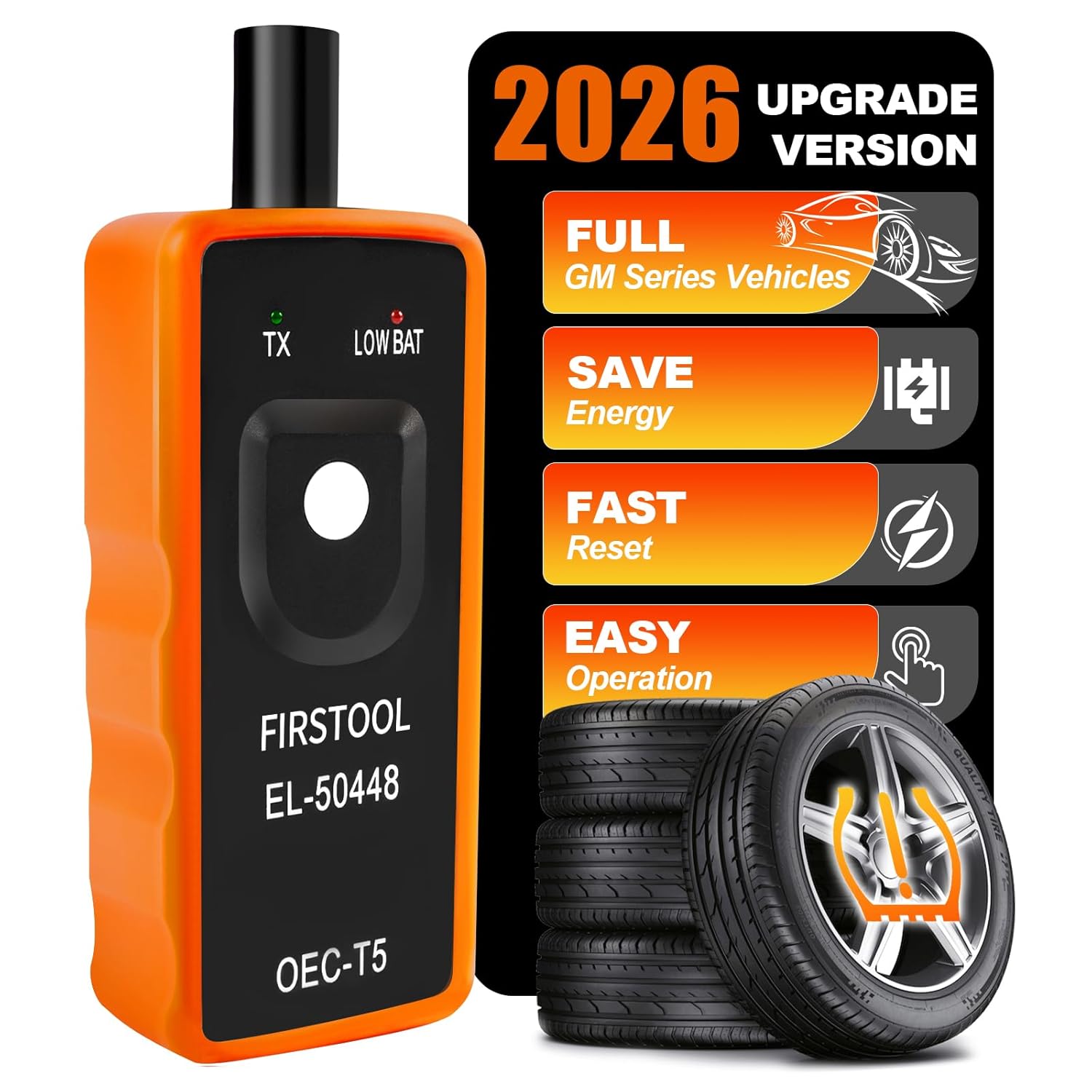
This TPMS relearn tool helps you quickly activate, match, and reset GM tire pressure sensors to keep the vehicle monitoring system working properly. It clears tire pressure alarms and dashboard warning lights after sensor replacement or tire rotation, and supports learning for common 315/433 MHz TPMS sensors. Designed for simple one-button operation, it can help you avoid unnecessary trips to repair shops.

Replace worn or malfunctioning GM TPMS sensors with this 433MHz pre-programmed sensor set designed for compatibility with many Chevrolet, Buick, GMC, and Cadillac models. It includes guidance for proper OBDII relearning/pairing after installation and supports reliable long-term operation with a high-performance CR2032 battery. Quality tested for durability and performance to help restore accurate tire pressure monitoring.
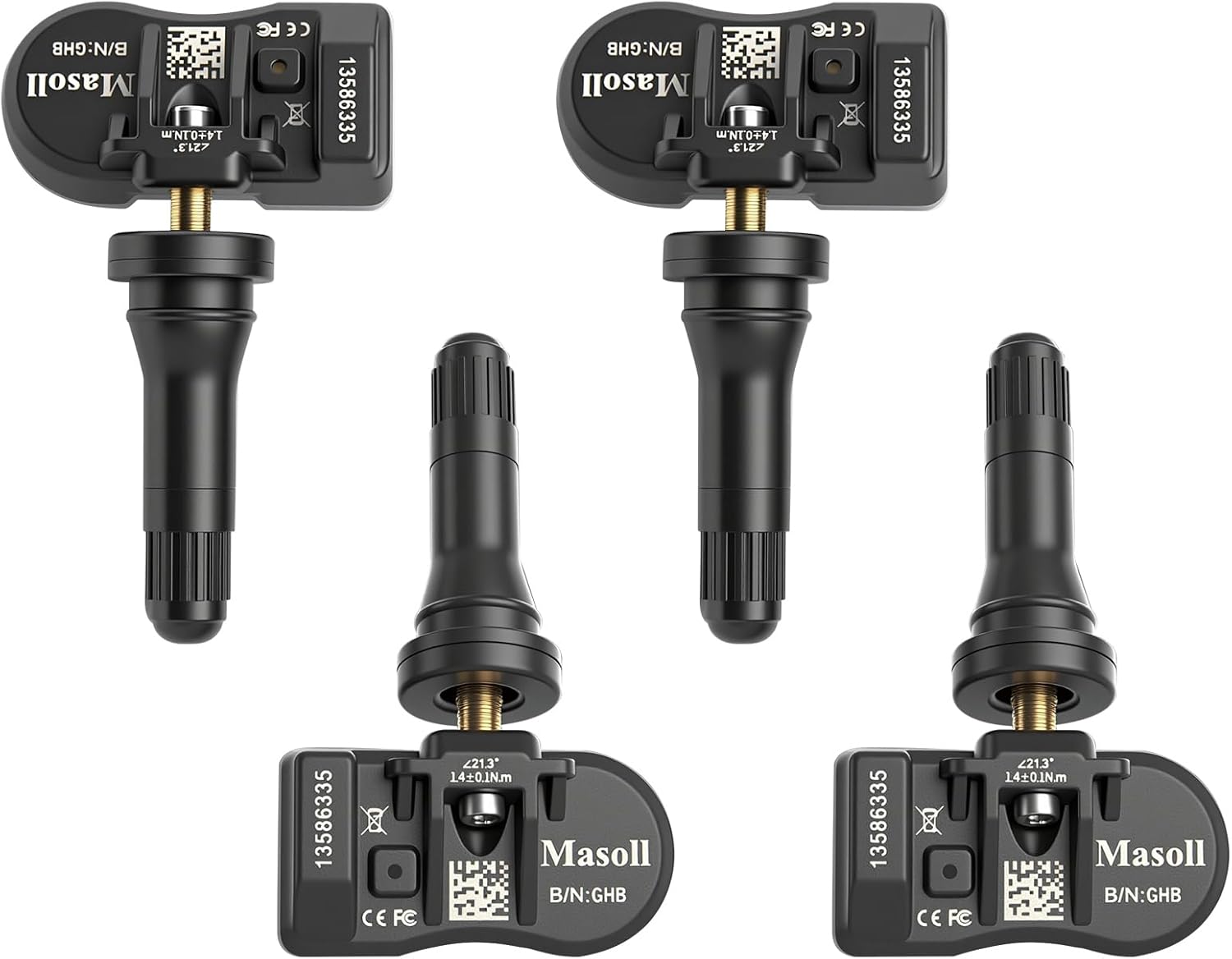
Masoll TPMS sensors are designed for most GM vehicles after 2006, helping you clear tire pressure warnings with OEM-level 315/433MHz compatibility. The 4-pack includes pre-programmed sensors, but re-learning is required after installation using a GM TPMS relearn tool or scan tool. Built with a dual-antenna design and a long-life CR2050 battery, these sensors deliver reliable performance in extreme temperatures with corrosion-resistant valve construction.
Steps for 2022 and Newer Civics
| Screen | Steps |
|---|---|
| Driver information interface (7-inch models) | Press Home, select Settings, then Vehicle settings; roll the selector wheel to TPMS calibration, press it, and choose Calibrate |
| 9-inch touchscreen | Press Home, select Vehicle Settings, then TPMS Calibration, then Calibrate |
- Set cold pressures to the door label.
- Stop, shift to Park and set power ON.
- Follow the menu steps for your screen and select Calibrate.
- If ‘Calibration failed to start’ appears, repeat the last step.
- Drive normally; the process finishes automatically.
Older Civics
Honda’s 2017 job aid shows two methods on earlier indirect systems. Some 2016-2017 Civic LX and Sport models use a TPMS button under the left side of the dashboard: press and hold it until the indicator blinks twice. Others (EX, Touring, Type R of that era) start calibration from the Display Audio settings. Check your owner’s manual for the exact method on your car.
Pro tip: Calibration only finishes after enough driving. If the light comes back soon after, re-check every tire with a gauge before calibrating again.
Products Worth Considering
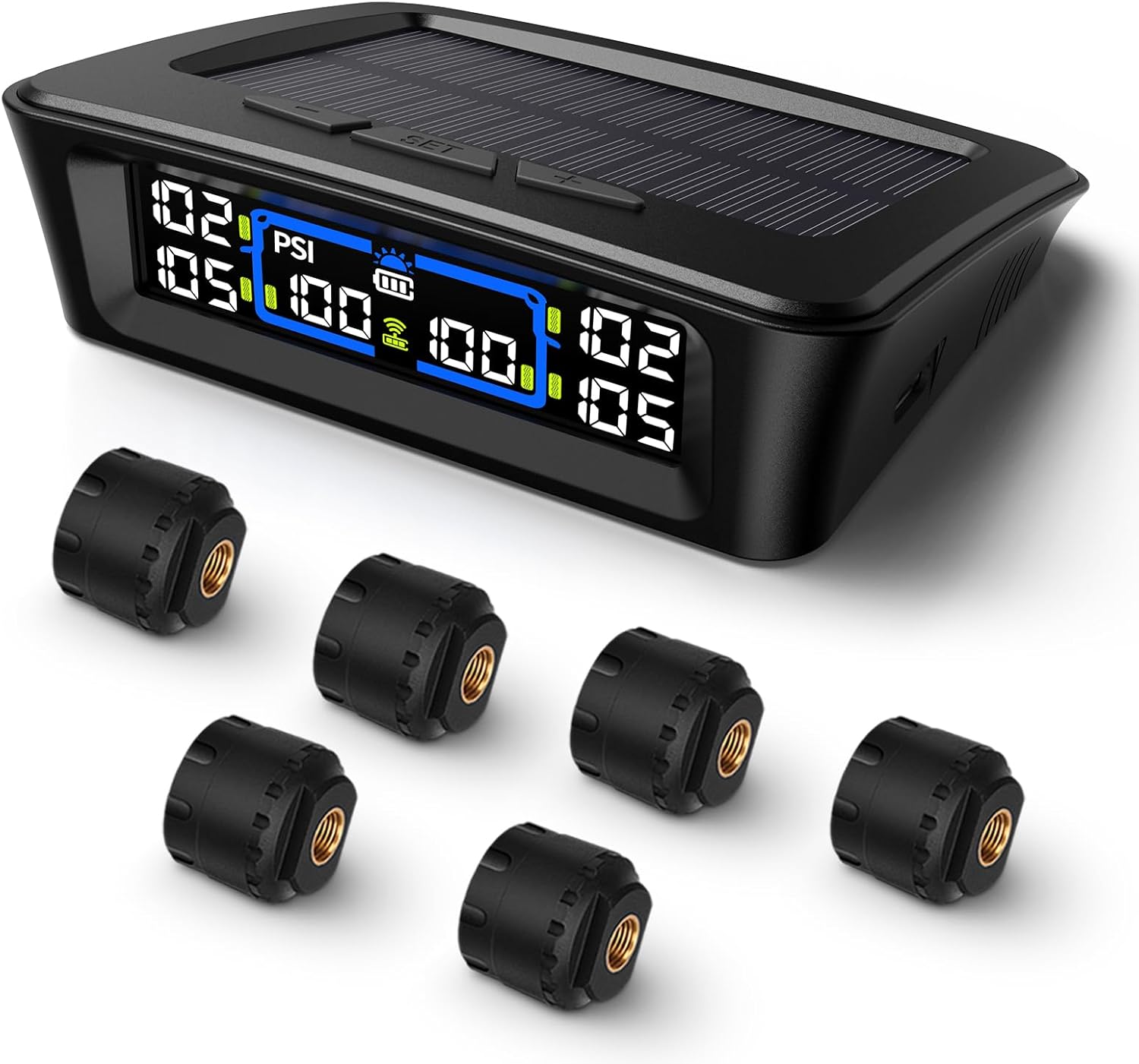
The Tymate TM12 RV TPMS delivers real-time tire pressure and temperature monitoring with a stable 433Hz display for safer long-distance driving. It supports simultaneous monitoring across vehicle and trailer zones, includes six alarm modes for pressure, temperature, leakage, battery, and signal loss, and features easy DIY installation with auto calibration. Power is supplied via USB-C charging or solar recharging, with a wide 0–144 PSI range and up to 50 ft signal coverage for RVs and towable trailers.

The TYAMATE TM8 solar-powered wireless TPMS delivers real-time tire pressure and temperature monitoring with six alarm modes for safer driving. A vibrant color LCD display shows readings clearly while windshield mounting keeps it hands-free and easy to read. With a wide 0–87 PSI range, strong 433.92 MHz signal transmission, and quick sensor pairing, it’s ideal for RV, sedan, SUV, MPV, and truck use.

Autel MX TPMS sensors combine 315MHz and 433MHz in a single easy-to-install press-in design for faster tire service. They support wireless programming with strong signal performance, and the sensors are clone-able for streamlined replacement. Built for reliability and tested to SAE standards, each sensor includes a series number for quality control.
If the Light Will Not Go Out
- Confirm all four tires match the label and the same size and type are fitted.
- Remember that a compact spare or tire chains can trigger the indicator.
- Re-run calibration and drive for at least 30 minutes at 30-60 mph.
- If it still stays on, have a Honda dealer check for a system fault.
See also Civic tire pressure and the meaning of each TPMS warning light.
Frequently Asked Questions
How do I reset the tire pressure light on a Honda Civic?
Set the pressures, then go to Home > Settings > Vehicle Settings > TPMS Calibration and select Calibrate. The system finishes calibrating while you drive.
How long does Civic TPMS calibration take?
Honda says calibration requires about 30 minutes of cumulative driving at 30-60 mph.
Does the Honda Civic have TPMS sensors in the wheels?
Recent Civics use an indirect system that compares wheel rotation through the ABS sensors rather than sensors in each wheel.
Where is the TPMS button on a Honda Civic?
Some 2016-2017 Civic LX and Sport models have a TPMS button under the left side of the dashboard. Newer Civics use the settings menu instead.
Sources
- Honda owner’s information: TPMS calibration (2025 Civic)
- Honda owner’s information: TPMS calibration steps
- Honda owner’s information: calibration driving time
- American Honda job aid: understanding indirect TPMS (NHTSA)
Products Worth Considering

Replace worn or missing TPMS sensors with a pre-programmed 4-pack designed for compatible GM vehicles. These 315MHz sensors provide real-time tire pressure monitoring and alert you if pressure is too high, too low, or if a rapid air leak occurs. Most installations are ready with minimal relearn effort after mounting, helping improve safety and driving confidence.

Masoll M13 TPMS monitors tire pressure across RV and trailer applications and helps protect safety on the road. Set your reference pressure for auto alarm triggers, while the system automatically calibrates as you inflate or deflate. Solar charging with intelligent sleep/wake keeps operation efficient, and the color LCD provides clear readings in day or night driving.

This TPMS sensor training and relearn reset tool is customized for Ford, Lincoln, and Mercury vehicles to help activate tire pressure programming after sensor replacement or tire rotation. It can activate individual tire pressure sensors with one-button operation, helping prevent TPMS warning light illumination. It is not a sensor programming tool and cannot program replacement sensors—use it to trigger/activate sensors only.