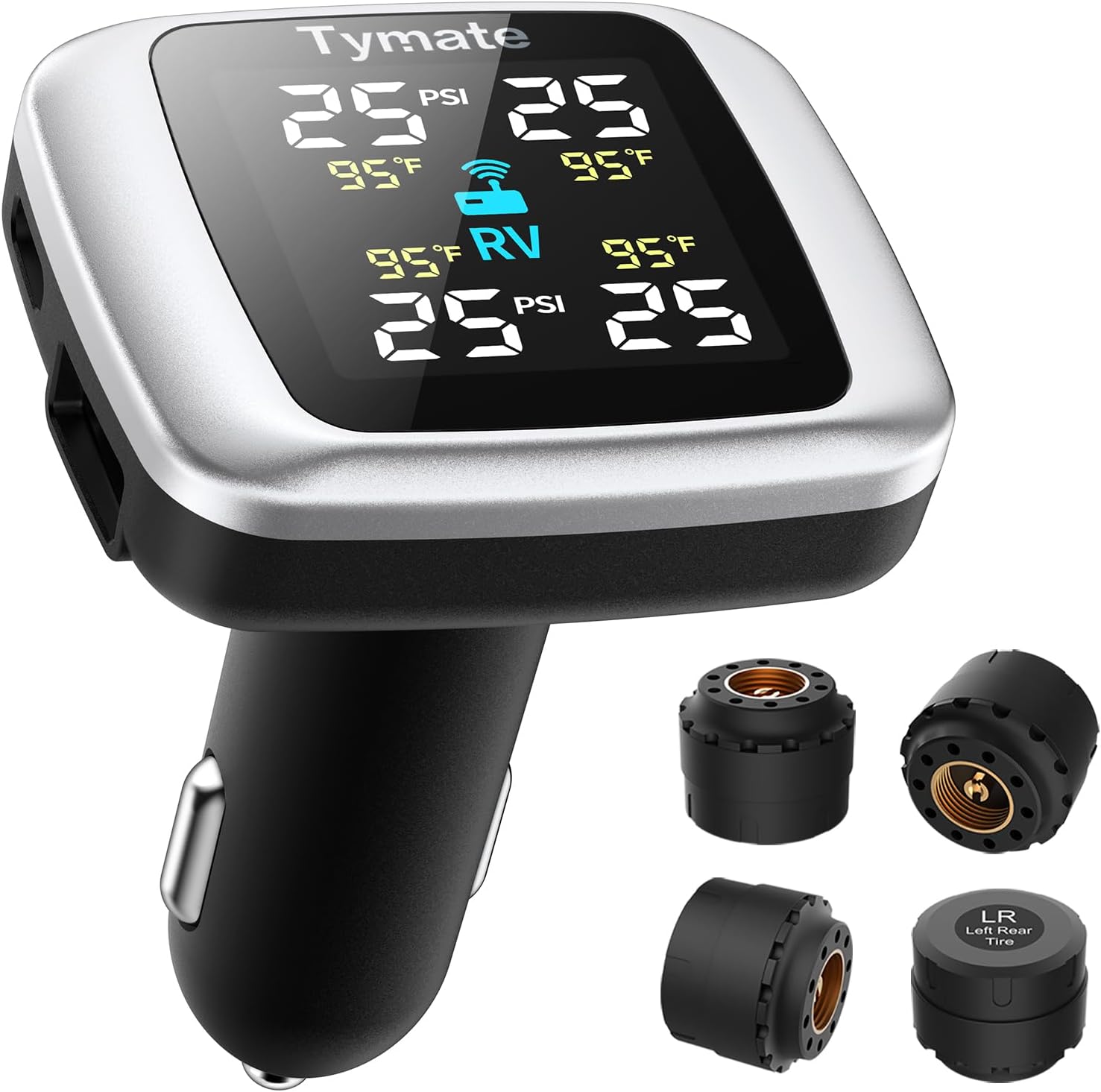
TPMS Sensor Replacement for Honda Accord: DIY Guide
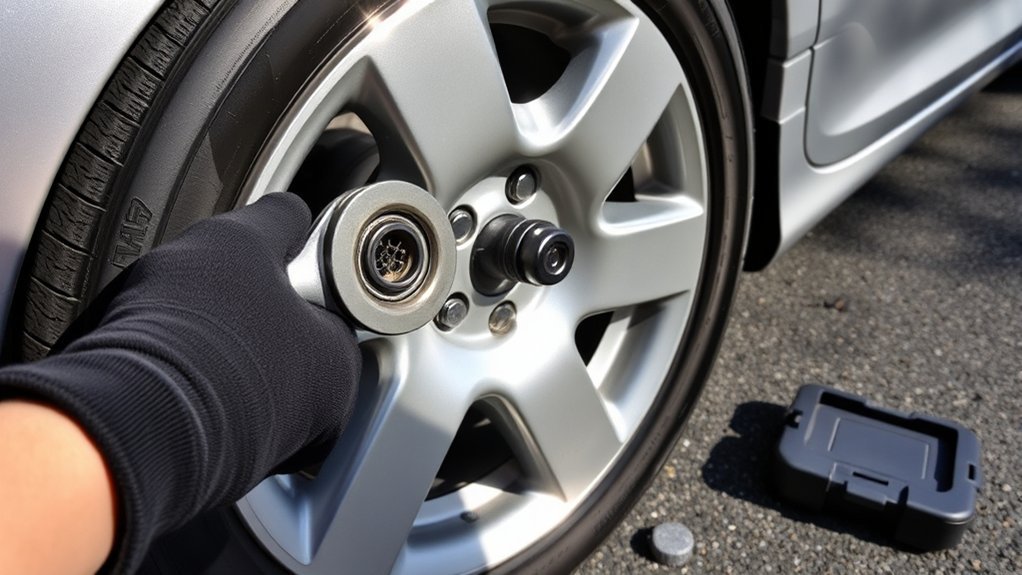
A faulty Tire Pressure Monitoring System (TPMS) sensor can leave you guessing about tire pressure, and that can affect safety, tire wear, and fuel use. Replacing one on your Honda Accord takes the right sensor, tire service tools, and a relearn or recalibration step. This guide explains the signs, tools, removal steps, installation tips, and common fixes after replacement.
What’s in This Article
- Understanding TPMS and Its Importance for Your Honda Accord
- Key Signs You May Need TPMS Sensor Replacement
- What You’ll Need for TPMS Sensor Replacement
- Step-by-Step Guide to Removing the Old TPMS Sensor
- Best Practices for Installing Your New TPMS Sensor
- How to Reassemble Your Tire and Wheel Correctly
- How to Recalibrate Your TPMS System
- Troubleshooting Common TPMS Issues After Replacement
- How to Maintain Your TPMS Sensors for Long-Term Reliability
- Frequently Asked Questions About TPMS Sensor Replacement
- References
Quick Answer
To replace a TPMS sensor on a Honda Accord, deflate the tire, remove the wheel, break the tire bead, remove the old valve-mounted sensor, and install a compatible new sensor. Reinflate the tire to the correct pressure, then complete the relearn or calibration process for your model year. If the TPMS light stays on, check sensor compatibility, tire pressure, and stored TPMS codes.
Key Takeaways
- Choose a TPMS sensor that matches your Honda Accord model year and system type.
- Use proper tire tools, safety stands, and a TPMS scan tool when the system requires relearning.
- Set all tire pressures to the door-jamb placard before you recalibrate the TPMS system.
- Investigate a warning light that stays on after replacement instead of ignoring it.
- Replace aging sensors during tire service to reduce repeat labor costs.
Understanding TPMS and Its Importance for Your Honda Accord
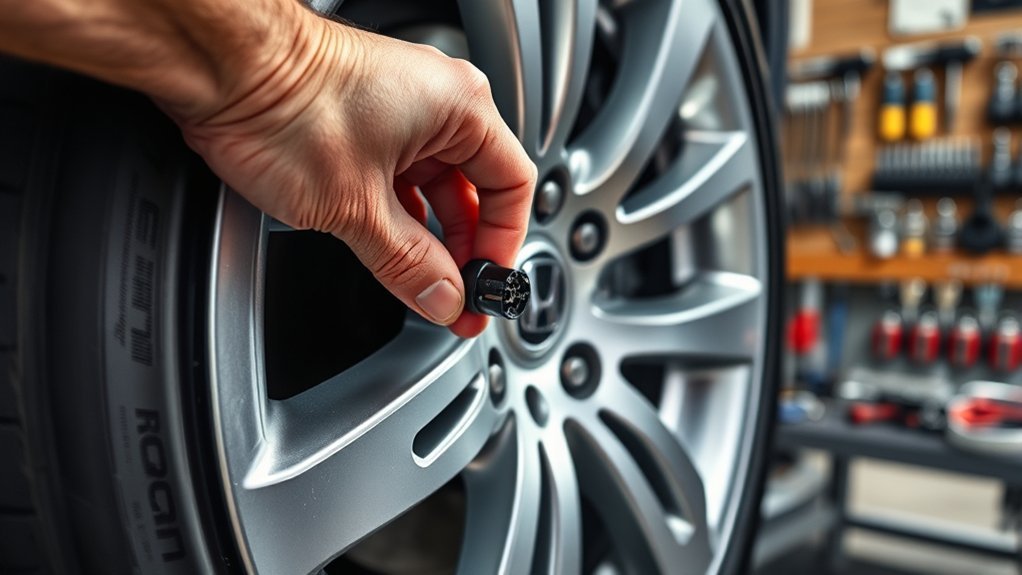
Understanding the Tire Pressure Monitoring System (TPMS) helps you keep your Honda Accord safer and more efficient. A TPMS warns you when one or more tires may have low pressure, which can affect handling, braking, tread wear, and fuel use.
Honda Accord TPMS systems vary by model year. Many Accords use direct TPMS sensors mounted at the valve stems, while some later models use an indirect system that estimates tire pressure changes through wheel-speed data from the Anti-lock Braking System (ABS).
Direct systems need working sensors, correct sensor IDs, and a relearn process after replacement. Indirect systems need calibration after tire pressure changes, rotations, or tire replacement. Regular monitoring and maintenance can help you catch tire pressure issues before they create bigger problems. You should also know about TPMS sensor battery life so you can avoid unexpected failures.
Key Signs You May Need TPMS Sensor Replacement
Several warning signs can point to a failing TPMS sensor. Pay attention to a TPMS light that stays on or flashes, especially after you have checked and corrected tire pressure.
Inaccurate or inconsistent tire pressure readings can also suggest a sensor issue. If the TPMS fails to recalibrate after tire or wheel service, a sensor may have a dead battery, poor signal, or compatibility problem.
A scan tool can help confirm the fault. Diagnostic trouble codes (DTCs) related to TPMS communication, sensor battery status, or sensor ID registration can help narrow the cause. Addressing these signs can help maintain tire safety and improve vehicle performance.
| Warning Signs | Troubleshooting Methods | Typical Cost Range |
|---|---|---|
| TPMS light stays on or flashes | Check all tire pressures manually | $50 – $200 per sensor, plus labor |
| Inconsistent pressure readings | Use a TPMS scan tool to read sensor data | Labor varies by shop and tire setup |
| Repeated pressure alerts | Inspect the tire, valve stem, and sensor seal | Extra cost may apply for valve service kits |
| Calibration or relearn failure | Confirm sensor compatibility and system type | Scan tool service may add labor cost |
| TPMS-related DTCs | Read codes and follow Honda-specific service steps | Diagnosis cost varies by provider |
What You’ll Need for TPMS Sensor Replacement
Gather the right tools before you start. TPMS sensor replacement requires more than a tire iron because the sensor sits inside the tire at the valve stem.
Estimated total time: about 45 to 90 minutes for one sensor if you have the right equipment. The job can take longer if the tire bead resists removal, the wheel has corrosion, or the TPMS relearn fails.
- Jack and jack stands rated for your vehicle
- Tire iron or breaker bar for lug nuts
- Valve core tool for deflating the tire
- Tire bead breaker or tire machine
- TPMS-compatible replacement sensor and valve service kit
- Torque wrench for lug nuts and sensor hardware
- TPMS scan tool with OBD functions when your system requires it
- Tire pressure gauge and air source
A TPMS scan tool, such as a professional TPMS service tool, can activate sensors and help with direct relearn procedures. You may also need tire lubricant to help reseat the bead and reduce the risk of leaks. Understanding sensor lifespan can help you decide when replacement makes sense.
Warning: Do not work under a vehicle supported only by a jack because the vehicle can shift or fall.
[Products Worth Considering]

The Milton 555e digital tire inflator delivers fast, accurate pressure readings with a backlit display and multiple unit options, making tire inflation quick and easy. Its durable 20" EPDM rubber hose and grip‑head chuck provide reliable connection, while the ±1 PSI accuracy ensures precise inflation for cars, bikes, and trucks.

This digital tire pressure gauge combines a sturdy pistol grip inflator with a backlit 0.1 PSI display for quick, accurate readings in any lighting condition. Its 360° swivel gauge and 20" rubber hose make it easy to use and store, while the integrated inflate/deflate trigger and ¼" NPT air inlet provide fast, reliable tire maintenance.

The Steelman Straight Air Chuck Tire Inflator offers a compact, durable solution for inflating tires with a built‑in gauge and flexible hose. Its push‑on chuck eliminates the need for clamps, while the polished steel casing and brass fittings ensure long‑lasting performance. Compatible with any portable or fixed tank air compressor, it delivers precise pressure readings from 10 to 90 PSI, making it ideal for cars, trucks, and other vehicles.
Step-by-Step Guide to Removing the Old TPMS Sensor

Start by parking on a level surface, setting the parking brake, and loosening the lug nuts before you lift the vehicle. Support the vehicle with jack stands, then remove the wheel so you can access the tire and sensor.
- Deflate the tire: Remove the valve cap and use a valve core tool to release all air from the tire.
- Break the tire bead: Use a tire machine or bead breaker to separate the tire bead from the wheel near the valve stem.
- Access the TPMS sensor: Push the tire sidewall down enough to reach the valve-mounted sensor inside the wheel.
- Remove the sensor hardware: Loosen the retaining nut, screw, or valve hardware based on the sensor design.
- Detach the old sensor: Pull the sensor and valve stem from the wheel without scratching the sealing surface.
- Inspect the wheel opening: Check for corrosion, dirt, or damage that could cause an air leak.
Dispose of the old sensor properly when local rules require electronic waste handling. Sensor types vary, and some systems use batteries that fail over time. Learning about sensor types can help you choose the right replacement.
[Products Worth Considering]

The WORKPRO digital tire pressure gauge with inflator offers precise 0.1 PSI resolution and ±1% accuracy for reliable tire inflation across vehicles and inflatables. Built with heavy‑duty aluminum alloy, brass, and rubber, it resists rust and drops while delivering deflation, inflation, and pressure checking functions. The kit includes valve caps, adapters, a twist‑on chuck, screwdriver, nozzles, needle, seal tape, and a storage bag with batteries, making it a versatile, portable solution for on‑the‑go tire maintenance.

The Milton 507KIT delivers fast, accurate tire inflation, deflation and pressure measurement with a backlit LCD gauge and 14" rubber hose. Its 3‑in‑1 design meets ANSI/ASME standards and provides readings from 0‑250 PSI with 0.1 PSI resolution. The ergonomic pistol‑grip body and brass lock‑on chuck make one‑handed operation effortless, while the auto‑off feature conserves battery life.

Best Practices for Installing Your New TPMS Sensor
Install a new TPMS sensor only after you confirm it matches your Honda Accord model year, frequency, valve style, and system type. A sensor that fits the wheel may still fail if the vehicle cannot read it.
Use a new valve service kit whenever the sensor design calls for one. Old grommets, seals, and valve cores can leak after removal.
[Products Worth Considering]

【OE PART NUMBER】: 42753SWA316, 42753SWA315, 42753S2A325

[VEHICLE FITMENT]: Compatible with Honda Accord 2008-2012, CR-V 2007-2011, FIT 2008; Compatible with Hummer S2000 2008-2009
Proper Sensor Alignment
Proper alignment helps the TPMS sensor sit securely and avoid contact with the tire bead. Position the sensor as the manufacturer directs before you tighten the retaining hardware.
- Check compatibility: Match the sensor to your Honda Accord model year, system type, and wheel design.
- Seat the valve stem: Place the new seal flat against the wheel opening so it can seal evenly.
- Tighten to specification: Use the correct torque for the sensor nut or screw to avoid leaks or cracked parts.
After installation, use a TPMS scan tool when your Accord requires sensor activation or ID registration. A correct relearn helps the vehicle recognize the new sensor.
Ensure Secure Installation
A secure installation protects the sensor from leaks, movement, and signal problems. Do not overtighten the valve nut because excessive force can damage the seal or sensor body.
Before you remount the tire bead, confirm the sensor does not touch the tire sidewall. Then inflate the tire slowly and check the valve stem with soapy water for bubbles.
Pro tip: Replace the TPMS valve service kit each time you remove a sensor to lower the chance of slow air leaks.
How to Reassemble Your Tire and Wheel Correctly
Before you reinstall the wheel, inspect the tire bead and wheel rim for dirt, damage, or old rubber. A clean sealing surface helps the tire hold air after inflation.
- Reseat the tire bead: Use tire lubricant and inflate the tire until both beads seat evenly against the wheel.
- Set tire pressure: Inflate the tire to the pressure listed on the driver-side door-jamb placard.
- Check for leaks: Apply soapy water around the valve stem and bead area, then look for bubbles.
- Reinstall the wheel: Hand-start the lug nuts, lower the vehicle, and tighten the nuts in a star pattern.
- Torque the lug nuts: Use the torque value from your owner’s manual or service information.
After the wheel is secure, verify the sensor activation sequence for your direct TPMS procedure if your Accord needs one. Proper sensor orientation can help the system respond correctly after installation.
How to Recalibrate Your TPMS System
Recalibration depends on your Honda Accord model year and TPMS design. Check your owner’s manual first because Honda uses different procedures across Accord generations.
Direct TPMS systems may require a TPMS scan tool and an On-Board Diagnostics (OBD) relearn. The tool activates each sensor and writes the sensor IDs to the vehicle.
Indirect TPMS systems usually need you to set tire pressures first, then start calibration through the vehicle settings, touchscreen, or steering-wheel controls. Drive the vehicle as directed after calibration so the system can learn the new baseline. Proper tire maintenance remains essential for accurate monitoring, as proper tire maintenance supports reliable tire performance.
Note: A calibration button or menu does not fix a dead direct TPMS sensor unless the vehicle can detect that sensor.
Troubleshooting Common TPMS Issues After Replacement
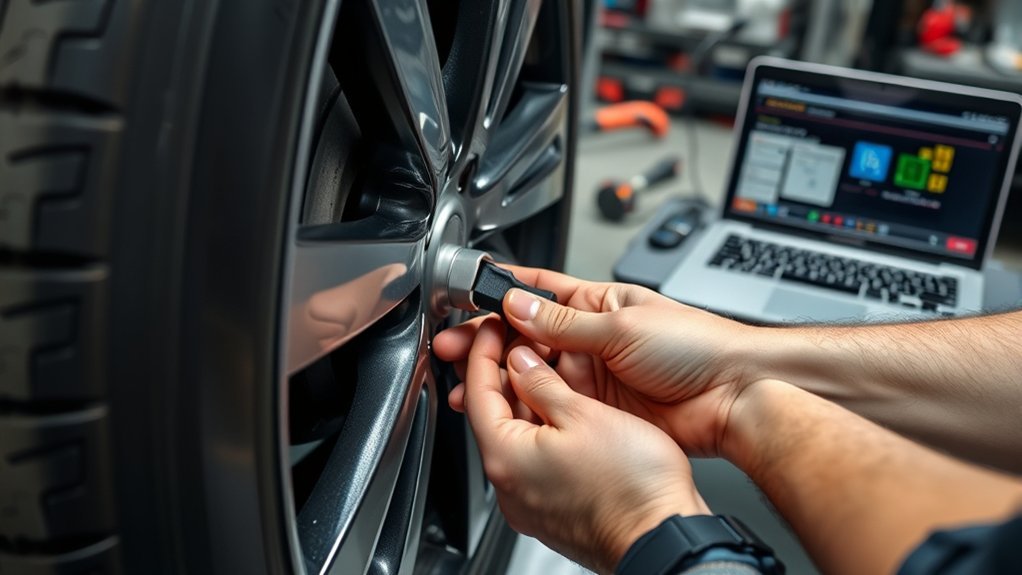
After replacing a TPMS sensor, you may still see a warning light, failed relearn, or missing pressure reading. Start with the simple checks before you replace more parts.
Sensor Activation Failures
Sensor activation failures often come from compatibility issues, weak sensor batteries, or an incomplete relearn. Check the sensor part number and confirm that it supports your Accord’s system.
- Verify the tool setup: Select the correct Honda Accord year, model, and sensor type on the TPMS scan tool.
- Check sensor compatibility: Confirm the new sensor matches the vehicle frequency and protocol.
- Repeat the relearn: Follow the tool prompts and activate sensors in the required order.
- Read TPMS codes: Use the scan tool to check for sensor, receiver, or communication faults.
If the sensor still won’t respond, inspect for a damaged sensor body, incorrect programming, or a failed receiver issue. TPMS sensor batteries often last several years, and a dead battery can cause missing or incorrect pressure data. You can learn more about TPMS sensor batteries before replacing another sensor.
Warning Light Persistence
A TPMS light that stays on after replacement means the system still sees a fault. Check tire pressure first because low pressure can trigger the light even when the new sensor works.
Next, confirm that the vehicle learned the new sensor ID. For indirect systems, restart calibration after you set all four tires to the placard pressure.
If the malfunction indicator light keeps flashing, use a TPMS scan tool to read stored codes. A code can point to a wrong sensor, failed relearn, weak signal, or control module problem.
How to Maintain Your TPMS Sensors for Long-Term Reliability
Good tire care helps TPMS sensors work longer and gives you more useful warnings. Check tire pressure at least once a month and before long trips.
- Check tire pressure regularly: Use a reliable gauge and set pressure when tires are cold.
- Recalibrate after tire service: Follow your owner’s manual after rotations, replacements, or pressure changes.
- Use a TPMS scan tool: Check sensor status when the warning light stays on or readings seem wrong.
- Replace aging sensors during tire changes: This can save labor if a sensor battery is near the end of its life.
Do not ignore a TPMS warning light that stays on after you verify tire pressure. Prompt diagnosis can help you avoid uneven wear, low-pressure driving, and repeat tire service. Understanding TPMS sensor malfunctions can help you identify and resolve issues faster.
Frequently Asked Questions About TPMS Sensor Replacement
Can You Replace a TPMS Sensor Yourself?
Yes, you can replace a TPMS sensor yourself if you have safe lifting equipment, tire bead tools, a compatible sensor, and the right TPMS relearn tool when needed. Many owners choose a tire shop because breaking and reseating the tire bead requires special equipment.
How Much Does It Cost to Replace a Tire Sensor on a Honda Accord?
Replacing a tire sensor on a Honda Accord often costs about $70 to $200 per sensor, including parts and labor. The final price depends on sensor type, shop labor, valve service parts, and whether the vehicle needs scan-tool programming.
Can I Still Drive My Car if the TPMS Light Is On?
You can drive a short distance if the tires have safe pressure, but you should check all tires right away. A TPMS light can mean low pressure, a system fault, or a sensor that no longer reports data.
How Do You Remove TPMS From a Honda Accord?
To remove a TPMS sensor from a Honda Accord, deflate the tire, break the bead, and access the valve-mounted sensor inside the wheel. Remove the retaining hardware carefully so you don’t damage the wheel opening or sensor seal surface.
Do You Need to Replace All TPMS Sensors at Once?
You don’t need to replace all TPMS sensors at once if only one sensor has failed. But replacing all sensors during a tire change can make sense when they are the same age and nearing the end of their battery life.
Conclusion
A working TPMS helps you catch low tire pressure before it harms safety, tire life, or fuel economy. Choose the correct sensor, install it with fresh valve hardware, and complete the proper relearn or calibration for your Accord. If the TPMS light stays on, check tire pressure first, then scan the system for codes. Handle the issue early, and you’ll drive with more confidence on every trip.
References
- Tires — National Highway Traffic Safety Administration
- Federal Motor Vehicle Safety Standards; Tire Pressure Monitoring Systems; Controls and Displays — National Highway Traffic Safety Administration
- Honda Owner’s Manuals — Honda

Related Articles
How Tall Is a 305 70 R17 Tire? Exact Height, Width & Dimensions
Curious how tall a 305 70 R17 tire really is—and whether it fits your truck?
Read More
Can-Am Defender Tire Size Guide: Stock Specs & Upgrade Options
Just how big can you go on a Can-Am Defender before mods become necessary?
Read More
How Tall Is a 275 65 20 Tire? Exact Height, Width & Dimensions
Check the exact height, width, and hidden fitment effects of a 275/65R20 tire before you buy or upgrade.
Read More