How to Register TPMS After Rotating Your 4Runner Tires
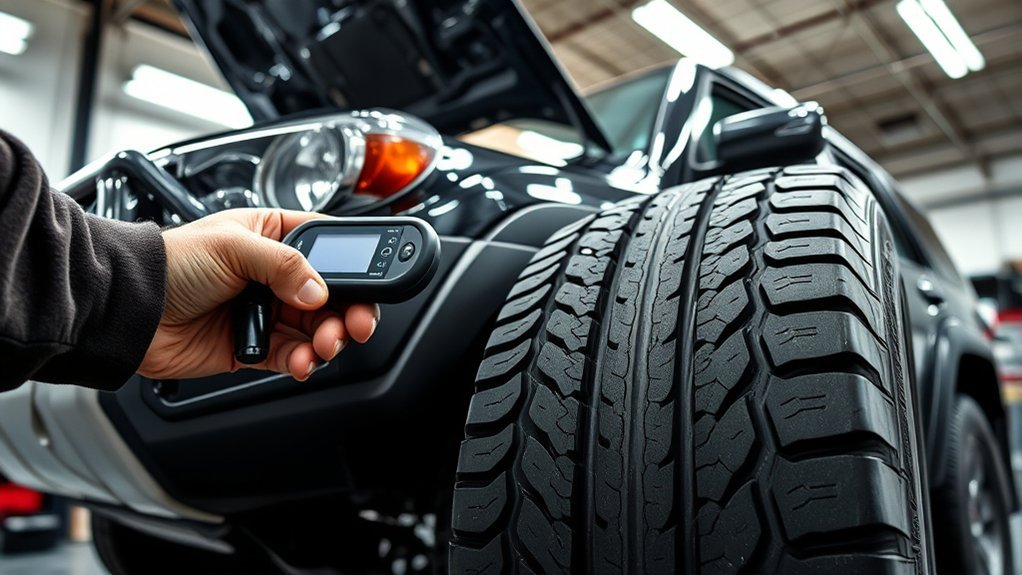
To register the TPMS after rotating your 4Runner tires, first confirm all tires are inflated to the recommended pressure (around 33 psi). Turn the ignition to the ON position without starting the engine, then locate the TPMS reset button under the dashboard. Press and hold the button until the warning light blinks slowly three times. Finally, drive for several minutes above 25 mph to complete calibration. Continue to explore more tips and insights on maintaining your TPMS effectively.
Step-By-Step TPMS Reset Procedure for Your 4Runner
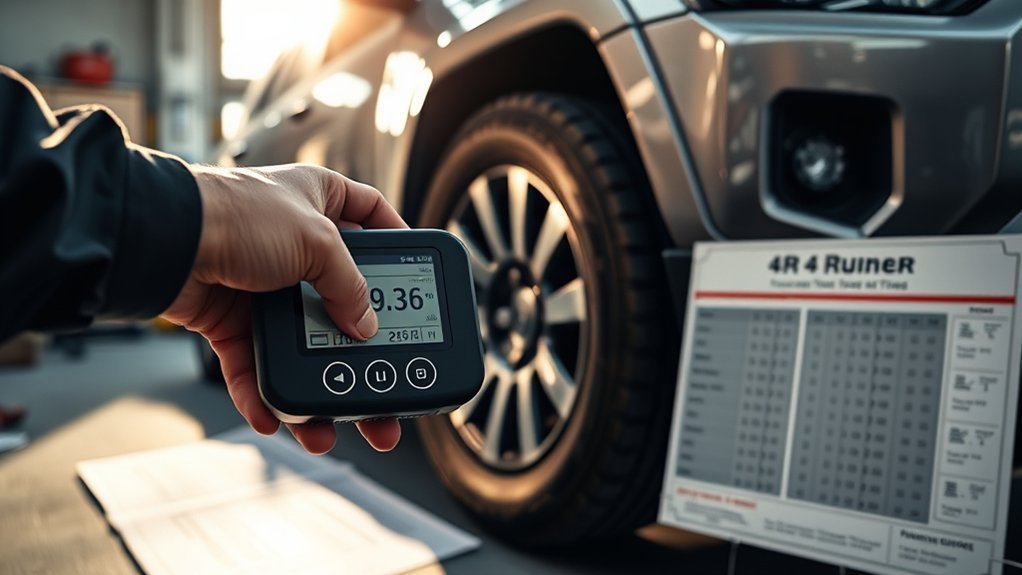
To successfully register the TPMS on your 4Runner after a tire rotation, follow these straightforward steps. First, verify all tires are inflated to the recommended cold pressure, usually around 33 psi. Next, turn the ignition to the ON position without starting the engine. Locate the TPMS reset button under the driver-side dashboard. Press and hold this button until the warning light blinks slowly three times, indicating the system is resetting.
Then, drive your vehicle for several minutes at speeds above 25 mph to complete the calibration process, allowing the system to recognize the new tire positions. If the TPMS warning light remains illuminated, recheck the tire pressures and repeat the procedure as necessary. These TPMS troubleshooting tips are essential for addressing any tire rotation impacts effectively, guaranteeing your 4Runner’s safety and performance.
When to Reset Your TPMS
Resetting your TPMS is crucial whenever you rotate your tires, as this guarantees the system accurately reads the new tire positions. You should also reset your TPMS after inflating or deflating tires, replacing wheels or sensors, or if the “Tire Pressure Low” warning persists even after correcting air pressure. Always perform the TPMS reset with tires at their cold inflation pressure, typically around 33 psi for both front and rear tires.
To complete the TPMS reset, turn the ignition ON without starting the engine and hold the TPMS reset button until the warning light blinks slowly three times. After resetting, drive your vehicle at speeds above 25 mph for several minutes to allow the TPMS functionality to recalibrate and confirm successful registration of tire positions. This ensures your 4Runner remains safe and responsive, maintaining peak performance during your drives.
Common User Experiences With TPMS Reset
While many drivers expect their TPMS to function flawlessly after a tire rotation, experiences often reveal inconsistency in readings. You might notice that the system displays incorrect tire pressures initially, necessitating a manual reset. However, some users report that the system self-corrects after driving for about an hour. User feedback highlights a wide range of experiences; while some need to engage the dashboard settings for sensor calibration, others find it unnecessary. It’s essential to consistently monitor your tire pressure post-rotation, as the TPMS may not alert you to sudden air loss immediately. Community discussions emphasize that each tire has its own sensor, and updates typically aren’t required unless sensors are replaced. This variability underscores the significance of understanding your specific TPMS and how it reacts after a tire rotation, empowering you to maintain ideal tire performance and safety.
What Your Tire Pressure Readings Mean After a Rotation
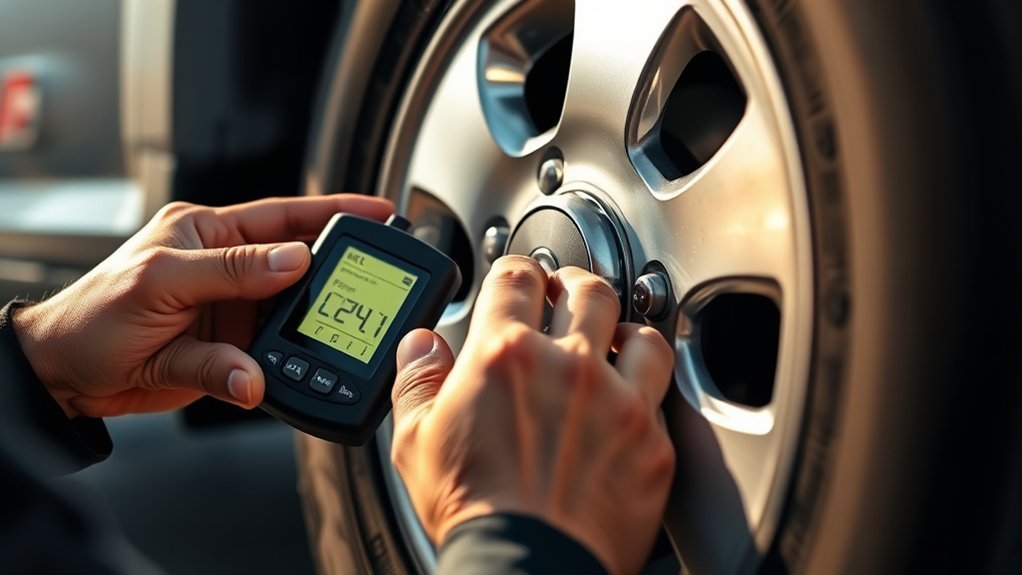
After a tire rotation, your TPMS may show readings that don’t accurately reflect the actual tire pressures. This discrepancy arises from sensor recalibration effects as the system adjusts to the new tire positions. You might notice tire pressure fluctuations during this period, with some users reporting that readings self-correct after driving for up to an hour. It’s vital to monitor tire pressure closely after a rotation to make certain all tires are inflated properly for ideal safety and performance. If the “Tire Pressure Low” warning persists despite correcting air pressure, a manual TPMS reset might be necessary to update the system. Regular checks of tire pressures are recommended, especially post-rotation, to maintain both vehicle performance and safety. Understanding these dynamics empowers you to take control of your driving experience and guarantee your 4Runner operates smoothly on the road.
Tools for TPMS Reset
To streamline the TPMS reset process for your 4Runner, you’ll want to utilize specific tools that enhance accuracy and efficiency. Start by ensuring your tire pressure is at the manufacturer-recommended levels, typically around 33 psi. This is vital before you initiate any reset techniques. A dedicated TPMS tool, like the Autel, can simplify updating your sensor locations after a tire rotation. This diagnostic equipment allows for precise adjustments, ensuring your TPMS operates at peak performance.
While some users may prefer to manually reset through the dashboard menu, experiences can vary in effectiveness. To make the process even smoother, keeping a reliable maintenance kit that includes TPMS sensor maintenance tools is essential. These kits facilitate not only resets but ongoing monitoring of tire health, empowering you to maintain your vehicle’s performance. Embrace these tools for a more liberating and efficient tire maintenance experience.
Handling Persistent TPMS Warning Lights?
If the TPMS warning light stays illuminated after rotating your tires, it’s essential to troubleshoot the issue methodically. First, verify all tires are inflated to the manufacturer’s recommended pressure, typically around 33 psi. Next, perform a manual TPMS reset by turning the ignition ON without starting the engine. Hold the TPMS reset button under the driver-side dashboard until the warning light blinks slowly three times. After that, drive your vehicle above 25 mph for several minutes to complete the TPMS calibration process, allowing the system to recognize the tire positions accurately. If the warning light remains on, re-check tire pressures and repeat the reset steps as necessary. Finally, consult your owner’s manual for specific instructions related to your model, as some vehicles may have unique procedures for managing TPMS sensors after tire rotation. This systematic approach will help guarantee your TPMS functions correctly.
The Importance of Regular Tire Pressure Checks

While you might overlook tire pressure checks during routine maintenance, neglecting this crucial task can lead to significant safety and performance issues. Regular checks are essential for tire safety and fuel efficiency. Under-inflated tires can decrease mileage by up to 3% for every 1 psi drop in pressure. Aim to check tire pressures at least once a month and before long trips, especially following tire rotation.
Always refer to your vehicle’s owner manual for specific inflation guidelines, as most passenger vehicles recommend around 33 psi. Monitoring tire pressure helps prevent uneven tire wear, extending tire life and enhancing traction stability. Properly inflated tires improve handling performance and reduce the risk of blowouts. By prioritizing these checks as part of your tire maintenance routine, you guarantee not only your vehicle’s efficiency but also your safety on the road.
Community Tips for TPMS Success
After ensuring your tire pressures are correctly set, managing the Tire Pressure Monitoring System (TPMS) is the next step for ideal vehicle performance. Engaging with community forums can offer valuable insights based on user experiences. Many members share effective methods for resetting TPMS after tire rotations, helping you avoid common pitfalls.
| Tip | Description |
|---|---|
| Reset Procedure | Access dashboard settings, locate TPMS, press until it flashes three times. |
| Self-Correction | Readings may stabilize after driving for about an hour. |
| Regular Monitoring | Check tire pressures frequently to catch discrepancies early. |
| Manual Resets | If “Tire Pressure Low” warning persists, a manual reset may be needed. |
| Community Engagement | Join forums to learn from others’ successes and challenges. |
Essential Tools and Resources for 4Runner Tire Maintenance
Keeping your 4Runner in top condition requires the right tools and resources for effective tire maintenance. Start with a reliable tire pressure gauge to guarantee your tires are inflated to the recommended 33 psi before resetting the TPMS. A dedicated maintenance kit, including a TPMS sensor tool like the Autel, can enhance your ability to troubleshoot and maintain your tire monitoring system effectively.
Don’t forget to download the Toyota app, which gives you access to your owner’s manual and detailed TPMS reset instructions tailored for your model. After rotating your tires, regularly check the tire pressure, as initial readings may be inaccurate until the TPMS recalibrates itself. Investing in these essential tools and resources not only supports your vehicle’s performance but also empowers you to take control of your 4Runner’s tire health, enhancing safety on the road.
Troubleshooting TPMS Issues After Rotation
When you rotate your 4Runner’s tires, you might encounter issues with the Tire Pressure Monitoring System (TPMS) that require immediate attention. It’s common for pressures to display incorrectly right after rotation. However, these readings often self-correct after driving for about an hour. If the “Tire Pressure Low” warning persists, you’ll need to reset the TPMS manually. Access the settings menu on your dashboard, and hold the reset button until the warning light blinks slowly three times. Regularly checking tire pressures after rotation is essential, as the TPMS may not alert you to rapid air loss immediately. Implementing proper TPMS calibration methods can enhance accuracy. Additionally, engaging with community forums can provide valuable troubleshooting tips and insights from fellow 4Runner owners, enriching your understanding of tire rotation frequency and its impact on TPMS functionality. Stay proactive to guarantee a safe driving experience.
Frequently Asked Questions
Will Rotating Tires Cause TPMS Light to Come On?
Yes, rotating your tires can trigger the TPMS light. You’ll need a TPMS reset if the light stays on, indicating the system hasn’t recalibrated to the new positions. Always check tire pressure post-rotation.
Conclusion
In summary, registering your TPMS after rotating your 4Runner tires is essential for accurate tire pressure readings and safety. By following the outlined reset procedures and utilizing the right tools, you can guarantee peak performance. Remember, a well-calibrated TPMS not only enhances your driving experience but also prolongs tire life. Regular checks and maintenance are key; don’t underestimate their importance. Trust in these practices, and you’ll navigate the road with confidence and peace of mind.

Related Articles
Tire Plug vs Tire Patch: Which Is Safer for Your 4Runner
A tire patch outlasts plugs for your 4Runner, but one factor could change everything.
Read More
How to Install TPMS Sensors on a Toyota 4Runner
Step-by-step guide to installing TPMS sensors on your Toyota 4Runner—discover essential tips to ensure optimal performance and avoid common pitfalls.
Read More
Can You Repair Sidewall Damage on a 4Runner Tire
Got sidewall damage on your 4Runner tire? Here's why that repair could cost you everything.
Read More