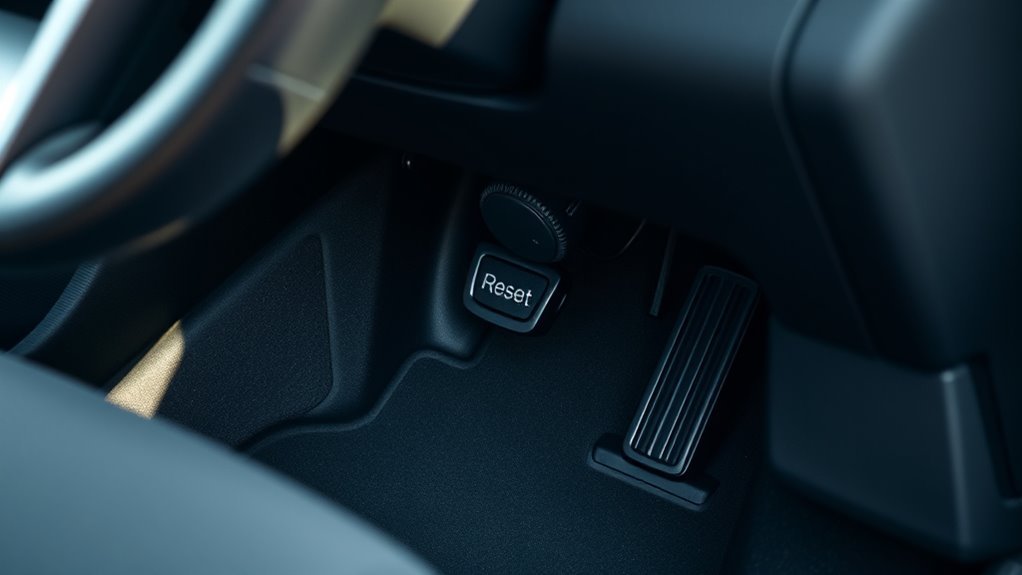
Your Hyundai Sonata’s TPMS light can feel urgent, especially when you already checked the tires. In many Sonata models, the Tire Pressure Monitoring System (TPMS) reset button sits under the steering wheel or near the lower dash, but the exact spot can vary by model year. Before you press it, check every tire with a gauge and inflate each one to the pressure listed on the driver-side door placard. This guide shows you where to look, how to reset the light, and what to do if the warning stays on.
Quick Answer
Look for the Hyundai Sonata TPMS reset button under the steering wheel, near the lower dash, or close to the pedal area. Inflate all tires first, then turn the ignition to ON and hold the reset button until the TPMS light blinks three times. Start the engine and drive for several minutes so the system can relearn the tire pressure readings.
Key Takeaways
- Check the driver-side door placard before you inflate your tires.
- Look under the steering wheel or lower dash for the TPMS reset button.
- Hold the reset button until the TPMS light blinks three times.
- Drive the car after the reset so the sensors can update their readings.
- Get the system checked if the TPMS light stays on or flashes.
Why TPMS Matters in Your Hyundai Sonata
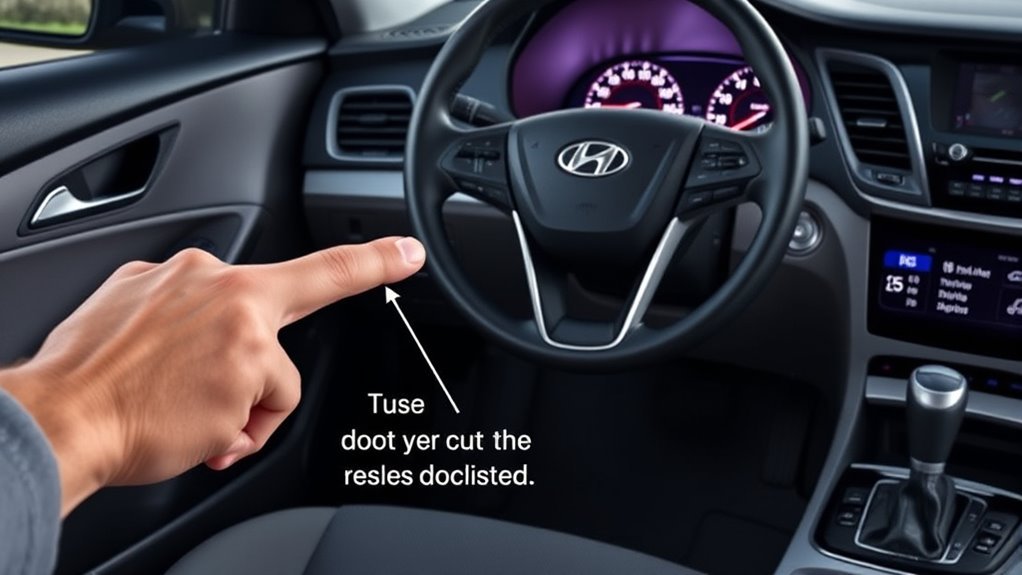
The Tire Pressure Monitoring System (TPMS) in your Hyundai Sonata helps you spot low tire pressure before it creates a safety issue. Proper tire pressure can improve handling, help tires wear more evenly, and support better fuel economy.
Most modern Hyundai Sonata models use sensors that monitor tire pressure and trigger a dashboard warning when pressure drops too low. A solid TPMS warning light usually points to low tire pressure. A blinking light often points to a system fault, such as a weak sensor battery or sensor communication issue.
Check your tire pressure at least once a month and before long trips. You should also check it when the weather changes because tire pressure can drop as outside temperatures fall.
Common TPMS Issues in Your Hyundai
Your Hyundai TPMS can alert you for several reasons. Some issues involve tire pressure, while others involve the sensors or valve stems.
TPMS issues in your Hyundai can affect tire performance; knowing them helps ensure safety and optimal function.
- Low tire pressure: One or more tires may need air.
- Slow leaks: A puncture, damaged valve stem, or tire bead leak can trigger the warning light.
- Temperature changes: Cold weather can lower tire pressure enough to turn on the TPMS light.
- Sensor problems: A weak battery, corrosion, or sensor damage can cause false or repeated alerts.
If the TPMS light turns on, check all four tires and the spare if your Sonata has a monitored spare tire. Do not rely on the warning light alone to judge tire safety.
Before You Reset the TPMS
Plan for about 5 to 25 minutes to reset the TPMS and let the system update. You will need a tire pressure gauge and an air source if one or more tires need air.
- Park your Sonata on a level surface.
- Let the tires cool before you check pressure.
- Find the recommended PSI on the driver-side door placard.
- Inflate each tire to the listed pressure.
- Inspect each tire for visible damage, nails, or low tread.
Warning: Do not reset the TPMS to hide a warning before you confirm that every tire has safe pressure.
[Products Worth Considering]
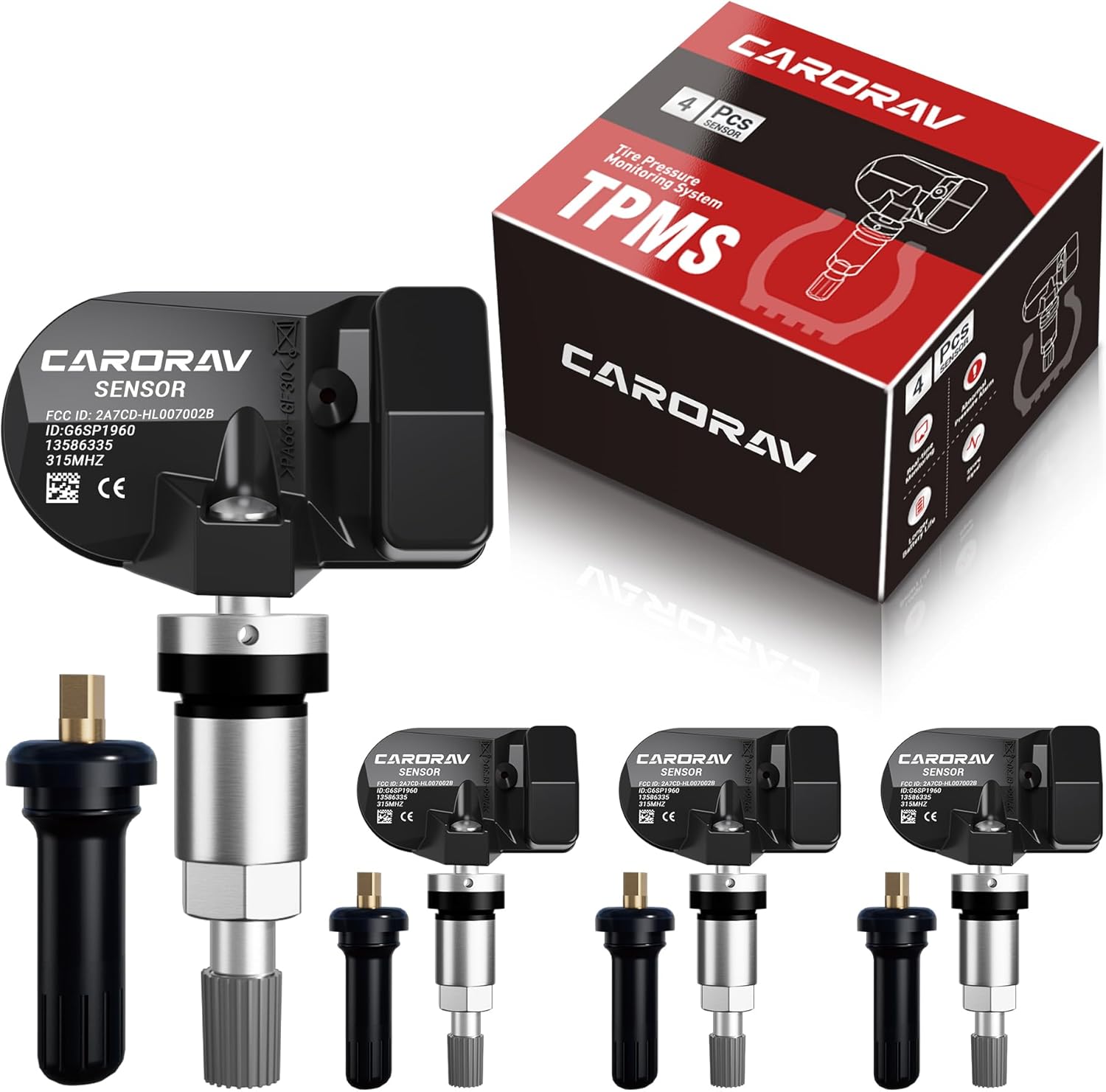
Replace worn or missing TPMS sensors with CARORAV pre-programmed GM-compatible sensors for a smoother installation experience. These 315MHz replacement sensors help monitor tire pressure in real time with long battery life, and they are designed to withstand harsh temperatures. Manual or OBDII relearn may be required to reset the system for proper recognition.

Replace your worn or missing TPMS sensors with pre-programmed, direct-fit sensors for compatible Ford, Lincoln, and select Mazda models. Each sensor comes ready to activate with a scan tool, helping restore accurate tire pressure monitoring and trouble-free installation. Built with a long-life CR2032 battery and tested before factory release, this set provides dependable performance with a one-year warranty.

This TPMS relearn tool helps you quickly activate, match, and reset GM tire pressure sensors to keep the vehicle monitoring system working properly. It clears tire pressure alarms and dashboard warning lights after sensor replacement or tire rotation, and supports learning for common 315/433 MHz TPMS sensors. Designed for simple one-button operation, it can help you avoid unnecessary trips to repair shops.
Step-by-Step Guide to Resetting the TPMS
Use these steps after you confirm that every tire has the correct pressure. Some Sonata model years may not have a physical reset button, so check your owner’s manual if you cannot find one.
[Products Worth Considering]

This TPMS sensor training and relearn reset tool is customized for Ford, Lincoln, and Mercury vehicles to help activate tire pressure programming after sensor replacement or tire rotation. It can activate individual tire pressure sensors with one-button operation, helping prevent TPMS warning light illumination. It is not a sensor programming tool and cannot program replacement sensors—use it to trigger/activate sensors only.
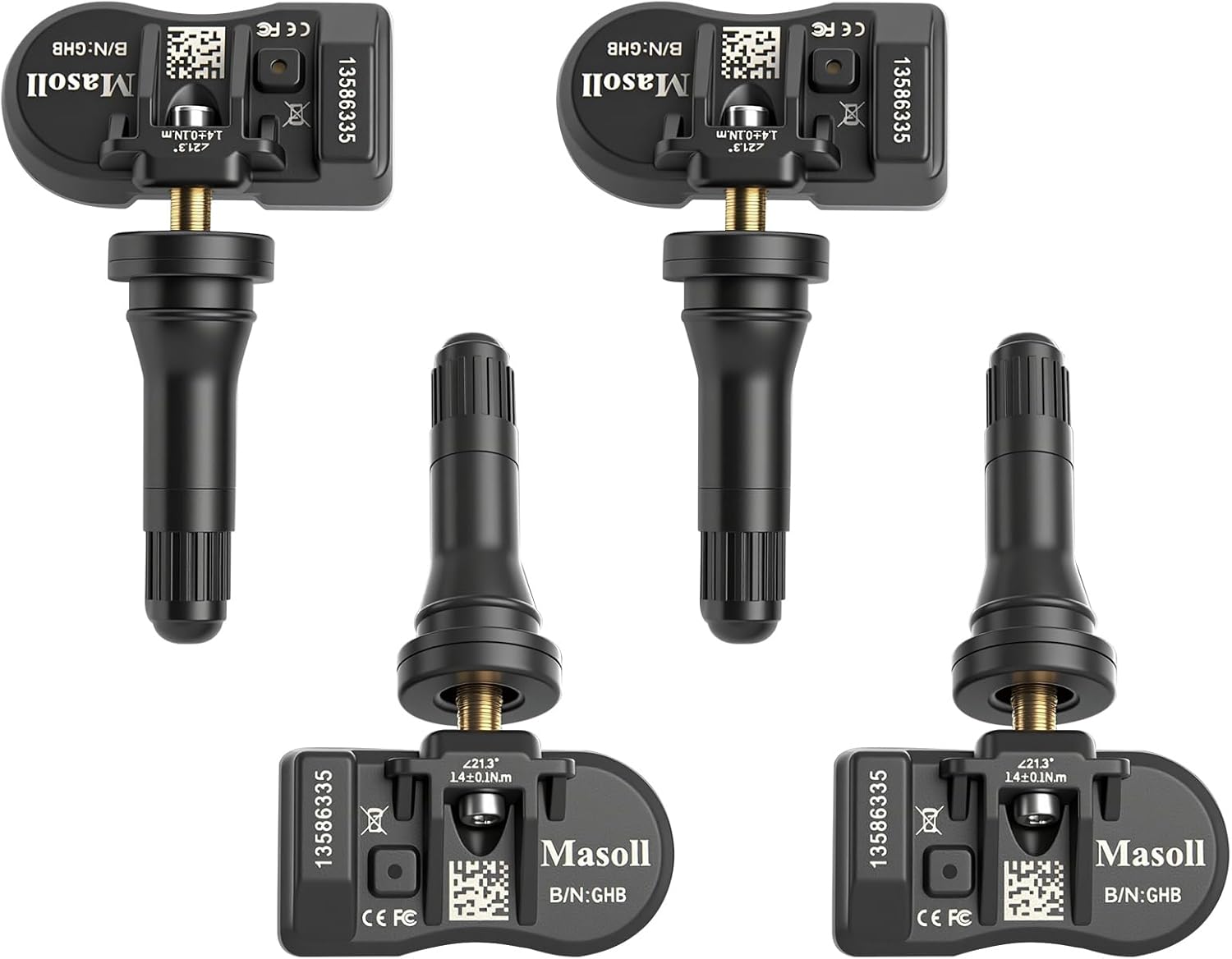
Masoll TPMS sensors are designed for most GM vehicles after 2006, helping you clear tire pressure warnings with OEM-level 315/433MHz compatibility. The 4-pack includes pre-programmed sensors, but re-learning is required after installation using a GM TPMS relearn tool or scan tool. Built with a dual-antenna design and a long-life CR2050 battery, these sensors deliver reliable performance in extreme temperatures with corrosion-resistant valve construction.
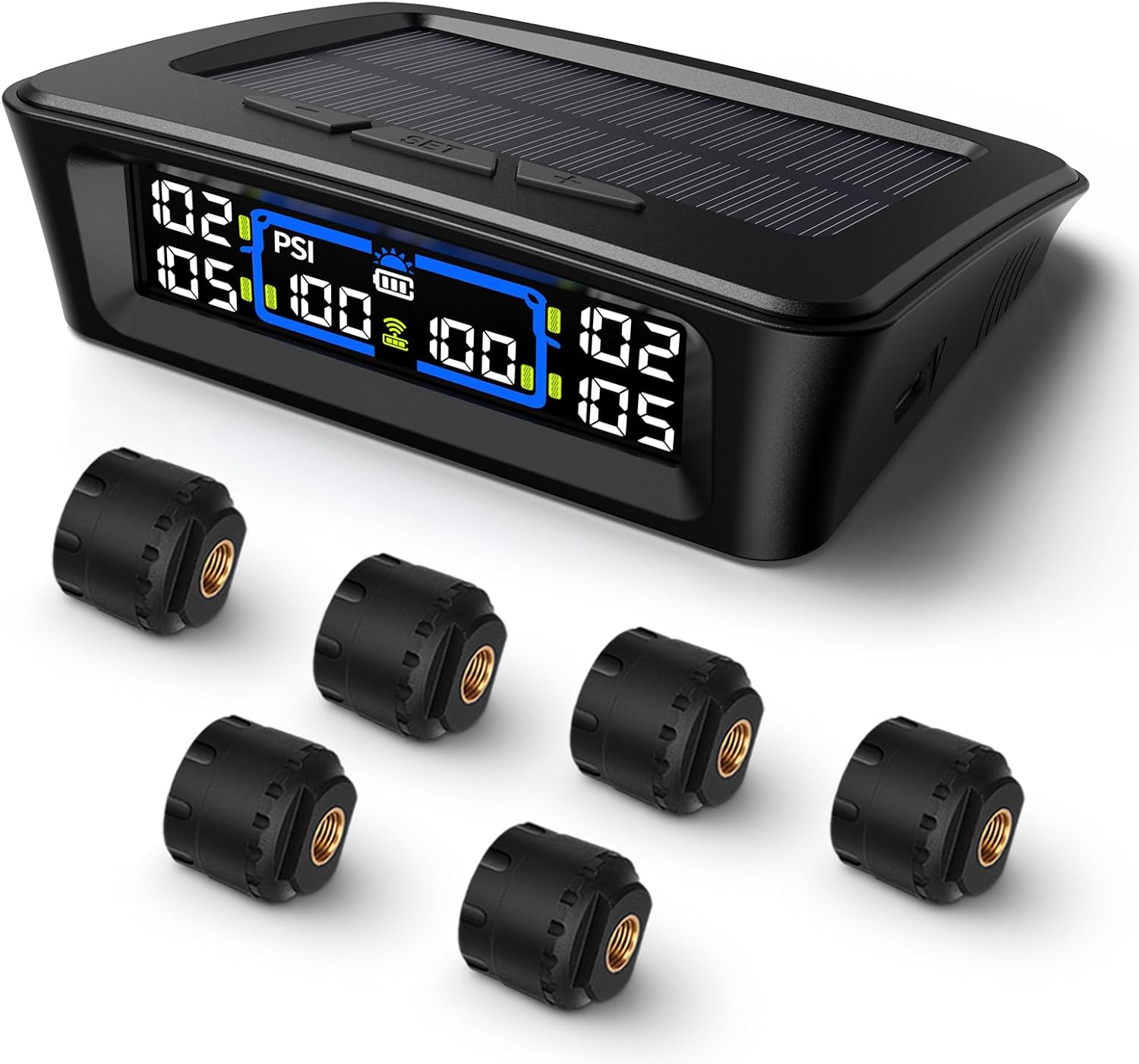
The Tymate TM12 RV TPMS delivers real-time tire pressure and temperature monitoring with a stable 433Hz display for safer long-distance driving. It supports simultaneous monitoring across vehicle and trailer zones, includes six alarm modes for pressure, temperature, leakage, battery, and signal loss, and features easy DIY installation with auto calibration. Power is supplied via USB-C charging or solar recharging, with a wide 0–144 PSI range and up to 50 ft signal coverage for RVs and towable trailers.
Locate the TPMS Reset Button
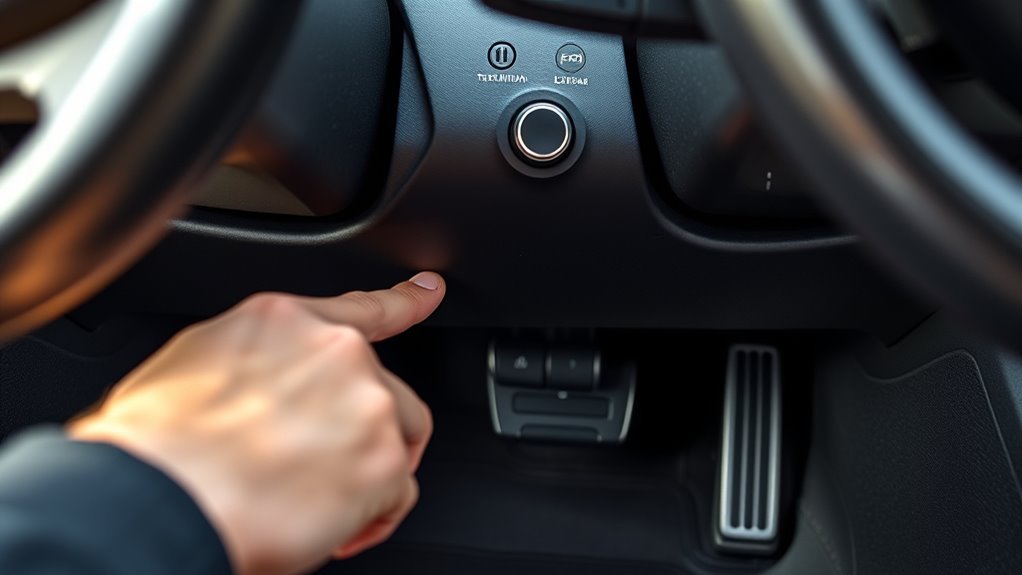
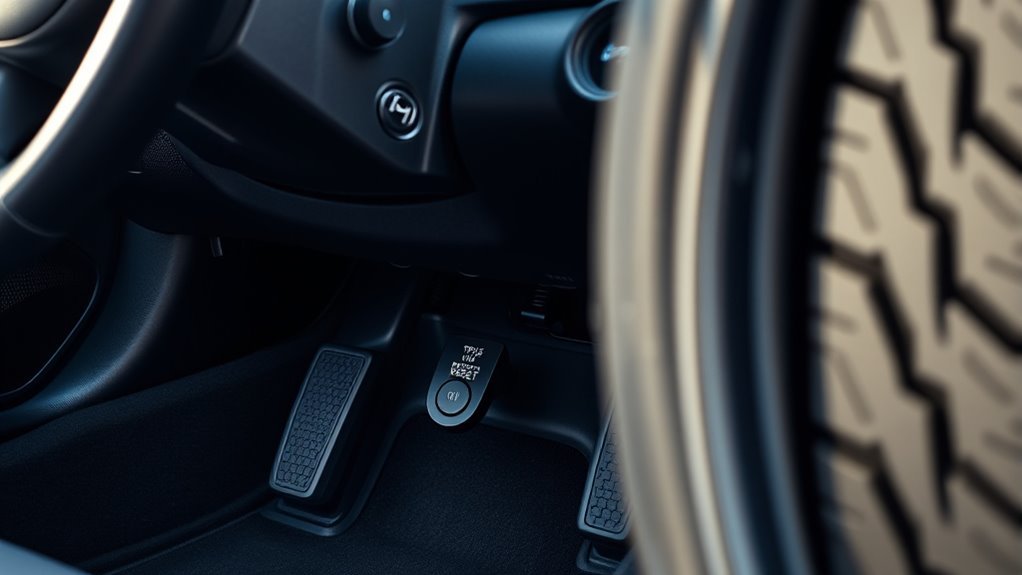
The TPMS reset button often sits under the steering wheel, near the lower dash, or close to the pedal area. Model year and trim can change the button location.
- Check under the steering column.
- Look near the brake and accelerator pedals.
- Inspect the driver-side lower dashboard.
- Review your owner’s manual for your exact Sonata model year.
Follow the TPMS Reset Steps
- Inflate all tires to the pressure listed on the driver-side door placard.
- Turn the ignition to the ON position without starting the engine.
- Press and hold the TPMS reset button.
- Wait until the TPMS warning light blinks three times.
- Release the button and start the engine.
- Drive for several minutes so the system can update sensor readings.
If the TPMS light remains on, recheck the tire pressure when the tires are cold. If the light still stays on, you may have a leak, damaged sensor, or system fault.
What to Do After Resetting Your TPMS
After you reset the Tire Pressure Monitoring System (TPMS), check tire pressure again to make sure each tire still matches the door placard. This second check helps you catch slow leaks or incorrect readings.
- Watch the TPMS light: A light that stays on may point to low pressure or a sensor issue.
- Check pressure often: Weather changes and normal air loss can lower tire pressure.
- Drive normally: Many systems need a short drive before the light turns off.
- Book service if needed: A trained technician can test the sensors and TPMS module.
Keep a small tire gauge in your glove box so you can confirm pressure any time the warning light appears.
How to Troubleshoot the TPMS Light in Your Hyundai Sonata
If your TPMS light stays on, start with the simplest cause first. Check tire pressure when the tires are cold, then inspect the tires for damage or slow leaks.
[Products Worth Considering]

AstroAI’s calibrated digital tire pressure gauge delivers precise readings across a 0–150 PSI range, with high clarity from a backlit LCD. Built for everyday road use, it features one-button operation, an anti-slip ergonomic grip, and support for multiple pressure units plus auto shutoff. Powered by AAA batteries, it’s an all-weather essential for checking tire health and TPMS warnings.
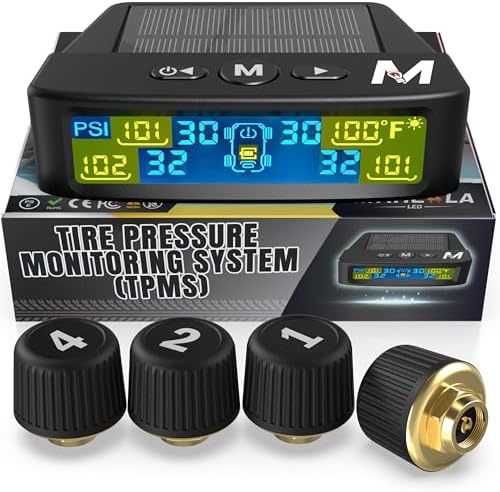
Marcala’s TPMS set of four sensors helps you monitor tire pressure and temperature in real time while driving, with updates every second. The bright color LCD uses auto-dimming for easy viewing, powered by dual solar and USB charging, and offers six alarm modes. Built for trailers, RVs, campers, trucks, and towing setups, the sensors support monitoring 1-4 wheels up to 98 PSI with IP67 waterproof protection.

Replace worn or malfunctioning GM TPMS sensors with this 433MHz pre-programmed sensor set designed for compatibility with many Chevrolet, Buick, GMC, and Cadillac models. It includes guidance for proper OBDII relearning/pairing after installation and supports reliable long-term operation with a high-performance CR2032 battery. Quality tested for durability and performance to help restore accurate tire pressure monitoring.
Common TPMS Light Triggers
- Low tire pressure: One tire may sit below the recommended PSI.
- Flashing TPMS light: The system may have a sensor or communication fault.
- Slow leak: A nail, valve stem leak, or bead leak can lower pressure over time.
- Aging sensor: TPMS sensor batteries can weaken after years of use.
A solid light usually means you should check tire pressure right away. A flashing light needs diagnosis because the TPMS may not monitor pressure correctly.
TPMS Sensor Maintenance Tips
Inspect tire pressure sensors during tire rotations, tire changes, or valve stem service. Ask the technician to check for corrosion, broken stems, or sensor damage.
If the TPMS light stays on after you correct the pressure, a scan tool can help identify the faulty sensor. Replacing the right sensor prevents repeat warnings and avoids replacing parts that still work.
Essential Tips for Maintaining Tire Pressure in Your Hyundai Sonata
Maintaining proper tire pressure helps your Hyundai Sonata brake, steer, and handle as designed. It also helps your tires last longer.
Proper tire pressure in your Hyundai Sonata is crucial for optimal performance and safety, and regular checks help your tires stay in better shape.
- Check tire pressure at least once a month.
- Use a reliable tire pressure gauge for accurate readings.
- Measure pressure when the tires are cold.
- Follow the PSI listed on the driver-side door placard.
- Check pressure more often during major temperature changes.
Do not inflate tires to the number printed on the tire sidewall unless your manual tells you to do so. That number usually shows the tire’s maximum pressure, not the recommended pressure for your Sonata.
When Should You Get Professional Help for TPMS Problems?
Get professional help if the TPMS warning light stays on after you set the correct tire pressure. You should also schedule service if the warning light flashes, turns on repeatedly, or appears after a recent tire change.
A technician can test each sensor, inspect the valve stems, and scan the TPMS for stored fault codes. This step matters because a failed sensor can stop the system from warning you about a truly low tire.
Seek help right away if you see tire damage, hear air leaking, or feel the car pull to one side. Those signs may point to a tire issue that needs repair before you drive far.
Additional Resources for Hyundai Sonata Owners
Hyundai Sonata owners can use several resources to handle TPMS issues with more confidence. Start with your owner’s manual because it gives model-specific details.
- Owner’s manual: Check the TPMS reset process for your model year.
- Hyundai service center: Ask for sensor testing if the warning light returns.
- Online owner communities: Compare common reset button locations by model year.
- Video guides: Use model-specific videos to confirm the button location visually.
Use community tips with care because trim levels and model years can differ. Your owner’s manual and a qualified technician provide the most reliable guidance.
Frequently Asked Questions
Where Is the TPMS Reset Button on a Hyundai Sonata?
You’ll usually find the TPMS reset button beneath the steering wheel, near the lower dashboard, or close to the pedal area. Check your owner’s manual if you cannot find a button because some model years use a different reset process.
How Do You Reset the TPMS Light on a 2008 Hyundai Sonata?
To reset the TPMS light on your 2008 Hyundai Sonata, first inflate each tire to the recommended pressure. Turn the ignition to ON, hold the reset button until the TPMS light blinks, then start the engine and drive so the system can update.
Can You Drive With the TPMS Light On?
You can drive a short distance if the tires look safe, but you should check pressure as soon as possible. Do not ignore the warning because low tire pressure can affect braking, handling, and tire wear.
Why Does My TPMS Light Come Back After Resetting?
The light may return because a tire has a slow leak, the pressure is still too low, or a TPMS sensor has failed. Recheck the pressure when the tires are cold, then get the system scanned if the warning returns.
Does Every Hyundai Sonata Have a TPMS Reset Button?
Not every Hyundai Sonata uses the same reset setup. Some models have a physical button, while others may reset through driving, a service procedure, or a diagnostic tool.
Conclusion
Your Hyundai Sonata’s TPMS light usually needs a simple pressure check, reset, or short drive to clear. Start by inflating every tire to the door placard pressure, then look under the steering wheel or lower dash for the reset button. If the light stays on or flashes, schedule a sensor check instead of guessing. A working TPMS helps you catch pressure problems early and keeps your Sonata safer on every drive.