TPMS Sensor Not Reading After Tire Swap: How to Relearn Sensors on Tundra

If your Toyota Tundra’s TPMS stops reading after a tire or wheel swap, do not begin by repeatedly pressing a reset button. First determine whether the warning light is reporting low pressure or a system malfunction, then identify whether the original sensors were retained, moved, replaced, or cloned. The correct fix depends on the truck’s model year and exactly what changed.
Quick Answer
A Tundra TPMS that stops reading after a tire swap usually needs one of three fixes: correct the cold tire pressures, complete the model-year-specific initialization or wheel-position procedure, or register new sensor IDs. A reset button alone cannot register every replacement sensor, so first identify exactly what changed during the swap.
Key Takeaways
- Use the cold-pressure values on the driver-door Tire and Loading Information label, not the maximum pressure molded into the tire sidewall.
- A steady TPMS light usually points to low pressure; a light that flashes for about one minute and then stays on indicates a system malfunction.
- Pressure initialization, sensor-ID registration, and wheel-position registration are different procedures.
- New sensors with new IDs may require an onboard registration process, an OBD-capable TPMS tool, Toyota Techstream, or professional service.
- Do not assume the same button sequence, speed, or drive time applies to every Tundra model year.
At a Glance
| Time Required | 10–45 minutes for pressure checks and a normal relearn; longer if a fault must be diagnosed |
| Difficulty | Easy for pressure correction; moderate for sensor registration and fault diagnosis |
| Tools Needed | Accurate pressure gauge, air source, exact model-year owner’s manual; optional TPMS scan/relearn tool |
| Cost | Usually $0 for pressure correction or an onboard procedure; additional cost for a sensor, diagnostic tool, or shop service |
Warning: Do not inflate a tire to the maximum pressure printed on its sidewall. Use the truck manufacturer’s cold-pressure specification on the driver-door placard or in the exact owner’s manual. Do not continue driving on a visibly flat tire or one with a cut, bulge, exposed cord, rapid leak, or damaged valve stem.
Identify What Changed During the Tire Swap
The phrase “tire swap” can describe several different jobs. The correct TPMS action depends on which one occurred.
| What Changed? | Most Likely TPMS Need |
|---|---|
| New tires installed on the original wheels with the original sensors | Check for incorrect pressure, a mounting-related sensor or valve-stem problem, or a pressure initialization requirement. |
| Original wheels moved to different positions | A wheel-position registration procedure may be needed if the truck displays individual tire locations. |
| Replacement sensors installed with new IDs | The new IDs must be registered through the truck’s supported onboard procedure or an OBD-capable TPMS service tool. |
| Replacement sensors correctly cloned from the old IDs | A new-ID registration may not be required, but the sensors must still be compatible, programmed correctly, and functional. |
| A separate winter or off-road wheel set installed | Register or select the correct wheel set if the truck supports multiple stored sets; otherwise transfer the IDs with an appropriate tool. |
Pro Tip: Ask the installer whether the original sensors were reused, whether any sensor was replaced, and whether replacement IDs were cloned or registered. That answer often identifies the correct next step immediately.
[Products Worth Considering]
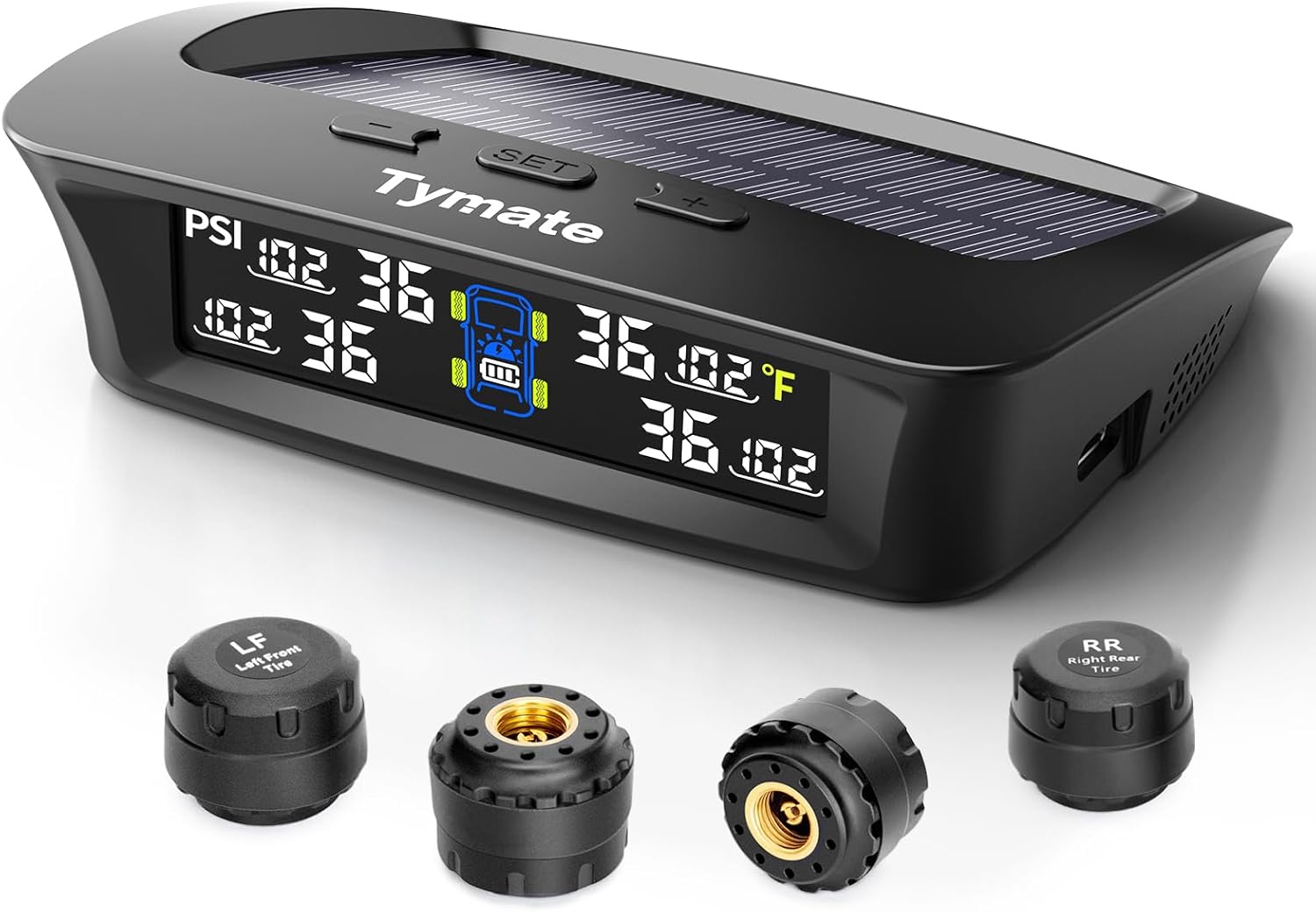
The Tymate TM3 RV TPMS delivers real-time tire pressure monitoring from 0 to 144 PSI with accurate readings and dependable wireless communication. It includes four external sensors with pre-pairing, six alarm modes for rapid leak, pressure extremes, temperature, and signal loss, plus an easy-reference setup for alert thresholds. Solar and USB-C charging help keep the display powered, while the color LCD and adaptive backlight improve visibility for safer driving and towing.

This multi-function tire valve stem removal tool set makes it fast to remove, install, bleed, and clean valve cores for easier tire maintenance. It includes valve core removers, a 4-way spool tool, replacement valve caps, and spare cores to handle replacements and repairs with confidence. Universal compatibility suits cars, trucks, motorcycles, bicycles, and more for roadside convenience.

This 4-in-1 tire valve core removal tool helps you deflate, unblock, and remove or install valve cores quickly for easier tire repair. The multifunction design also supports re-taping damaged threads and reaming inside the valve stem for smoother service. Included as a 2-pack, it’s compact for convenient carry and works for cars, bicycles, and motorcycles.
Understanding TPMS Basics for Your Tundra
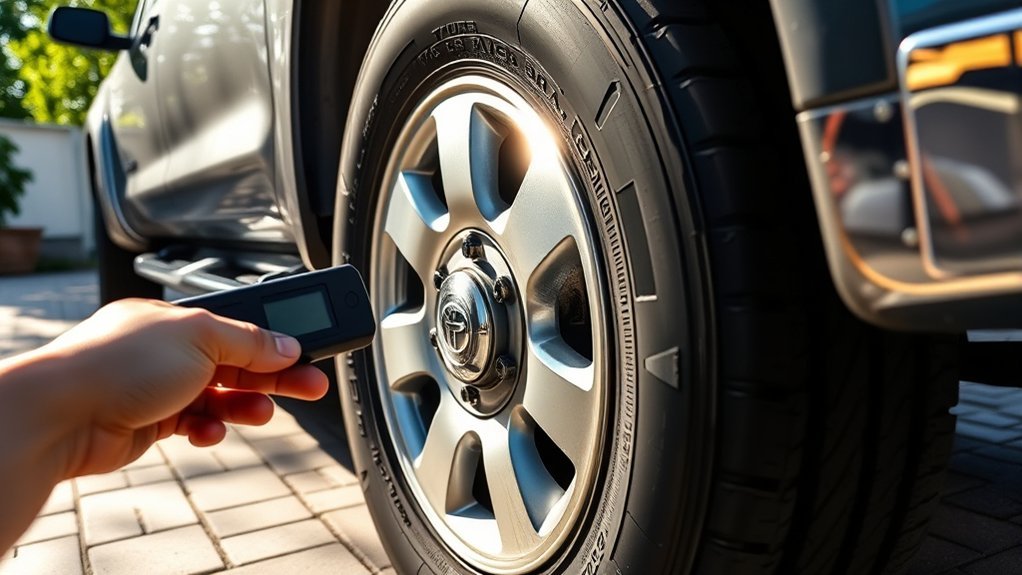
The Tundra uses a direct tire pressure monitoring system on the model years covered here. A battery-powered transmitter inside each monitored wheel sends a unique sensor ID and tire-pressure information to the truck’s TPMS receiver and control system. The system can warn you about significant underinflation, but it does not replace a monthly check with an accurate gauge.
NHTSA’s TireWise guidance says to measure pressure when the tires are cold and use the vehicle manufacturer’s value on the Tire and Loading Information label or in the owner’s manual. The number molded into the tire sidewall is a maximum tire rating, not the normal inflation target for your Tundra.
TPMS Terms That Are Often Confused
| Term | What It Does |
|---|---|
| Sensor activation | Makes a sensor transmit so a diagnostic tool can read its ID, pressure, signal, and supported status information. |
| Pressure initialization or setting | Stores the properly adjusted tire pressure as the system’s reference. It does not automatically program every replacement sensor. |
| Sensor-ID registration | Stores the unique IDs of newly installed sensors in the truck’s TPMS computer. |
| Wheel-position registration | Associates registered sensors with the correct wheel locations after rotation or wheel-set changes. |
| Sensor cloning | Programs a compatible replacement sensor with the same ID as the removed sensor, which may avoid registering a new ID. |
Pressure initialization stores a pressure reference; sensor registration teaches the truck which transmitter IDs belong to it. They are not the same repair.
What the TPMS Warning Light Means
| What You See | Likely Meaning and First Action |
|---|---|
| Light stays on steadily | Inspect all installed tires and measure their cold pressures. Correct any pressure or leak problem before attempting initialization. |
| Light flashes for about one minute and then stays on | The system has detected a malfunction. Common causes include an unregistered sensor ID, incompatible or damaged sensor, dead sensor battery, receiver fault, or incomplete registration. |
| One or more tire positions show dashes or no pressure | The truck has not identified that sensor or its location, the sensor is not transmitting, or registration is still in progress. |
| Light remains on with the temporary spare installed | This can be normal because a temporary spare may not have a TPMS transmitter. Repair and reinstall the standard wheel as soon as practical. |
Toyota’s warning-light guidance states that a TPMS light that flashes for approximately one minute and then remains illuminated indicates a system malfunction. A steady light calls for prompt tire inspection and pressure correction. See the applicable Toyota owner’s manual for your exact model year.
Common Causes for TPMS Problems After Tire Swaps
A tire change can expose an existing weak sensor or introduce a new problem during mounting, programming, or registration. Use the warning-light pattern and the work performed to narrow the cause.
Incompatible Sensor Types
A replacement sensor must match the coverage specified for the truck’s exact model year, build configuration, and wheel application. Frequency alone is not enough to prove compatibility. The sensor must also use the correct protocol and be programmed correctly if it is a programmable replacement.
Do not rely on a broad statement that one group of Tundra model years can or cannot use another group’s sensors. Verify compatibility with the OE part number, Toyota service information, or an updated professional TPMS tool database. When more than one listing appears, confirm the truck’s exact model year and production information rather than guessing.
Improper Tire Installation
The transmitter sits inside the wheel near the valve stem and can be damaged by a tire-changing tool if the installer does not account for its position. Other installation problems include a damaged valve stem, reused or incorrect seals, an improperly tightened service nut, a missing valve cap, or a bead leak mistaken for a sensor fault.
A change from one tire size to another does not automatically change the sensor’s ID or radio protocol. However, the new tire and wheel must be approved for the truck, and a change in specified operating pressure may require a pressure-setting procedure. Confirm fitment, load capacity, clearance, and inflation requirements before driving.
New Sensor IDs Were Not Registered
Each sensor has a unique ID. When a shop installs sensors with new IDs, those IDs must be stored in the truck’s TPMS system unless the replacements were correctly cloned from the old sensors. A pressure reset or initialization procedure cannot be assumed to perform that registration.
Dead or Damaged Sensor Battery
A TPMS scan tool can usually determine whether each installed sensor responds. If one sensor will not activate while the others do, its internal battery may be exhausted or the sensor may have been damaged. The sealed sensor battery is different from the truck’s 12-volt battery; when the sensor battery fails, the normal repair is replacement of the complete sensor.
Radio Interference or Duplicate IDs
Registration can fail when another wheel set with active transmitters is stored in or parked very close to the truck. Duplicate cloned IDs can also prevent the system from distinguishing sensors correctly. Move unused sensor-equipped wheels away from the vehicle and verify that every active wheel has the intended unique ID before repeating the procedure.
Liquid Sealant or Contamination
Some puncture sealants can contaminate or impair a TPMS transmitter. Toyota advises having the tire and sensor inspected by a dealer or qualified tire shop after sealant is used. Tell the technician that sealant is present before the tire is removed.
Step-by-Step Tundra TPMS Diagnosis and Relearn
Use this sequence instead of applying one generic reset procedure to every model year.
- Record the truck’s exact model year. Retrieve the matching instructions through Toyota Manuals and Warranties. Do not substitute instructions from a nearby year without verifying that the system is the same.
- Find out what the installer changed. Confirm whether the original sensors were retained, replaced with new IDs, or cloned.
- Inspect the installed tires. Look for a flat tire, cuts, bulges, valve-stem damage, bead leaks, or sealant. Do not proceed with a relearn until a physical tire problem is corrected.
- Measure all installed tires when cold. Adjust them to the driver-door placard values. Front and rear specifications may differ.
- Observe the light during startup. A steady light points first to pressure or leakage. Flashing for about one minute followed by steady illumination points to a TPMS malfunction.
- Select the correct operation. Use pressure initialization only after setting proper pressure. Use position registration after a rotation when required. Register new IDs when replacement sensors were installed.
- Follow the exact prompts. Some Tundras use a physical reset switch; others use TPWS options in the multi-information display; some sensor-ID changes require an OBD-capable service tool.
- Complete the specified drive cycle. Use the speed, time, road type, and waiting period stated in the model-year manual or TPMS tool. Do not assume 12 mph for five minutes applies to every truck.
- Verify the result. Confirm that the warning light turns off, each installed tire reports a plausible pressure, and displayed wheel positions match the truck.
Note: ATEQ’s documented procedure for a 2009–2019 Tundra uses an OBD relearn to transfer sensor IDs and then specifies driving for at least five minutes at 12 mph or more. Treat that as guidance for the covered years and procedure—not as a universal instruction for every Tundra.
Choose the Correct Procedure
| Situation | Procedure to Look For |
|---|---|
| Pressures were changed or corrected; original sensors remain registered | Tire-pressure initialization, pressure setting, or “Set Pressure” |
| Tires were rotated and the truck displays individual wheel positions | Wheel-position registration, tire rotation, or position identification |
| New sensors with new IDs were installed | Register new valve/ID, identify wheel, onboard ID registration, or OBD relearn as specified for the truck |
| A second registered wheel set was installed | Wheel-set selection or tire-set switching, if supported |
| Light flashes and then stays on after all procedures | Sensor scan, TPMS trouble-code scan, ID comparison, and professional diagnosis |
Top 5 Troubleshooting Tips for Common TPMS Issues
- Start with a cold-pressure check. Measure every installed road tire before driving and use the door-placard specification. Pressure changes with temperature, and a marginally low tire may trigger the light on a cold morning.
- Use the light pattern as a diagnostic clue. A steady light and a flashing-then-steady light call for different responses. Do not try to erase a malfunction by repeatedly initializing the pressure reference.
- Scan every sensor individually. A compatible TPMS tool can show whether each transmitter responds and can display its ID, pressure, and other supported data. One nonresponsive sensor points to a sensor, battery, or installation problem.
- Compare the wheel IDs with the IDs stored in the truck. New, incorrect, or duplicate IDs must be corrected before a relearn can succeed.
- Remove interference and repeat the exact procedure. Move unused sensor-equipped wheels away from the truck, update the diagnostic tool, select the exact model year, and follow the prompts in order.
If the system reports a trouble code, repair the cause before clearing the code. Erasing a fault without correcting the failed sensor, receiver, wiring, or registration problem will not provide a lasting repair.
Essential Tools for TPMS Relearn Procedures
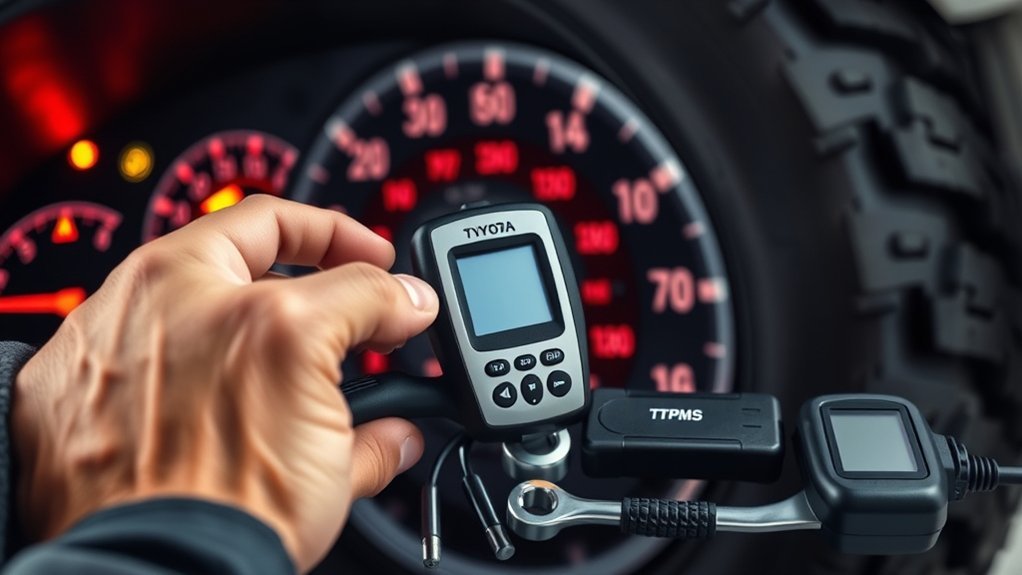
You do not always need a TPMS programming tool. Use the least complex tool that can complete the procedure required by your truck.
Recommended TPMS Tools
| Tool | When It Helps | Important Limit |
|---|---|---|
| Accurate pressure gauge and inflator | Every diagnosis and pressure initialization | Use cold placard pressure, not tire-sidewall maximum pressure. |
| Exact Toyota owner’s manual | Identifying the correct onboard procedure, waiting period, and drive cycle | Procedures and menu names can vary by model year and equipment. |
| TPMS activation or diagnostic tool | Reading sensor IDs, pressure, signal, and supported battery information | Activation or reading does not automatically register the sensor with the truck. |
| OBD-capable TPMS tool and correct cable or module | Writing new sensor IDs to the TPMS computer on supported model years | The tool, cable, module, software, and vehicle coverage must all match. |
| Toyota Techstream or qualified shop equipment | Reading TPMS trouble codes and completing procedures not supported onboard | Best handled by a trained technician when tire removal or advanced diagnosis is required. |
Essential Programming Equipment
The Autel MaxiTPMS TS508WF can activate supported sensors, display sensor data, diagnose TPMS faults, and perform vehicle-specific relearns. Its sensor-programming functions are for Autel MX-Sensors; do not assume it can program every brand of blank universal sensor.
ATEQ also offers TPMS activation and OBD equipment. Use the OBD module made for the exact tool model. ATEQ’s currently listed OBDII module is described for the VT56. Older VT55 equipment used different hardware, so VT55 and VT56 modules should not be treated as interchangeable.
Note: “Programming a sensor” and “relearning the vehicle” are separate operations. Programming configures a compatible blank sensor. Relearning or registration stores that sensor’s ID in the truck.
How to Navigate the OBD Relearn Process
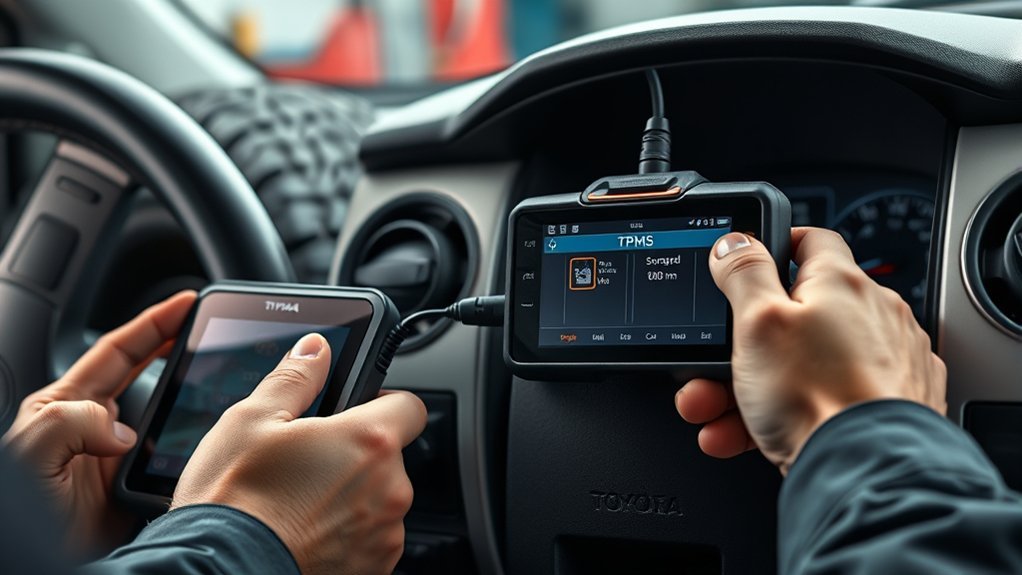
An OBD relearn transfers sensor IDs into the truck’s TPMS computer. Perform it only when the exact vehicle listing and tool instructions call for it.
- Update the TPMS tool. Install the latest vehicle and sensor coverage before beginning.
- Select the exact truck. Enter Toyota, Tundra, the correct model year, and any wheel or system option requested by the tool.
- Activate each installed sensor in the displayed order. Hold the tool near the tire sidewall beside the valve stem and confirm that each sensor returns an ID and plausible pressure.
- Compare the readings. Stop if a sensor is missing, duplicated, incompatible, or reporting an implausible value.
- Connect the correct OBD hardware. Turn the ignition on or start the truck only when the tool instructions direct you to do so.
- Transfer the IDs. Allow the tool to write the scanned sensor data to the TPMS computer.
- Disconnect the tool as directed. Follow any ignition cycle, waiting period, or additional initialization shown by the tool.
- Complete the specified drive cycle. Drive only when the tires are safe and use the procedure’s stated speed and time.
- Verify all positions and pressures. The light should turn off and each installed wheel should report correctly.
For 2009–2019 Tundras, ATEQ’s Tundra TPMS diagnostic guide describes an OBD relearn and a post-transfer drive of at least five minutes at 12 mph or more. Other model years may use different instructions, including onboard TPWS menu functions, so always verify the exact truck.
[Products Worth Considering]

This portable cordless tire inflator delivers fast, efficient inflation for cars, motorcycles, bikes, and sports balls with a digital pressure gauge. Use the one-click PSI preset with auto shut-off for accurate, hands-free topping to your target pressure up to 150 PSI. It’s compact and rechargeable with a built-in emergency LED light plus valve adapters and accessories for quick, ready-to-go use.

EVOULTES heavy duty tire inflator with an integrated gauge delivers accurate pressure readings from 10–120 PSI, helping you inflate, deflate, and check tires in one tool. The 16.5-inch extended dual-head air chuck with swivel base reaches hard-to-access dual wheel valves on trucks and RVs. A brass trigger core and side-mounted air release valve make operation smooth, with standard 1/4" NPT threading and quick-connect compatibility for easy setup.
Why Sensor Compatibility Matters for Your Vehicle
A sensor must be physically suitable for the wheel, operate on the expected radio system, use a protocol the truck understands, and have an ID that is correctly programmed and registered. Matching only a frequency printed in an online listing is not enough.
Before installing an aftermarket sensor, confirm all of the following:
- The sensor manufacturer lists the exact Tundra model year and application.
- The valve-stem type and service kit match the wheel.
- The sensor is programmed for the correct vehicle when programming is required.
- The sensor ID is unique unless it is intentionally and correctly cloned from the sensor being replaced.
- The new ID has been registered through the procedure supported by the truck.
- The sensor can be activated and read before the tire service is considered complete.
Aftermarket sensors can work reliably when they are correctly selected, programmed, installed, and registered. A persistent malfunction light after installation is a reason to verify those steps—not proof that every aftermarket sensor is defective.
Common Tundra TPMS Scenarios
These common diagnostic patterns can help narrow the problem without treating unsourced anecdotes as proof.
| Scenario | Most Useful Check |
|---|---|
| The light came on steadily after a cold night | Measure all tires cold. Pressure may have fallen below the warning threshold as temperature dropped. |
| The light began flashing after new wheels or sensors were installed | Scan the sensors and compare their IDs with the IDs registered in the truck. |
| Three tires display pressure and one shows no reading | Activate the missing sensor to check for a dead battery, damage, wrong programming, or registration failure. |
| Pressures appear at the wrong wheel positions after rotation | Complete the model-year-specific wheel-position registration procedure. |
| A seasonal wheel set will not register | Move the unused wheel set away, confirm there are no duplicate IDs, and select or register the installed set as supported. |
| The light remains on with the temporary spare fitted | Confirm whether the spare has a transmitter. Toyota states that the temporary spare on the cited Tundra configuration does not. |
When to Consult a Professional for TPMS Problems
Contact a Toyota dealer or qualified tire and TPMS shop when any of the following applies:
- The TPMS light flashes for about one minute and then stays on after the correct registration procedure has been attempted.
- A sensor does not respond to a compatible, updated activation tool.
- The scanned IDs do not match the IDs stored in the truck and you do not have the proper registration equipment.
- A valve stem leaks, is loose, corroded, bent, or damaged.
- The tire contains liquid sealant or the sensor may have been struck during mounting.
- The truck stores a TPMS trouble code for the receiver, control module, antenna, circuit, or communication system.
- The required procedure is unclear for the model year. Guessing with another Toyota model’s sequence can create more confusion.
- A tire is physically unsafe. A flat, bulging, cut, or rapidly leaking tire needs repair or replacement before any relearn drive.
A warranty may cover a qualifying defect, but coverage depends on the vehicle, part, age, mileage, service history, and cause. Confirm coverage before assuming a sensor or diagnostic service will be free.
Frequently Asked Questions
Can I use aftermarket TPMS sensors on my Tundra?
Yes, provided the sensor manufacturer lists your exact Tundra model year and application. The sensor must use the correct protocol, fit the wheel and valve system, be programmed when required, and have its ID registered or correctly cloned. Confirm compatibility before the tire is mounted.
How often should I check my tire pressure?
Check all tires at least once a month when they are cold and before long trips, heavy hauling, or towing. Use an accurate gauge and the pressure listed on the driver-door Tire and Loading Information label. TPMS is a warning system, not a replacement for regular pressure checks.
What happens if I ignore the TPMS warning light?
A steady light may indicate significant underinflation, which can increase heat, tire wear, stopping distance, and the risk of tire failure. A flashing-then-steady light means the monitoring system may not be able to warn you properly. Inspect the tires and diagnose the warning promptly.
Can a dead battery affect TPMS sensor readings?
Yes, but identify which battery is involved. Each wheel sensor contains a sealed internal battery; when it is exhausted, that sensor may stop transmitting and normally must be replaced. A discharged truck battery can prevent vehicle systems from operating, but it does not recharge or repair a dead sensor battery.
Will winter tires require a TPMS relearn procedure?
A separate winter wheel set usually needs compatible transmitters. New sensor IDs must be registered unless the truck already stores that wheel set or the replacement sensors were properly cloned. Some Tundras support selecting a stored set, while others require an OBD transfer. Check the exact model-year manual.
Will pressing the TPMS reset button register new sensors?
Not necessarily. On many systems, the reset or pressure-setting control only initializes the inflation-pressure reference. Replacement sensors with new IDs may need a separate onboard registration process or an OBD-capable TPMS tool.
Why does the light remain on after installing the temporary spare?
A temporary spare may not contain a TPMS transmitter. Toyota states that the temporary spare on the cited Tundra configuration is not equipped with one, so replacing a flat road wheel with that spare will not turn the warning light off. Repair and reinstall the standard wheel as soon as possible.
Conclusion
When a Tundra stops reading its TPMS sensors after a tire swap, the fastest solution is to identify the type of warning and the work that was performed. Correct the cold tire pressures first, but do not confuse pressure initialization with registering new sensor IDs or relearning wheel positions.
If the original sensors were retained, inspect for mounting damage, leakage, or an incomplete pressure or position procedure. If new sensors were installed, verify compatibility, scan each sensor, and register or clone the IDs using the method specified for the exact model year. A warning light that continues to flash for about one minute before staying on requires diagnosis rather than repeated resets.
Sources
- Toyota Manuals and Warranties — exact model-year owner’s manuals and official vehicle procedures
- Toyota Tundra tire-pressure warning-light guidance — steady and flashing warning behavior, inflation checks, and temporary-spare information
- Toyota Tundra temporary-spare and flat-tire guidance — spare-transmitter limitations and tire-service precautions
- NHTSA TireWise — cold-pressure checks, vehicle placard values, TPMS warning behavior, and monthly tire maintenance
- Autel TPMS technical FAQ — sensor IDs, activation, cloning, and auto, stationary, and OBD relearn methods
- ATEQ Toyota Tundra 2009–2019 TPMS guide — documented OBD sensor-ID transfer procedure for the covered model years

Related Articles
Toyota Tundra Tire and Wheel Package: What to Consider Before Buying
Unlock the secrets to choosing the perfect tire and wheel package for your Toyota Tundra—essential tips await to enhance your ride.
Read More
Do Bigger Tires Void a Toyota Tundra Warranty? Magnuson-Moss Act Explained
Bigger tires might not void your Toyota Tundra warranty, but understanding the Magnuson-Moss Act is crucial—discover how to protect your investment effectively.
Read More
Toyota Tundra Tire Rack Setup: Garage Storage Ideas for Seasonal Sets
Better tire storage for your Toyota Tundra awaits—discover essential tips to maximize space and protect your seasonal sets in the garage!
Read More