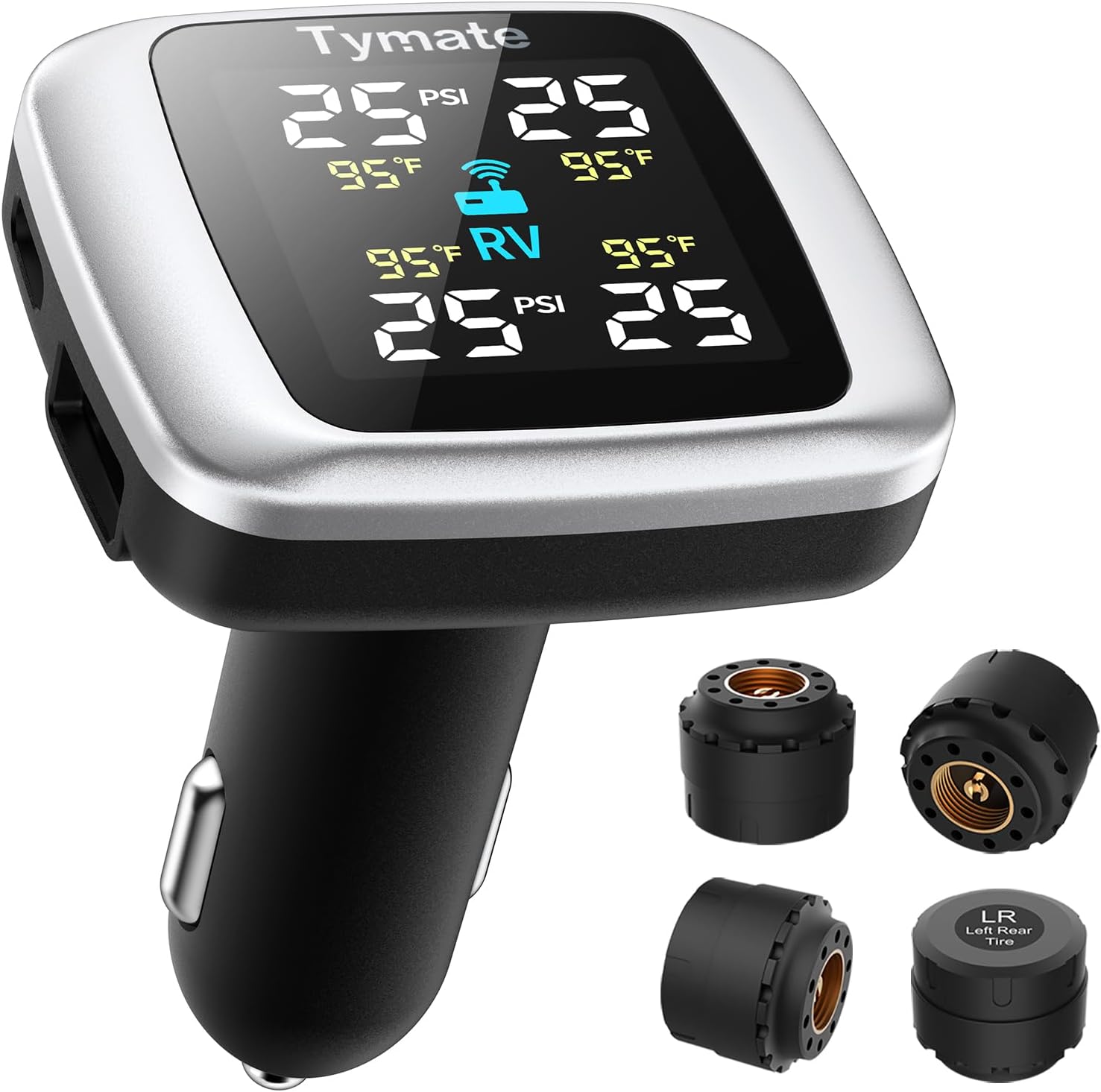
How to Reset Tire Pressure Light: Quick Step-by-Step Guide

First, check each tire, including the spare, with a gauge and inflate them to the vehicle’s recommended PSI when cold. If the pressure is correct, reset the TPMS through your Honda’s touchscreen under Vehicle > TPMS Calibration, or press and hold the TPMS reset button under the dash until the light blinks twice. Then drive at a steady speed for 10 to 20 minutes. If the light stays on, you may need more troubleshooting.
Key Takeaways
- Check and adjust all tire pressures, including the spare, to the manufacturer’s recommended PSI before resetting the light.
- Turn the ignition to ON, then use the vehicle’s TPMS reset button or touchscreen calibration menu.
- Hold the reset button until the TPMS light blinks twice, or confirm calibration through the dashboard menu.
- Drive at a steady speed for 10–20 minutes to let the system relearn the correct tire pressures.
- If the light stays on, recheck tire pressure and inspect for faulty TPMS sensors or error codes.
Understand What the TPMS Light Means
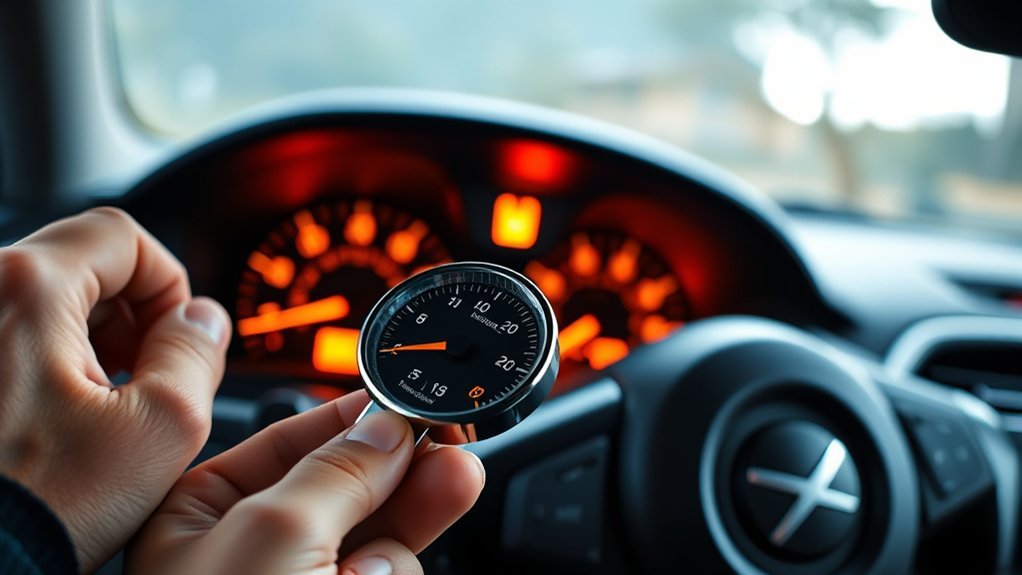
When your TPMS light comes on, it usually means one or more tires are underinflated and need attention, since low pressure can affect handling, fuel economy, and overall safety. Your tire pressure monitoring system tracks pressure in real time and flags changes before they become dangerous. Treat TPMS warnings as actionable data, not noise. A steady light often points to underinflated tires or a system that needs recalibration after tire rotation or replacement. A flashing TPMS light can signal a sensor battery issue or another malfunction that may distort tire pressure readings. You can’t ignore that risk if you want reliable performance and control. Understanding this indicator lets you respond with precision, protect your freedom on the road, and avoid preventable failures. Once you know the meaning, you’re ready to reset your TPMS only after the system’s issue has been addressed, so the alert reflects actual conditions rather than stale data. Additionally, it’s important to remember that dedicated winter tires are essential for maintaining optimal traction in snowy conditions.
Check Tire Pressure Before Resetting
Before you reset the TPMS, verify that every tire is at the recommended PSI, because even a small pressure drop can keep the light on. Check your tire pressure when the tires are cold, ideally first thing in the morning, so heat doesn’t skew the reading. Use a tire pressure gauge, not a visual guess, and compare each measurement with the recommended PSI on the driver’s door jamb or in the owner’s manual for specific specs. If any tire is low, inflate all tires to the correct level; if one’s overfilled, release air until it matches. Don’t skip the spare, since it may also carry a sensor and trigger the TPMS warning light. When you check your tire pressure carefully and correct every tire, you remove the mechanical cause, regain control, and make the reset actually stick. Additionally, maintaining proper tire pressure contributes to enhanced traction and overall tire longevity.
Reset the TPMS Light on Honda Models
Once all four tires are set to the recommended PSI, you can reset the TPMS light on a Honda model. Confirm each tire matches the recommended pressure, because TPMS accuracy depends on it. On Honda models with a touchscreen, turn the ignition to ON, open the dashboard menu, and select TPMS Calibration. Confirm the Reset command, then wait for the system to acknowledge it. On non-touchscreen models, turn the ignition to ON, find the TPMS reset button under the dashboard, and press and hold it until the light blinks twice. Release it, then start the vehicle. After the Reset, drive 10 to 20 minutes at a steady speed so the system can recalibrate and clear the warning. This process restores control to you and keeps Tire Pressure monitoring reliable. Regularly check pressures and recalibrate after tire maintenance to preserve accurate TPMS performance and safe driving, especially with recommended PSI for optimal tire performance.
Use the TPMS Button to Recalibrate
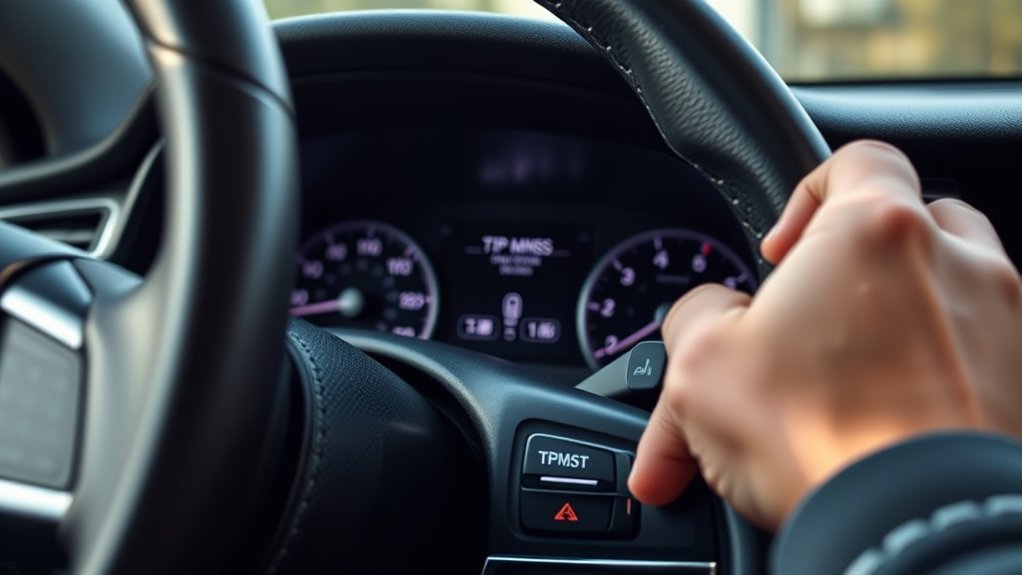
Turn the ignition to ON without starting the engine, then locate the TPMS reset button under the dashboard or near the steering column. Press and hold the button until the TPMS light blinks twice, then release it to begin recalibration. Start the vehicle and drive at a steady speed for 5–10 minutes so the system can register the current tire pressures. This process ensures that the system accurately reflects the current tire pressures as indicated by your vehicle’s specifications.
Locate Reset Button
Locate the TPMS reset button, usually beneath the steering wheel or inside the glove box, and make sure all tires are inflated to the recommended PSI before you begin. Next, turn the ignition to ON without starting the engine. Now locate the TPMS reset button and follow the reset instructions for your vehicle. Press and hold the TPMS reset button firmly; this lets the system detect correct tire pressures and begin system resetting. Keep steady pressure until the indicator confirms the recalibration sequence. Once the light responds, release the button and let the vehicle register the new setting. This simple action restores control, removes guesswork, and helps you move forward with confidence. Precision here matters: the recommended inflation gives the sensor data it needs.
Hold Until Light Blinks
With the ignition in the ON position, press and hold the TPMS reset button until the tire pressure light blinks three times, which confirms the system is recalibrating. Keep the ignition to ON position, don’t start the engine, and maintain steady pressure on the button. This hold until light blinks step tells the module you’ve completed your pressure adjustments and want a fresh reading. Once the blink sequence appears, release the TPMS reset button immediately. Then start the vehicle to continue the recalibration process. Drive a few miles at a constant speed so the sensors can relearn the new values. If the tire pressure light stays on, recheck each tire and repeat the reset only after confirming proper inflation.
Calibrate Honda TPMS With a Touchscreen
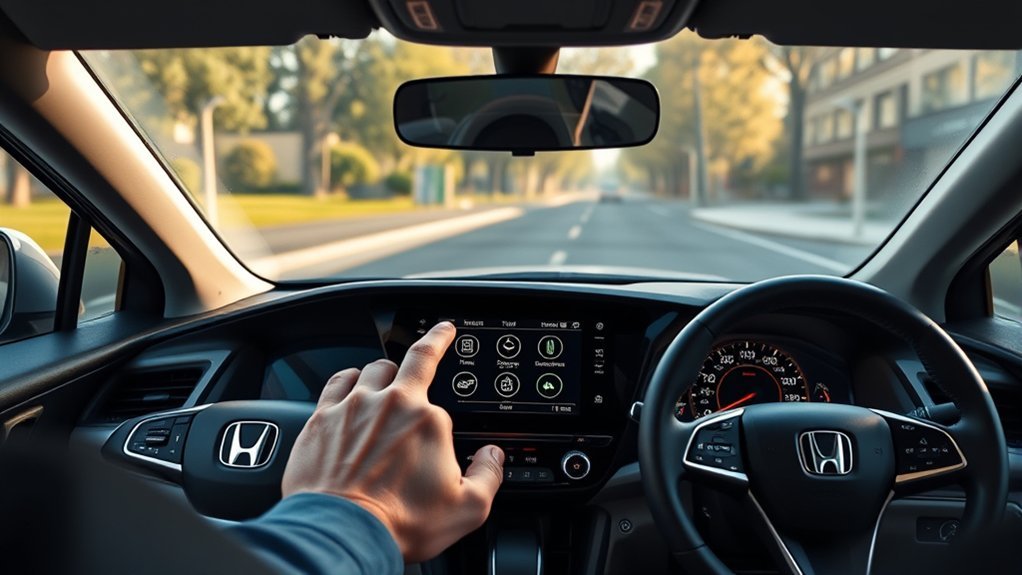
If your Honda has a touchscreen interface, you can calibrate the TPMS through the settings menu after making sure all tires are inflated to the recommended PSI. Turn the ignition to ON without starting the engine, then press Home on the touchscreen. From there, open Settings, select Vehicle, and locate TPMS Calibration or Tire Pressure. Choose Calibrate, then confirm the reset request. This TPMS Calibration process lets Honda models relearn current tire pressure values after inflation changes. Once you confirm, drive normally for 10 to 20 minutes so the system can register the new readings and clear the warning. Keep your tire pressure steady during this period; sudden changes can delay recognition. By using the touchscreen menu correctly, you take direct control of the reset process without relying on guesswork. That’s the practical path to restoring accurate monitoring and keeping your Honda’s TPMS aligned with real-world tire conditions. Additionally, maintaining proper tire pressure enhances tread life and performance, ensuring a safer driving experience.
Reset Honda TPMS Without a Touchscreen
Turn the ignition to the ON position without starting the engine, then locate the TPMS reset button under the dashboard or near the steering column. Press and hold the button until the TPMS warning light blinks twice, then release it. After that, start the vehicle and drive a few miles at a steady speed so the system can recalibrate. This process is particularly useful after using a tire inflator to ensure accurate readings.
Locate TPMS Button
On Honda models without a touchscreen, the TPMS reset button is usually tucked under the dashboard or near the steering column. You’ll need to locate the TPMS reset button before you can reset your tire pressure monitor. Scan low along the driver side trim, then compare what you see with your owner’s manual if the button isn’t obvious. Once found, you can use it to clear the TPMS warning light after correcting tire pressure. Keep your hand clear of other switches so you don’t trigger unrelated systems. If the button sits hidden behind a panel, work carefully and avoid forcing parts loose. Precise placement varies by model year, but the control is always reachable without tools, giving you direct access to reset your tire pressure system and move on freely.
Turn Ignition On
Set the ignition to the “ON” position without starting the engine to begin the Honda TPMS reset process. You’ll now Turn ignition on and prepare the system for a clean recalibration. From the driver’s side door, reach under the dash or near the steering column and locate the TPMS reset button.
- Confirm the cluster stays powered.
- Keep the engine off.
- Stay ready to hold the button.
Press and hold the TPMS reset button until the TPMS warning light blinks twice. That blink tells you the system accepts the reset process and is ready for recalibration. Then release the button and start the vehicle. This simple sequence keeps you in control and moves you closer to a clear dashboard and freer driving.
Hold Until Light Blinks
With the ignition already in the “ON” position, press and hold the Honda TPMS reset button until the warning light blinks twice. The TPMS reset button is usually under the dashboard or near the steering column. Keep holding the button; don’t release it early. When the TPMS warning light flashes twice, the tire pressure monitoring system has accepted the command and the reset process can continue. Release the button, then start the vehicle to finish the reset process. Next, drive for a few miles at a steady speed so the system can calibrate. This short drive helps the sensors relearn pressure values and clears the light if pressures are correct. If the warning stays on, recheck all tires before repeating the procedure.
Drive to Complete Recalibration
Drive at 50 mph or faster for at least 10 minutes to let the TPMS complete its recalibration and recognize the current tire pressures as normal. Keep your tires inflated to the recommended PSI before you drive; accurate tire pressure data helps the system finish calibration without delay. As you maintain steady speed, the TPMS usually resets automatically and relearns each sensor reading. Watch the warning light during and after the drive, but don’t chase it while moving.
- Drive on a clear road.
- Hold a consistent speed for 10 minutes.
- Confirm the warning light turns off shortly after.
If the light clears, your reset worked and the system has accepted the current pressures. If it stays on, the TPMS may need additional attention or a manual reset. This process gives you control, confidence, and the freedom to move forward without unnecessary dashboard alerts. Additionally, proper tire maintenance, such as checking tire pressure regularly, ensures optimal performance and safety.
Why the TPMS Light Stays On
If the TPMS light stays on after you add air, the tires may still be underinflated, so check the pressure again and correct it to the manufacturer’s recommended PSI. A TPMS warning light stays illuminated when tire pressure hasn’t reached the correct pressure, especially after temperature swings that change inflation overnight. If you recently rotated or replaced tires, the system may need recalibrating the system before the light clears. You can’t override the sensor logic; you have to match each tire’s pressure to spec and let the vehicle relearn. When the light still remains after you’ve done that, a faulty TPMS may be sending false data. At that point, a diagnostic scan can reveal stored codes and help you identify the exact fault. Additionally, choosing the right tires, such as those with high-performance ratings, can affect overall vehicle handling and tire pressure management. Stay methodical: verify pressure, drive long enough for relearning, and confirm the warning is out. That process gives you real control, not guesswork, and keeps you moving with confidence.
Check for Faulty Sensors or a Weak Battery
A flashing tire pressure light can point to a weak TPMS sensor battery, which may cause inaccurate readings and safety risks. When you reset TPMS, don’t ignore the tire pressure monitoring system’s hardware. A TPMS sensor usually lasts 5-10 years, so age matters. If the light stays on after you’ve corrected pressures, faulty sensors may be the real issue, not the tires.
A flashing tire pressure light may signal a weak TPMS sensor battery, not just low tire pressure.
- Check each sensor during routine diagnostics.
- Look for a weak battery that can’t send steady data.
- Use a professional scan tool to verify sensor health.
You can’t free yourself from false warnings until you confirm the source. A failing sensor may keep the tire pressure light active even when every tire is properly inflated. If diagnostics show a dead sensor, replace it so the system can report accurate pressure again. This is crucial for maintaining the balanced performance of your vehicle, as noted in the Fullway HP108 Tire Review. That keeps your vehicle safer, your reset effective, and your drive fully in your control.
Get Help for Persistent TPMS Warnings
When the TPMS warning stays on after you’ve completed the reset steps, have a technician run a diagnostic scan to check for a faulty sensor or low sensor battery. A persistent TPMS warning light usually needs professional diagnosis, not guesswork. You can free yourself from repeated resets by letting a shop verify each sensor, confirm pressure data, and perform a battery check if needed. Regular tire pressure checks ensure safe handling and better fuel economy.
| Action | Result |
|---|---|
| Diagnostic scan | Finds malfunctioning sensors |
| Battery check | Confirms weak sensor power |
| Professional diagnosis | Identifies root causes |
| Regular inspection | Reduces recurring issues |
| Expert assistance | Protects driving safety |
If the light keeps flashing, contact a dealership or service center for expert assistance right away. Experienced technicians can replace a faulty sensor, restore accurate readings, and keep your system reliable. That precision helps you maintain control, avoid false alerts, and drive with confidence without being trapped by recurring TPMS problems.
Frequently Asked Questions
How Do I Manually Reset My Tire Pressure Light?
You manually reset your tire pressure light by inflating each tire to spec, then turning the ignition ON and holding the TPMS reset button until the dashboard warning blinks three times. Start the vehicle and drive 10 minutes for sensor calibration. If the light stays on, you’re likely facing a light malfunction or common issues like a bad sensor. Use these maintenance tips to verify tire pressure and scan codes.
How to Reset Tyre Pressure on Jaguar F-Pace?
Need to reset tyre pressure on your Jaguar F Pace? Inflate all tires, including the spare, to the recommended 32–36 PSI, following Tire inflation guidelines. Then use the Jaguar F Pace features touchscreen: Settings > Vehicle > Tire pressure monitoring > TPMS Reset or Calibrate. Drive 10 minutes above 50 mph. These Maintenance tips address Warning light meanings and Common tire issues; if the alert stays on, you’ll need professional diagnostics.
How Do I Find the TPMS Reset Button?
You’ll usually find the TPMS reset button beneath the steering wheel or inside the glove compartment, often marked TPMS or Reset. Check your owner’s manual, because TPMS sensor types and Resetting methods comparison vary by model. Tire pressure importance affects Dashboard warning lights, so inspect pressures first. Use Tire maintenance tips to avoid Common TPMS issues. If your vehicle lacks a button, you’ll likely reset it through the infotainment system.
How to Turn off TPMS Light Without Tool?
You can turn off the TPMS light without a tool by inflating every tire, including the spare, to the door-jamb spec, then driving 10–15 minutes above 50 mph. If you think that’s too simple, picture the TPMS warning symbols fading as the system relearns. Use sensor calibration methods only after checking Dashboard indicator meanings, avoid common reset mistakes, and follow safety tips driving. If needed, hold the reset button, then wait.
Conclusion
Resetting your tire pressure light is usually the last step after you check every tire and correct any pressure issues. Once you recalibrate the TPMS, the warning should fade like a small red flag lowering in the wind. If it stays on, you may have a weak sensor, a failing battery, or another fault. Don’t ignore it—your TPMS is there to protect your tires, your handling, and your safety on the road.

Related Articles
How to Remove Paint From a Tire: Effective Methods & Products
Paint on a tire? P discover safe removal methods, effective products, and what to avoid before you damage the rubber.
Read More
How to Remove a Nail From a Tire: Step-By-Step Safe Guide
I’ll show you how to safely remove a nail from a tire, but one wrong move could turn a small puncture into a roadside headache.
Read More
How to Read a Tire’s Year Code: Finding the DOT Date Explained
Find your tire’s age from the DOT code, but there’s a hidden detail that could change everything.
Read More