

Resetting the TPMS on a Toyota Camry is simple once the tires are correctly inflated, but the exact reset method depends on the model year and trim. Some Camrys use a small tire pressure reset switch, while newer models often use the multi-information display menu. Before resetting anything, always check the cold tire pressure shown on the driver-side tire and loading label.
Quick Answer
To reset the Toyota Camry TPMS light, inflate all tires to the cold pressure listed on the driver-side door placard, turn the ignition on, then either hold the physical TPMS reset switch until the light blinks three times or use the dashboard menu to select TPWS and set the tire pressure.
Key Takeaways
- Do not reset TPMS until every tire is inflated to the correct cold pressure on the driver-side tire placard.
- Older Camrys may have a reset button in the glove box or under the dash; newer Camrys may use the instrument-cluster settings menu.
- A solid TPMS light usually means low tire pressure; a light that blinks for about a minute and then stays on usually points to a TPMS malfunction.
- Replacing TPMS sensors is not the same as resetting the light. New sensor IDs may need to be registered with a scan tool or by a Toyota dealer.
At a Glance
| Time Required | 10–20 minutes, plus a short drive if the system needs time to relearn |
| Difficulty | Easy for a pressure correction/reset; moderate if sensors need diagnosis |
| Tools Needed | Tire pressure gauge, air compressor, owner’s manual, and possibly a TPMS scan tool if sensors were replaced |
| Cost | Usually free if you only need air and a reset; sensor replacement cost varies by part, labor, programming, and location |
How to Reset TPMS on Your Toyota Camry: Step-by-Step Guide

Use this process after correcting tire pressure, rotating tires, changing tire size, or confirming that the tire pressure warning light is not being caused by a flat or damaged tire.
Warning: Do not reset the TPMS light just to turn off the warning. The light is a safety alert. First inspect the tires, check the pressure with a gauge, and repair any puncture, leak, sidewall damage, or valve-stem issue.
- Park safely and let the tires cool. Tire pressure should be checked cold. A tire is considered cold when the vehicle has been parked for at least several hours or driven only a short distance.
- Find the correct pressure. Open the driver’s door and read the tire and loading information label on the door jamb or center pillar. Use that number, not the maximum pressure printed on the tire sidewall.
- Check every road tire with a gauge. Add or release air until each tire matches the recommended cold pressure.
- Check the spare tire manually. A compact spare may not be monitored by TPMS, but it still needs the correct pressure so it is ready in an emergency.
- Turn the ignition on. Use the “ON” position without starting the engine, or use the vehicle’s power-on mode if your Camry has push-button start.
- Reset by button or menu. Use the section below that matches your Camry.
- Drive normally. After initialization, drive for several minutes so the system can confirm the new pressure values. If the light stays on or blinks, continue to the troubleshooting section.
Which Toyota Camry TPMS Reset Method Should You Use?
The easiest way to choose the right reset method is to check your owner’s manual first. Toyota keeps model-specific manuals online through Toyota Owners manuals and warranties, and Toyota also explains that owner publications can be found through the Manuals section of My Toyota.
| Camry Type | Common Reset Method | What to Look For |
| Older Camry models with a reset switch | Physical TPMS or tire pressure reset button | Button in the glove box, under the steering column, or lower dash area |
| Newer Camry models with dashboard menu | Multi-information display TPWS setting | Settings menu, Vehicle Settings, TPWS, Set Pressure, or similar wording |
| Camry after sensor replacement or wheel-set change | Sensor ID registration or relearn may be needed | A reset alone may not work if the vehicle does not know the sensor IDs |
Method 1: Reset a Camry With a Physical TPMS Button
- Inflate all tires to the cold pressure listed on the driver-side tire placard.
- Turn the ignition to “ON,” but do not start the engine.
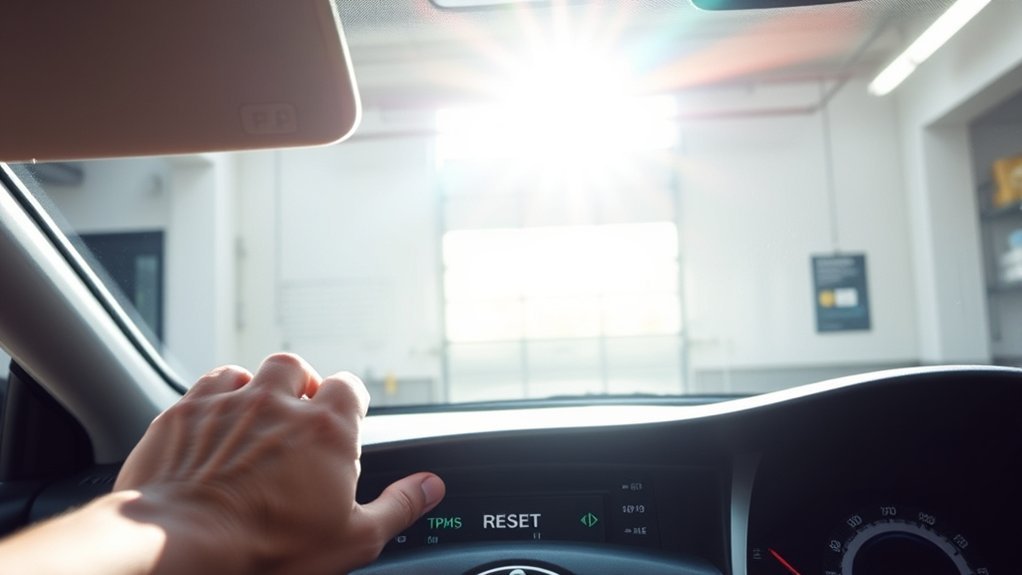
- Find the tire pressure reset switch. On many Camrys, it may be in the glove box, under the steering wheel, or low on the dashboard.
- Press and hold the switch until the tire pressure warning light blinks three times.
- Keep the ignition on briefly, then drive normally so the system can complete initialization.
Pro Tip: If you cannot find the reset button in the glove box, do not assume your Camry does not have TPMS. Check under the steering column and the lower dash, then confirm the exact location in the owner’s manual for your model year.
Method 2: Reset a Camry Through the Dashboard Menu
Many newer Toyota Camry models do not rely on a visible glove-box reset button. Instead, they use the multi-information display and steering-wheel controls.
- Inflate all tires to the recommended cold pressure.
- Turn the vehicle on without moving it.
- Use the steering-wheel controls to open the settings menu on the driver display.
- Choose Vehicle Settings, then look for TPWS, TPMS, Set Pressure, or similar wording.
- Press and hold OK or follow the on-screen prompt until the system begins initialization.
- Drive normally and watch for the light to clear.
Note: Menu names can differ by model year, market, trim, and display type. If your screen wording differs, look for Toyota’s tire pressure warning system, TPMS, or TPWS settings in the owner’s manual.
Understanding TPMS: Its Importance and Function
TPMS stands for Tire Pressure Monitoring System. According to NHTSA tire safety guidance, TPMS warns the driver when tire pressure is below the acceptable level by illuminating the TPMS symbol on the dashboard. Most modern passenger cars, light trucks, and vans from model year 2008 onward are required to have TPMS.
Many Toyota Camry models use direct TPMS sensors mounted at the wheels. These sensors send pressure information to the vehicle so it can alert you when one or more tires are significantly underinflated. A properly working TPMS helps you catch low tire pressure before it causes poor handling, extra tire wear, reduced fuel economy, or a dangerous tire failure.
TPMS is a warning system, not a substitute for a tire pressure gauge. Check tire pressure manually at least monthly and before long trips.
Common Reasons the TPMS Light Stays On
If the TPMS light stays on after you add air, the system may still be detecting a pressure problem, or the reset may not have been completed correctly. These are the most common causes:
- One or more tires are still low. Recheck every tire with a gauge when the tires are cold.
- The pressure was set from the tire sidewall, not the vehicle placard. The sidewall shows the tire’s maximum rating, not the Camry’s recommended cold inflation pressure.
- The reset or initialization was skipped. Some Camrys need the TPMS baseline set after tire pressure changes or tire rotation.
- The spare tire was overlooked. A compact spare may not be monitored, but a full-size spare with a sensor may affect the warning system on some vehicles.
- A sensor battery is weak or dead. TPMS sensors contain batteries that eventually fail.
- A sensor ID is not registered. If a sensor was replaced, the Camry may need the new ID registered before the system works.
- Non-genuine wheels, wrong tire size, or damaged sensors are interfering. Tire or wheel changes can affect TPMS operation.
- Temperature changed sharply. Cold weather can lower tire pressure enough to trigger the warning light.
Troubleshooting Persistent TPMS Light Issues
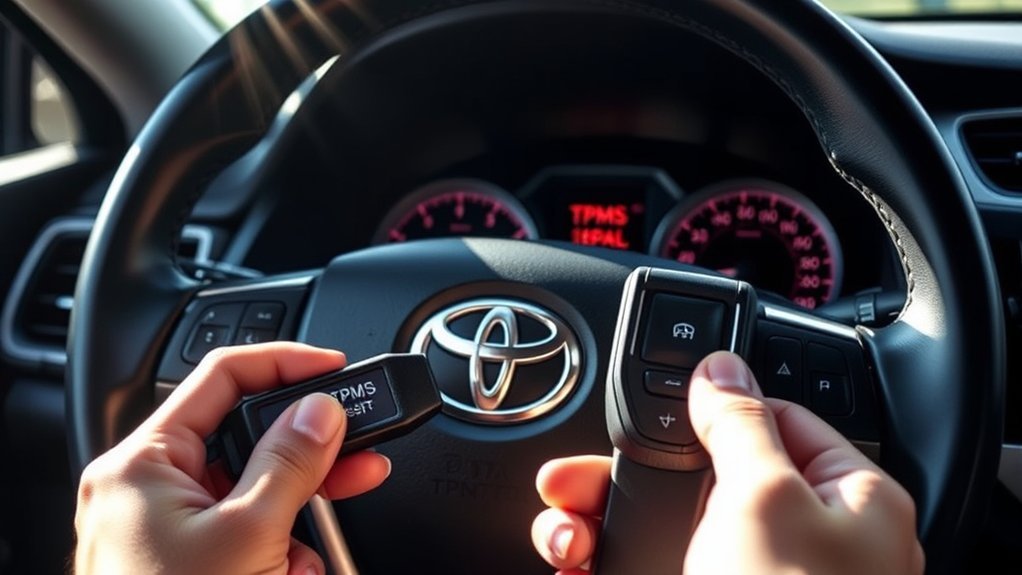
The way the TPMS light behaves gives you an important clue.
[Products Worth Considering]

Replace your worn or missing TPMS sensors with pre-programmed, direct-fit sensors for compatible Ford, Lincoln, and select Mazda models. Each sensor comes ready to activate with a scan tool, helping restore accurate tire pressure monitoring and trouble-free installation. Built with a long-life CR2032 battery and tested before factory release, this set provides dependable performance with a one-year warranty.

The VEHLIVE SU-50448 II TPMS relearn tool provides a fast activation reset to restore accurate tire pressure monitoring after sensor replacement or tire rotation. It supports 315 MHz and 433 MHz GM series sensors and helps clear dashboard pressure warnings. With simple two-button operation and horn-confirmed relearning order, you can reprogram sensors conveniently at home.
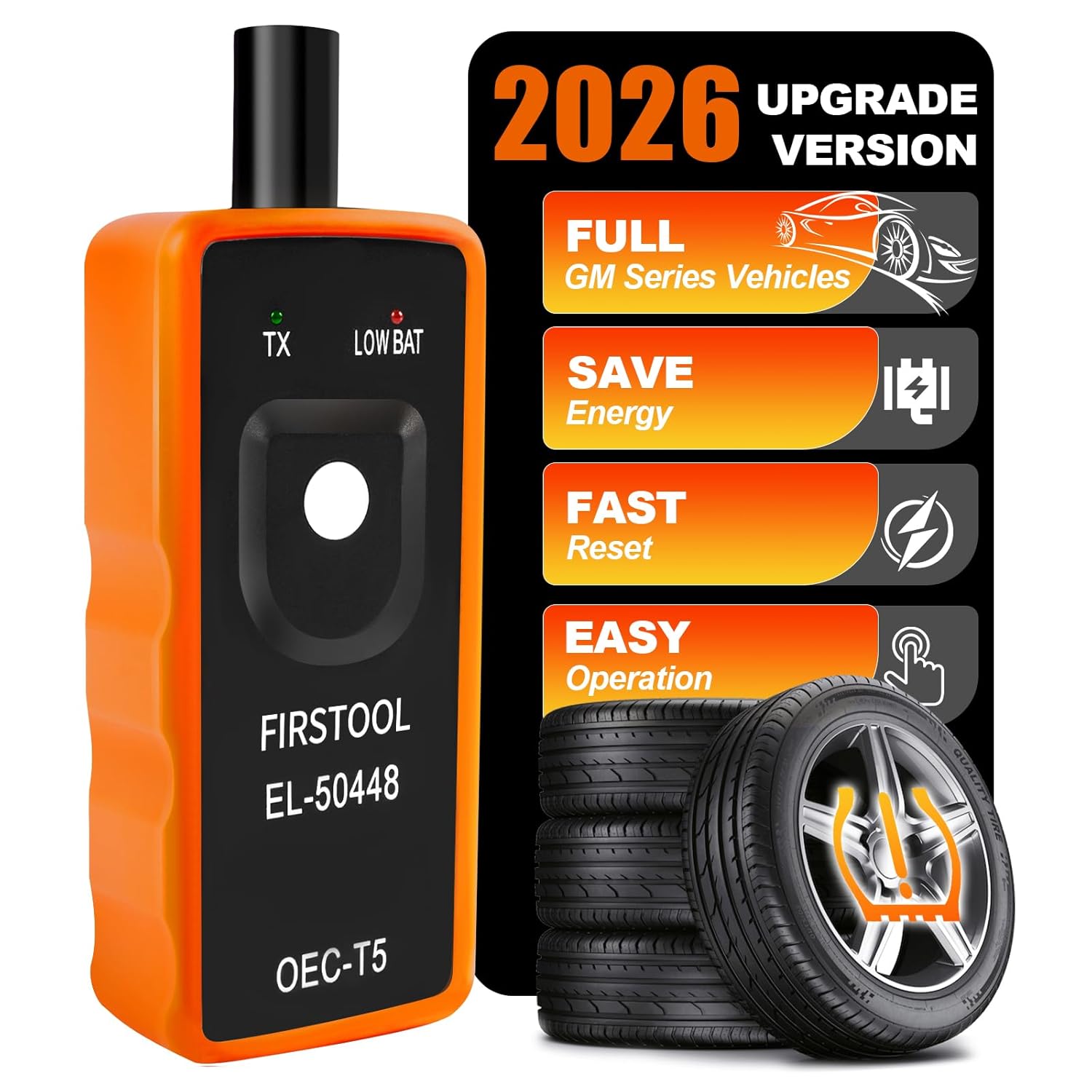
This TPMS relearn tool helps you quickly activate, match, and reset GM tire pressure sensors to keep the vehicle monitoring system working properly. It clears tire pressure alarms and dashboard warning lights after sensor replacement or tire rotation, and supports learning for common 315/433 MHz TPMS sensors. Designed for simple one-button operation, it can help you avoid unnecessary trips to repair shops.
Solid TPMS Light
A solid TPMS light usually means at least one tire is significantly underinflated. Stop in a safe place, inspect the tires, and check pressure with a gauge. If a tire is visibly low or damaged, do not keep driving except as needed to reach a safe location.
TPMS Light Blinks, Then Stays On
If the TPMS light blinks for about a minute after startup and then remains on, treat it as a possible system malfunction. That can happen when a sensor battery fails, a sensor is damaged, a new sensor is not registered, or the vehicle cannot communicate with one of the transmitters. A tire shop, Toyota dealer, or qualified technician can scan the sensors and read diagnostic trouble codes.
TPMS Light Comes On After Tire Rotation
Some Camry models require TPMS initialization after tire rotation. Resetting the system tells the vehicle to treat the current cold pressures as the baseline. If the light stays on after rotation and correct inflation, repeat the initialization procedure once. If it still fails, the system may need diagnosis.
TPMS Light Comes On After New Tires or Wheels
If new tires were installed on the same wheels and sensors, a normal reset may be enough. If new wheels or new TPMS sensors were installed, the vehicle may need sensor ID registration. A simple button reset cannot register unknown sensor IDs.
Warning: Tire sealants can damage or interfere with TPMS valve-and-transmitter assemblies. If sealant was used, have the tire and sensor inspected by a qualified shop as soon as possible.
Check Tire Pressure for Proper Inflation
The correct tire pressure for your Toyota Camry is listed on the tire and loading information label, usually on the driver-side door jamb or center pillar. Do not use a guessed range such as 30–35 psi unless that matches your specific label.
How to Check Tire Pressure Correctly
- Use a reliable tire pressure gauge.
- Check pressure before driving or after the car has been parked long enough for the tires to cool.
- Remove the valve cap and press the gauge firmly onto the valve stem.
- Add air if the tire is below the placard pressure.
- Release air carefully if the tire is above the placard pressure.
- Reinstall the valve cap and repeat for each tire.
Inspect Spare Tire Pressure
Do not ignore the spare tire. Even if your Camry’s compact spare is not monitored by TPMS, it must be properly inflated to work in an emergency. Compact spare pressure is often much higher than road-tire pressure, so check the spare’s sidewall and owner’s manual before adding air.
How to Tell If Your TPMS Sensors Need Replacing
You may need a TPMS sensor replacement or sensor service if the warning light continues after the tires are correctly inflated and the reset procedure has been done properly.
- The light blinks for about a minute, then stays on. This often points to a TPMS malfunction rather than ordinary low pressure.
- One tire does not report pressure. On Camrys with individual tire-pressure display, a missing reading can point to one wheel sensor.
- A tire shop cannot trigger a sensor. A TPMS scan tool can often identify a dead or weak sensor battery.
- The light appeared after wheel or sensor replacement. The new sensor may need programming or ID registration.
- The valve stem is damaged or leaking. Since many TPMS sensors are part of the valve assembly, valve-stem problems can require sensor service.
Note: Replacing all four sensors is not always necessary. A shop with a TPMS scan tool can usually identify which sensor is failing.
[Products Worth Considering]

This TPMS sensor training and relearn reset tool is customized for Ford, Lincoln, and Mercury vehicles to help activate tire pressure programming after sensor replacement or tire rotation. It can activate individual tire pressure sensors with one-button operation, helping prevent TPMS warning light illumination. It is not a sensor programming tool and cannot program replacement sensors—use it to trigger/activate sensors only.
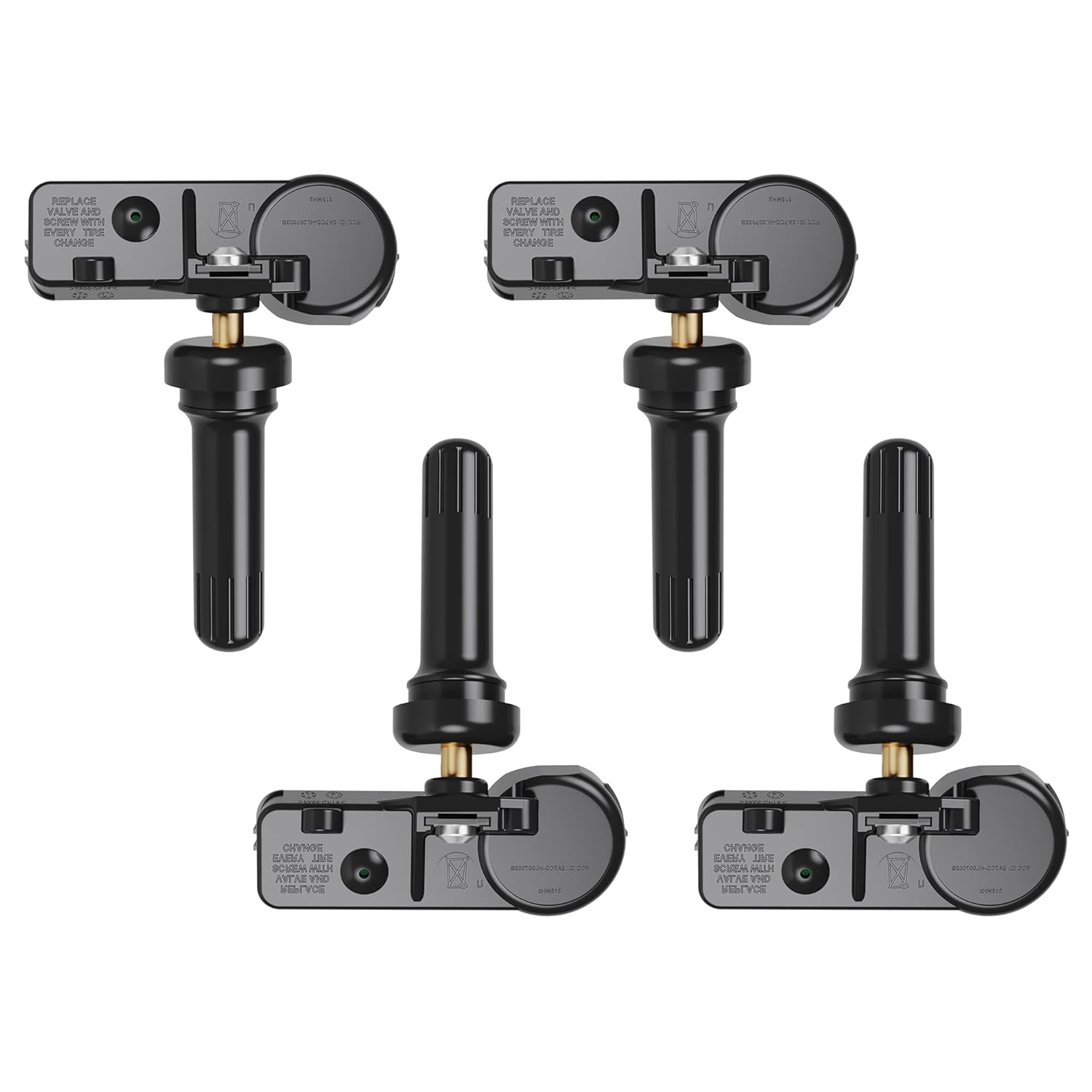
Replace worn or faulty TPMS sensors with this brand new 315MHz GM-compatible replacement set for select Chevy, GMC, Buick, Cadillac, and similar vehicles. These sensors are pre-programmed for your make/model/year and typically only require activation with a scan tool. Built for long service life with a high-temperature battery, they help maintain reliable tire pressure monitoring for safer driving.
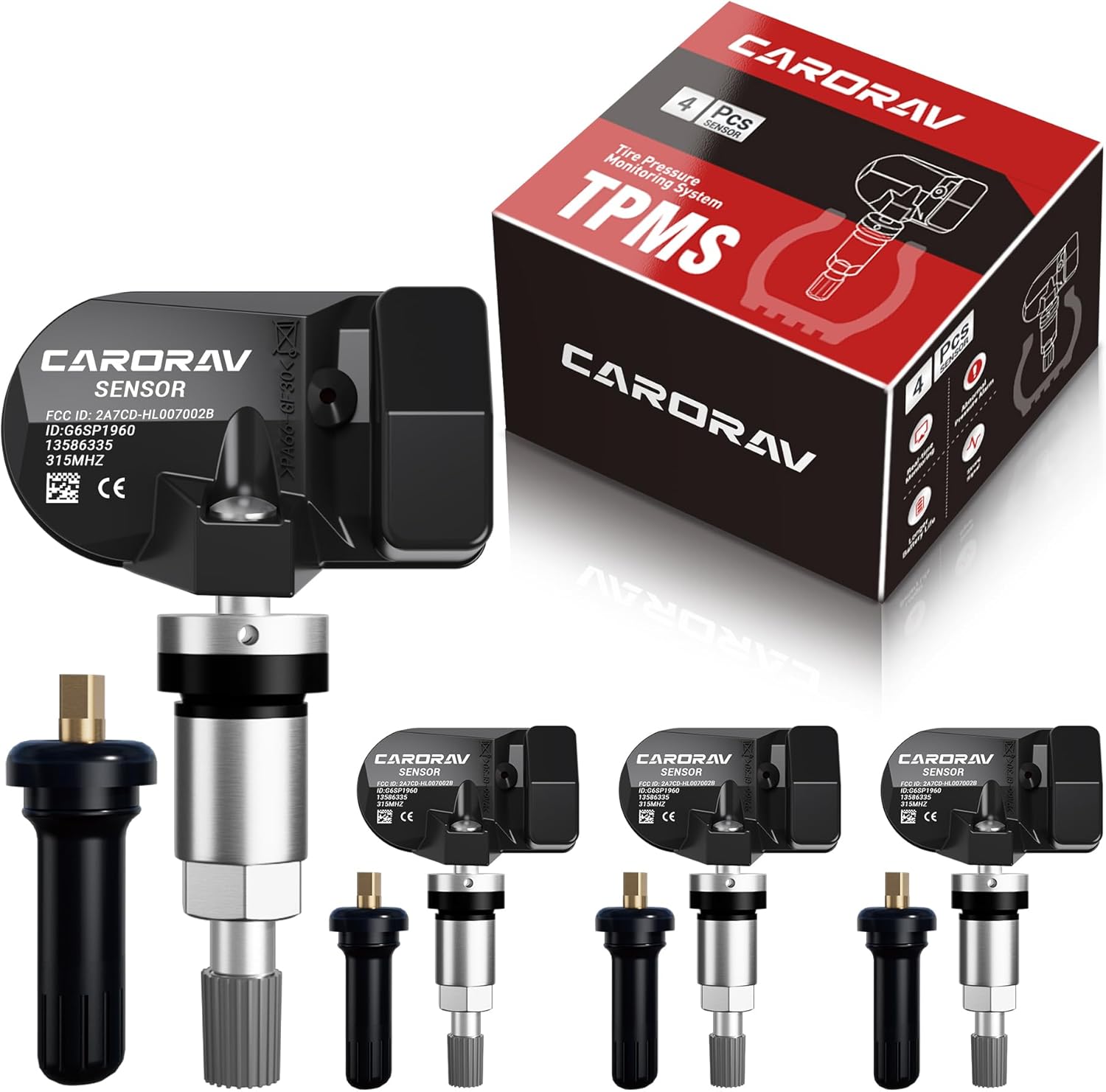
Replace worn or missing TPMS sensors with CARORAV pre-programmed GM-compatible sensors for a smoother installation experience. These 315MHz replacement sensors help monitor tire pressure in real time with long battery life, and they are designed to withstand harsh temperatures. Manual or OBDII relearn may be required to reset the system for proper recognition.
Cost Breakdown: Replacing TPMS Sensors
The cost to replace a Toyota Camry TPMS sensor depends on the sensor type, whether you choose OEM or quality aftermarket parts, local labor rates, tire dismounting and balancing needs, valve service kits, and whether sensor programming is included. Ask the shop for an itemized quote before approving the repair.
[Products Worth Considering]

Marsflex brand TPMS replacement sensors help restore tire pressure monitoring for compatible Toyota, Lexus, Scion, and Pontiac models. Each sensor is pre-programmed for the vehicle application and includes a long-life battery for up to 8 years of normal use. Designed to replace common OE numbers and requires relearning using a TPMS scan tool after installation.
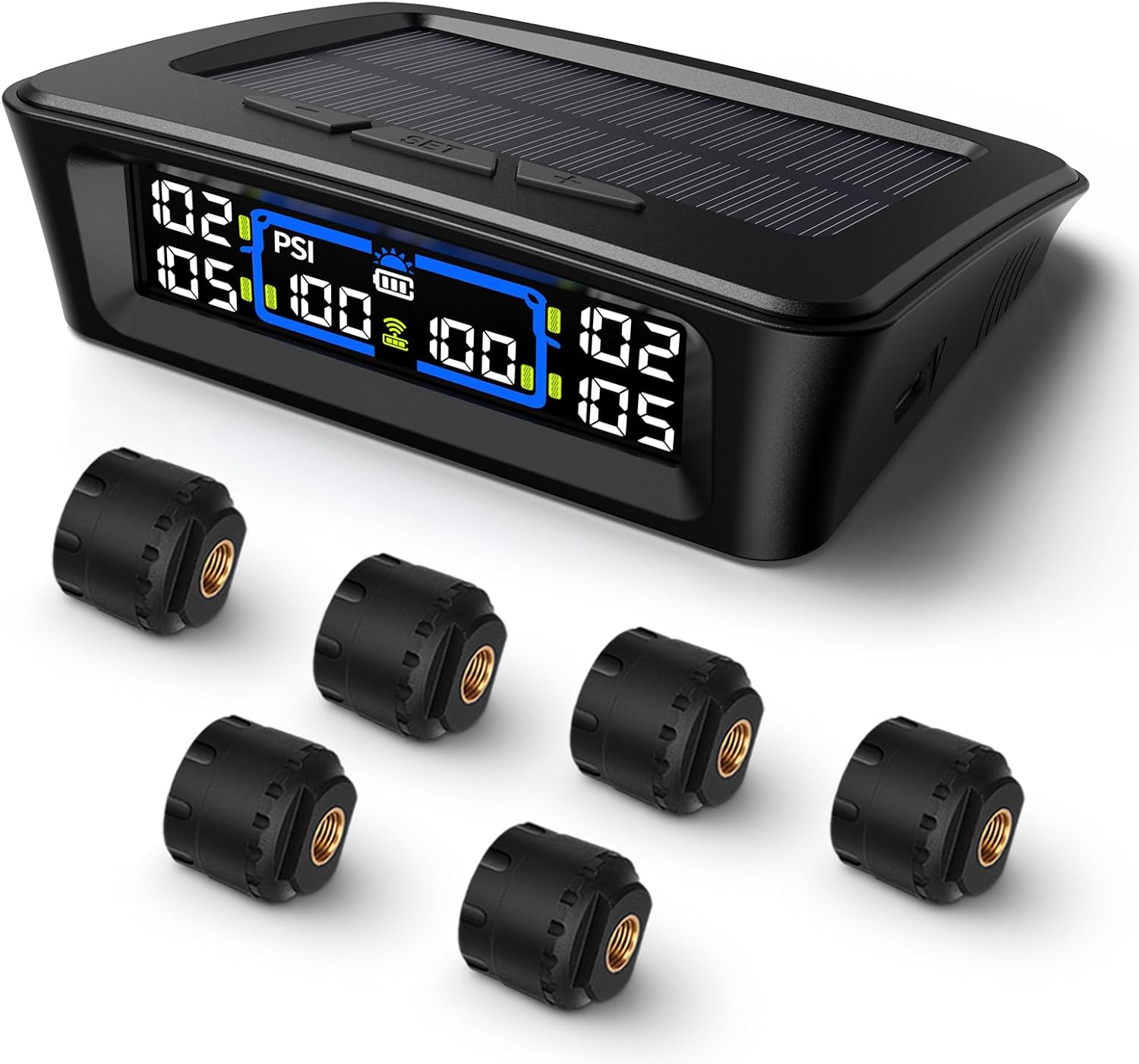
The Tymate TM12 RV TPMS delivers real-time tire pressure and temperature monitoring with a stable 433Hz display for safer long-distance driving. It supports simultaneous monitoring across vehicle and trailer zones, includes six alarm modes for pressure, temperature, leakage, battery, and signal loss, and features easy DIY installation with auto calibration. Power is supplied via USB-C charging or solar recharging, with a wide 0–144 PSI range and up to 50 ft signal coverage for RVs and towable trailers.

Replace worn or malfunctioning GM TPMS sensors with this 433MHz pre-programmed sensor set designed for compatibility with many Chevrolet, Buick, GMC, and Cadillac models. It includes guidance for proper OBDII relearning/pairing after installation and supports reliable long-term operation with a high-performance CR2032 battery. Quality tested for durability and performance to help restore accurate tire pressure monitoring.
Parts
The parts quote may include the TPMS sensor, valve stem or service kit, seal, nut, valve core, and cap. OEM sensors usually cost more than aftermarket sensors, but they are built to match Toyota specifications.
Labor
Labor can include removing the tire from the wheel, replacing the sensor, reinstalling and balancing the tire, programming the sensor, and completing the relearn or ID registration procedure.
Aftermarket Options and Risks
Aftermarket sensors can work well when they are high quality, compatible with your Camry, and programmed correctly. Problems happen when the sensor frequency, protocol, or ID registration is wrong. If the warning light stays on after sensor replacement, ask the shop to confirm that each sensor can be read and that the IDs are registered to the vehicle.
Best Practices for Maintaining Your TPMS
- Check tire pressure monthly. TPMS alerts you after pressure drops far enough to trigger the system; it does not replace routine pressure checks.
- Use the placard pressure. The driver-side tire label is the best everyday reference for your Camry’s cold tire pressure.
- Reset only after correcting pressure. Resetting before inflation teaches the system the wrong baseline.
- Recheck after temperature swings. Cold mornings can lower tire pressure and trigger the warning light.
- Tell the tire shop your Camry has TPMS. This helps prevent sensor damage during tire service.
- Use compatible sensors. If sensors are replaced, make sure the shop programs and registers them correctly.
- Check the spare manually. A compact spare may not trigger TPMS, but it still needs to be ready for roadside use.
Frequently Asked Questions
Where is the TPMS reset button on a Toyota Camry?
On some Toyota Camry models, the TPMS reset button is inside the glove box, under the steering wheel, or on the lower dashboard. Newer Camrys may not use a physical reset button and may require the TPWS or tire pressure setting in the driver display menu.
How do you reset the TPMS on a 2011 Toyota Camry?
Inflate the tires to the cold pressure on the driver-side tire label, turn the ignition to ON without starting the engine, then press and hold the tire pressure warning reset switch until the TPMS light blinks three times. If your 2011 Camry has a compact spare, check it manually because the compact spare may not have a TPMS transmitter.
How do you reset TPMS on a 2016 Toyota Camry?
For many 2016 Camry models, set all tires to the correct cold pressure, turn the ignition on, then press and hold the tire pressure warning reset switch until the warning light blinks three times. Toyota’s owner manual also notes that the tire pressure warning system should be initialized after adjusting tire pressure or rotating tires.
Where is the Toyota tire pressure monitoring system reset button hidden?
Common locations include the glove box, below the steering column, or the lower dashboard. If you cannot find a button, your Camry may use a dashboard-menu reset instead. Check the owner’s manual for the exact procedure for your model year.
Why is my TPMS light still on after I added air?
The pressure may still be low, the reset may not have been completed, a tire may have a slow leak, or a TPMS sensor may have failed. If the light blinks for about a minute and then stays on, have the TPMS scanned for a malfunction.
Can I drive with the TPMS light on?
You should check tire pressure as soon as it is safe. Driving on an underinflated tire can reduce handling, overheat the tire, and increase the risk of tire failure. If the tire is visibly flat or damaged, do not continue driving except to reach a safe stopping place.
Conclusion
Resetting the TPMS on a Toyota Camry starts with the same safe step every time: check the tires cold and inflate them to the pressure on the driver-side placard. After that, use the reset button if your Camry has one, or use the TPWS setting in the dashboard menu on newer models. If the light keeps coming back, especially if it blinks first, stop treating it as a simple reset issue and have the tire pressure sensors and system checked.
Sources
- Toyota Support: How the Tire Pressure Monitor System works — supports Toyota TPMS warning-light function.
- Toyota Owners: 2016 Camry manuals and warranties — supports using the model-specific Toyota owner’s manual for reset procedures.
- Toyota Support: How to view owner’s manuals online — supports locating official Toyota owner publications.
- NHTSA TireWise tire safety guide — supports TPMS purpose, tire-pressure warnings, and tire-safety guidance.
- RepairPal TPMS sensor replacement cost estimator — supports cost-variable guidance for TPMS sensor replacement.
- Kelley Blue Book TPMS sensor replacement cost guide — supports general TPMS sensor replacement cost context.