
Toyota calls it the tire pressure warning system (TPWS), and on a Corolla it needs to be initialized after you adjust pressures, rotate tires or change tire size. Newer Corollas do it from a menu; older ones use a small reset button. Here is how to do both.
Quick Answer
On 2020 and newer Corollas, set all tires to the placard pressure, turn the car ON, then use the steering wheel buttons: Settings > Vehicle Settings > TPWS > Set Pressure, and press and hold OK until the warning light blinks three times. Older Corollas use a TPMS reset switch below the dashboard: hold it until the light blinks slowly three times. New sensors need ID registration, usually by a dealer.
Key Takeaways
- Initialization stores the current pressures as the baseline, so inflate correctly first.
- 2020+ Corollas initialize through the multi-information display menu.
- Older Corollas have a physical reset switch under the dash.
- New or replacement sensors must have their ID codes registered.
When to Reset the Corolla TPMS

- After adjusting the tire pressures.
- After rotating the tires (Toyota’s dealer bulletin says to initialize after every rotation).
- After changing tire size or switching wheel sets.
- If the light stays on after you have set correct pressures.
Note: Toyota’s system uses the pressures present when you initialize as the baseline. If you initialize with a low tire, the system will warn too late. Set cold pressures from the placard first; see Corolla tire pressure.
Products Worth Considering

The VEHLIVE SU-50448 II TPMS relearn tool provides a fast activation reset to restore accurate tire pressure monitoring after sensor replacement or tire rotation. It supports 315 MHz and 433 MHz GM series sensors and helps clear dashboard pressure warnings. With simple two-button operation and horn-confirmed relearning order, you can reprogram sensors conveniently at home.

Replace your worn or missing TPMS sensors with pre-programmed, direct-fit sensors for compatible Ford, Lincoln, and select Mazda models. Each sensor comes ready to activate with a scan tool, helping restore accurate tire pressure monitoring and trouble-free installation. Built with a long-life CR2032 battery and tested before factory release, this set provides dependable performance with a one-year warranty.
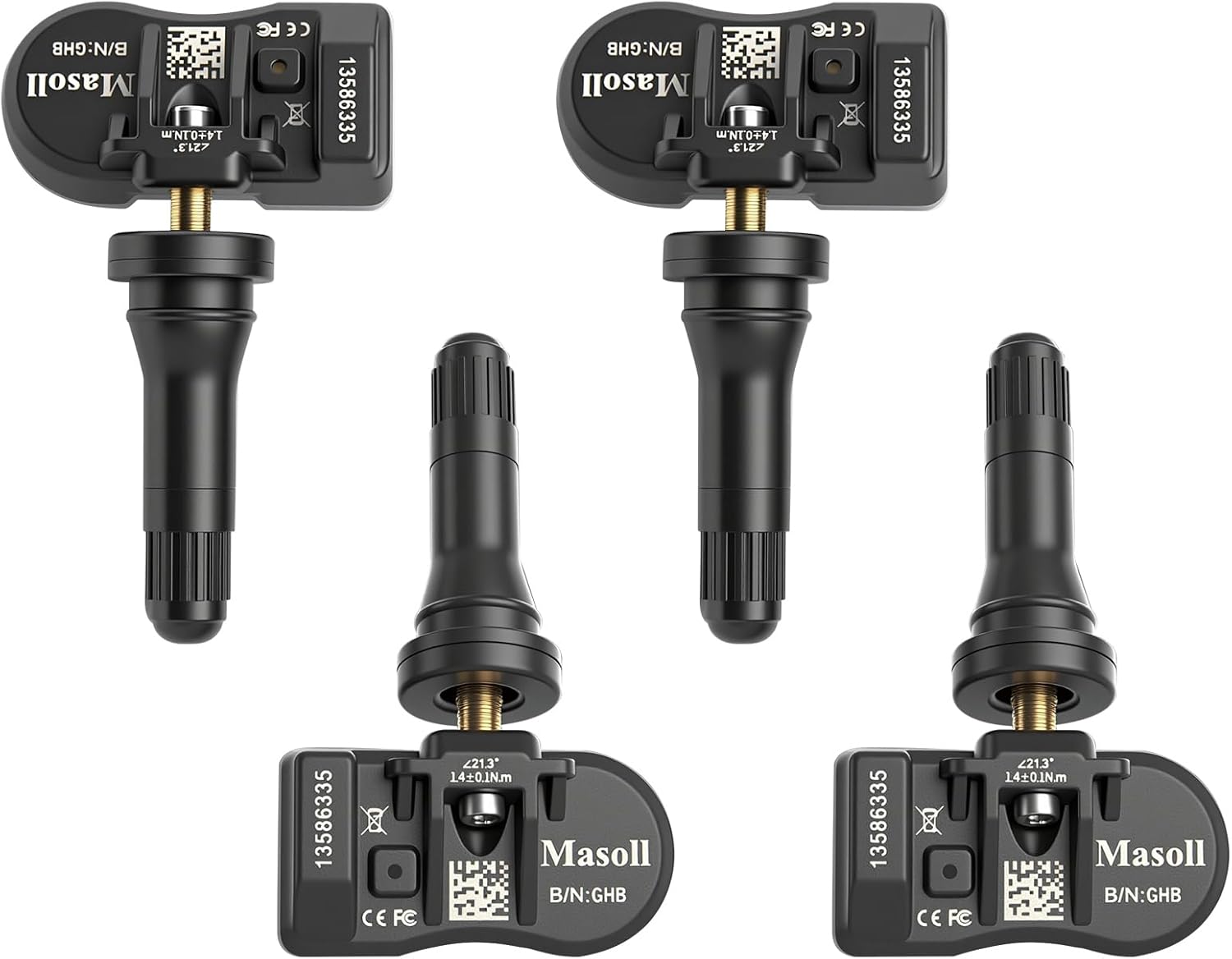
Masoll TPMS sensors are designed for most GM vehicles after 2006, helping you clear tire pressure warnings with OEM-level 315/433MHz compatibility. The 4-pack includes pre-programmed sensors, but re-learning is required after installation using a GM TPMS relearn tool or scan tool. Built with a dual-antenna design and a long-life CR2050 battery, these sensors deliver reliable performance in extreme temperatures with corrosion-resistant valve construction.
Reset Steps for 2020 and Newer Corollas
- Park safely and turn the engine off. Set all tires to the placard pressure (cold).
- Turn the engine switch ON.
- Use the steering wheel arrow buttons to select the settings (gear) screen on the multi-information display.
- Select Vehicle Settings and press OK.
- Select TPWS, then Set Pressure.
- Press and hold OK until the tire pressure warning light blinks three times.
- Wait for the message to disappear; initialization completes in a few minutes of driving.
The same menu path is used on other current Toyotas such as the RAV4, whose manual describes the light blinking three times when initialization starts.
Reset Steps for Older Corollas (With Reset Switch)
- Set all tires, including a full-size spare if monitored, to the placard pressure.
- Turn the ignition ON (engine can be off).
- Find the TPMS reset switch below the steering column or lower dashboard.
- Press and hold it until the tire pressure warning light blinks slowly three times.
- Wait a few minutes with the ignition on, or drive normally, to finish.
Pro tip: If the light flashes for about a minute and then stays on, the system has a fault, such as a dead sensor battery or an unregistered sensor, rather than low pressure.
Products Worth Considering

This TPMS sensor training and relearn reset tool is customized for Ford, Lincoln, and Mercury vehicles to help activate tire pressure programming after sensor replacement or tire rotation. It can activate individual tire pressure sensors with one-button operation, helping prevent TPMS warning light illumination. It is not a sensor programming tool and cannot program replacement sensors—use it to trigger/activate sensors only.
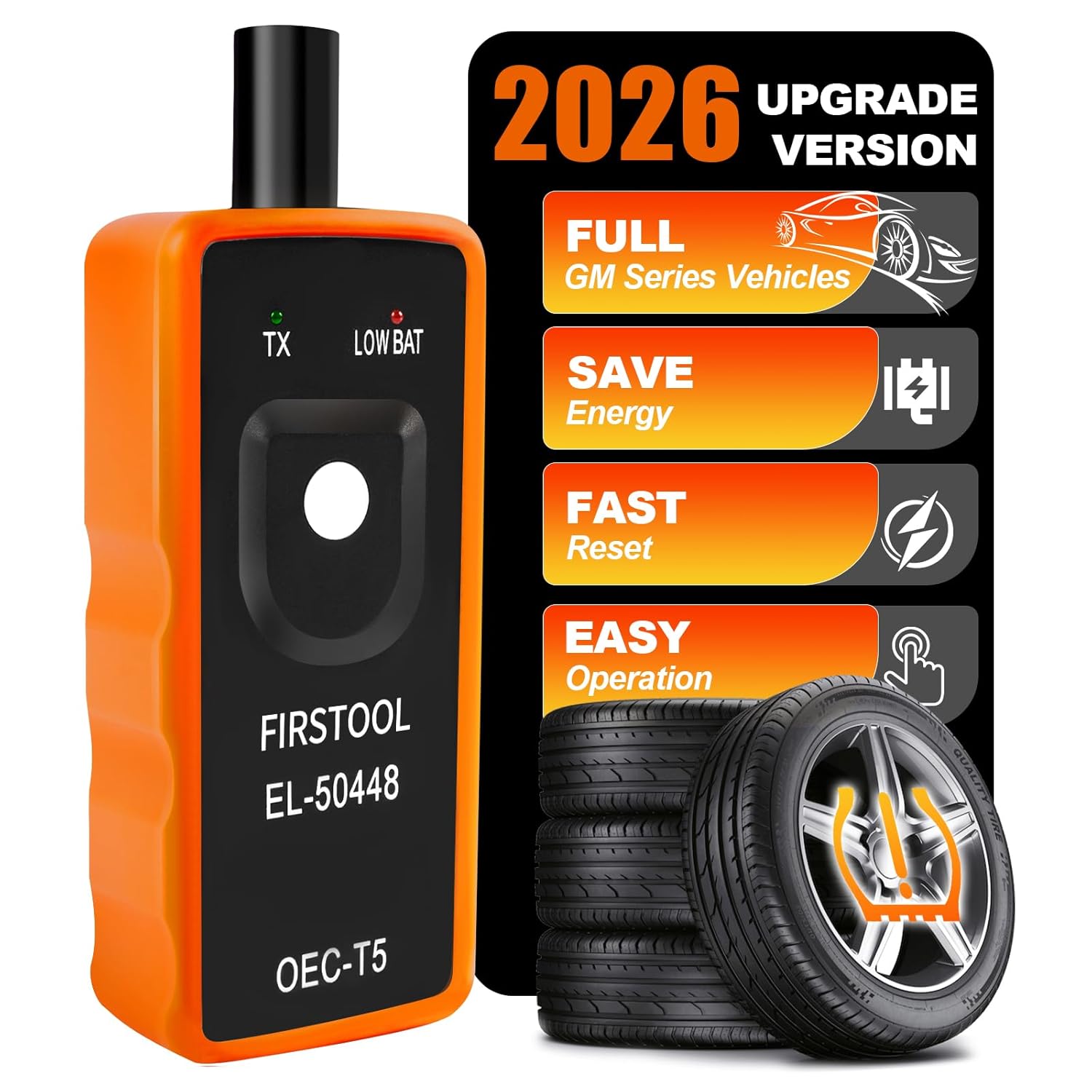
This TPMS relearn tool helps you quickly activate, match, and reset GM tire pressure sensors to keep the vehicle monitoring system working properly. It clears tire pressure alarms and dashboard warning lights after sensor replacement or tire rotation, and supports learning for common 315/433 MHz TPMS sensors. Designed for simple one-button operation, it can help you avoid unnecessary trips to repair shops.

Marsflex brand TPMS replacement sensors help restore tire pressure monitoring for compatible Toyota, Lexus, Scion, and Pontiac models. Each sensor is pre-programmed for the vehicle application and includes a long-life battery for up to 8 years of normal use. Designed to replace common OE numbers and requires relearning using a TPMS scan tool after installation.
New Sensors and Persistent Lights
When new tire pressure sensors are fitted, Toyota says their ID codes must be registered before the system is initialized; dealers and tire shops do this with a scan tool. A light that will not reset can also mean one sensor is not reporting; see TPMS not reading one tire and TPMS sensor replacement cost.
Frequently Asked Questions
Where is the TPMS reset button on a Toyota Corolla?
On older Corollas it is under the steering column or lower dashboard. 2020 and newer Corollas have no button and reset through Settings > Vehicle Settings > TPWS > Set Pressure.
Why does my Corolla tire light stay on after filling the tires?
Reset the system after inflating. If the light flashes for about a minute and then stays on, a sensor or the system needs checking.
Do I need to reset the Corolla TPMS after a tire rotation?
Yes. Toyota’s dealer bulletin says to initialize the tire pressure warning system after every rotation.
Can I reset the Corolla TPMS with new sensors myself?
New sensors need their ID codes registered with a scan tool before initialization, which is usually done by a dealer or tire shop.
Sources
- Dublin Toyota: how to reset the Corolla tire pressure system
- Toyota RAV4 owner’s manual: initializing the TPWS
- Toyota tire rotation bulletin (NHTSA)
- Toyota owner’s manual: registering new sensor ID codes
Products Worth Considering

Replace worn or malfunctioning GM TPMS sensors with this 433MHz pre-programmed sensor set designed for compatibility with many Chevrolet, Buick, GMC, and Cadillac models. It includes guidance for proper OBDII relearning/pairing after installation and supports reliable long-term operation with a high-performance CR2032 battery. Quality tested for durability and performance to help restore accurate tire pressure monitoring.

The UYYE TPMS relearn tool helps activate and relearn tire pressure monitor sensors quickly, typically in minutes. It supports TPMS learn mode resetting using a simple three-step process: enter learn mode, position the tool near the valve stem, and press the learn button. Designed for specific GM models, it streamlines sensor programming and reduces trips to dealers or tire shops.

The Tymate TM2 RV tire pressure monitoring system keeps you informed with a color LCD display, automatic backlight, and solar charging for dependable operation. It supports up to 10 tire positions with four pre-paired sensors, while offering multiple alarm modes for fast leak detection, pressure extremes, temperature alerts, and low-signal warnings. Built-in monitoring uses accurate readings and reliable 433.92MHz communication to help protect your RV, trailer, truck, or SUV.