

To program TPMS sensors on a Toyota 4Runner, you need to complete up to three steps: program the sensor itself if it is a blank aftermarket unit, register each sensor’s ID with the 4Runner’s tire pressure ECU, and initialize the system so it learns your baseline pressures. Toyota requires ID registration whenever new sensors are installed. On newer sixth-generation 4Runners (2025 and later), owners report that new IDs can be registered from the vehicle’s settings menu by driving; on most earlier models, registration is done with a TPMS tool through the OBD-II port or with Toyota’s Techstream software at a dealer.
Last updated: November 23, 2026
Quick Answer
Pressing the TPMS SET or reset button does not program new sensors. New sensor IDs must be registered to the 4Runner’s TPMS ECU, either with a TPMS tool or Techstream via the OBD-II port, by cloning your old sensor IDs onto programmable sensors, or, on 2025 and newer models, through the vehicle menu’s ID registration procedure. After registration, set every tire to the placard pressure and run the initialization procedure in your owner’s manual.
Key Takeaways
- Program (aftermarket sensors only): a TPMS tool configures a blank sensor for your 4Runner’s model year.
- Register: the ECU must learn each sensor’s ID. Toyota and Lexus models require this whenever new sensors are fitted.
- Initialize: tells the system your correct cold pressures. Do this after registration, not before.
- Cloning your old sensor IDs onto programmable sensors avoids the registration step entirely.
- Look for the TPWS section of your owner’s manual; Toyota uses that term for its tire pressure warning system.
How the 4Runner TPMS Works
Each wheel on a 4Runner has a battery-powered sensor inside the valve stem. It transmits the tire’s pressure along with a unique ID code. The tire pressure warning ECU listens only for the IDs it has registered, so a brand-new sensor is invisible to the vehicle until its ID is stored. That is why a set of new wheels with fresh sensors can trigger the warning light even when the tires are perfectly inflated. For an overview of the system, see how TPMS works on the 4Runner.
| Step | What it does | When you need it | How it’s done |
|---|---|---|---|
| Program sensor | Configures a blank universal sensor to act like the correct 4Runner sensor | Only with programmable aftermarket sensors | Handheld TPMS tool |
| Register ID | Stores each sensor’s ID in the TPMS ECU | Whenever new sensors or a new wheel set is fitted | TPMS tool or Techstream via OBD-II; vehicle menu on newer models |
| Initialize | Sets the reference pressure the system warns against | After registration, after changing pressures, or when the manual calls for it | SET button or vehicle menu, depending on model |
Products Worth Considering

The VEHLIVE SU-50448 II TPMS relearn tool provides a fast activation reset to restore accurate tire pressure monitoring after sensor replacement or tire rotation. It supports 315 MHz and 433 MHz GM series sensors and helps clear dashboard pressure warnings. With simple two-button operation and horn-confirmed relearning order, you can reprogram sensors conveniently at home.

Marsflex brand TPMS replacement sensors help restore tire pressure monitoring for compatible Toyota, Lexus, Scion, and Pontiac models. Each sensor is pre-programmed for the vehicle application and includes a long-life battery for up to 8 years of normal use. Designed to replace common OE numbers and requires relearning using a TPMS scan tool after installation.

Masoll Gen 2 external TPMS sensors are a DIY replacement set of 4 for select GM vehicles made after 2006, helping you shut off the TPMS warning light quickly. Simply screw the sensors onto the tire valves and sync to your car ECU using the included EL-50448 relearn tool. Dual-frequency 315/433 MHz design provides OEM-level performance with accurate readings and replaceable batteries for about two years.
Do You Need to Program New TPMS Sensors on a 4Runner?
Yes, if you install new sensors. TPMS specialist myTPMS states that all Toyota and Lexus models require the sensor IDs to be programmed into the vehicle when fitting new sensors. If you only rotate the existing wheels, you usually do not need to register IDs again, though some procedures call for initialization after a rotation if front and rear pressures differ.
Method 1: Clone Your Old Sensor IDs (Easiest)
Many programmable aftermarket sensors can copy the IDs of your existing sensors. Because the 4Runner already knows those IDs, the new sensors are recognized without a relearn.
- Use a TPMS tool to read each of your original sensors before removing them.
- Select your 4Runner’s model year in the tool and copy each ID onto a programmable sensor.
- Label each new sensor with its wheel position.
- Install the sensors in the matching positions and inflate to the placard pressure.
- Drive for several minutes; the warning light should stay off.
Cloning is ideal when you are replacing sensors in the same wheels. It is not an option for a second set of wheels that will be used alongside the first, because both sets would carry the same IDs.
Method 2: Register IDs With a TPMS Tool or Techstream
This is the standard method for most 4Runners before the 2025 redesign and the method most tire shops use.
- Get compatible sensors: genuine Toyota sensors or programmable aftermarket sensors set up for your exact model year.
- Program aftermarket sensors with the TPMS tool if needed.
- Install the sensors and inflate all tires to the cold pressure on the door placard. If your spare has a sensor, inflate it too.
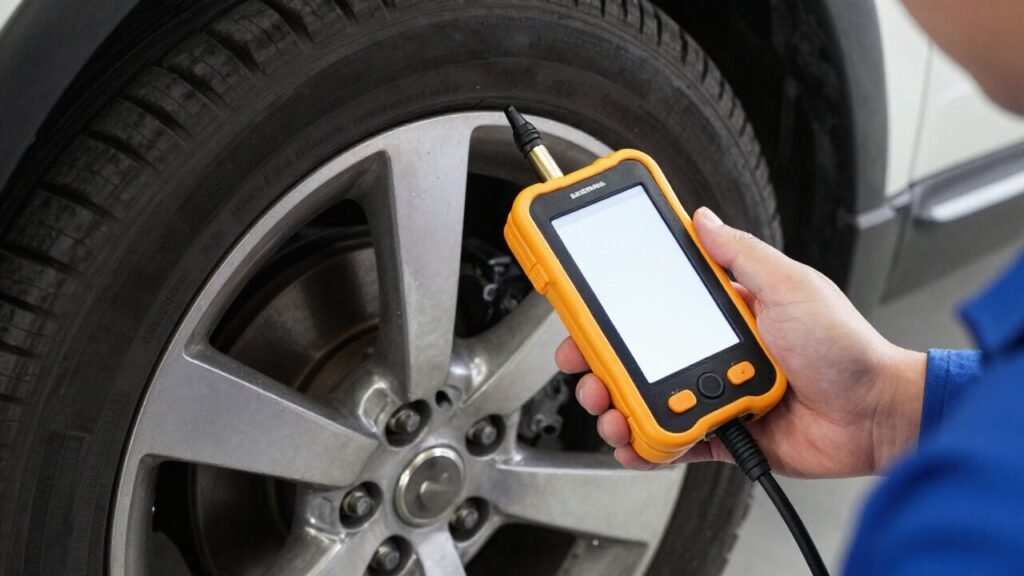
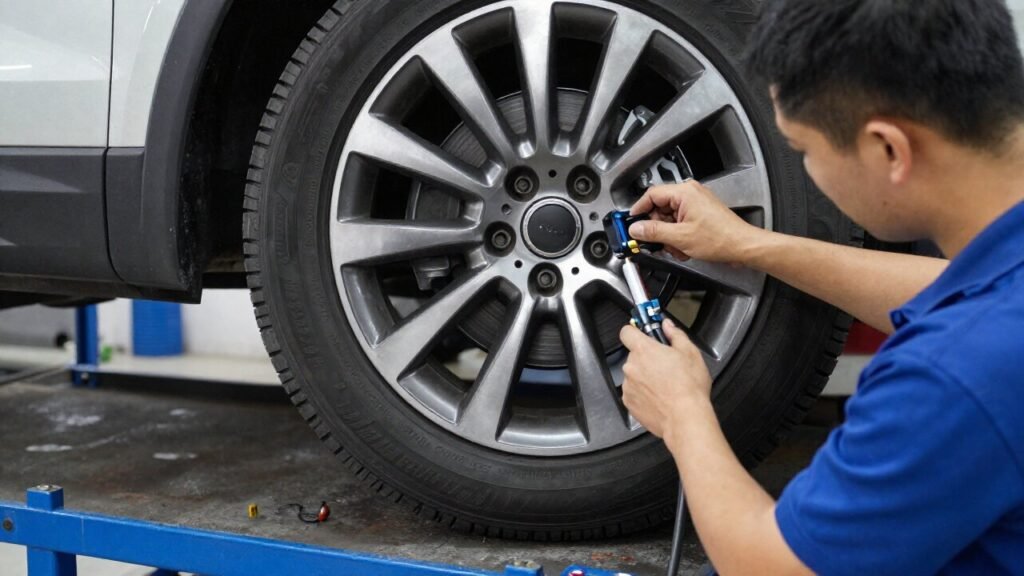
- Connect the tool to the OBD-II port under the dash and select the TPMS ID registration function. At a dealer, Techstream performs the same job.
- Read each sensor with the tool so it captures the IDs, then write them to the ECU.
- Initialize the system using the procedure in your owner’s manual.
- Test drive and confirm the warning light is off.
Toyota service procedures for similar models describe the same sequence: register transmitter IDs with Techstream, then initialize after registration is complete. Our general guide to programming tire sensors covers how TPMS tools work.
Method 3: Register IDs From the Vehicle Menu (2025 and Newer)
Owners of sixth-generation 4Runners report that the vehicle can register new sensors itself. In the settings menu under Tire Set Switching, choosing to register a new valve or ID puts the system into learning mode. You then drive, and it stores the IDs of the four sensors that stay close to the vehicle for a set time, which prevents it from picking up another car’s sensors. Owners also report that it can store two sets of IDs, which is useful for summer and winter wheels.
One 2025 owner on the 4Runner6G forum reported programming universal aftermarket sensors as a 2024 model in their tool, because the tool did not yet list the 2025, and then completing registration with the owner’s manual procedure for registering ID codes. Always follow the exact steps in your manual’s TPWS section, because menu names and driving conditions can differ by trim and software version.
What the TPMS SET Button Does (and Doesn’t Do)
Some 4Runners have a TPMS reset or SET button below the steering wheel or in the glovebox area. It initializes the system: the ECU looks for the sensor IDs it already has stored and records the current pressures as the reference. It does not teach the ECU new IDs.
TPMS tool maker ATEQ warns that pressing the SET button after new sensor IDs have been introduced, but before a relearn has been performed, can lock the ECU so that it must be unlocked before the relearn will work. Some advanced TPMS tools can unlock it. The safe order is always: register IDs first, then initialize.
Set pressures before initializing
Initialization records the current pressures as correct. If you initialize with tires that are over- or under-inflated, the warning thresholds will be wrong. Set every tire to the cold placard pressure first.
Products Worth Considering
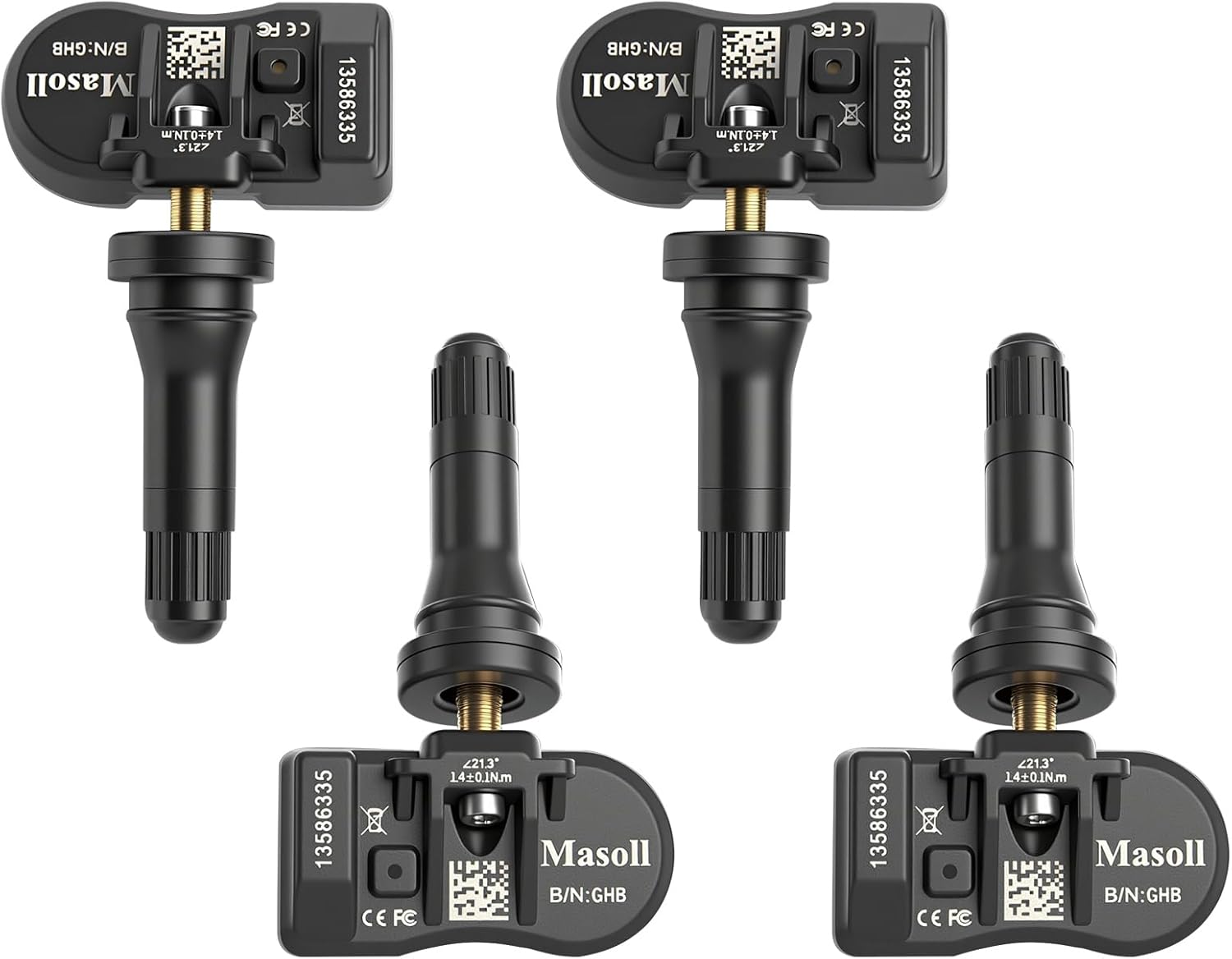
Masoll TPMS sensors are designed for most GM vehicles after 2006, helping you clear tire pressure warnings with OEM-level 315/433MHz compatibility. The 4-pack includes pre-programmed sensors, but re-learning is required after installation using a GM TPMS relearn tool or scan tool. Built with a dual-antenna design and a long-life CR2050 battery, these sensors deliver reliable performance in extreme temperatures with corrosion-resistant valve construction.

This TPMS sensor training and relearn reset tool is customized for Ford, Lincoln, and Mercury vehicles to help activate tire pressure programming after sensor replacement or tire rotation. It can activate individual tire pressure sensors with one-button operation, helping prevent TPMS warning light illumination. It is not a sensor programming tool and cannot program replacement sensors—use it to trigger/activate sensors only.

The AICEL TPMS relearn tool helps you quickly reset or relearn tire pressure sensors after replacement, tire rotation, or resolving tire pressure alarms. It provides an activation reset function so your vehicle’s TPMS can operate optimally, saving time and money on frequent visits to an auto shop. Designed for easy use on most vehicles, it works by placing the tool near the valve stem and using the learn button.
Using Two Sets of Wheels
If you swap between summer and winter wheels, each set needs its own sensors and each sensor ID must be known to the ECU. You have three options:
- Two stored ID sets: where your model supports it, register each set once and switch between them in the menu.
- Register at each swap: use a TPMS tool or have a shop write the active set’s IDs each season.
- Run without sensors in the winter set: not recommended, as the warning light will stay on and you lose low-pressure warnings.
Troubleshooting the 4Runner TPMS Light
| Symptom | Likely cause | Fix |
|---|---|---|
| Light blinks for about a minute, then stays on | System fault, often unregistered or failed sensors | Register the IDs; check sensor compatibility and batteries |
| Light stays on steadily | Low pressure in one or more tires | Check all tires cold, including a spare with a sensor |
| Light comes back days after new wheels | Sensors not registered; system may be detecting old IDs | Complete ID registration |
| Tool can’t read a sensor | Sensor not activated, wrong frequency or dead battery | Confirm the sensor is set for your model year |
For more help, see what a flashing-then-solid TPMS light means, 4Runner TPMS light on but tires are fine and how to reset the 4Runner TPMS light.
Choosing Replacement Sensors
- Genuine Toyota sensors are the simplest match but usually cost more.
- Programmable aftermarket sensors work well if your tool supports your model year and the sensor is configured correctly.
- Check compatibility by year: owners on Toyota truck forums note that sensors from one Toyota model are not always recognized by another, so buy sensors listed for your 4Runner.
- Replace service parts such as valve cores, seals and nuts whenever a sensor is removed.
Our guides to 4Runner TPMS sensor replacement, installing TPMS sensors on a 4Runner and maintaining 4Runner TPMS sensors cover the hardware side.
Frequently Asked Questions
Can a 4Runner learn new TPMS sensors by itself?
Owners report that 2025 and newer 4Runners can register new sensor IDs through a menu procedure while driving. Most earlier 4Runners need a TPMS tool or Techstream to register new IDs.
Does the TPMS reset button program new sensors?
No. The SET or reset button initializes the system using IDs it already knows. Register new IDs first, then initialize.
Do I need to reprogram TPMS after a tire rotation on a 4Runner?
Usually not for IDs. Follow your owner’s manual; some procedures call for initialization after a rotation, particularly if front and rear pressures differ.
Can I use aftermarket TPMS sensors on a 4Runner?
Yes, if they are programmed for your model year and their IDs are registered to the vehicle, or if they are cloned from your original sensors.
How long does it take for the 4Runner to recognize new sensors?
With a tool, registration takes minutes. Menu-based registration on newer models needs a drive under the conditions in the owner’s manual before the IDs are stored.
Why is my TPMS light still on after programming?
Common causes are a sensor that wasn’t registered, low pressure in one tire, a spare with a sensor that is under-inflated, or initialization done before registration. Recheck each step.
Conclusion
Programming TPMS sensors on a Toyota 4Runner comes down to the right order: program the sensor if it is aftermarket, register its ID with the vehicle, then set pressures and initialize. Cloning old IDs is the easiest route for replacement sensors, a TPMS tool or Techstream handles registration on most model years, and 2025-and-newer 4Runners add a menu-based registration option. When in doubt, follow the TPWS section of your owner’s manual or let a tire shop with a TPMS tool complete the job.
Sources
- myTPMS: Toyota TPMS relearn and ECU ID programming guide
- Vehicle Service Pros (ATEQ): Toyota TPMS SET button and relearn
- Modern Tire Dealer: Toyota TPMS ID registration procedure
- Modern Tire Dealer: Toyota TPMS registration and initialization
- 4Runner6G forum: Tire Set Switching and registering new IDs
- 4Runner6G forum: Programming aftermarket sensors on a 2025 4Runner
Products Worth Considering
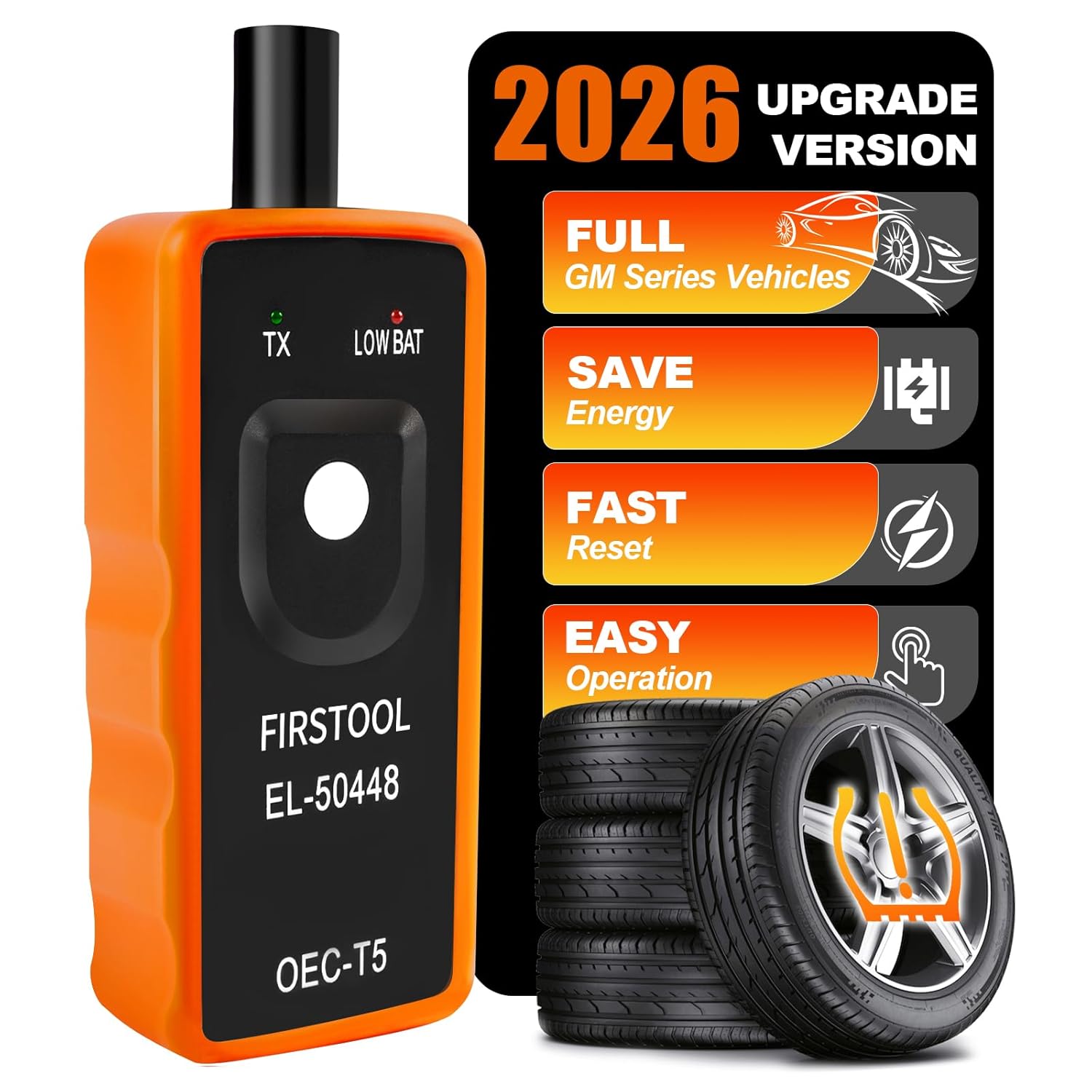
This TPMS relearn tool helps you quickly activate, match, and reset GM tire pressure sensors to keep the vehicle monitoring system working properly. It clears tire pressure alarms and dashboard warning lights after sensor replacement or tire rotation, and supports learning for common 315/433 MHz TPMS sensors. Designed for simple one-button operation, it can help you avoid unnecessary trips to repair shops.

Replace worn or malfunctioning GM TPMS sensors with this 433MHz pre-programmed sensor set designed for compatibility with many Chevrolet, Buick, GMC, and Cadillac models. It includes guidance for proper OBDII relearning/pairing after installation and supports reliable long-term operation with a high-performance CR2032 battery. Quality tested for durability and performance to help restore accurate tire pressure monitoring.

Replace worn or missing TPMS sensors with a pre-programmed 4-pack designed for compatible GM vehicles. These 315MHz sensors provide real-time tire pressure monitoring and alert you if pressure is too high, too low, or if a rapid air leak occurs. Most installations are ready with minimal relearn effort after mounting, helping improve safety and driving confidence.