Resetting the TPMS light on a Toyota Tundra is simple, but the correct method depends on the model year. Many 2006–2021 Tundras use a physical TPMS reset switch, while 2022–2025 Tundras usually reset through the Multi-Information Display (MID). Before you reset anything, set the tires to the correct cold pressure on the driver-side door placard and inspect for leaks or damage.
Quick Answer
To reset a Toyota Tundra TPMS light, inflate the tires to the cold pressure on the door placard, then use the reset switch on many 2006–2021 models or the MID menu on 2022–2025 models. If the light flashes for about a minute and stays on, the system needs diagnosis.
Key Takeaways
- Use the cold tire pressure on the driver-side door placard, not the maximum pressure printed on the tire sidewall.
- Most 2006–2021 Toyota Tundra models use a TPMS reset switch or SET button; many 2022–2025 Tundra models use the MID menu.
- A solid TPMS light usually means low tire pressure. A light that flashes for about one minute and then stays on usually points to a TPMS malfunction.
- Resetting the TPMS stores a pressure baseline; it does not register new sensor IDs after replacing TPMS sensors.
At a Glance
| Time Required | 5–15 minutes for a basic reset; longer if a tire leak or faulty sensor must be diagnosed |
| Difficulty | Easy for pressure-baseline reset; moderate if sensor registration is needed |
| Tools Needed | Accurate tire pressure gauge, air compressor, owner’s manual, and TPMS scan tool only if sensors need registration |
| Cost | Usually $0 if you already have air and a gauge; service cost applies for faulty sensors or sensor ID registration |
Warning: Do not reset the TPMS light just to clear a warning. If a tire is low, damaged, leaking, or overheating, fix the tire problem first. A TPMS reset should be the final step after pressures are corrected.
Before You Reset the TPMS Light
Start with the tire pressure itself. The National Highway Traffic Safety Administration advises checking tire pressure when tires are cold, meaning the vehicle has not been driven for at least three hours. Use the pressure on the Tundra’s tire and loading information label on the driver-side door jamb or the exact pressure listed in your owner’s manual.
- Park on a level surface and let the tires cool.
- Check all four tires with a reliable gauge.
- Check the spare manually, especially before towing or long trips. Some spares may not be monitored by TPMS, but they still need correct pressure.
- Inflate or deflate each tire to the correct cold pressure.
- Inspect the tread, sidewalls, valve stems, and nails or screws before resetting.
Federal TPMS rules are designed to warn drivers of significant underinflation, but TPMS is not a replacement for routine pressure checks. The system may not warn immediately for every slow leak, temperature change, or damaged tire.
[Products Worth Considering]

Replace your worn or missing TPMS sensors with pre-programmed, direct-fit sensors for compatible Ford, Lincoln, and select Mazda models. Each sensor comes ready to activate with a scan tool, helping restore accurate tire pressure monitoring and trouble-free installation. Built with a long-life CR2032 battery and tested before factory release, this set provides dependable performance with a one-year warranty.

This TPMS sensor training and relearn reset tool is customized for Ford, Lincoln, and Mercury vehicles to help activate tire pressure programming after sensor replacement or tire rotation. It can activate individual tire pressure sensors with one-button operation, helping prevent TPMS warning light illumination. It is not a sensor programming tool and cannot program replacement sensors—use it to trigger/activate sensors only.

This TPMS relearn tool helps you quickly activate, match, and reset GM tire pressure sensors to keep the vehicle monitoring system working properly. It clears tire pressure alarms and dashboard warning lights after sensor replacement or tire rotation, and supports learning for common 315/433 MHz TPMS sensors. Designed for simple one-button operation, it can help you avoid unnecessary trips to repair shops.
Step-by-Step Guide to Resetting the TPMS Light
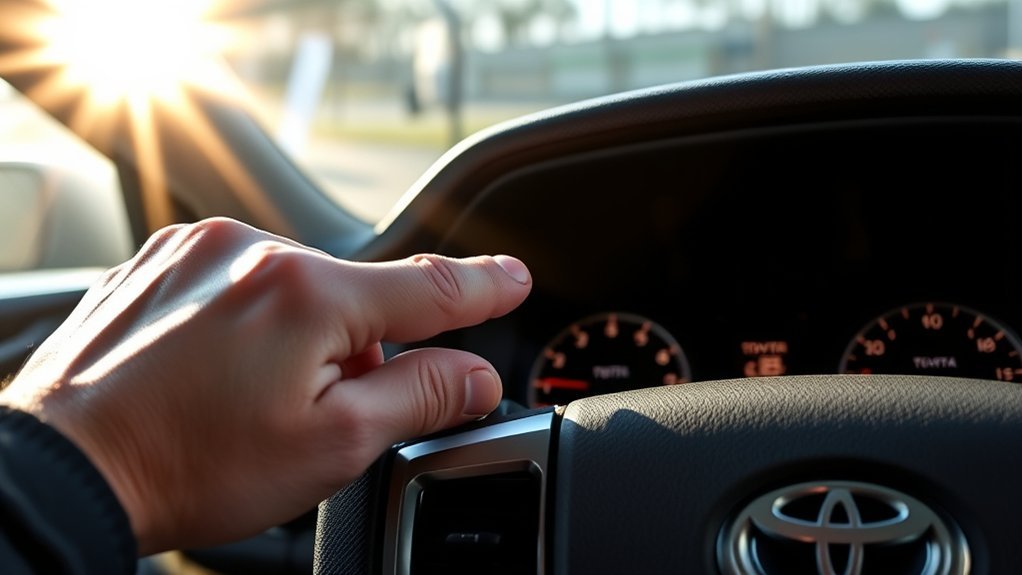
The reset process is different across Tundra generations. Use the steps that match your truck, and check your owner’s manual if the menu wording or switch location differs by trim.
For Many 2006–2021 Toyota Tundra Models With a TPMS Reset Switch
- Set all tires to the correct cold pressure shown on the door placard.
- Turn the ignition switch to ON without starting the engine, or press the power button without pressing the brake on push-button-start models.
- Locate the TPMS reset switch, often below the steering wheel or in the lower instrument-panel area.
- Press and hold the reset switch or SET button until the tire pressure warning light blinks three times.
- Release the button and wait several minutes while the system stores the pressure baseline.
- Start the truck and confirm the TPMS light turns off. If it returns, recheck tire pressure and inspect for leaks.
For 2022–2025 Toyota Tundra Models With MID Menu Reset
- Set the tires to the correct cold pressure on the door placard.
- Park safely and keep the truck stopped. Do not perform the setup while driving.
- Use the steering-wheel controls to open the Settings area on the Multi-Information Display.
- Select Vehicle Settings.
- Select TPWS, TPWS setting, or the tire-pressure warning system menu, depending on the display type.
- Choose Set Pressure and press and hold the select/OK button until the warning light blinks three times or the MID confirms initialization.
- Wait until the message disappears or the system finishes initialization.
Note: Menu wording can vary by year, display size, trim, and hybrid or non-hybrid configuration. If your Tundra does not show the same menu labels, use the owner’s manual for your exact model year.
Pro Tip: A TPMS reset is not the same as registering new TPMS sensor IDs. If you installed new sensors, a new wheel set, or a replacement ECU, the truck may need sensor registration with a Toyota-compatible TPMS tool or dealer scan tool.
Troubleshooting Common TPMS Issues: What to Do Next
If the TPMS light stays on after you correct tire pressure, do not keep repeating the reset. Use the warning-light behavior to narrow down the problem.
| Issue | Likely Cause | What to Do |
|---|---|---|
| TPMS light stays solid | One or more tires are low, or the baseline was set before pressure was corrected | Recheck cold pressure on all tires, inflate to the placard pressure, then reset again once |
| Light flashes for about one minute, then stays on | TPMS malfunction, dead sensor battery, unregistered sensor, or receiver issue | Have the system scanned with a Toyota-compatible TPMS tool |
| Light comes back after a day or two | Slow leak, valve-stem leak, puncture, rim corrosion, or temperature-related pressure drop | Inspect the tire and valve stem; repair the leak before resetting |
| New wheels or sensors installed | Sensor IDs may not be registered to the truck | Use a TPMS scan tool or Toyota service procedure to register the sensor IDs |
| Pressure readings look inconsistent | Warm tires, inaccurate gauge, sensor delay, or weak sensor battery | Check pressure cold with a known-good gauge and compare after the display updates |
[Products Worth Considering]

The VEHLIVE SU-50448 II TPMS relearn tool provides a fast activation reset to restore accurate tire pressure monitoring after sensor replacement or tire rotation. It supports 315 MHz and 433 MHz GM series sensors and helps clear dashboard pressure warnings. With simple two-button operation and horn-confirmed relearning order, you can reprogram sensors conveniently at home.
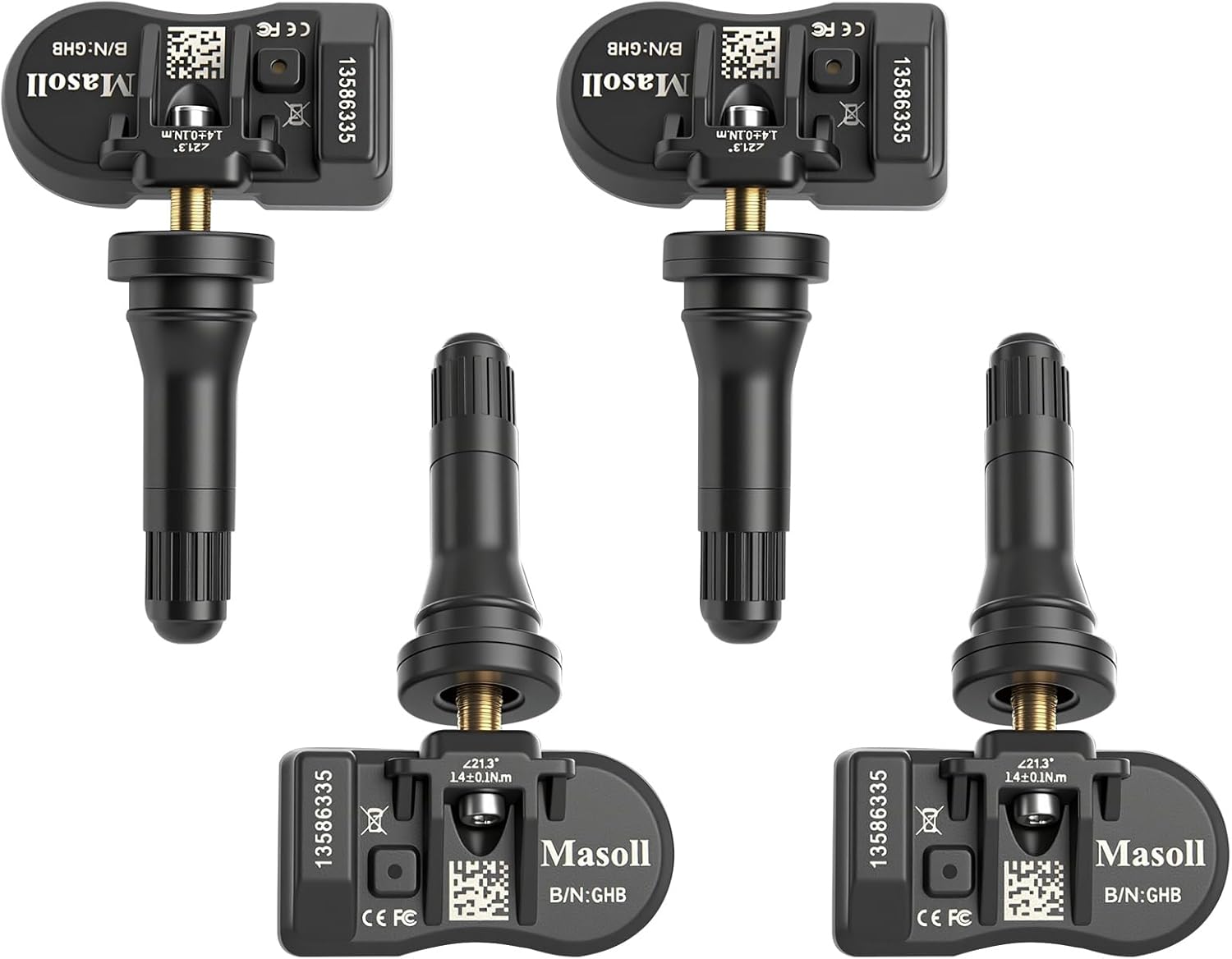
Masoll TPMS sensors are designed for most GM vehicles after 2006, helping you clear tire pressure warnings with OEM-level 315/433MHz compatibility. The 4-pack includes pre-programmed sensors, but re-learning is required after installation using a GM TPMS relearn tool or scan tool. Built with a dual-antenna design and a long-life CR2050 battery, these sensors deliver reliable performance in extreme temperatures with corrosion-resistant valve construction.

The Tymate TM2 RV tire pressure monitoring system keeps you informed with a color LCD display, automatic backlight, and solar charging for dependable operation. It supports up to 10 tire positions with four pre-paired sensors, while offering multiple alarm modes for fast leak detection, pressure extremes, temperature alerts, and low-signal warnings. Built-in monitoring uses accurate readings and reliable 433.92MHz communication to help protect your RV, trailer, truck, or SUV.
How the TPMS Works in Your Toyota Tundra
The Tire Pressure Monitoring System in most Toyota Tundra models uses pressure sensors inside the wheel assemblies to send tire-pressure information to the truck. Toyota explains that when the system senses seriously low pressure, the tire-pressure warning icon appears and the driver should check, refill, repair, or replace tires as needed.
Federal TPMS rules require the system to illuminate a low-pressure warning when one or more monitored tires are significantly underinflated. Under 49 CFR § 571.138, the warning threshold is tied to pressure that is 25% below the vehicle manufacturer’s recommended cold inflation pressure or a specified minimum threshold, whichever is higher.
TPMS is a warning system, not a tire-maintenance shortcut. Check tire pressure with a gauge at least monthly and before long trips.
Top TPMS Tools and Products for Maintenance
Maintaining your TPMS requires the right tools, but compatibility matters. A tool that works on one Tundra year may not support sensor registration on another, so confirm coverage for your exact model year before buying.
- Accurate tire pressure gauge: The most important tool. Use it before every reset because TPMS readings can lag after pressure changes.
- Portable air compressor: Useful for topping off tires at home, especially before towing, hauling, or long highway trips.
- Toyota-compatible TPMS scan tool: Helpful when diagnosing sensor IDs, weak sensors, or new sensor registration. Examples include professional-grade Autel TPMS tools, but verify your Tundra year before purchase.
- Replacement TPMS sensors: Use sensors that match your Tundra’s frequency, model year, and wheel setup. OEM or high-quality OE-compatible sensors are safer than guessing by appearance.
- OBD2 scanner with TPMS support: Basic OBD2 scanners may not reset or register TPMS sensors. Choose one that specifically lists TPMS functions for Toyota trucks.
[Products Worth Considering]

Replace worn or malfunctioning GM TPMS sensors with this 433MHz pre-programmed sensor set designed for compatibility with many Chevrolet, Buick, GMC, and Cadillac models. It includes guidance for proper OBDII relearning/pairing after installation and supports reliable long-term operation with a high-performance CR2032 battery. Quality tested for durability and performance to help restore accurate tire pressure monitoring.

Autel MX TPMS sensors combine 315MHz and 433MHz in a single easy-to-install press-in design for faster tire service. They support wireless programming with strong signal performance, and the sensors are clone-able for streamlined replacement. Built for reliability and tested to SAE standards, each sensor includes a series number for quality control.

Keep your tires properly inflated with this analog VONDIOR tire pressure gauge, designed for fast, easy readings without batteries. The swiveling, two-axis hose and large glow dial help you measure at any tire angle with instant visibility. Built with a protective rubber shield, it supports durable, low-maintenance use for cars and trucks.
Why Tire Pressure Checks Are Crucial for Safety
Correct tire pressure helps your Tundra steer, brake, tow, and carry weight properly. NHTSA recommends checking tire pressure at least once a month and before long trips, and it explains that recommended pressure is listed on the tire information placard or in the owner’s manual.
Proper inflation also helps with fuel economy. FuelEconomy.gov says keeping tires properly inflated can improve gas mileage by 0.6% on average and up to 3% in some cases. It also notes that underinflated tires can lower gas mileage by about 0.2% for every 1 psi drop in the average pressure of all tires.
Do not use the number molded into the tire sidewall as your normal pressure target. That number is usually the tire’s maximum pressure rating, not the pressure Toyota selected for your Tundra’s handling, load, ride, and braking balance.
Frequently Asked Questions
Why is the tire pressure light blinking on my 2006 Toyota Tundra?
If the TPMS light flashes for about one minute and then stays on, it usually means the system has a malfunction, not just a low tire. Common causes include a dead sensor battery, unregistered sensor, damaged sensor, or receiver issue. Check tire pressure first, then have the TPMS scanned if pressure is correct.
Where is the TPMS reset button on a Toyota Tundra?
On many older Tundras, the TPMS reset switch is in the lower instrument-panel area, often below the steering wheel. On many 2022–2025 Tundras, there may not be a simple under-dash reset button because initialization is handled through the Multi-Information Display menu.
Can I reset the TPMS without fixing low tire pressure?
No. Resetting before correcting the pressure can store the wrong baseline and may hide a real safety problem. Inflate the tires to the cold pressure listed on the door placard, inspect for leaks or damage, and then reset the system.
Do I need a TPMS tool after rotating tires on a Tundra?
Usually, a normal tire rotation only requires pressure correction and initialization if the system needs a new baseline. A TPMS tool is more likely needed when sensors are replaced, new wheels are installed, or the truck no longer recognizes one or more sensor IDs.
Why did my Tundra TPMS light come back after I reset it?
The most common reason is that a tire is still losing air. Other causes include a leaking valve stem, tire puncture, incorrect pressure baseline, temperature drop, dead sensor battery, or sensor registration problem. Check cold pressure again before repeating the reset.
Should I check the spare tire when the TPMS light turns on?
Yes, check the spare manually, especially before a trip or towing. Even when the spare is not causing the TPMS warning, it still needs the correct pressure so it is safe to use in an emergency.
Conclusion
Resetting the TPMS light on a Toyota Tundra is not just a button press. First, confirm the tires are cold, inflated to the correct placard pressure, and free of leaks or damage. Then use the correct reset method for your model year: the reset switch on many 2006–2021 trucks or the MID menu on many 2022–2025 trucks. If the warning light flashes for about a minute and stays on, stop resetting and diagnose the TPMS system.
Sources
- Toyota 2021 Tundra Quick Reference Guide — backs up older Tundra TPMS reset-switch location and warning-light behavior.
- Toyota 2024 Tundra / Tundra Hybrid Quick Reference Guide — backs up newer MID-based TPMS initialization steps.
- Toyota Customer Support: How TPMS Works — backs up Toyota’s explanation of low-pressure warnings and driver action.
- 49 CFR § 571.138, Tire Pressure Monitoring Systems — backs up the federal TPMS warning-performance requirement.
- NHTSA TireWise Tire Safety — backs up cold tire-pressure checking and routine tire-safety guidance.
- FuelEconomy.gov Gas Mileage Tips — backs up the fuel-economy impact of proper tire inflation.