
TPMS Sensor Registration for Toyota Tacoma: 7 Steps
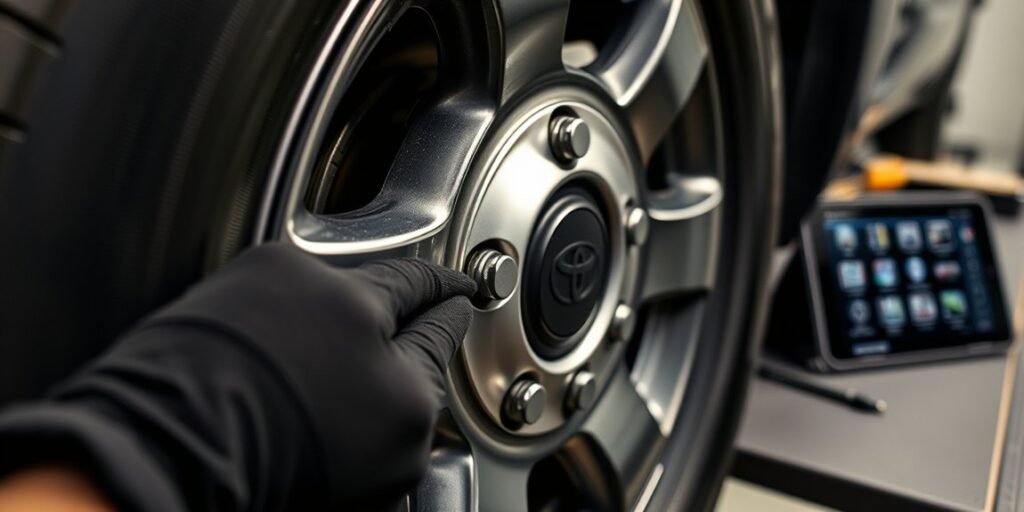
A new tire pressure sensor can leave your Tacoma warning light on, even when every tire has the right air pressure. The fix usually takes a short setup sequence, then a steady drive so the truck can learn each sensor ID. This guide walks you through how to register a Tire Pressure Monitoring System (TPMS) sensor on a Toyota Tacoma, what to check first, and what to do if registration fails.
Quick Answer
To register a TPMS sensor on your Toyota Tacoma, park the truck for 20 minutes, open the Tire Pressure Warning System (TPWS) settings, and hold the enter button until the warning light blinks slowly three times. Then drive at 25 mph or faster for 10 to 30 minutes so the system can finish registration.
Key Takeaways
- Park your Tacoma for 20 minutes before you start TPMS registration.
- Use the TPWS menu on your dashboard to start the sensor registration process.
- Drive at 25 mph or faster for 10 to 30 minutes after the warning light blinks three times.
- Keep other TPMS-equipped wheels and vehicles away during setup to reduce interference.
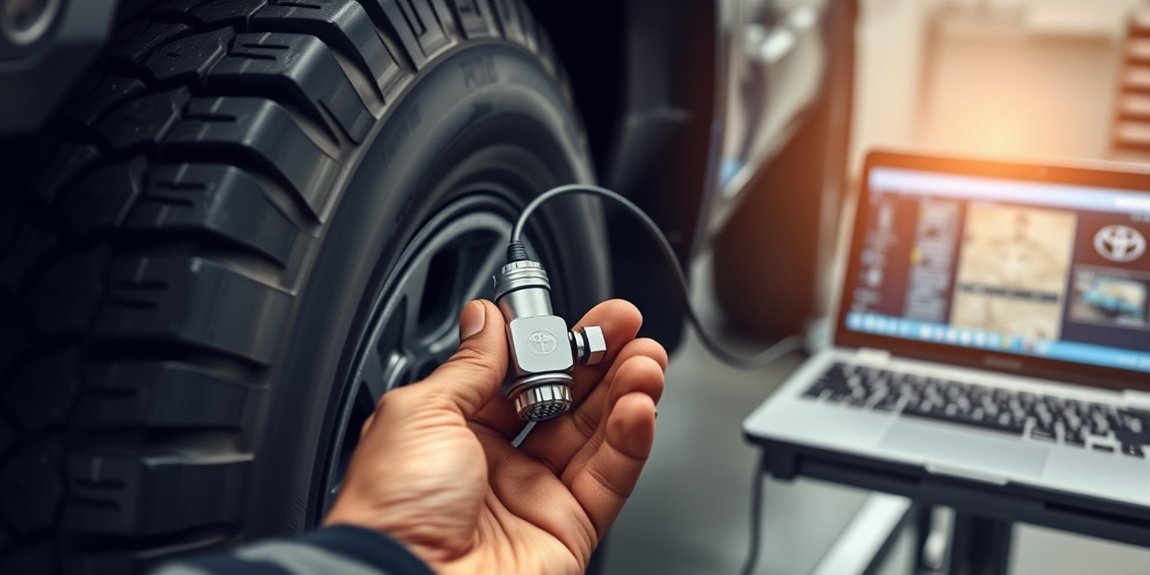
- Use pre-programmed sensors, or use a compatible external tool for blank aftermarket sensors.
Before You Begin TPMS Sensor Registration
Plan for about 30 to 60 minutes from start to finish. You need a parked Tacoma, correctly inflated tires, compatible TPMS sensors, and enough road space to drive steadily at 25 mph or faster.
Check all four tires, and check the spare if your setup includes a TPMS sensor there. Keep extra wheels with TPMS sensors away from the truck during setup because nearby sensors can confuse the system.
Note: Some aftermarket sensors need programming before your Tacoma can register them.
[Products Worth Considering]
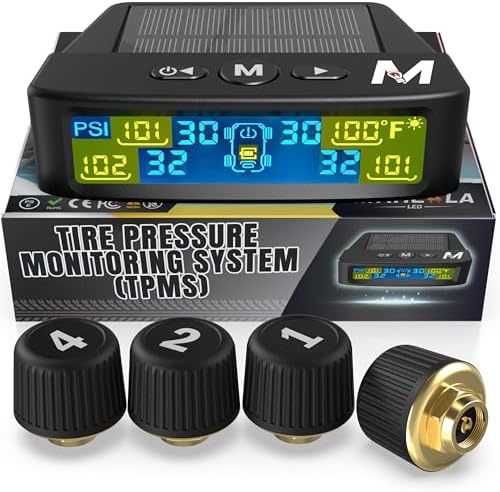
Marcala’s TPMS set of four sensors helps you monitor tire pressure and temperature in real time while driving, with updates every second. The bright color LCD uses auto-dimming for easy viewing, powered by dual solar and USB charging, and offers six alarm modes. Built for trailers, RVs, campers, trucks, and towing setups, the sensors support monitoring 1-4 wheels up to 98 PSI with IP67 waterproof protection.
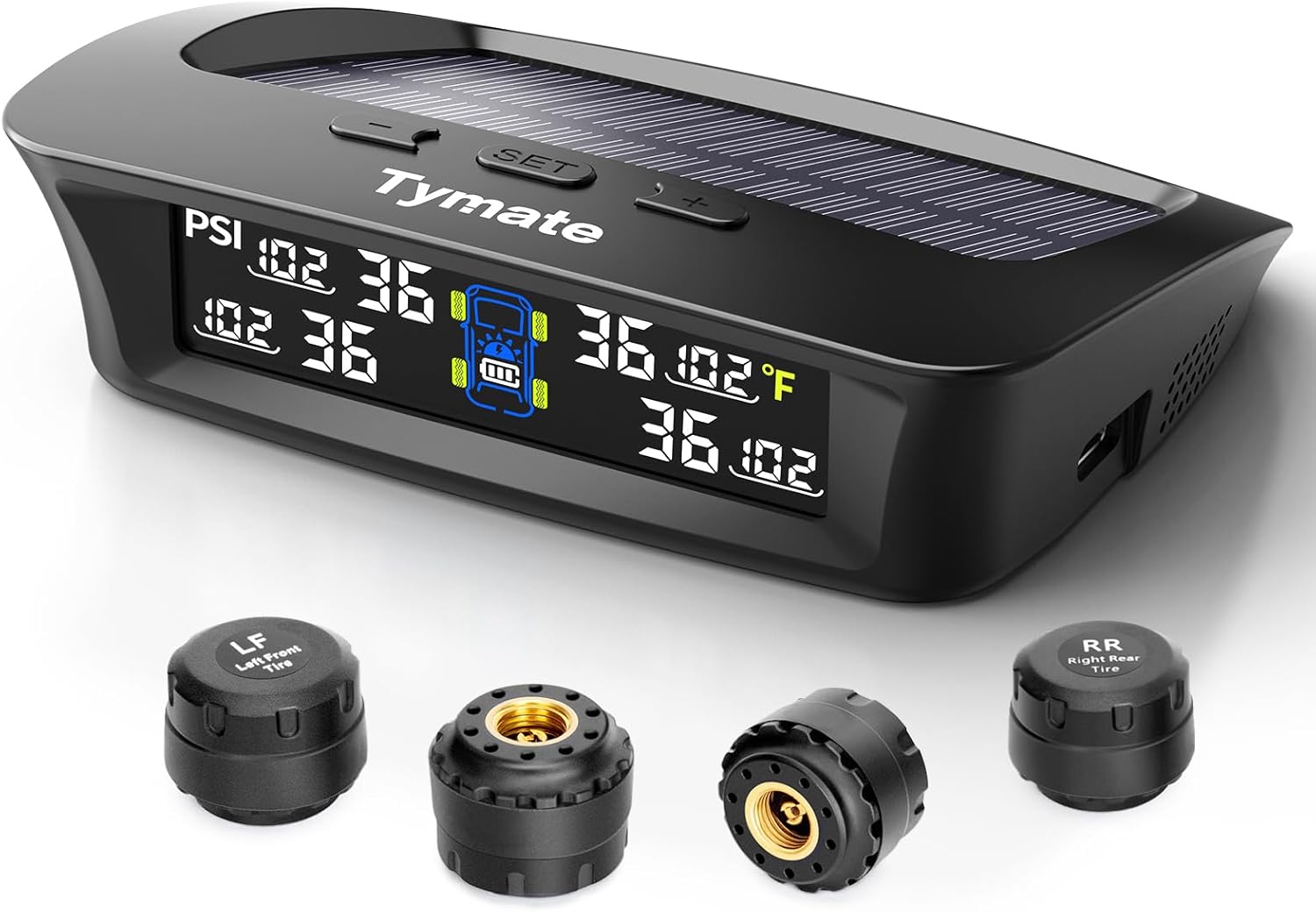
The Tymate TM3 RV TPMS delivers real-time tire pressure monitoring from 0 to 144 PSI with accurate readings and dependable wireless communication. It includes four external sensors with pre-pairing, six alarm modes for rapid leak, pressure extremes, temperature, and signal loss, plus an easy-reference setup for alert thresholds. Solar and USB-C charging help keep the display powered, while the color LCD and adaptive backlight improve visibility for safer driving and towing.

This spare tire tool kit is designed for the 2004 to 2018 Ford F-150 to help you loosen and tighten wheel lug nuts and manage the spare tire and provided jack functions from underneath the vehicle. It includes the lug nut wrench and extension pieces plus a convenient storage carrying case for organized transport. The jack itself is not included.
How to Register Your TPMS Sensor: A Step-by-Step Guide
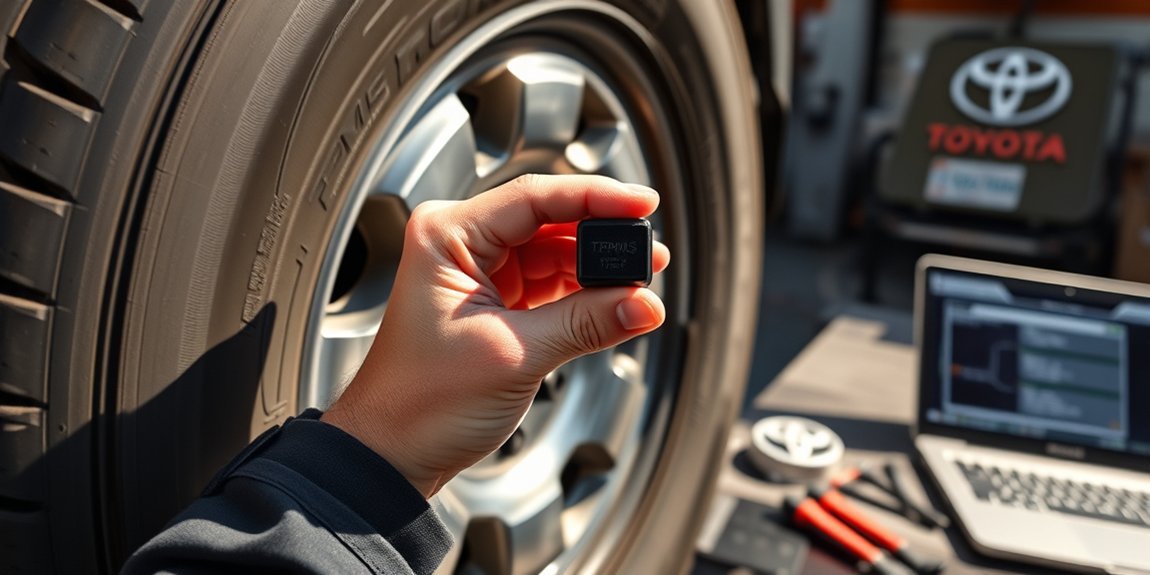
Follow these steps in order. If you stop partway through or reverse during the drive cycle, you may need to start again.
- Park your Tacoma for 20 minutes. This helps tire pressures settle before registration starts.
- Start the engine. Keep the truck parked while you open the settings menu.
- Open the TPWS settings. Use the gear icon on a 7-inch display or the center button on a 12.3-inch display.
- Select the tire pressure sensor registration option. Follow the prompts shown on your dashboard.
- Hold the enter button. Release it after the tire pressure warning light blinks slowly three times.
- Drive at 25 mph or faster. Keep driving for 10 to 30 minutes so your Tacoma can read the sensors.
- Confirm registration worked. The warning light should turn off, and the tire pressures should display correctly.
Use paved roads and avoid stop-and-go driving when you can. A steady drive gives the system the best chance to read each sensor cleanly.
Troubleshooting TPMS Registration Issues
Even after you follow the steps, your Tacoma may not register the new TPMS sensor on the first try. Start with the simple causes before you assume a sensor has failed.
- Move spare wheels or loose TPMS sensors away from the truck.
- Confirm that each tire has the correct pressure before you restart registration.
- Park for the full 20 minutes before you start the process again.
- Drive at 25 mph or faster for the full drive cycle.
- Avoid reversing during the registration drive.
If the warning light stays on after several attempts, a Toyota dealer or qualified tire shop can scan the sensors. They can confirm whether the sensor ID, battery, or programming needs attention.
Warning: Do not ignore a tire pressure warning light because low tire pressure can affect handling and tire wear.
Expert Tips for a Smooth TPMS Sensor Setup
A smooth TPMS setup starts before you touch the dashboard menu. Correct tire pressure, clean sensor programming, and a clear drive route all help the system learn faster.
If you use aftermarket sensors, confirm that the shop pre-programmed them for your Tacoma. Blank sensors often need an external programming tool before the truck can register them.
| Tip | Details |
|---|---|
| Tire Inflation | Confirm proper tire pressure before starting. |
| Display Size | Know your Tacoma’s display size for accurate setup. |
| Driving Speed | Maintain 25+ mph for 10-30 minutes after setup. |
| Sensor Compatibility | Use pre-programmed sensors for smoother registration. |
[Products Worth Considering]

This multi-function tire valve stem removal tool set makes it fast to remove, install, bleed, and clean valve cores for easier tire maintenance. It includes valve core removers, a 4-way spool tool, replacement valve caps, and spare cores to handle replacements and repairs with confidence. Universal compatibility suits cars, trucks, motorcycles, bicycles, and more for roadside convenience.

This 4-in-1 tire valve core removal tool helps you deflate, unblock, and remove or install valve cores quickly for easier tire repair. The multifunction design also supports re-taping damaged threads and reaming inside the valve stem for smoother service. Included as a 2-pack, it’s compact for convenient carry and works for cars, bicycles, and motorcycles.
Frequently Asked Questions About TPMS on the Toyota Tacoma
What types of TPMS sensors work with a Tacoma?
Your Tacoma may work with original equipment Toyota sensors or compatible aftermarket sensors. OEM Toyota sensors often come ready for vehicle registration, while some aftermarket sensors need pre-programming first.
Why does TPMS registration fail?
Registration can fail if nearby wheels or vehicles send competing TPMS signals. It can also fail when tire pressure has not settled, the sensors lack programming, or the drive cycle ends too soon.
Can you register TPMS sensors without a tool?
You can often register compatible sensors through the Tacoma dashboard menu. Blank aftermarket sensors may still need an external programming tool before dashboard registration will work.
What You Should Know About TPMS Sensor Registration
Each TPMS sensor has a unique ID code. Your Tacoma needs that code so it can match each pressure reading to the correct wheel set.
You should register sensors after replacing a sensor, changing wheel sets, or installing new TPMS-equipped wheels. If the system does not recognize a sensor, the warning light may stay on even when tire pressure looks normal.
Good setup habits reduce repeat attempts. Park first, confirm sensor compatibility, follow the TPWS prompts, then complete the full drive cycle.
Frequently Asked Questions
How do you program TPMS sensors in a Tacoma?
Start by confirming that each sensor works with your Tacoma. Then use the TPWS settings menu to start registration, and drive at 25 mph or faster for 10 to 30 minutes.
How do you activate a new Toyota TPMS sensor without a tool?
Use the dashboard TPWS menu if your sensor already has compatible programming. Park for 20 minutes, start registration, and complete the drive cycle after the warning light blinks three times.
Do Toyota TPMS sensors need to be programmed?
Many OEM Toyota sensors arrive pre-programmed for the correct application. Some aftermarket sensors need programming before your Tacoma can register them through the dashboard.
How do you register a new TPMS sensor?
Confirm sensor compatibility, set the correct tire pressure, and start registration through the TPWS settings. Drive at 25 mph or faster until the truck reads the sensor IDs and shows the tire pressures.
Conclusion
Registering a TPMS sensor on your Toyota Tacoma works best when you prepare the tires, start the TPWS process correctly, and finish the full drive cycle. Begin with proper tire pressure and a quiet setup area away from other TPMS sensors.
If the warning light stays on after several tries, have a dealer or qualified tire shop scan the sensors. Once registration works, your Tacoma can track tire pressure and help you catch problems before they affect your drive.

Related Articles

How Tire Weight Affects Toyota Tacoma Performance
How does tire weight influence your Toyota Tacoma's performance and efficiency? Discover the surprising effects that could change your driving experience.
Read More
Tire Noise Levels by Tire Type on a Toyota Tacoma
A comprehensive look at how tire types affect noise levels in your Toyota Tacoma reveals surprising insights that could enhance your driving experience.
Read More
How To Choose Tires for a Dual Use Toyota Tacoma
Unlock the secrets to selecting the perfect tires for your dual-use Toyota Tacoma, ensuring optimal performance and comfort on every adventure. Discover more inside!
Read More