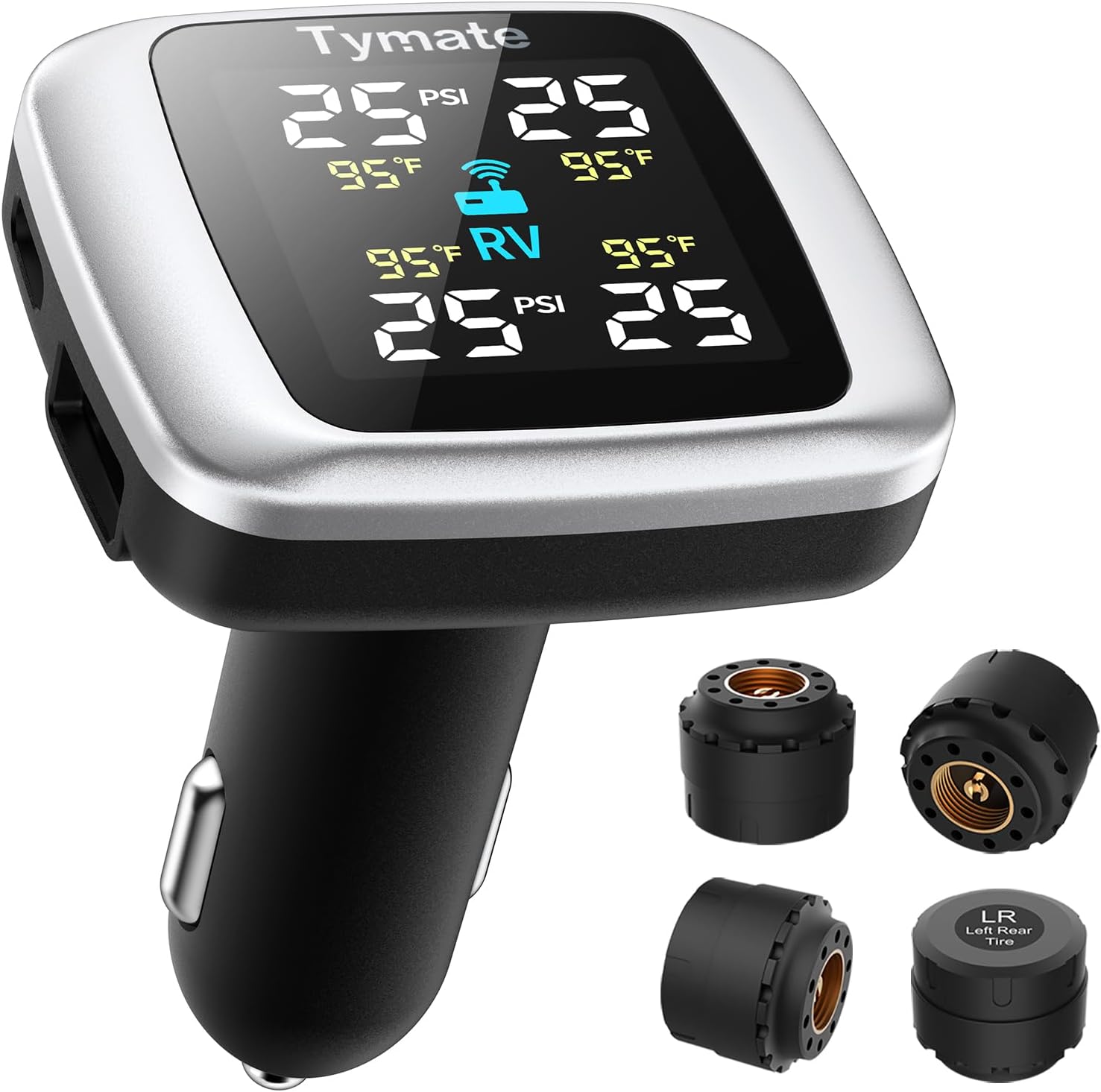
How to Check Tire Pressure on a Toyota Tundra the Right Way
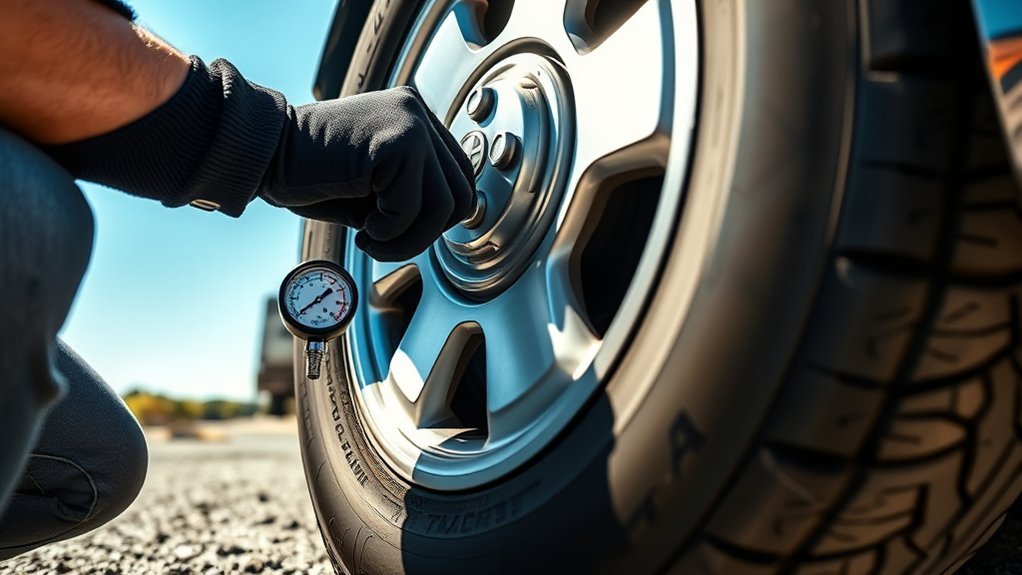
Checking tire pressure on a Toyota Tundra is simple, but the most important step is using the pressure listed on your truck’s tire information placard, usually on the driver-side door jamb. Many stock 2018 Tundra placards list 30 psi for the front tires and 33 psi for the rear, but your placard and owner’s manual are the final authority for your tire size and load.
Quick Answer
To check Toyota Tundra tire pressure, park for at least three hours, read the cold PSI on the driver-side door jamb placard, remove each valve cap, press a reliable tire gauge straight onto the valve stem, and add or release air until each tire matches the placard pressure.
Key Takeaways
- Use the Tundra’s door-jamb placard, not the maximum PSI printed on the tire sidewall.
- Check pressure when tires are cold, meaning the truck has been parked for at least three hours.
- TPMS is helpful, but Toyota says tire pressure should still be checked regularly with a gauge.
- If the TPMS light stays on after correct inflation, inspect for leaks, damage, sensor issues, or a needed relearn/reset.
At a Glance
| Time Required | 5 to 10 minutes |
| Difficulty | Easy |
| Tools Needed | Digital or dial tire pressure gauge, air compressor or gas-station air pump, valve caps |
| Cost | Usually free if you already have a gauge; about $10 to $25 for a basic gauge |
Why Proper Tire Pressure Matters for Your Tundra
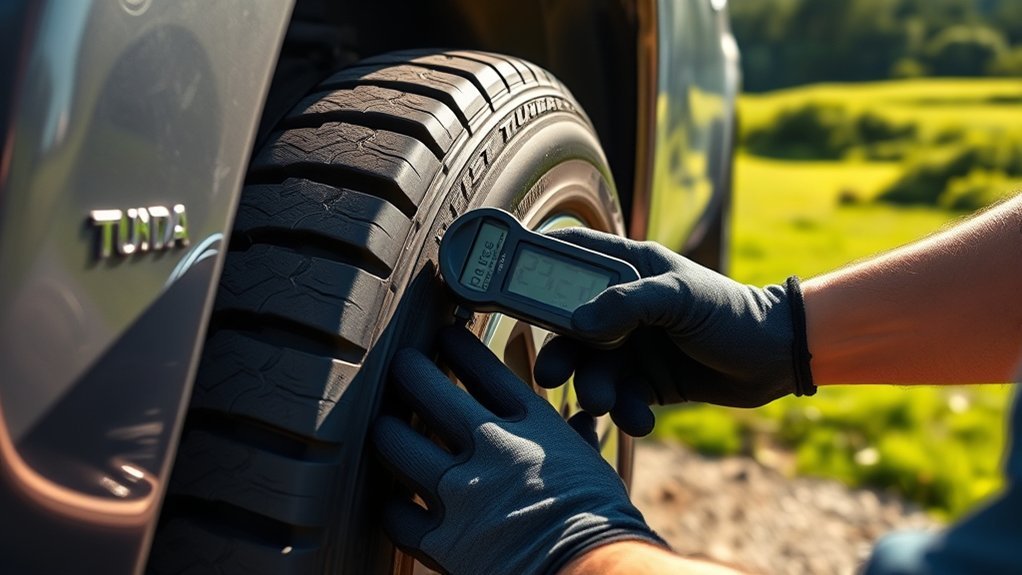
Maintaining proper tire pressure helps your Toyota Tundra brake, steer, ride, and wear tires the way it was designed to. Low tire pressure can increase heat buildup, reduce fuel economy, and make the truck feel less stable. Overinflation can also hurt ride quality and create uneven tire wear.
According to FuelEconomy.gov, underinflated tires can lower gas mileage by about 0.2% for every 1 psi drop in the average pressure of all tires. Properly inflated tires are also safer and last longer.
Small tire-pressure changes matter. A few psi below the recommended cold pressure can affect handling, tire wear, and fuel use.
Find the Correct Tundra Tire Pressure First
Before adding air, find the correct cold tire pressure for your exact truck. On most Toyota Tundras, the tire and loading information label is on the driver-side door jamb. It lists the original tire size and the recommended cold inflation pressure.
For many stock 2018 Toyota Tundra models, the placard commonly lists 30 psi for the front tires and 33 psi for the rear tires. Still, do not treat those numbers as universal. If your Tundra has different tire sizes, load-range tires, aftermarket wheels, or a heavy towing/load setup, follow the placard, owner’s manual, or a qualified tire professional’s recommendation.
Warning: Do not inflate tires to the maximum PSI molded into the tire sidewall unless a qualified tire professional has specified that pressure for your tire and load. The sidewall number is the tire’s maximum limit, not the vehicle manufacturer’s normal recommended pressure.
How to Check Your Tire Pressure
Use a reliable tire pressure gauge when the tires are cold. The National Highway Traffic Safety Administration explains that cold tire pressure means the vehicle has not been driven for at least three hours. If you have just driven, the tires will be warmer and the gauge reading may be higher than the true cold pressure.
[Products Worth Considering]

The Milton 555e digital tire inflator delivers fast, accurate pressure readings with a backlit display and multiple unit options, making tire inflation quick and easy. Its durable 20" EPDM rubber hose and grip‑head chuck provide reliable connection, while the ±1 PSI accuracy ensures precise inflation for cars, bikes, and trucks.

This digital tire pressure gauge combines a sturdy pistol grip inflator with a backlit 0.1 PSI display for quick, accurate readings in any lighting condition. Its 360° swivel gauge and 20" rubber hose make it easy to use and store, while the integrated inflate/deflate trigger and ¼" NPT air inlet provide fast, reliable tire maintenance.

The Milton 507KIT delivers fast, accurate tire inflation, deflation and pressure measurement with a backlit LCD gauge and 14" rubber hose. Its 3‑in‑1 design meets ANSI/ASME standards and provides readings from 0‑250 PSI with 0.1 PSI resolution. The ergonomic pistol‑grip body and brass lock‑on chuck make one‑handed operation effortless, while the auto‑off feature conserves battery life.
Step-by-Step Tire Pressure Check
- Park safely and let the tires cool. For the best reading, check pressure in the morning or after the truck has been parked for at least three hours.
- Read the door-jamb placard. Note the front and rear cold PSI. If your Tundra’s placard lists 30 psi front and 33 psi rear, use those numbers unless your tire setup requires something different.
- Remove the valve cap. Keep it in your hand or pocket so it does not roll away.
- Press the gauge straight onto the valve stem. A short hiss is normal, but a long leak usually means the gauge is not seated squarely.
- Read the pressure. Compare the gauge reading with the placard pressure for that axle.
- Add or release air. Add air if the tire is low. If the tire is high, press the small valve pin briefly to release air, then recheck.
- Reinstall the valve cap. The cap helps keep dirt and moisture out of the valve stem.
- Repeat for all tires, including the spare if equipped. The spare may not have a TPMS sensor, so a manual gauge check matters.
Pro Tip: Keep a small digital gauge in the glove box. Built-in TPMS readings are useful, but a dedicated gauge is still the best tool for setting cold pressure accurately.
Recommended Pressure Levels
The correct Toyota Tundra tire pressure is the cold PSI listed on the tire information placard for your truck. On many stock 2018 Tundras, that is commonly 30 psi front and 33 psi rear. However, the right answer can change if your truck has non-original tires, LT-rated tires, heavy cargo, towing equipment, or modified wheels.
Toyota’s owner resources are available through the official Toyota Owners manuals page. Use your owner’s manual whenever the dashboard menu, tire size, or pressure guidance differs from a general article.
Ideal Checking Conditions
The best time to check tire pressure is when the Tundra has been sitting for at least three hours. If you must add air after driving, set the pressure to the placard number as soon as practical, then recheck it cold later. Do not bleed air out of hot tires just because they read slightly higher than the placard; pressure naturally rises as tires warm up.
Federal TPMS language in 49 CFR 571.138 says each tire, including the spare if provided, should be checked monthly when cold and inflated to the vehicle manufacturer’s recommended pressure.
Tools for Measurement
Use one of these tools to check your Tundra’s tire pressure:
- Digital tire pressure gauge: Easy to read and usually accurate enough for routine maintenance.
- Dial gauge: Durable and battery-free, but it should be protected from drops.
- Pencil gauge: Cheap and compact, but readings can be harder to read precisely.
- TPMS display: Helpful for spotting a low tire, but it should not replace a manual gauge check.
Toyota’s TPMS guidance notes that drivers should check tire pressure regularly with a gauge and should not rely only on the monitor system.
How to Access TPMS on Your Tundra
Some Toyota Tundra trims show tire-pressure information in the multi-information display. The exact menu path can vary by model year, trim, and instrument cluster, so use these as general steps and confirm with your owner’s manual if the display looks different.
- Turn the ignition on or start the truck.
- Use the steering-wheel arrow buttons to move through the multi-information display.
- Open the vehicle information or settings screen, depending on your display layout.
- Select the tire pressure or TPMS screen if your trim supports individual pressure readings.
- Drive a short distance if the display needs wheel-sensor data before showing updated readings.
Note: If your Tundra does not show individual tire PSI, that does not mean the TPMS is broken. Some displays only show a warning light, not live pressure numbers.
[Products Worth Considering]

The GERCHWAY Digital Bike Tire Pressure Gauge offers precise ±1% accuracy across a 3–200 PSI range, fitting both Presta and Schrader valves without extra adapters. Its 16‑inch hose provides extra reach for easy inflation on bikes, motorcycles, SUVs, and cars, while the 1/4" NPT quick connector enables direct compressor attachment. Designed for quick checks, deflation, and inflation, it delivers reliable, leak‑free performance for all your tire needs.
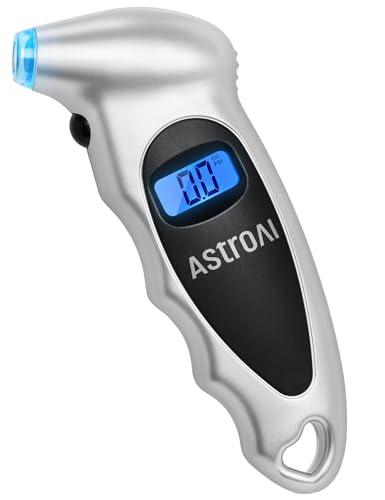
Accurate, Dependable Readings: Factory‑calibrated to ±1 PSI, so you can confidently match your vehicle’s recommended PSI (check the door jamb sticker). Ideal for monthly checks and road trips — consistent results every time, cold or warm.

PROCESS LEVEL ACCURACY: Each ETENWOLF’s digital tire pressure gauge is calibrated manually to ANSI B40.7 Grade 2A(plus-minus 1 PSI).Presta valve adapter not included, if used for bicycles, it must be purchased separately
Interpreting TPMS Readings: What the Numbers Mean
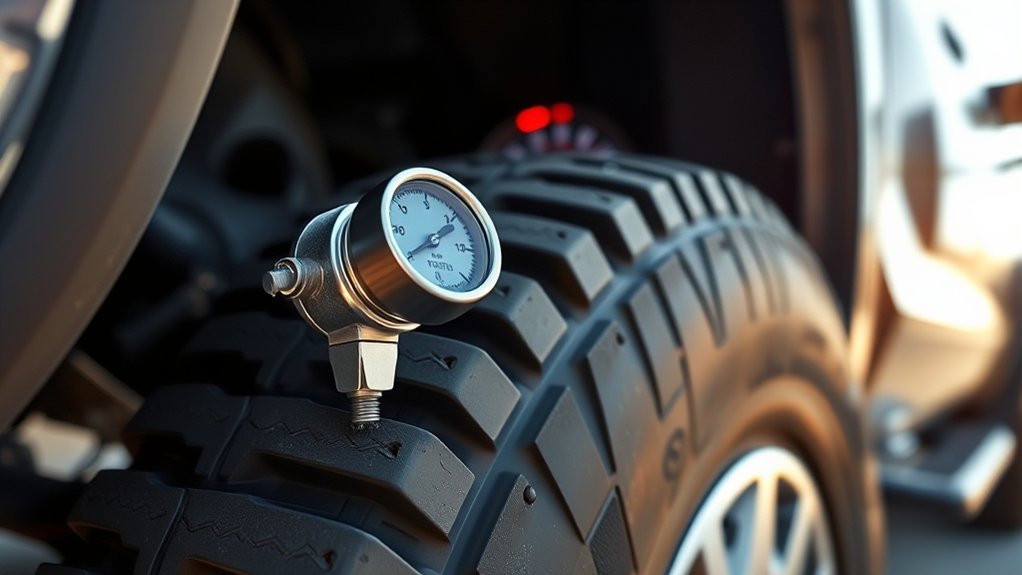
Once you can see the TPMS readings, compare them with your door-jamb placard. If your Tundra’s placard says 30 psi front and 33 psi rear, the front tires should be near 30 psi cold and the rear tires should be near 33 psi cold. Warm tires may read a few psi higher after driving.
- One tire is low: Check that tire with a manual gauge, inspect for a nail or leak, and inflate it to the correct cold pressure.
- All tires are low: Cold weather, long time between checks, or normal air loss may be the cause. Inflate all tires and recheck soon.
- One tire keeps dropping: Look for punctures, valve-stem leaks, bead leaks, or wheel damage.
- TPMS reading and gauge disagree: Trust a quality gauge for setting pressure, then have the sensor checked if the mismatch continues.
Warning: Do not keep driving normally on a tire that is visibly flat, severely low, bulging, cut, or repeatedly losing air. Stop in a safe place and repair or replace the tire before continuing.
Troubleshooting Common TPMS Issues
A TPMS warning does not always mean the same problem. Start with a manual pressure check, then work through the likely causes.
[Products Worth Considering]

Standard Specifications: OEC-T5 specifications, EL-50448 measures approximately 6.1 x 2.4 x 1.4 inches and is comfortable to hold. It uses a 9V battery and has an operating temperature of -20~80°C. With it, individuals can easily complete the relearning of the vehicle pressure sensor, which can greatly save time and money on trips to the auto store.

Efficient Problem Solving: The TPMS reset tool is designed to activate tire pressure sensors. When an alarm is triggered due to tire replacement, pressure adjustment, or sensor position changes, simply connect the tool to the vehicle and follow a few simple steps to reset the system, eliminate false alarms, and restore the tire pressure monitoring system to normal operation without needing to visit a dealership.
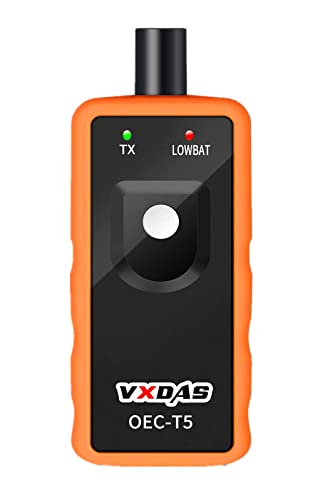
🚗2023 UPDATED FOR WIDER COMPATIBILITY: Specifically designed to work with most GM vehicles 2006-2023 (Chevy / Buick / GMC / Opel /Cadillac and more) equipped with 315/433 MHz. Your vehicle deserves the best tire pressure sensor reset tool.(It is not suitable for heavy trucks with more than 4 tires or vehicles with an external TPMS system.)Tip:Based on factory and customer-tested models shown in A+, please refer to the car model list to confirm compatibility with the VXDAS TPMS tool.
Solid TPMS Light
A solid tire-pressure warning light usually means one or more tires is below the system’s threshold. Check all four tires with a gauge, inflate them to the placard pressure, and drive a short distance to see whether the warning clears.
Blinking TPMS Light
A blinking tire-pressure light that later stays on often points to a TPMS system fault, such as a weak sensor battery, a failed sensor, a sensor that was not registered after replacement, or a communication issue. Check tire pressure first for safety, then have the TPMS diagnosed if the warning does not clear.
TPMS Light After Rotation or New Tires
If the warning appears after tire service, the sensors may need relearning, registration, or a pressure initialization procedure. This is common after sensor replacement, wheel replacement, seasonal tire swaps, or a dead sensor battery.
TPMS Light in Cold Weather
Cold weather can lower tire pressure enough to trigger the warning light, especially first thing in the morning. Set the tires to the placard PSI when cold, then recheck them over the next few days. If one tire drops faster than the others, inspect it for a leak.
Easy Ways to Keep Your Tire Pressure in Check
Maintaining proper tire pressure is easier when it becomes part of your normal routine. Use these habits to avoid surprise warnings and uneven tire wear:
- Check monthly: Check all tires, including the spare if equipped, at least once a month.
- Check before long trips: A loaded truck, highway speed, and heat make tire condition more important.
- Inspect while you check pressure: Look for nails, sidewall damage, cracks, bulges, uneven tread wear, and missing valve caps.
- Recheck after big temperature swings: Tire pressure changes with temperature, so seasonal changes can trigger TPMS alerts.
- Use the placard, not guesses: The correct cold PSI is based on the truck’s design, not the tire sidewall maximum.
How to Calibrate Your TPMS After Tire Changes
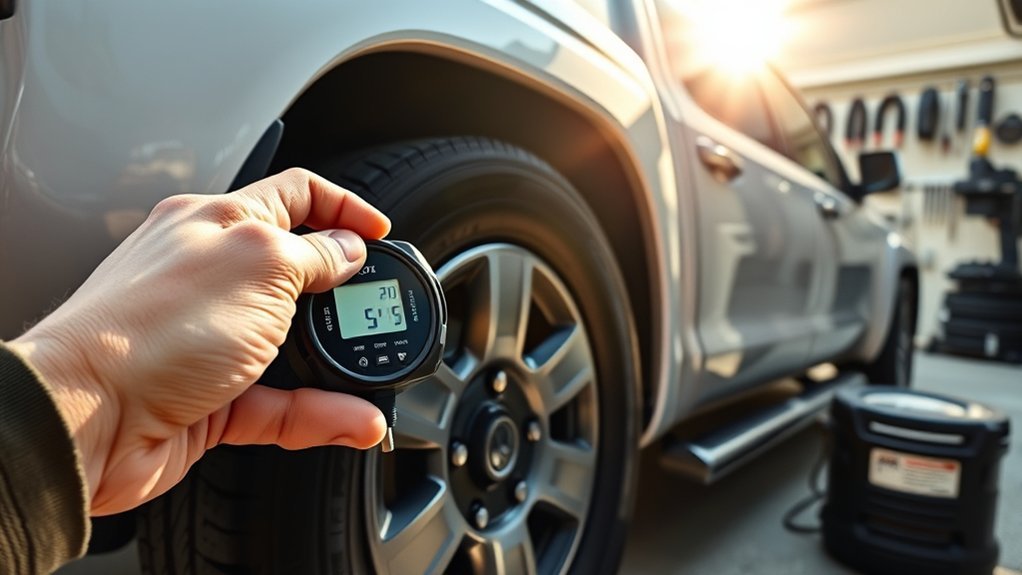
After changing tires, replacing sensors, rotating wheels, or correcting a large pressure difference, your Tundra may need a TPMS initialization, relearn, or sensor registration. The exact process depends on model year and equipment.
Calibration Procedure Steps
- Set all tire pressures first. Inflate each tire to the correct cold PSI listed on your door-jamb placard.
- Check the spare if equipped. Even if the spare does not show on the display, it still needs proper inflation.
- Use the owner’s manual procedure. Some Tundras use a menu-based initialization, while others may require a scan tool or sensor registration.
- Drive the truck. Many TPMS systems need a short drive before updated readings or warning-light changes appear.
- Recheck with a gauge. Confirm that the physical tire pressure is correct even if the dashboard warning clears.
Importance of Regular Calibration
TPMS calibration matters because the system can only help if the sensors are communicating correctly and the pressures are set properly. If the truck recently had tire work and the warning light will not clear, the issue may be sensor registration rather than tire pressure itself.
Common Calibration Issues
Common causes of TPMS problems after tire service include a damaged sensor, a dead sensor battery, a sensor that was not registered to the truck, wheels without compatible sensors, or pressure set while the tires were hot. If the warning light remains after you set cold pressure and drive normally, a tire shop or Toyota dealer can scan the sensors and confirm which one is not responding.
Resources for Further Tire Maintenance Guidance
The best resources are your Toyota owner’s manual, the tire information placard on your truck, and official tire-safety guidance. If your Tundra has aftermarket wheels, LT tires, a lift kit, heavy towing use, or unusual tire wear, ask a qualified tire professional to confirm the right pressure for your setup.
For routine maintenance, keep a gauge in the truck, inspect tires monthly, and use the TPMS as an early warning system rather than your only source of tire-pressure information.
Frequently Asked Questions
How do I check which tire pressure is low on a Toyota Tundra?
If your Tundra shows individual TPMS readings, open the tire-pressure screen and compare each tire with the door-jamb placard. If your truck only has a warning light, check all tires with a manual gauge. Start with the tire that looks lower, but verify every tire, including the spare if equipped.
What PSI should a 2018 Toyota Tundra have?
Many stock 2018 Toyota Tundra placards list 30 psi for the front tires and 33 psi for the rear tires. Always confirm on your driver-side door jamb because the correct pressure depends on the tire size, configuration, and any non-original tire setup.
Should I use the tire sidewall PSI or the door-jamb PSI?
Use the door-jamb PSI for normal driving. The sidewall PSI is the tire’s maximum inflation limit, not the pressure Toyota designed for the truck’s ride, braking, load, and handling.
Why does my Tundra TPMS light stay on after I add air?
The tire may still be below the correct cold pressure, one tire may have a leak, the spare may be low on some setups, or the TPMS may need time to update after driving. If the pressure is correct and the warning remains, a sensor fault or relearn issue may need diagnosis.
Why is my Toyota Tundra tire pressure light blinking?
A blinking TPMS light often indicates a system malfunction rather than simple low pressure. Check tire pressure first for safety. If the blinking continues or turns solid after startup, have the sensors scanned for a weak battery, failed sensor, registration problem, or communication fault.
Do I need to check tire pressure if my TPMS light is off?
Yes. TPMS is a warning system, not a replacement for routine pressure checks. Check your tires monthly when cold and before long trips, even if the warning light is off.
Conclusion
Maintaining proper Toyota Tundra tire pressure starts with the driver-side door-jamb placard, a reliable gauge, and cold tires. For many stock 2018 Tundras, 30 psi front and 33 psi rear is a common placard setting, but your truck’s label is the number to trust. Check monthly, inspect for damage while you check, and treat TPMS as a helpful backup rather than the only tool. If the TPMS warning stays on, blinks, or returns after correct inflation, inspect for leaks and have the sensors checked.
Sources
- Toyota Owners — 2018 Tundra Manuals and Warranties — official owner-manual resource for model-specific instructions.
- Toyota Support — Tire Pressure Monitor System — backs up the guidance not to rely solely on TPMS.
- NHTSA TireWise — Tire Safety Ratings and Awareness — backs up cold tire-pressure checking and tire-safety best practices.
- FuelEconomy.gov — Keep Tires Properly Inflated — backs up fuel-economy effects and the use of the door-jamb placard instead of sidewall max PSI.
- 49 CFR 571.138 — Tire Pressure Monitoring Systems — backs up monthly cold checks, including the spare tire if provided.

Related Articles
Stripped Lug Nut on a Toyota Tundra: How to Remove It Without Damage
A comprehensive guide on removing stripped lug nuts from your Toyota Tundra without damage reveals techniques that could save you time and money. Discover them now!
Read More
Tundra Rear Tire Inside Edge Wear: What Causes It and How to Fix It
Fixing inside edge wear on your Tundra's rear tires is crucial; discover the causes and solutions that could save you money and extend tire life.
Read More
Toyota Tundra Uneven Wear on Passenger Front Tire: Diagnosing the Cause
Get to the root of uneven tire wear on your Toyota Tundra's passenger front tire and discover essential tips to avoid costly repairs.
Read More