
Toyota Tacoma TPMS Sensor Not Reading Troubleshooting
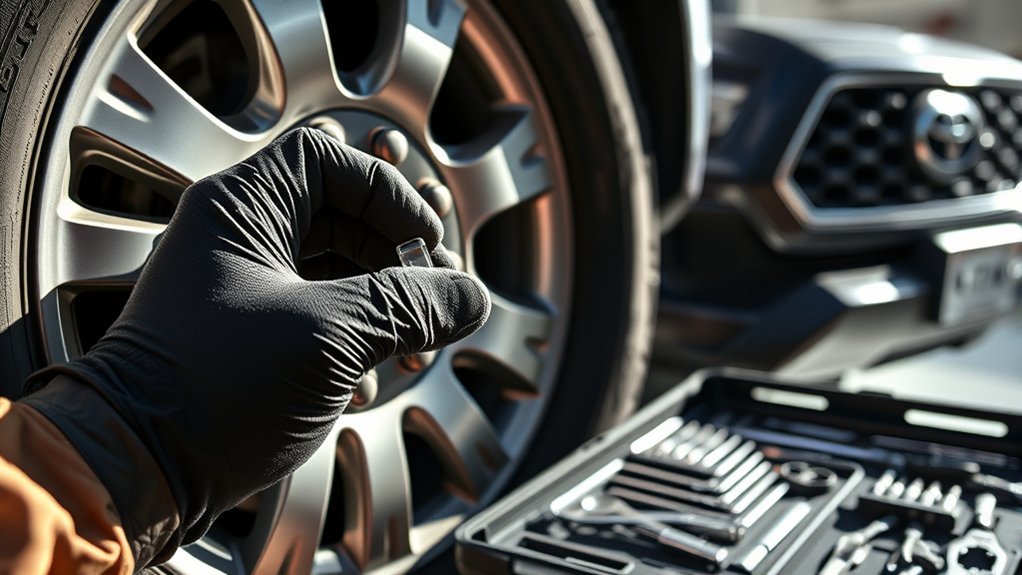
If your Toyota Tacoma’s TPMS sensor is not reading, start with the simple checks before replacing parts. Check every tire with a reliable gauge, set the cold pressure to the value on the driver-side Tire and Loading Information Label, and then initialize the system using the correct Tacoma procedure for your model year. If the display still shows “—,” one wheel is missing, or the TPMS light flashes for about a minute and then stays on, the truck likely needs sensor or system diagnosis.
Quick Answer
A Tacoma TPMS sensor usually stops reading because of low tire pressure, a dead sensor battery, an unregistered sensor ID, an incompatible aftermarket sensor, or a TPMS system fault. Set the tires to the door-jamb pressure first, reset or initialize TPMS, then use a TPMS scan tool if the warning stays on.
Key Takeaways
- Use the Tacoma’s driver-side tire label or owner’s manual for the correct cold PSI. Do not use the maximum PSI on the tire sidewall as your target.
- A solid TPMS light often points to low pressure. A light that flashes for about a minute and then stays on usually points to a TPMS malfunction.
- Many 2016–2023 Tacomas use a physical SET button, while 2024 and newer Tacomas use the Multi-Information Display menu.
- New sensors may need ID registration or programming before your Tacoma can read them.
- If the display shows “—” after pressure correction and initialization, use a TPMS scan tool or visit a qualified tire shop.
At a Glance
| Time Required | 15 to 30 minutes for pressure check and initialization; longer if sensor registration is needed |
| Difficulty | Easy for pressure checks; moderate for diagnosis with a TPMS scan tool |
| Tools Needed | Accurate tire pressure gauge, air compressor, valve caps, owner’s manual, and optional TPMS scan tool |
| Cost | Usually low if you already have a gauge and air source; sensor replacement or shop diagnosis varies by location |
Common TPMS Issues and Their Symptoms
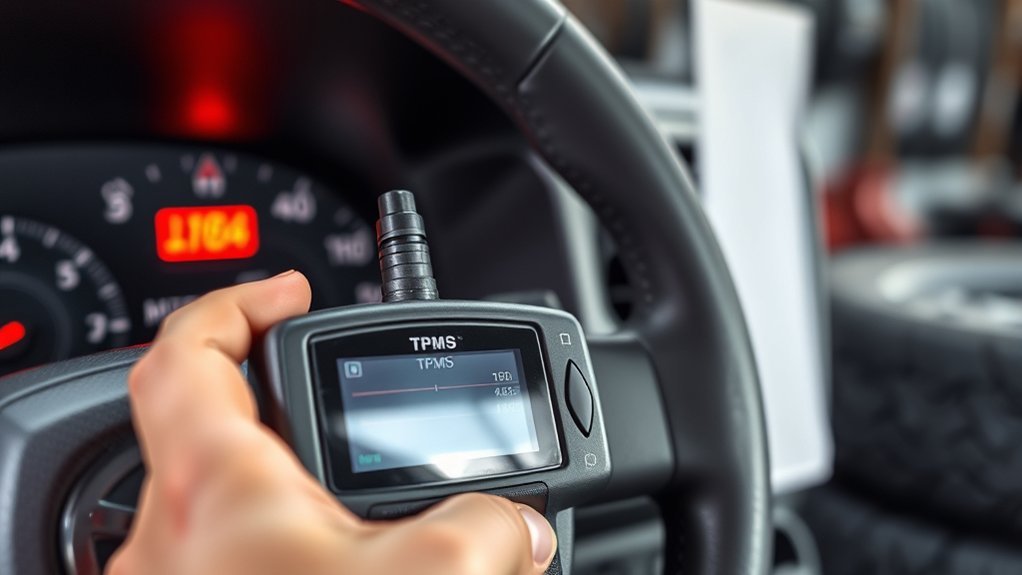
Tacoma TPMS problems usually show up in one of four ways: a solid warning light, a blinking warning light, a pressure screen that shows “—,” or one tire that does not report pressure. Each symptom points you toward a different cause.
| Symptom | Most Likely Cause | What to Do First |
|---|---|---|
| Solid TPMS light | One or more tires may be underinflated | Check cold pressure with a gauge and inflate to the door-jamb label |
| Light flashes for about 1 minute, then stays on | TPMS malfunction, dead sensor battery, or sensor communication fault | Check pressures, then scan the sensors or schedule service |
| Pressure display shows “—” | The truck is not receiving a valid pressure signal | Drive after initialization and scan any wheel that still shows no reading |
| Warning started after new tires or wheels | Sensor ID may not be registered, or the sensor may not match the truck | Confirm sensor compatibility and have the IDs registered |
Warning: Do not ignore a TPMS light that flashes first and then stays on. Toyota and NHTSA guidance treat that pattern as a possible system malfunction, so pressure checks alone may not fix it.
[Products Worth Considering]

EVOULTES heavy duty tire inflator with an integrated gauge delivers accurate pressure readings from 10–120 PSI, helping you inflate, deflate, and check tires in one tool. The 16.5-inch extended dual-head air chuck with swivel base reaches hard-to-access dual wheel valves on trucks and RVs. A brass trigger core and side-mounted air release valve make operation smooth, with standard 1/4" NPT threading and quick-connect compatibility for easy setup.
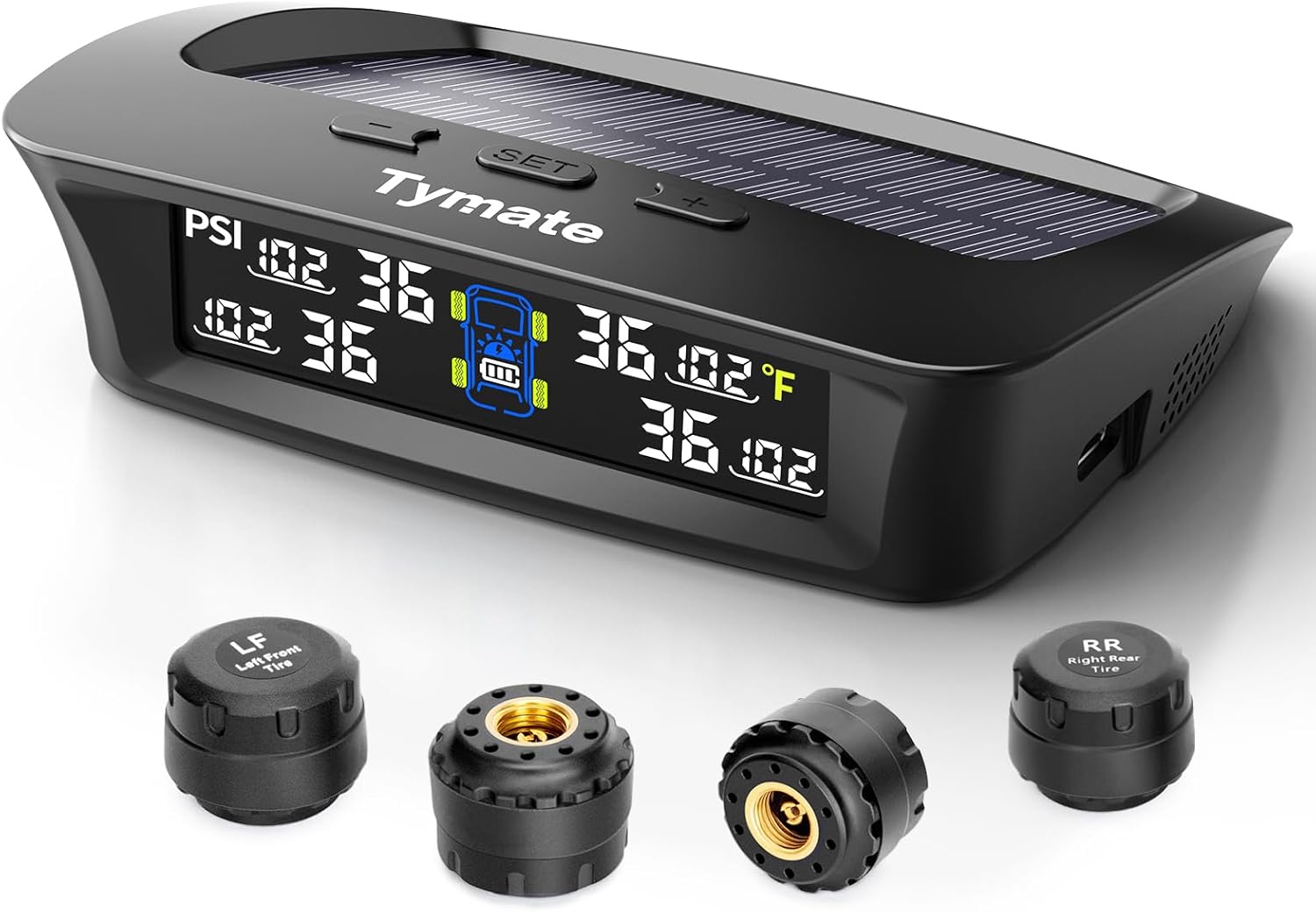
The Tymate TM3 RV TPMS delivers real-time tire pressure monitoring from 0 to 144 PSI with accurate readings and dependable wireless communication. It includes four external sensors with pre-pairing, six alarm modes for rapid leak, pressure extremes, temperature, and signal loss, plus an easy-reference setup for alert thresholds. Solar and USB-C charging help keep the display powered, while the color LCD and adaptive backlight improve visibility for safer driving and towing.

The Fanttik X10 Pro is a cordless portable tire inflator that reaches up to 150 PSI and can inflate an R15 tire in about 35 seconds for quick roadside or home top-ups. With AccuInFlate auto-stop and smart start/stop controls, it helps maintain accurate pressure and frees your hands once the target is reached. A high-visibility digital display and preset modes make it easy to set and monitor inflation for cars, motorcycles, bikes, and balls.
Step-by-Step Guide to Manually Check Tire Pressure
Start here because TPMS can only work well when the tires are set to the correct cold pressure. The National Highway Traffic Safety Administration recommends checking tire pressure at least once a month when the tires are cold, meaning the truck has not been driven for at least three hours.
- Park the Tacoma on level ground and let the tires cool.
- Find the recommended cold PSI on the Tire and Loading Information Label on the driver-side door edge or B-pillar.
- Remove the valve cap from one tire.
- Press a reliable gauge squarely onto the valve stem until the hissing stops.
- Read the pressure and compare it with the placard value.
- Add or release air as needed, then recheck the pressure.
- Repeat the process for all four tires and the spare tire.
- Reinstall the valve caps tightly by hand.
Note: The PSI molded on the tire sidewall is the tire’s maximum pressure rating, not your Tacoma’s recommended daily driving pressure. Use the Toyota door label or owner’s manual instead.
| Tire Location | Correct PSI Source | Reading to Confirm |
|---|---|---|
| Front Left | Driver-side tire label | Gauge reading matches placard |
| Front Right | Driver-side tire label | Gauge reading matches placard |
| Rear Left | Driver-side tire label | Gauge reading matches placard |
| Rear Right | Driver-side tire label | Gauge reading matches placard |
| Spare Tire | Owner’s manual or spare tire label | Checked manually with a gauge |
Cold weather can also trigger a warning because tire pressure drops as the air temperature falls. Bridgestone notes that tire pressure changes by about 1 PSI for every 10 degrees Fahrenheit of ambient temperature change, so check pressures more often during seasonal swings.
How to Reset Your TPMS

Resetting TPMS on a Toyota Tacoma really means initializing the pressure reference after the tires are set correctly. Do not initialize the system while a tire is low, because the truck may learn the wrong baseline.
For Many 2016–2023 Tacoma Models
Many third-generation Tacoma models use a physical TPMS SET button. Toyota’s 2023 Tacoma quick reference guide says to adjust the tire pressures first, turn the vehicle on, then press and hold the SET button until the indicator blinks three times. Let the vehicle sit for a few minutes, then drive at approximately 25 mph or more for approximately 10 minutes.
- Set all tires to the correct cold PSI.
- Turn the vehicle on without driving away yet.
- Press and hold the TPMS SET button until the warning indicator blinks three times.
- Wait a few minutes so initialization can begin.
- Drive at about 25 mph or more for about 10 minutes.
- Recheck the pressure display after the drive cycle.
For 2024 and Newer Tacoma Models
Newer Tacomas may use the Multi-Information Display instead of the older SET-button workflow. Toyota’s 2024 Tacoma quick reference guide lists TPWS initialization under the MID settings menu.
- Set the tires to the correct cold PSI listed on the door label.
- Use the steering-wheel controls to open the Multi-Information Display settings.
- Select Vehicle Settings.
- Select TPWS or TPWS Setting.
- Select Setting Pressure.
- Press and hold the confirmation button until the warning light blinks three times or the display shows the setting message.
- Drive normally so the truck can confirm the pressure data.
Pro Tip: Keep your owner’s manual open while you reset TPMS. Toyota changes menu names and button locations by model year, trim, and display type.
Reset vs. Relearn vs. Sensor Registration
A reset does not fix every TPMS problem. If your Tacoma has new wheels, new sensors, or a sensor that was replaced, the truck may need a TPMS relearn or sensor ID registration.
- Reset or initialization: Tells the truck the current tire pressures are the correct baseline.
- Relearn: Helps the truck detect sensor positions after rotation or service, depending on year and system design.
- Sensor ID registration: Adds the unique ID numbers of new TPMS sensors to the Tacoma’s computer.
If the sensors are not registered, the truck may keep showing “—” or a TPMS warning even when all tires are correctly inflated.
Sensor Compatibility: OEM vs. Aftermarket
TPMS sensors must match the Tacoma’s system, frequency, and programming requirements. OEM sensors usually give the easiest fit because they are built for the vehicle. Aftermarket sensors can also work, but only when they are the correct type and are programmed or registered properly.
OEM Sensor Advantages
OEM Toyota TPMS sensors are usually the safest choice when you want fewer compatibility questions. They are designed for the Tacoma’s receiver and vehicle computer, which lowers the risk of communication errors after installation.
OEM sensors also make sense when one sensor has failed and the other sensors are the same age. TPMS batteries are sealed inside most sensors, so the whole sensor gets replaced when the battery dies.
Aftermarket Sensor Risks
Aftermarket sensors are not automatically bad, but they need to be chosen carefully. Some are pre-programmed for specific vehicles, while others are blank programmable sensors that a tire shop must configure before installation.
| Factor | OEM Sensors | Aftermarket Sensors |
|---|---|---|
| Fitment | Designed for Tacoma applications | Must match year, frequency, and system type |
| Programming | Often simpler for shops to register | May require cloning or programming |
| Warning-light risk | Lower when installed correctly | Higher if the wrong sensor is used |
| Best use | Factory-style repair | Second wheel set or budget repair with proper programming |
TPMS sensor battery life often falls around 5 to 10 years, but driving habits, climate, and sensor design can shorten or extend that range. If one original sensor dies from battery age, the others may be close behind.
Troubleshooting the TPMS Module: Key Steps
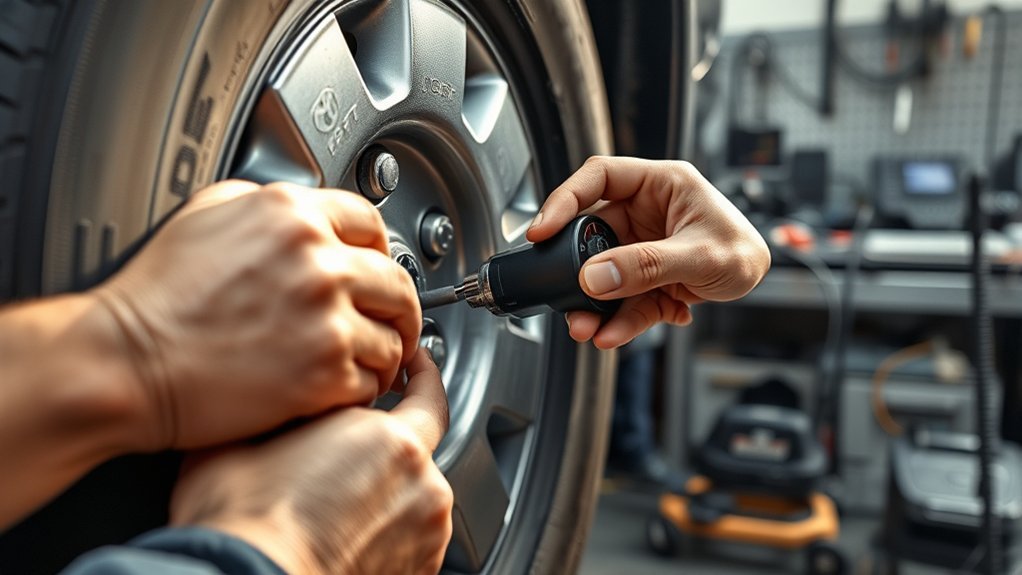
After you confirm tire pressure and initialize the system, move from simple checks to electronic diagnosis. Most TPMS faults come from a sensor, a registration issue, or a signal problem, not from the control module itself.
[Products Worth Considering]
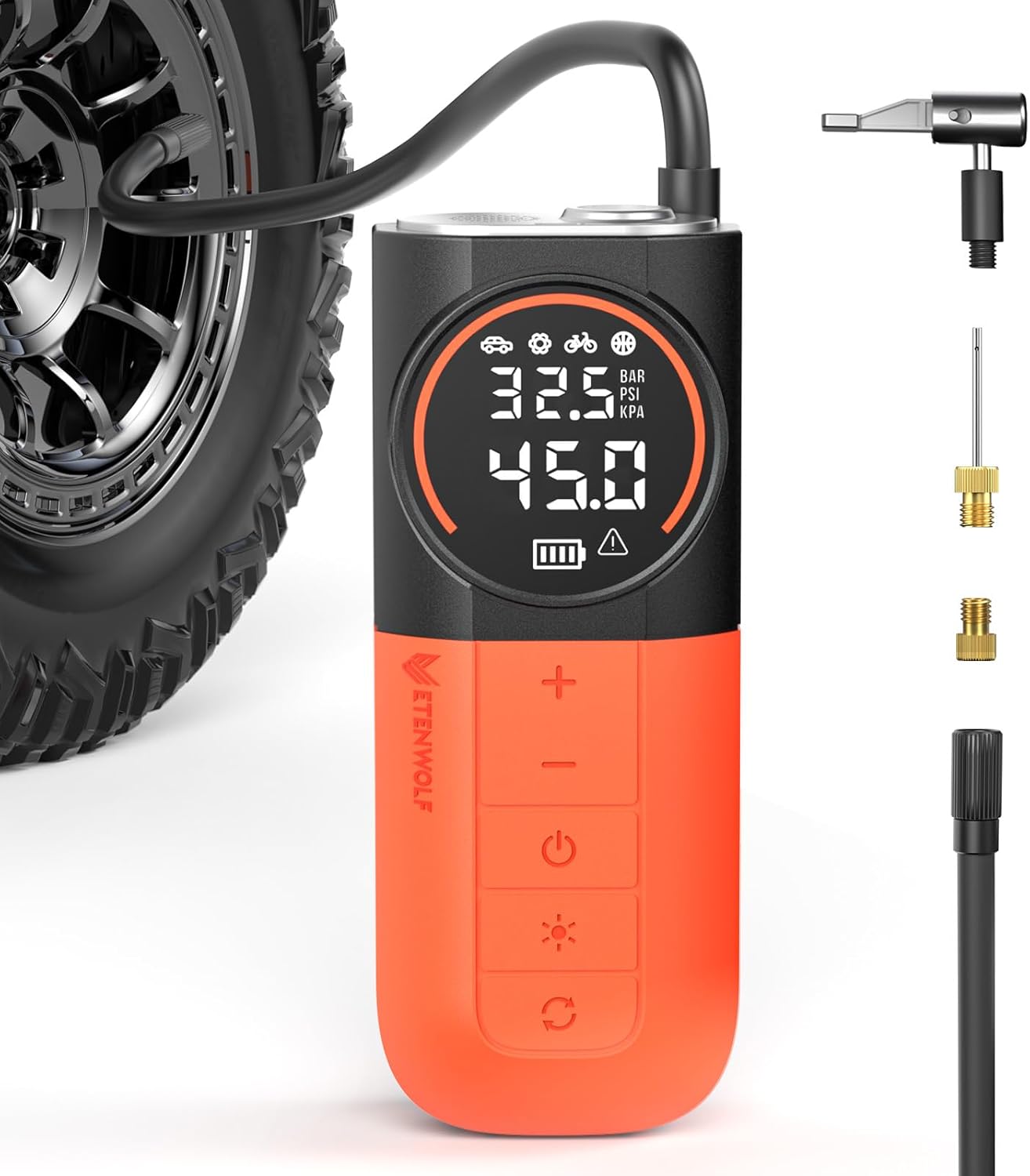
The ETENWOLF S1 cordless tire inflator delivers ultra-fast inflation with up to 160 PSI and a 20 L/min airflow for quicker tire top-offs. Its 5200mAh battery and cooling system support inflating many tires and sports balls on a single charge, while the digital pressure gauge and multi-unit display help you reach the right pressure accurately. With preset modes, pressure memory, an auto-stop feature, and an LED flashlight, it’s built for easy roadside and everyday use.

The JACO FlowPro Tire Inflator measures, inflates, and airs down tires up to 100 PSI with battery-free operation and ±2% accuracy after calibration. It features a glowing pressure dial for night visibility, a heavy-duty steel build with a hybrid hose, and a precision push-to-inflate thumb trigger. The patented Lightning Air Chuck locks on for a secure seal, and the kit includes quick-connect hardware for easy inline use with your air compressor.
Scan Each Sensor First
A TPMS scan tool can wake up each sensor and read its ID, pressure, temperature, and battery status. This helps you avoid guessing. Scan all four wheels and compare the tool readings with the dashboard display.
- If one sensor does not respond, that sensor may have a dead battery or internal fault.
- If all sensors respond but the Tacoma does not read them, the IDs may not be registered.
- If a sensor reads pressure on the tool but not on the truck, the problem may be registration, receiver communication, or system configuration.
Inspect Valve Stems and Wheels
Check each valve stem for cracks, corrosion, missing caps, and air leaks. TPMS sensors attach at the valve stem on many direct systems, so valve damage can cause both pressure loss and sensor trouble.
Also inspect for wheel damage, heavy corrosion, or recent tire-shop work that could have damaged a sensor during mounting.
Check Fuses and Electrical Connections Safely
If all sensors are known good but the Tacoma still cannot receive data, check the owner’s manual for fuse information related to the instrument panel or TPMS system. Replace only a blown fuse with the same rating.
Module or receiver locations can vary by Tacoma generation and trim. Avoid pulling interior panels unless you have service information and the right tools. A shop can test receiver communication without damaging trim clips or wiring.
Avoid Battery Disconnect as a First Fix
Disconnecting the battery is not the best first step for a Tacoma TPMS fault. It may erase settings, but it will not repair a dead sensor, register a new ID, or fix an incompatible sensor. Use the correct initialization process first, then scan the system if the warning returns.
What to Do If Your TPMS Light Remains On
If your TPMS light stays on after you set the tire pressures, work through the problem in this order:
- Recheck all four tires and the spare with a manual gauge.
- Confirm the pressure target on the driver-side door label.
- Inspect tires for nails, leaks, sidewall damage, or a slow leak at the valve stem.
- Initialize the TPMS using the correct Tacoma procedure for your model year.
- Drive long enough for the system to update.
- If the light flashes first or the display still shows “—,” scan each TPMS sensor.
- Register or replace sensors as needed.
TPMS is a warning system, not a replacement for monthly tire pressure checks with a gauge.
Tips for Maintaining Your TPMS Reliability
Good TPMS care starts with good tire care. Check tire pressure monthly, before long trips, and when the weather changes quickly. Cold mornings can trigger a temporary warning when pressure dips below the threshold, even if the pressure rises later as the tires warm up.
- Use metal-safe or rubber valve caps to keep dirt and moisture out of the valve stem.
- Ask the tire shop to replace TPMS service parts when tires are changed.
- Tell the shop if your Tacoma has a second wheel set for winter or off-road tires.
- Keep a record of sensor replacements and sensor IDs when possible.
- Do not use sealants unless the product is safe for TPMS sensors and your tire shop approves it.
If you rotate tires, change tire sizes, or install aftermarket wheels, check the owner’s manual for your Tacoma year. Some changes only need initialization, while others may need sensor registration.
When to Seek Professional Help for TPMS Issues
Get professional help when the basic pressure check and reset do not solve the problem. A tire shop or Toyota dealer can test sensor output, register sensor IDs, check for system codes, and confirm whether the receiver or wiring is at fault.
Schedule diagnosis if you notice any of these signs:
- The TPMS light flashes for about one minute and then stays on.
- The display shows “—” after a proper reset and drive cycle.
- Only one wheel never reports pressure.
- The warning started after new tires, new wheels, or new sensors.
- The same tire keeps losing pressure after inflation.
- You are not sure whether your aftermarket sensors match your Tacoma.
A scan tool can often identify the fault in minutes. That is safer than replacing sensors one at a time without confirming the cause.
Frequently Asked Questions
Why is my Tacoma TPMS sensor not communicating?
A Tacoma TPMS sensor may stop communicating because the sensor battery is dead, the sensor ID is not registered, the wrong aftermarket sensor was installed, the valve stem was damaged, or the receiver is not getting a clean signal. Start with a manual pressure check, then scan the sensors.
What does it mean when the TPMS light flashes and then stays on?
A flashing TPMS light that turns solid usually means the system has detected a malfunction. Check tire pressure first for safety, but expect to scan the sensors or have the system inspected if the light returns.
Can I drive my Tacoma with the TPMS light on?
You should stop and check tire pressure as soon as it is safe. If all tires are properly inflated and undamaged, you can usually drive to a service location, but do not ignore the warning. TPMS may not alert you to a second pressure problem while the system is already in fault mode.
Why does my Tacoma show “—” instead of tire pressure?
The “—” display often means the truck is not receiving a valid pressure reading from one or more sensors. It may happen after new sensors are installed but not registered, when a sensor battery dies, or when the system has not completed a drive cycle after initialization.
Do new TPMS sensors need to be programmed?
Often, yes. Many replacement sensors need programming, cloning, or ID registration before the Tacoma can read them. A compatible sensor still may not work until the truck’s computer recognizes its ID.
Should I replace all TPMS sensors at once?
If one original sensor fails from battery age, the other sensors may be close behind because they were installed at the same time. You can replace one sensor, but replacing the full set during tire service may save repeat labor later.
Conclusion
A Toyota Tacoma TPMS sensor that is not reading does not always mean the sensor is bad. Low pressure, cold weather, missed initialization, unregistered sensor IDs, and incompatible aftermarket sensors can all trigger the warning.
Start with the basics: check the tires cold, use the door-jamb pressure label, inspect for leaks, and initialize TPMS using the right procedure for your model year. If the light flashes and then stays on, or the display keeps showing “—,” stop guessing and have the sensors scanned. That will tell you whether you need a reset, a relearn, a new sensor, or professional system diagnosis.
Sources
- Toyota 2023 Tacoma Quick Reference Guide — backs up SET-button initialization and drive-cycle guidance.
- Toyota 2024 Tacoma Quick Reference Guide — backs up MID-based TPWS setting and flashing-light malfunction guidance.
- NHTSA TireWise — backs up cold tire pressure checks, TPMS warning interpretation, and monthly tire maintenance.
- Bridgestone Tire Inflation Guide — backs up temperature-related tire pressure changes and cold-pressure checks.
- REDI-Sensor TPMS Battery Guidance — backs up sealed TPMS battery life and sensor replacement considerations.

Related Articles

How Tire Weight Affects Toyota Tacoma Performance
How does tire weight influence your Toyota Tacoma's performance and efficiency? Discover the surprising effects that could change your driving experience.
Read More
Tire Noise Levels by Tire Type on a Toyota Tacoma
A comprehensive look at how tire types affect noise levels in your Toyota Tacoma reveals surprising insights that could enhance your driving experience.
Read More
How To Choose Tires for a Dual Use Toyota Tacoma
Unlock the secrets to selecting the perfect tires for your dual-use Toyota Tacoma, ensuring optimal performance and comfort on every adventure. Discover more inside!
Read More