
How to Reset Your TPMS Light: Step-by-Step Guide
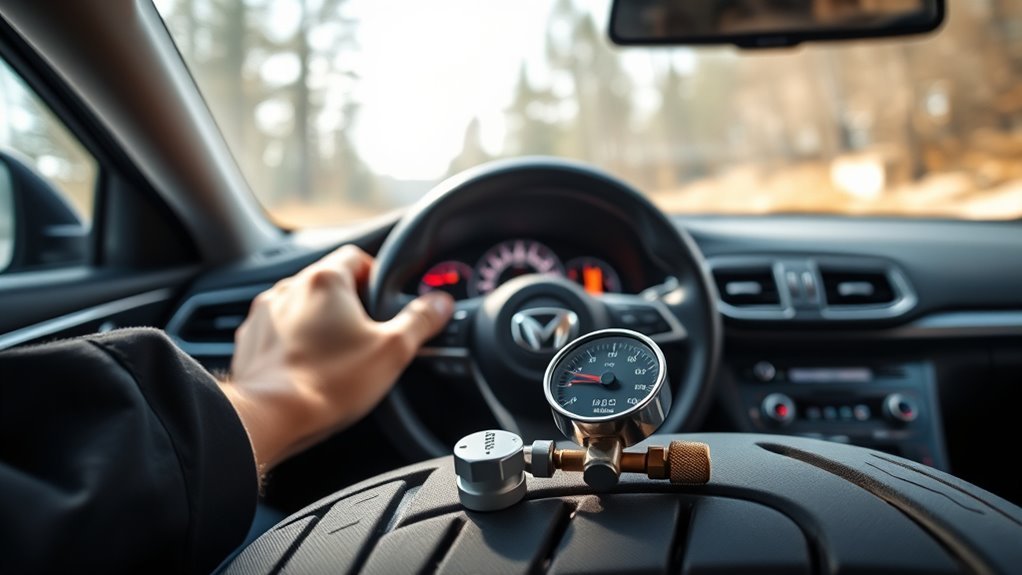
Check and inflate all tires (and spare) to the manufacturer’s recommended PSI using a cold gauge, then try a reset. If your car has a TPMS reset button, hold it until the light blinks, then drive 10–20 minutes at 20+ mph to let the system relearn. For cars with infotainment, go to Settings → Vehicle → TPMS calibration. If the light stays on, inspect for leaks, check the sensor battery, or get a diagnostic scan. Read on for brand-specific steps and troubleshooting tips.
Quick Answer: How to Reset the Tire Pressure/TPMS Light

First, inflate all tires to the recommended PSI printed on the driver’s door jamb or in the owner’s manual. Then find the TPMS reset button (usually under the steering wheel or in the glove box), press and hold it until the light blinks three times, and release. Drive for 10–15 minutes at 20+ mph to let the system recalibrate.
If the light stays on after that, you likely have a faulty sensor, a dead sensor battery, or a slow leak that needs attention. A diagnostic scan at a shop can pinpoint the problem quickly.
[Products Worth Considering]

EVOULTES heavy duty tire inflator with an integrated gauge delivers accurate pressure readings from 10–120 PSI, helping you inflate, deflate, and check tires in one tool. The 16.5-inch extended dual-head air chuck with swivel base reaches hard-to-access dual wheel valves on trucks and RVs. A brass trigger core and side-mounted air release valve make operation smooth, with standard 1/4" NPT threading and quick-connect compatibility for easy setup.
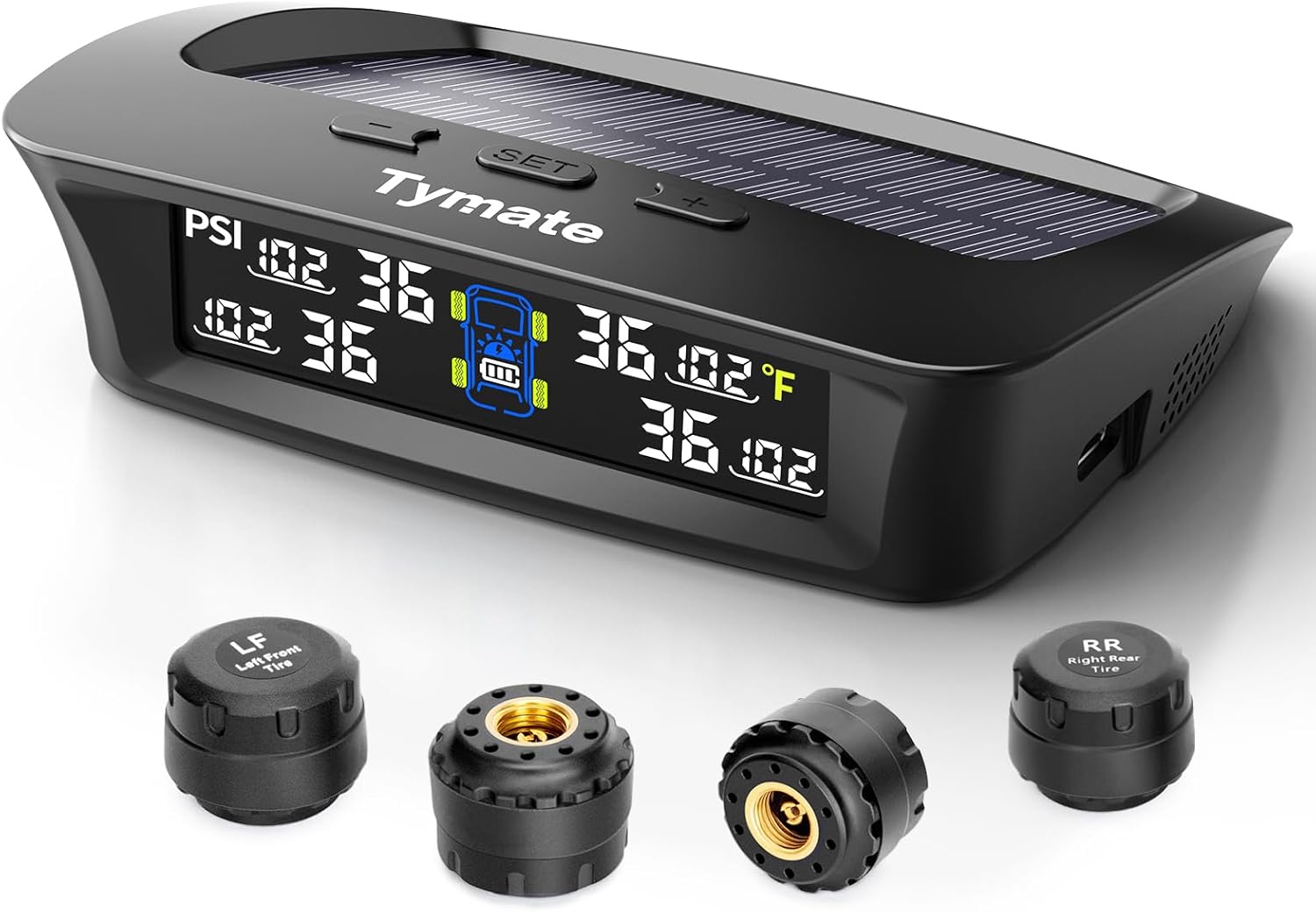
The Tymate TM3 RV TPMS delivers real-time tire pressure monitoring from 0 to 144 PSI with accurate readings and dependable wireless communication. It includes four external sensors with pre-pairing, six alarm modes for rapid leak, pressure extremes, temperature, and signal loss, plus an easy-reference setup for alert thresholds. Solar and USB-C charging help keep the display powered, while the color LCD and adaptive backlight improve visibility for safer driving and towing.

The Fanttik X10 Pro is a cordless portable tire inflator that reaches up to 150 PSI and can inflate an R15 tire in about 35 seconds for quick roadside or home top-ups. With AccuInFlate auto-stop and smart start/stop controls, it helps maintain accurate pressure and frees your hands once the target is reached. A high-visibility digital display and preset modes make it easy to set and monitor inflation for cars, motorcycles, bikes, and balls.
Check and Inflate Tires to the Correct PSI
Find the recommended PSI on the sticker inside the driver’s door jamb or in your owner’s manual. Always check pressures when the tires are cold for an accurate reading.
Use a reliable gauge to check all four tires and the spare. Write down the values, then inflate with an air compressor to the specified PSI.
Check tire pressure monthly and before long trips. Temperature swings affect pressure and can trigger the TPMS light. If a tire keeps losing air, inspect it for punctures or damage and repair or replace as needed.
| Tire | Action |
|---|---|
| Front Left | Measure/Inflate |
| Front Right | Measure/Inflate |
| Rear Left | Measure/Inflate |
| Rear Right | Measure/Inflate |
Universal Reset Methods (Button, Touchscreen, Drive)
If the TPMS light stays on after you correct tire pressures, try one of these three common reset methods:
- Button Reset: Find the TPMS reset button (under the steering wheel or in the glove box). Hold it until the light blinks three times, then release. This is the standard method on many older vehicles.
- Touchscreen Calibration: On vehicles with infotainment systems, open Settings → Vehicle → TPMS calibration and follow the on-screen steps to trigger a relearn.
- Driving Method: Inflate tires to the correct cold pressures, then drive for 10–15 minutes at 20 mph or faster. Many systems recalibrate automatically during this process.
- Verification: After any reset, recheck cold tire pressures and confirm the light is off. Consult the owner’s manual for model-specific steps and recommended PSI.
Ford: How to Reset the Tire Pressure/TPMS Light

If your Ford’s TPMS light stays on after correcting tire pressures, start by finding the TPMS reset button, usually located under the steering wheel or in the glove box. Turn the ignition to On without starting the engine, then press and hold the button until the light flashes three times. Release and let go.
Make sure all tires match the recommended PSI before you start. Incorrect pressure will prevent the system from recalibrating properly. After releasing the button, drive for 10–15 minutes at 20+ mph to finish the sensor relearn.
Check PSI regularly, inspect sensors during tire service, and replace weak batteries or damaged valve stems before they cause problems. If the light comes back on, that usually points to a sensor failure or a wiring fault. A shop with a diagnostic scanner can identify the issue quickly.
Honda: How to Reset the Tire Pressure/TPMS Light
Start by setting all tires (including the spare, on applicable models) to the manufacturer’s recommended pressure, typically 32–36 PSI for most Honda vehicles. Then follow the steps below based on your model.
- For touchscreen Hondas: turn the ignition to ON, go to Settings > Vehicle, and tap TPMS Calibration.
- For non-touchscreen Hondas: find the TPMS button under the dash, press and hold it until the light blinks twice, then start the car.
- Drive for 10–20 minutes at moderate speed so the system can relearn the current pressures.
- If the light stays on, have the sensors and wiring inspected. You may need a sensor replacement, either OEM or aftermarket.
[Products Worth Considering]
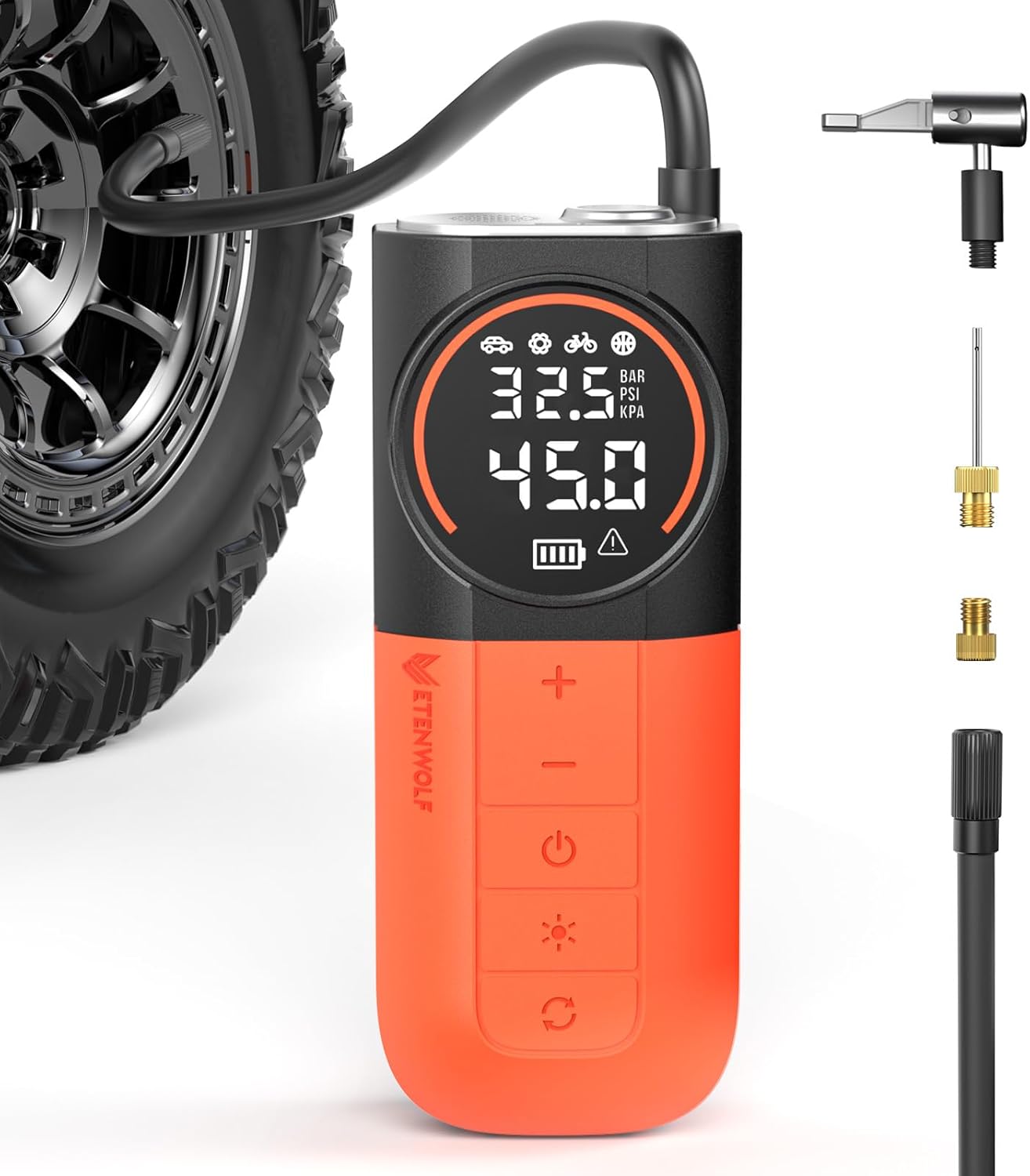
The ETENWOLF S1 cordless tire inflator delivers ultra-fast inflation with up to 160 PSI and a 20 L/min airflow for quicker tire top-offs. Its 5200mAh battery and cooling system support inflating many tires and sports balls on a single charge, while the digital pressure gauge and multi-unit display help you reach the right pressure accurately. With preset modes, pressure memory, an auto-stop feature, and an LED flashlight, it’s built for easy roadside and everyday use.

The JACO FlowPro Tire Inflator measures, inflates, and airs down tires up to 100 PSI with battery-free operation and ±2% accuracy after calibration. It features a glowing pressure dial for night visibility, a heavy-duty steel build with a hybrid hose, and a precision push-to-inflate thumb trigger. The patented Lightning Air Chuck locks on for a secure seal, and the kit includes quick-connect hardware for easy inline use with your air compressor.
If the Light Stays On: Diagnose Sensors, Leaks, and Cold-Weather Drops
If the TPMS light stays on after you’ve corrected pressure, the problem is usually one of three things: a slow leak, a bad sensor, or a temperature-related pressure drop.
Check each tire for embedded punctures or slow leaks that bleed air gradually over a few days. Inspect the valve stems and run a soapy-water test to spot any escaping air. Also keep in mind that temperature drops lower pressure by about 1 PSI for every 10°F, so cold weather alone can trigger the light. Recheck pressures on a cold morning before assuming a sensor has failed.
Check For Slow Leaks
Visually inspect each tire for cuts, punctures, or sidewall damage. Then apply soapy water to the valve cores, tread, and bead area and watch for steady bubbling.
- Measure pressure on all tires with a gauge. Compare to the manufacturer’s PSI and record any deviations.
- Apply soapy water to valve stems, around the rim, and any suspected puncture spots. Bubbles indicate a leak.
- Recheck pressures after the car sits overnight and again after driving. Note how much PSI is lost over time.
- If the loss tracks with temperature drops (about 1 PSI per 10°F), it may not be a leak at all. If unexplained pressure loss continues, get a professional diagnostic.
Inspect TPMS Sensors
Start by confirming each tire’s pressure with a reliable gauge and check for any visible damage. Rule out temperature-related drops before assuming a sensor is at fault.
If pressures are correct and the light is still on, examine the valve stems and rim seals for leaks. Apply soapy water to find slow punctures.
Next, use a TPMS diagnostic tool to check each sensor’s ID, battery status, and signal strength. Log what you find. If a sensor shows a dead battery or no signal, you’ll need to decide between OEM and aftermarket replacement. Have a technician program and balance the new unit to avoid false alerts down the road.
When to Get Professional Help and What to Expect
If the TPMS light stays on after you’ve checked and adjusted pressures, get a professional diagnostic. A light that won’t clear usually means a faulty sensor or a system-level problem. Shops use dedicated TPMS tools to read sensor IDs, identify dead batteries, and handle recalibration after tire rotations.
Here’s what a typical service visit covers:
-
- A diagnostic scan to read TPMS codes and sensor IDs.
- A physical inspection of valves, sensors, and tire condition.
- A sensor battery test, plus replacement or resealing if needed.
- Relearn and recalibration of the TPMS system, followed by a test drive.
You’ll receive a report and a cost estimate before any work begins. Regular professional inspections help prevent repeat warnings and keep the system working reliably.
Frequently Asked Questions
Is Resetting TPMS the Same for All Cars?
No. The procedure varies by make and model. Some vehicles use a reset button, others use a dashboard menu, and some require a short drive to recalibrate automatically. If the standard steps don’t work, check your owner’s manual or have a technician run a diagnostic scan.
Can I Reprogram TPMS Sensors Myself?
On some vehicles, yes. DIY programming is possible with the right tool, but sensor compatibility varies widely. Check your owner’s manual first. If the self-programming steps fail, a shop with professional TPMS equipment can handle it quickly.
Conclusion
The TPMS light is straightforward to handle in most cases. Correct the tire pressures, use your car’s reset button or touchscreen, or take a short drive to let the system recalibrate. If the light stays on, look for a slow leak, a dead sensor battery, or a cold-weather pressure drop. Address those first before spending money on parts. And if nothing clears it, a professional diagnostic will point you to the exact cause so you can fix it right the first time.

Related Articles
What Does THE P Stand For on a Tire? Full Meaning Explained
I’ll explain what the “P” on a tire really means and why it could change how you choose your next set.
Read More
How to Use a Tubeless Tire Repair Kit: Complete Field Guide
Learn how to fix tubeless tire punctures fast with the right kit, because one small mistake can leave you stranded on the trail.
Read More
How to Tell a Tire’s Diameter: Easy Guide to Reading Tire Size
Want to decode tire sidewall numbers and find the right diameter, but wonder what those hidden digits really mean?
Read More