
Where to Find the Date Code on a Tire: Quick Visual Guide
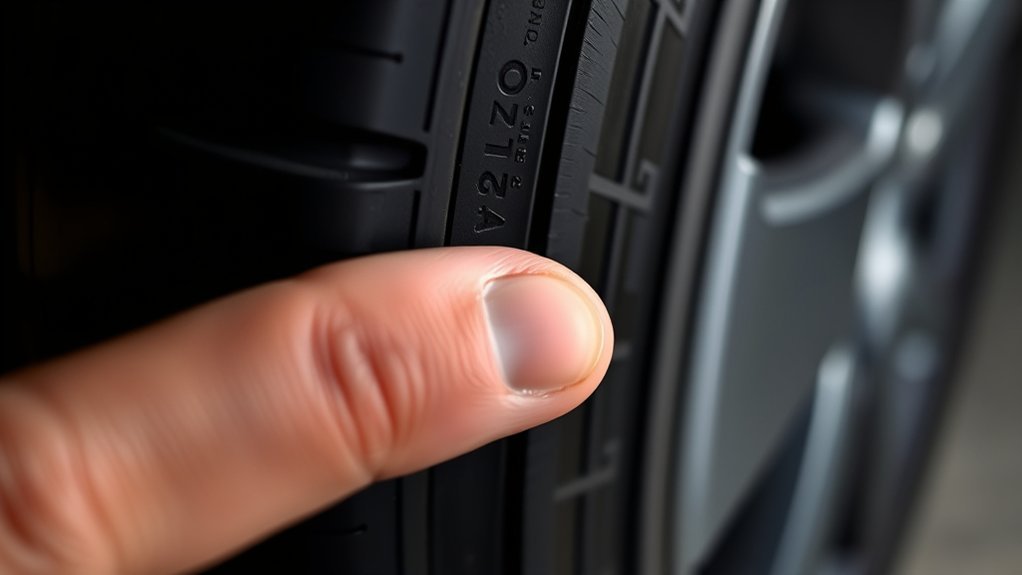
You can find a tire date code by looking for the DOT marking molded into the tire sidewall. The date code is the final four digits of the full Tire Identification Number, or TIN. Those four digits tell you the week and year the tire was made, which helps you judge age, check recalls, and decide when the tire needs closer inspection.
Quick Answer
The tire date code is usually the last four digits after the DOT marking on the sidewall. Read the first two digits as the production week and the last two digits as the production year. For example, 2416 means the tire was made in the 24th week of 2016.
Key Takeaways
- Look for the letters DOT on the tire sidewall, then find the full Tire Identification Number.
- The final four digits show the tire’s manufacture date in week-and-year format.
- A code ending in 0523 means the tire was made in the 5th week of 2023.
- The full TIN may appear on only one sidewall, so check both sides if you do not see the date code.
- Check tire age, tread depth, cracks, bulges, and recall status together before deciding a tire is safe.
At a Glance
| Time Required | 1 to 3 minutes per tire |
| Difficulty | Easy |
| Tools Needed | Flashlight, cloth, tire tread depth gauge or penny |
| Cost | Free if you inspect it yourself |
What the Tire Date Code Looks Like
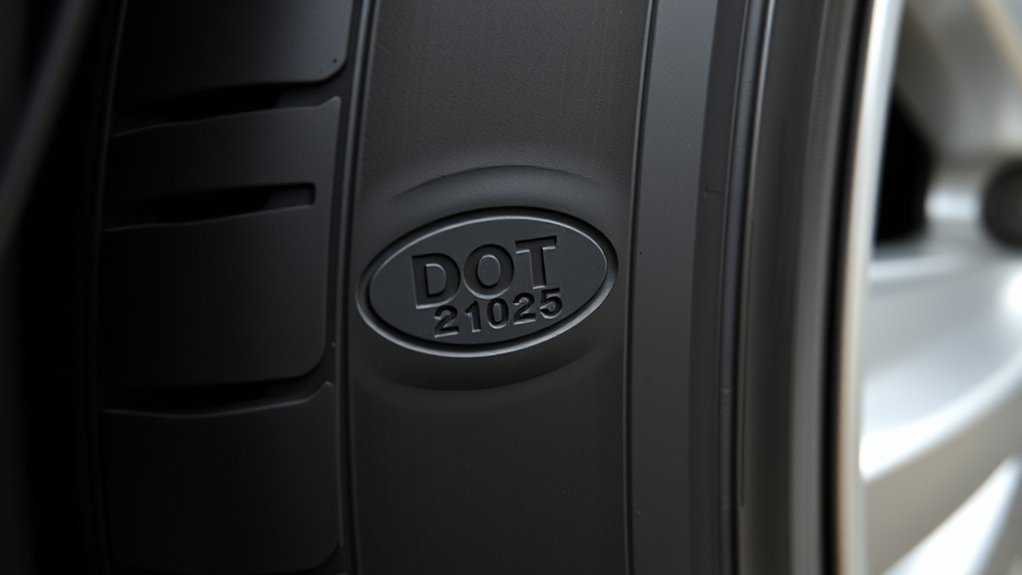
A tire date code is a four-digit number inside the larger DOT Tire Identification Number. The National Highway Traffic Safety Administration explains that the last four digits of the TIN represent the week and year the tire was made.
Read the first two digits as the week of manufacture and the last two digits as the year. For example, 2416 means the tire was made in the 24th week of 2016. A code ending in 0523 means the tire was made in the 5th week of 2023.
Note: The date code is not the tire size, load index, speed rating, or UTQG rating. It is only the manufacture date portion of the DOT/TIN marking.
[Products Worth Considering]

The 22800 wheel stud installer makes replacing wheel studs quick and secure, saving time and effort during tire service. It uses a ratchet or impact wrench to pull new studs...
DOT Code vs. TIN vs. Date Code
These terms are related, but they do not mean exactly the same thing:
- DOT marking: The letters “DOT” show that the tire is marked for U.S. Department of Transportation identification.
- TIN: The Tire Identification Number is the full code after DOT. It identifies the plant, tire information, and manufacture date.
- Date code: The final four digits of the full TIN. This is the part that tells you the tire’s age.
Current U.S. tire identification rules in 49 CFR 574.5 use a 13-symbol TIN format for new tires: a three-symbol plant code, a six-symbol manufacturer code, and a four-symbol date code. Older tires may use shorter TIN formats, but the date code is still the final part of the full TIN.
Where to Find the DOT Code on the Sidewall
Look on the tire sidewall near the rim for the letters DOT. The code is molded into the rubber, so it may be easier to see with a flashlight or after wiping the sidewall clean. On some tires, the full TIN is visible only on one side, while the other side may show a partial DOT code without the final date digits.
Pro Tip: If you do not see four final date digits on the outer sidewall, check the inner sidewall too. You may need to turn the steering wheel, move the vehicle slightly, or ask a tire shop to inspect it safely.
Step 1: Locate the DOT Marking
Scan the sidewall for “DOT,” then read the characters that follow it. The full TIN may include letters and numbers before the date code. Do not stop at the tire size, such as P225/60R17, because that is a separate marking.
Step 2: Read the Full Sidewall String
Once you find the full DOT/TIN string, move to the end of the code. The date code is the final four digits on tires made since 2000. If the visible DOT string does not end with four numbers, inspect the other sidewall before assuming the date code is missing.
Step 3: Decode the Final Four Digits
Split the last four digits into two pairs. The first pair is the production week, and the second pair is the production year.
| DOT Ending | Meaning | What to Do |
|---|---|---|
| 2416 | 24th week of 2016 | Inspect closely for age-related cracking or replacement need |
| 0523 | 5th week of 2023 | Check tread, pressure, damage, and recalls |
| 4420 | 44th week of 2020 | Monitor age and condition during routine inspections |
| 2910 | 29th week of 2010 | Replace or have a tire professional inspect immediately |
How to Decode the Last Four Digits
To decode a tire date code, use this simple pattern:
- Digits 1–2: Week of manufacture, usually 01 through 53.
- Digits 3–4: Last two digits of the year.
For example, a tire ending in 2319 was made in the 23rd week of 2019. A tire ending in 0125 was made in the 1st week of 2025.
Warning: A code with an impossible week, such as 0023 or 5423, may be misread, incomplete, damaged, or not the actual date code. Recheck both sidewalls or ask a tire professional before relying on it.
How to Read Older 7- to 12-Character TINs
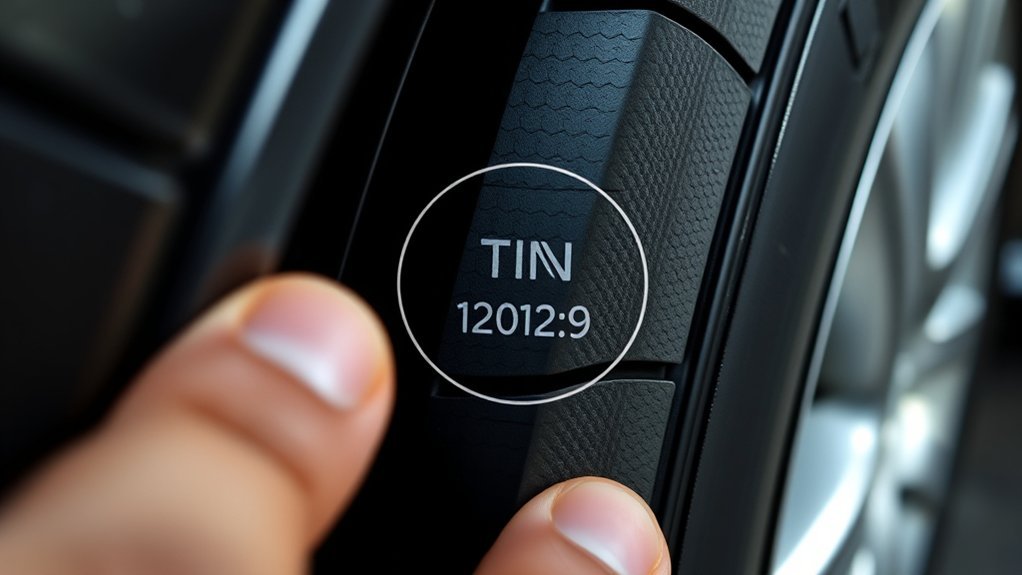
Older TINs may be shorter than the current 13-symbol format. They can include a plant code, tire size or manufacturer information, optional characters, and the date code at the end. For tires made since 2000, the final four digits still show the week and year.
If you see a shorter DOT string, focus on the final four digits if present. The letters and numbers before the date code help identify the tire for manufacturing and recall purposes, but the final four digits are the part you need for tire age.
How to Read Current 13-Character TINs
Current 13-character TINs are easier to understand when you divide them into three parts.
| TIN Part | What It Means |
|---|---|
| First 3 symbols | Plant code assigned to the manufacturer or retreader |
| Next 6 symbols | Manufacturer code for tire characteristics or brand information |
| Last 4 digits | Date code showing week and year of manufacture |
A TIN ending in 2910 means the tire was manufactured in week 29 of 2010. The full TIN is also useful when checking whether a tire has been recalled.
What if the Tire Has a Three-Digit Date Code?
Tires made before 2000 may use a three-digit date code instead of a four-digit date code. In that older format, the first two digits show the week and the last digit shows the year within a decade. Some 1990s tires may also have a small triangle after the code.
Because a three-digit date code means the tire is decades old, the safest move is to replace the tire or have it removed from service by a professional. Do not rely on tread appearance alone when the date code shows an extremely old tire.
Example of a Tire Date Code
Here is how to read a common code: DOT XXXXX 2416.
Reading the Four Digits
- 24 = production week
- 16 = production year
- 2416 = 24th week of 2016
This does not tell you tread depth, air pressure, load capacity, or whether the tire is currently safe. It only tells you when the tire was made. Use it with a full tire inspection.
Week and Year Meaning
The week number tells you roughly when in the year the tire came out of production. The year number tells you the calendar year. Together, those digits help you calculate tire age and compare it with your vehicle owner’s manual, tire manufacturer guidance, and the tire’s visible condition.
Example: 2416 Explained
If a tire date code says 2416, the tire was made in the 24th week of 2016. Even if the tread still looks deep, an older tire may have hidden aging, cracking, hardening, or reduced strength. Have it inspected and plan replacement based on age, condition, and manufacturer guidance.
Why Tire Age Matters

Tire age matters because rubber compounds can degrade over time. Heat, sunlight, storage conditions, underinflation, overloading, impacts, and road hazards can all shorten tire life. That is why age should be checked along with tread depth and visible condition.
A tire can look usable and still be too old, damaged, underinflated, or recalled. The date code is one safety clue, not the whole inspection.
| Tire Age or Condition | Typical Risk | Action |
|---|---|---|
| Under 6 years | Lower age-related risk if maintained well | Check pressure, tread, damage, and recalls regularly |
| Around 6 years | Some vehicle makers recommend replacement regardless of use | Check the owner’s manual and have the tires inspected |
| Over 10 years | Higher age-related failure risk | Replace, including spare tires |
| Cracks, bulges, cuts, vibration, or uneven wear | Possible structural damage or alignment problem | Have a tire professional inspect it before driving far |
How to Check Tire Age and Tread Together
Checking age alone is not enough. A newer tire can still be unsafe if it is damaged, worn, underinflated, or recalled. An older tire can also become risky even if the tread looks acceptable.
- Find the DOT/TIN date code. Record the final four digits for each tire.
- Measure tread depth. Use a tread depth gauge for the most accurate reading.
- Use the penny test as a quick backup. Place a penny into the tread with Lincoln’s head upside down. If you can see the top of Lincoln’s head, the tire needs replacement.
- Inspect the sidewalls. Look for cracks, cuts, scrapes, bulges, exposed cords, or impact damage.
- Compare all four tires and the spare. Uneven age, tread, or wear can point to rotation, alignment, or replacement needs.
- Check recall status. Use the full TIN, not only the date code, when checking for tire recalls.
The NHTSA tire safety guidance says tread should be at least 2/32 inch and recommends checking for damage at least monthly and before long trips.
How to Check if a Tire Has Been Recalled
The date code helps identify the tire’s production timing, but a recall check usually needs the full TIN. You can enter the full Tire Identification Number into the U.S. Tire Manufacturers Association tire recall lookup or search NHTSA recall resources.
For the best result, write down the full DOT/TIN from each tire. Do not assume all four tires have the same code, especially if they were replaced at different times.
When to Replace an Aged Tire
Replace a tire right away if tread depth is at or below 2/32 inch, if the tire has bulges, exposed cords, severe cracking, puncture damage that cannot be repaired, or if a tire professional says it is unsafe. Age adds another layer to that decision.
Some vehicle manufacturers recommend replacing tires every six years regardless of use, so check your owner’s manual. Many tire-industry sources also advise replacing tires that are more than ten years old, including spares, even if they appear usable. Continental, for example, recommends removing tires more than ten years old from service.
Warning: Never judge an old tire by tread depth alone. If the date code is very old, the sidewall is cracked, or the tire’s age cannot be verified, have it inspected before driving.
Don’t Forget the Spare Tire
Spare tires age too, even when they are rarely used. Check the DOT/TIN date code, air pressure, cracks, and storage damage on the spare at the same time you inspect the tires on the vehicle. Compact temporary spares also have speed and distance limits, so follow the vehicle owner’s manual.
Frequently Asked Questions
Where do I find the date code on a tire?
Find the letters DOT on the tire sidewall, then look at the end of the full Tire Identification Number. The final four digits are the date code. If you do not see four digits at the end, check the other sidewall because the full TIN may be on only one side.
What does a tire date code look like?
A tire date code looks like four numbers at the end of the DOT/TIN string. For example, 2416 means the tire was made in the 24th week of 2016. The first two digits are the week, and the last two digits are the year.
What if my tire does not have a date code?
First, check both sidewalls. Some tires show a partial DOT code on one side and the full TIN with the date code on the other. If you still cannot find a readable date code, have a tire professional inspect it. Do not rely on a tire with unknown age for long trips or heavy use.
How do I know if a tire is expired?
There is no single visual test for expiration. Use the date code, tread depth, sidewall condition, owner’s manual, and tire manufacturer guidance together. Some vehicle manufacturers recommend replacement at six years, and many tire-industry sources advise replacing tires over ten years old regardless of tread appearance.
Can I use the date code to check tire recalls?
Use the full Tire Identification Number for recall checks, not only the date code. The TIN identifies the manufacturer, plant, tire information, and production date. Enter the full code into a tire recall lookup tool or ask a tire retailer to check it.
Conclusion
The tire date code is the final four digits of the full DOT Tire Identification Number. The first two digits show the production week, and the last two digits show the production year. Once you know how to read that code, you can quickly estimate tire age, check recalls, compare all four tires and the spare, and decide when a tire needs professional inspection or replacement.
Do not stop at the date code alone. Check tread depth, air pressure, cracks, bulges, uneven wear, and your vehicle manufacturer’s replacement guidance. A tire is safest when its age, condition, maintenance, and recall status all check out.
Sources
- NHTSA Tire Buyers’ FAQ — confirms that the last four TIN digits show week and year and that the full TIN may not appear on both sidewalls.
- 49 CFR 574.5 Tire Identification Requirements — supports the current TIN structure and DOT marking requirements.
- NHTSA Summer Driving & Road Trip Tips — supports tread depth, inspection, cold tire pressure, and tire age safety guidance.
- Continental Tires: Replacing Tires — supports tire-age guidance, including replacement of tires more than ten years old.
- U.S. Tire Manufacturers Association Tire Recall Lookup — supports using the full TIN to check tire recalls.

Related Articles

How to Apply Tire Shine: Step-by-Step Guide for a Perfect Finish
With the right tire shine and technique, your tires can look flawless—discover the step-by-step method that keeps the finish looking even better.
Read More
How to Use Tire Sealer: Step-by-Step Guide for a Quick Fix
Keen to fix a flat fast, this step-by-step tire sealer guide shows what works, what to avoid, and when you still need help.
Read More
How to Tire Yourself Out to Sleep: Evening Routines That Work
Melt into better sleep with simple evening routines that quietly wear you down—discover the surprising habits that make rest come easier.
Read More